
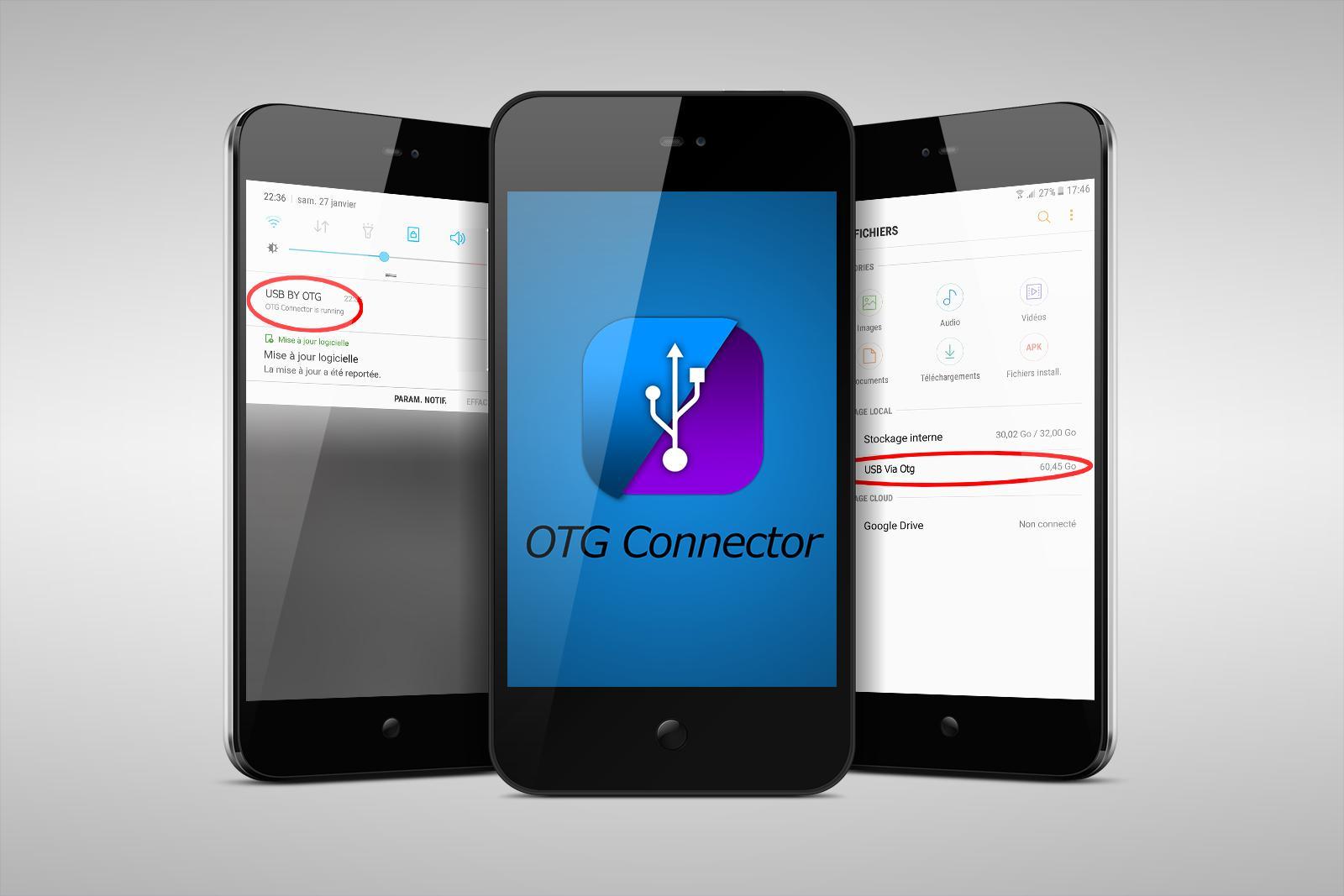
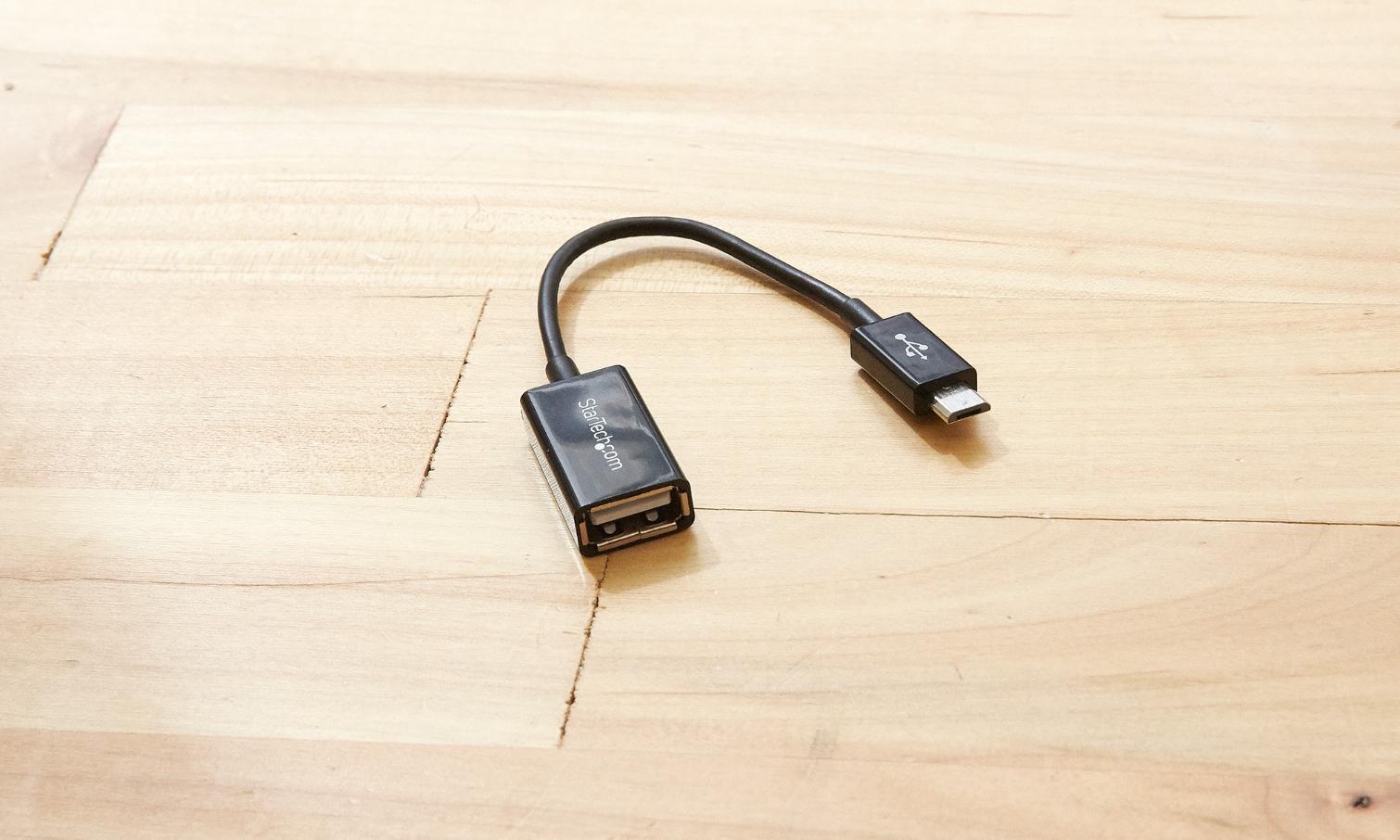
OTG Connector helps when you need to read a USB flash drive or SD card on your phone. It works with an OTG cable and shows the files stored on the attached drive in a clear list. Once connected, you can open documents, photos, and videos with apps already on your device. If you plan to download OTG Connector, check that your Android device supports USB OTG and use a compatible cable for stable detection.
Automatic launch and detection
OTG Connector detects a connected USB storage device and can launch automatically when you attach it through the OTG port. After installation, OTG Connector APK opens the drive view so you can start browsing without extra steps.
Mount, notifications, and quick access
File system support
In addition, the app supports common USB mass storage file systems including FAT32 and NTFS. It also lists support for exFAT as well as Ext2, Ext3, and Ext4 formats, allowing access on a wide range of drives.
File operations without root
Finally, you can open and copy files between the phone and the attached storage. Root access is not required for these actions. The app can also load needed system modules automatically to enable mounting when the device requires it.
Check device OTG support and have a compatible cable ready. Install the OTG Connector latest version to access and manage files on USB storage from your phone.
Latest Version
2.7Uploaded by
Affandika Alfanul Fathi
Requires Android
Android 4.0.3+
Category
Free Tools AppContent Rating
Everyone
Report
Flag as inappropriateLast updated on Oct 2, 2018
Minor bug fixes and improvements. Install or update to the newest version to check it out!



APKPure - A multi-platform app store primarily focused on Android, providing extensive app-related content. Discover the app you want easier, faster, and safer, with quick and efficient downloads and installations.











