

Firefox suits people who browse on shared phones, read articles regularly, or want more choice over how a browser handles personal data. It is developed by Mozilla and uses an open source approach. Firefox for Android keeps normal and private activity separate, while its settings let users decide how search, home screen content, and synced data should work. The browser is designed for everyday tasks such as looking up information, opening several pages, and returning to saved sites later.
Tracker blocking and cookie controls
Firefox automatically blocks common social media trackers, cross site cookies, fingerprinting scripts, and cryptominers. Its Total Cookie Protection keeps cookies in separate areas for each website. As a result, a cookie from one site is less able to follow activity on another site.
Private tabs for temporary browsing
Firefox private tabs do not keep browsing history, searches, or cookies after the session ends. This can be useful when you use a shared phone or want to keep a short task separate from normal browsing. You can also lock private tabs with the fingerprint, face unlock, or PIN option already available on your device.
Reading and video tools
Firefox can reduce extra page clutter with Reader Mode when viewing supported articles. This makes it easier to focus on the main text instead of page elements around it. In addition, Picture in Picture lets a video continue in a small window while you switch to another app or page.
Controls that match your browsing habits
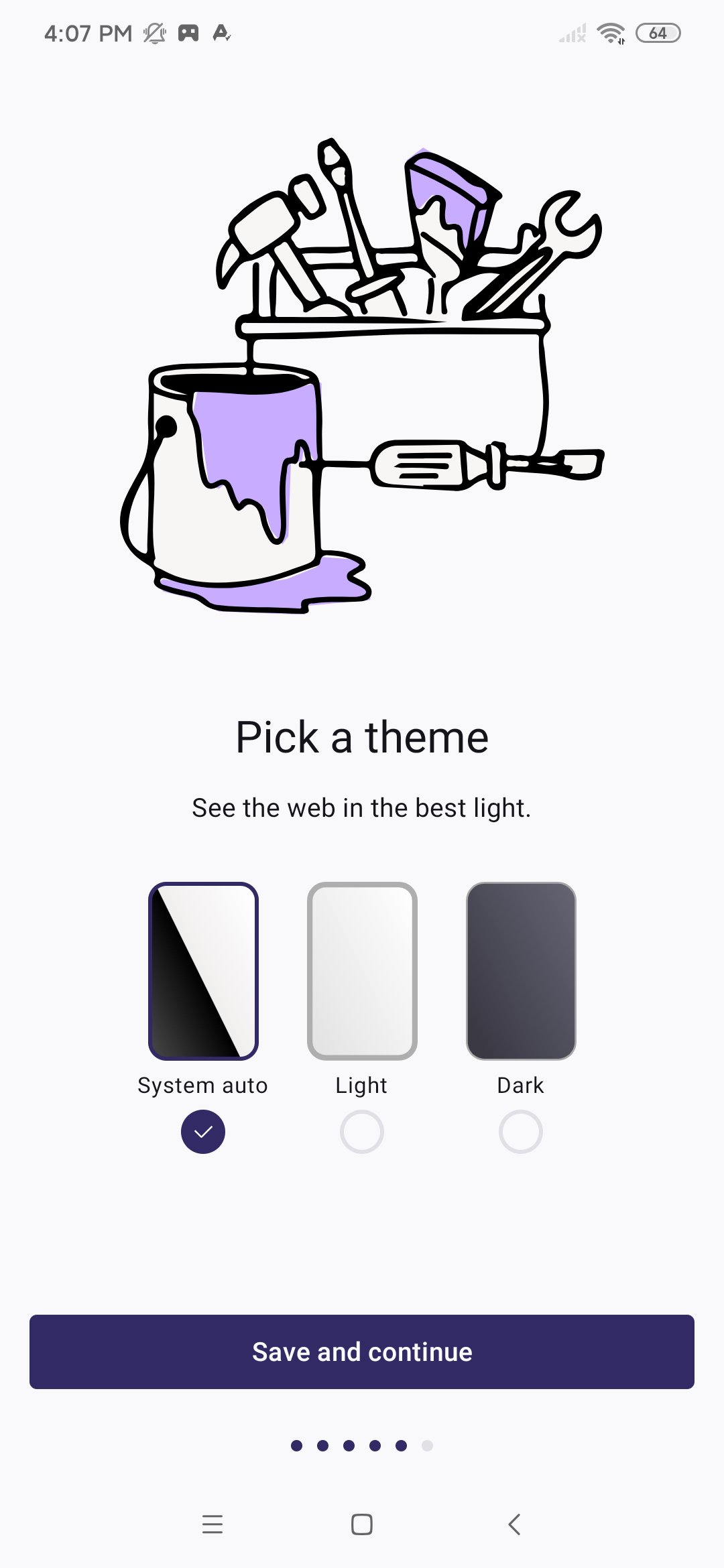
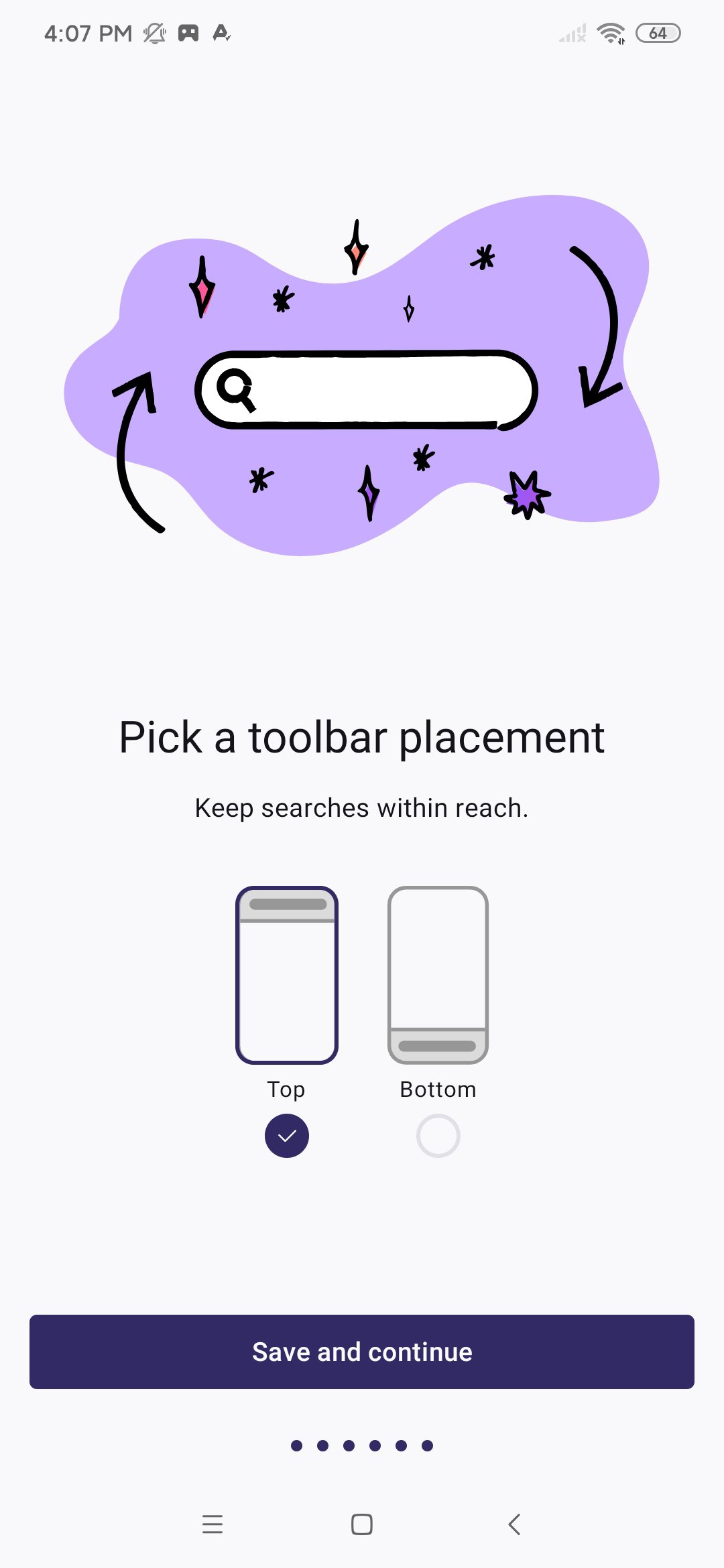
You can choose a preferred search engine and place the address bar where it feels more convenient. Firefox also allows changes to the home screen, shortcuts, themes, and wallpapers. If AI related options appear in the browser, you can manage each one separately or turn them off.
Extensions, passwords, and selected sync
Firefox supports compatible mobile extensions for tasks such as ad blocking, privacy controls, and productivity tools. It can generate, save, and autofill strong passwords when you sign in to websites. If you use Firefox on more than one device, you can choose whether to sync tabs, bookmarks, history, and logins instead of sharing every item automatically.
Mozilla develops Firefox as an independent, open source browser rather than a browser tied to a device maker. This may matter if you want to review and adjust browser settings instead of relying only on default choices. The available controls include tracker protection, search preferences, private tab access, and extension options.
During setup, Firefox can help bring in bookmarks, passwords, and browsing history from another browser. Signing in is optional, so you can use the browser without creating a sync setup. If you do sign in later, select only the information you want to keep available across your Firefox devices.
Users looking to download Firefox should also consider whether they need extensions on a phone. Compatible extensions can change how websites display or behave, but available add ons may vary. Check each extension’s purpose before adding it, especially when it can access website content.
Firefox starts with a home screen for searching or opening a web address. After installing the Firefox APK, take a moment to choose the settings that fit how you browse. You can change these choices later from the browser menu.
Open Firefox and use the address bar to enter a website address or search term, then open the result you need.
Open the tab button when you want to view, switch, or close pages. For a separate temporary session, create a private tab instead of a regular tab.
Visit the browser settings to choose your search engine, move the address bar, and adjust the home screen or shortcuts.
Turn on private tab locking if you want private sessions to require your phone’s fingerprint, face unlock, or PIN before opening.
Add compatible extensions or sign in to choose which bookmarks, passwords, tabs, history, and logins should sync with other Firefox devices.
Firefox combines private browsing options, customizable controls, mobile extensions, and optional data sync in one Android browser. Check the Firefox latest version details before installation if you want the current browser tools and settings.
Official information is available from Mozilla:
Website: https://www.firefox.com
Mozilla: https://www.mozilla.org
Latest Version
158.0.2Uploaded by
趙茗安
Requires Android
Android 8.0+
Category
Free Communication AppContent Rating
Everyone
Report
Flag as inappropriateLast updated on Oct 21, 2026
Security and stability fixes.





APKPure - A multi-platform app store primarily focused on Android, providing extensive app-related content. Discover the app you want easier, faster, and safer, with quick and efficient downloads and installations.