Scan Date:Jul 31, 2026
Show More


KWGT Kustom Widget Maker helps when the default widgets do not match your layout or information needs. You can design your own look, arrange elements the way you like, and show the data you care about right on the home screen. It fits quick tweaks or deep customization, so beginners and experienced users both find a path that works. With clear controls and a visual canvas, changes are easy to preview, then apply. If you prefer a direct install route, many users look for KWGT Kustom Widget Maker APK to get started.
KWGT Kustom Widget Maker provides a WYSIWYG editor, so you see your widget as you build it. You control text with custom fonts, sizes, spacing, and effects like curved text, 3D appearance, and shadows. Position elements in layers and adjust alignment to match the grid on your home screen. As a result, you can fine tune details before saving.
Design assets and effectsYou can add shapes, photos, and icons in common formats, including PNG, JPG, WEBP, and SVG. Gradients, color filters, blur, and saturation let you refine the style without leaving the editor. Layers stack cleanly, which helps when combining backgrounds, text, and art. This toolkit supports both simple minimal tiles and more detailed layouts.
Interactive touch hotspotsKWGT Kustom Widget Maker supports touch hotspots that perform actions when you tap an area of the widget. You can launch an app, jump to a setting, or open a specific screen based on the hotspot target. This reduces extra steps and connects your widget to daily tasks. You decide which regions are active and how they behave.
Dynamic data and logicYou can build widgets that react to time, location, or live data. Functions, conditionals, and globals help you switch styles or values based on context. The app can fetch information over HTTP and parse RSS or XML with XPATH or text filters for real time content. This makes live weather, battery status, or news panels update without manual refresh.
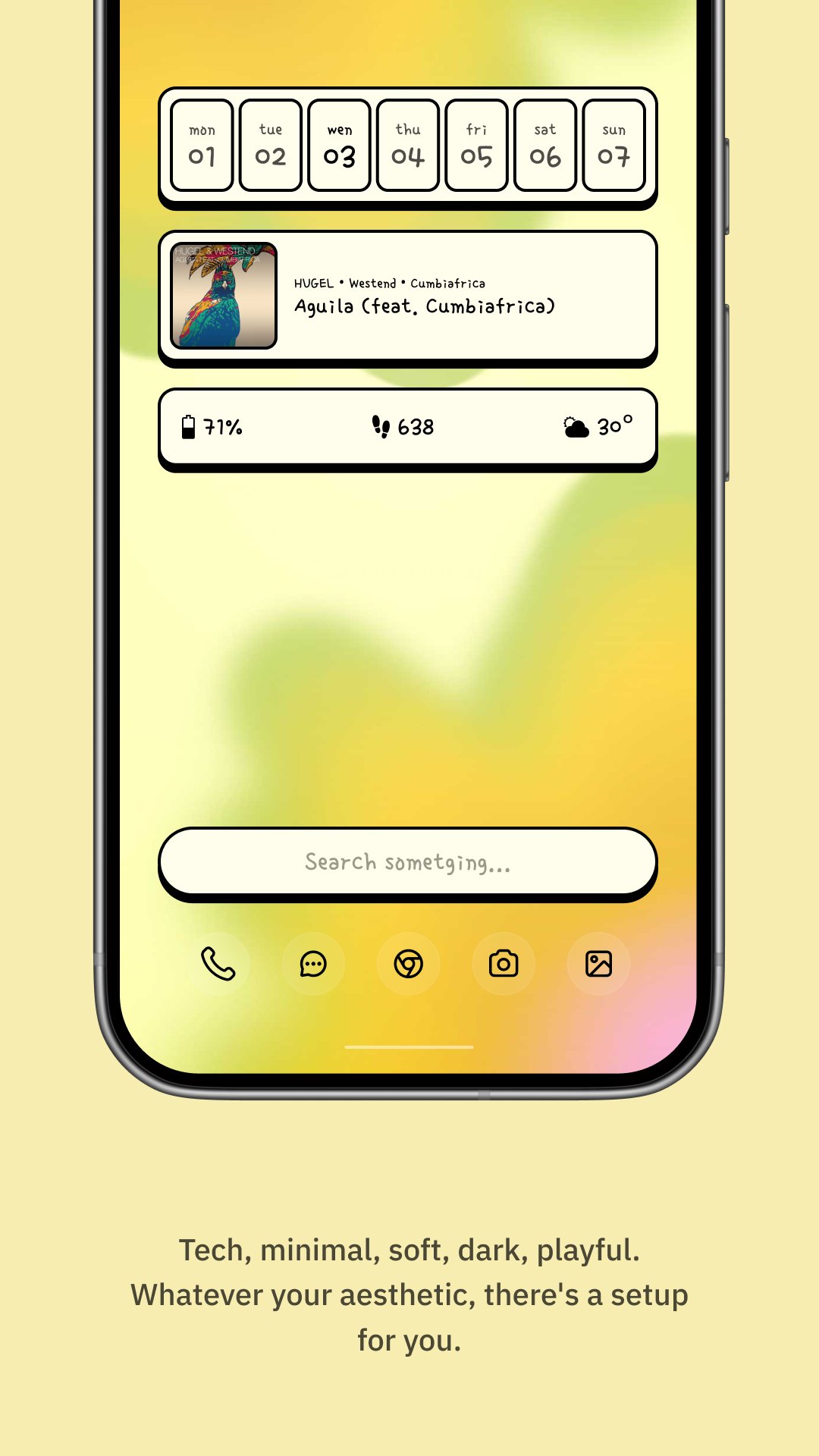
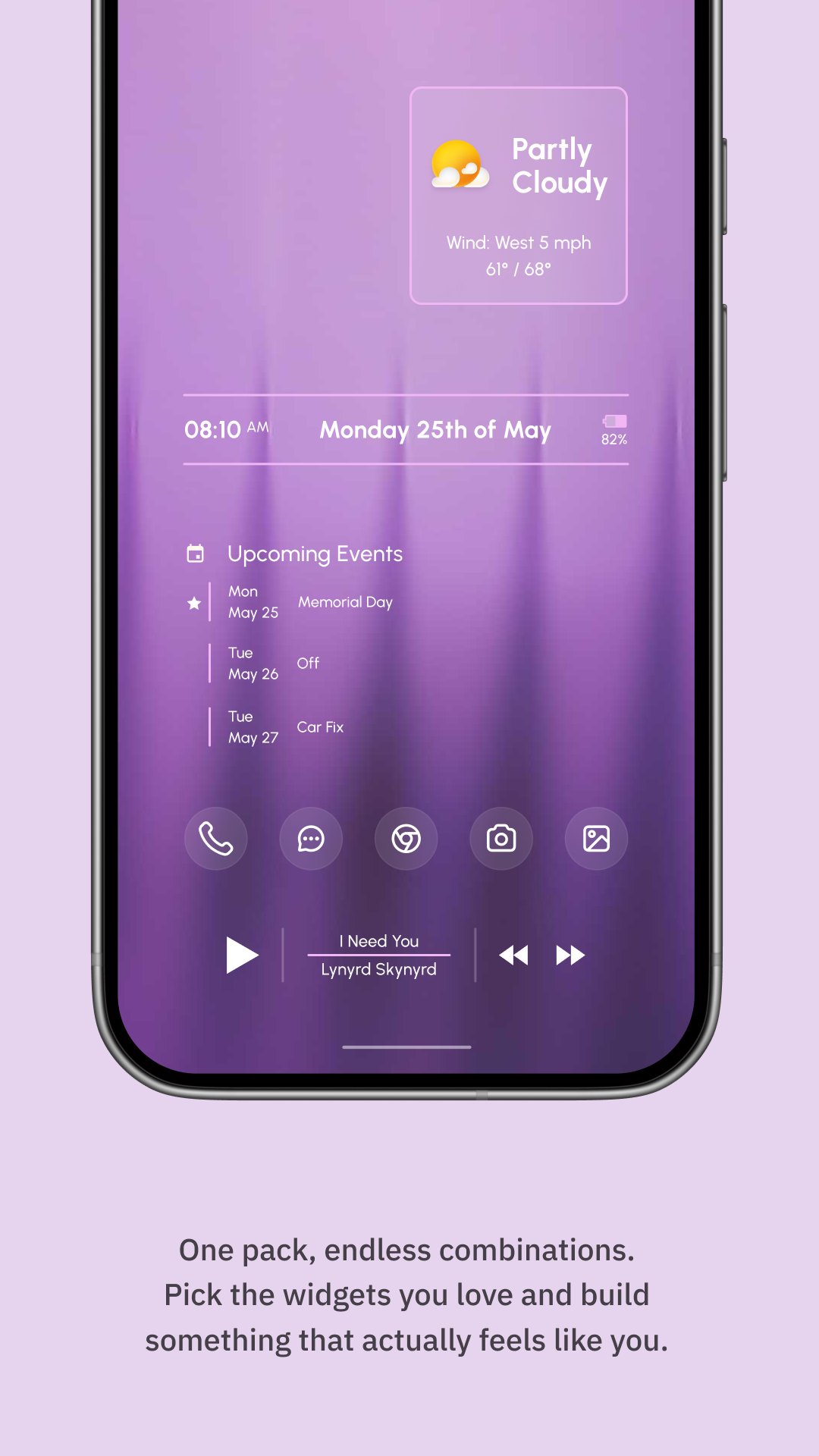
Widget types you can makeKWGT Kustom Widget Maker supports a wide range of layouts, from photo and aesthetic tiles to detailed weather dashboards with multiple providers. You can build custom clocks, battery and system monitors, and music controls that show track info and artwork. Activity and sleep tiles are possible through Health Connect integration. This flexibility lets you design one widget or a full set that shares a consistent style.
Integrations and Pro optionsTasker support lets your widgets react to automation events and trigger tasks from a tap. Health Connect integration enables activity and sleep dashboards when you grant access. The Pro upgrade removes ads and unlocks importing external presets and skins, which is useful if you collect third party packs. This ecosystem extends what you can build without starting from scratch each time.
Many creators share preset packs designed for KWGT Kustom Widget Maker. If you plan to import external presets, note that the KWGT Pro Key is required to enable importing and to remove ads. Some packs list extra steps, such as installing a specific font or icon set, so check any included notes. The r/Kustom community on Reddit is an active place to discover ideas, learn techniques, and find presets from other users.
To run Tasker actions from hotspots or show Tasker state in widgets, you need Tasker installed and configured. For activity and sleep tiles, Health Connect permissions must be granted so the widget can read your data. Weather sources may require provider setup inside the app before data appears. These points help you plan a smooth setup before building complex designs.
After you download KWGT Kustom Widget Maker, adding your first widget takes only a few steps. The process starts on your home screen, then continues in the editor where you build or adjust the layout. Once saved, the widget updates on its own.
KWGT Kustom Widget Maker offers a practical editor for building custom widgets, along with interactive hotspots and data connections. To keep current with features and fixes, many users install the KWGT Kustom Widget Maker latest version. Set up a simple tile or a full dashboard that fits your daily routine.
For support and resources, see the official links below.
Latest Version
3.82b621115Uploaded by
Diego Miranda
Requires Android
Android 8.0+
Category
Free Personalization AppContent Rating
Everyone
Security Report
Report
Flag as inappropriateLast updated on Jul 31, 2026
### v3.82 ###
- New gh() function to access global var history via index or closest timestamp
- New cinematic filters for animations AND overlapgroup FX https://docs.kustom.rocks/docs/reference/shaders/shaders_explained/
- New uc(sms, name) to get the contact name of an SMS sender
- New broadcast when a preset loads so Tasker and other apps can react
- Added NPO Luister music player support
- See in app changelog for full list





APKPure - A multi-platform app store primarily focused on Android, providing extensive app-related content. Discover the app you want easier, faster, and safer, with quick and efficient downloads and installations.








![Blueprints [Kustom] APK](https://image.winudf.com/v2/image1/ZWIua3VzdG9tLmJsdWVwcmludHNfaWNvbl8xNTk5MDA0ODM5XzA3Ng/icon.png?w=102&fakeurl=1)