Scan Date:Jan 1, 2026
Show More


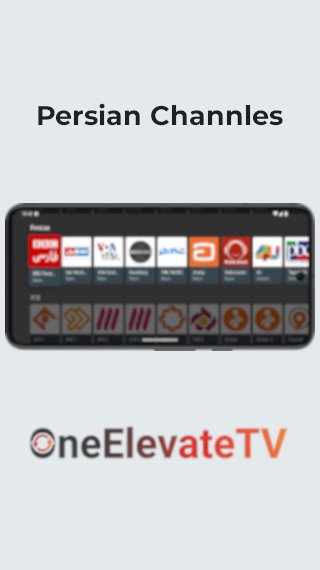
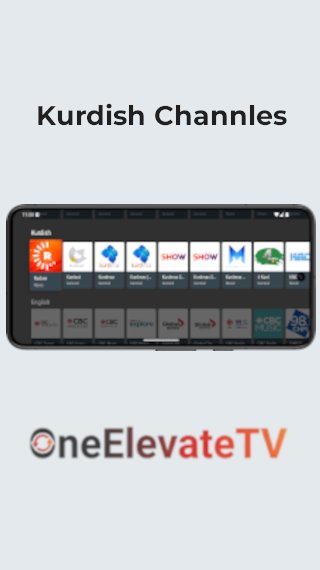
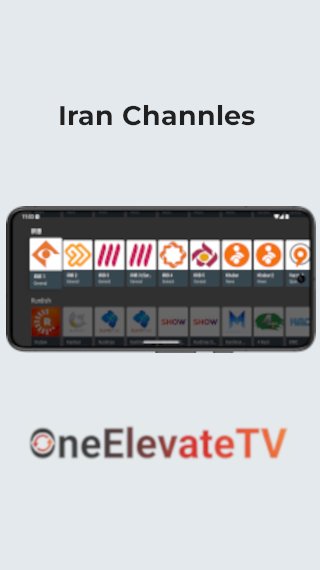
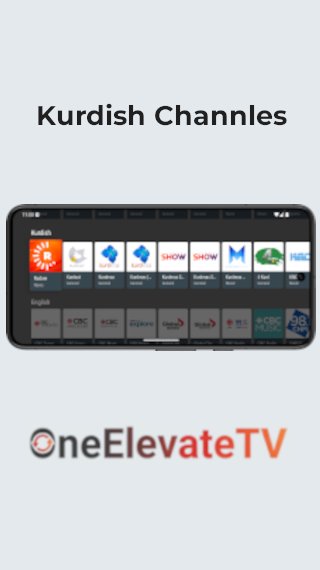
OneElevate TV helps viewers who want quick access to Persian, Kurdish, and other-language live channels without jumping between sites. It combines publicly available streams in one place and arranges them for simple browsing. The interface focuses on fast navigation, so you can tune in with minimal steps. For a direct install on Android, the OneElevate TV APK offers a straightforward way to get started.
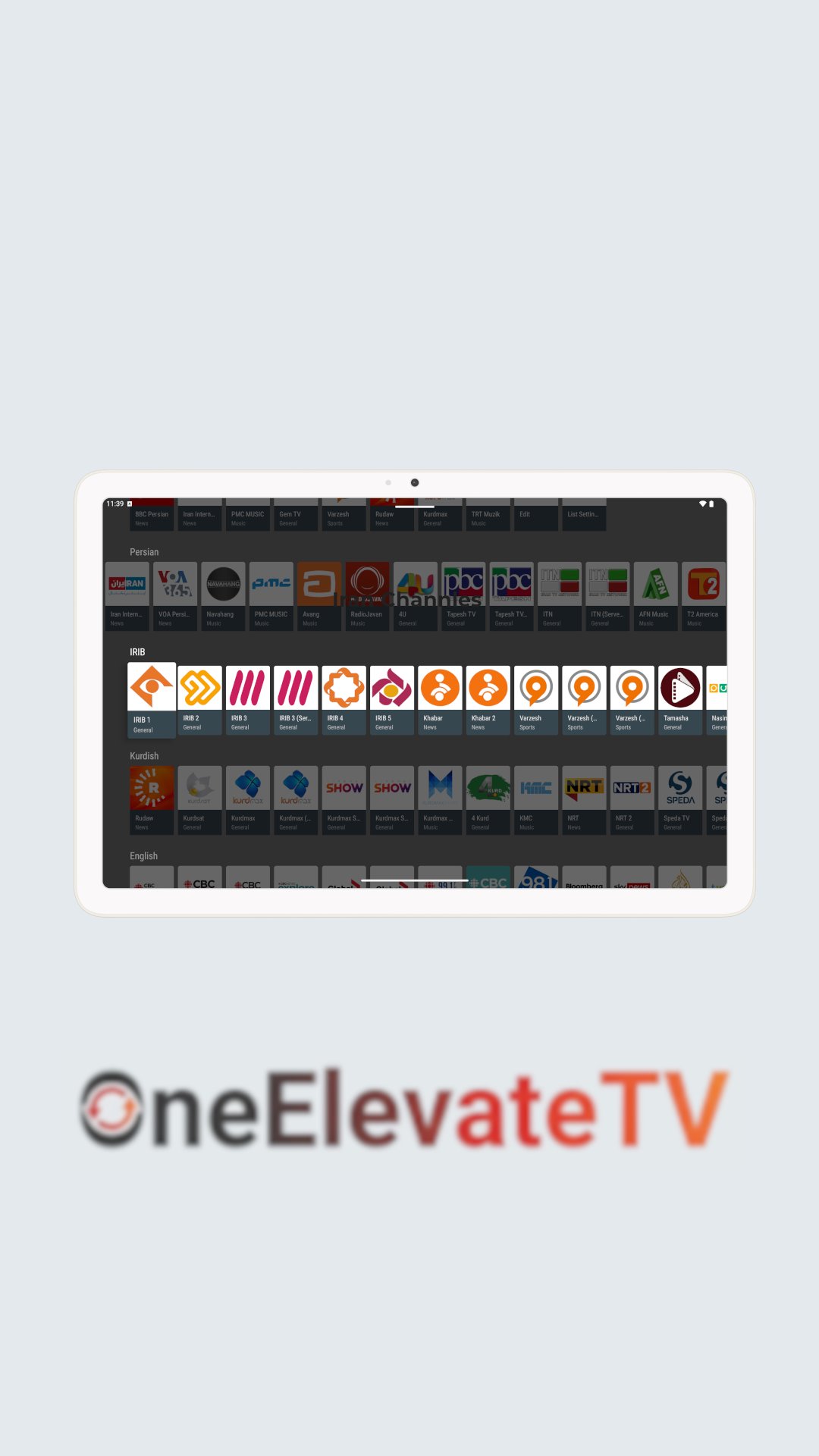
OneElevate TV brings Persian, Kurdish, and other-language live channels into a single, consistent interface. You can move from one channel to another without searching across different websites, which keeps viewing straightforward and focused on the content.
M3U playlist importYou can add your own M3U playlist URLs from the Settings section to expand the channel lineup. This gives power users an easy way to bring personal or third‑party playlists into the same app for quick access in one place.
Fast, simple navigationThe app is designed for smooth browsing with clear menus and responsive scrolling. Channels load with minimal steps, and you can return to browsing or switch to another stream with simple controls that keep things moving quickly.
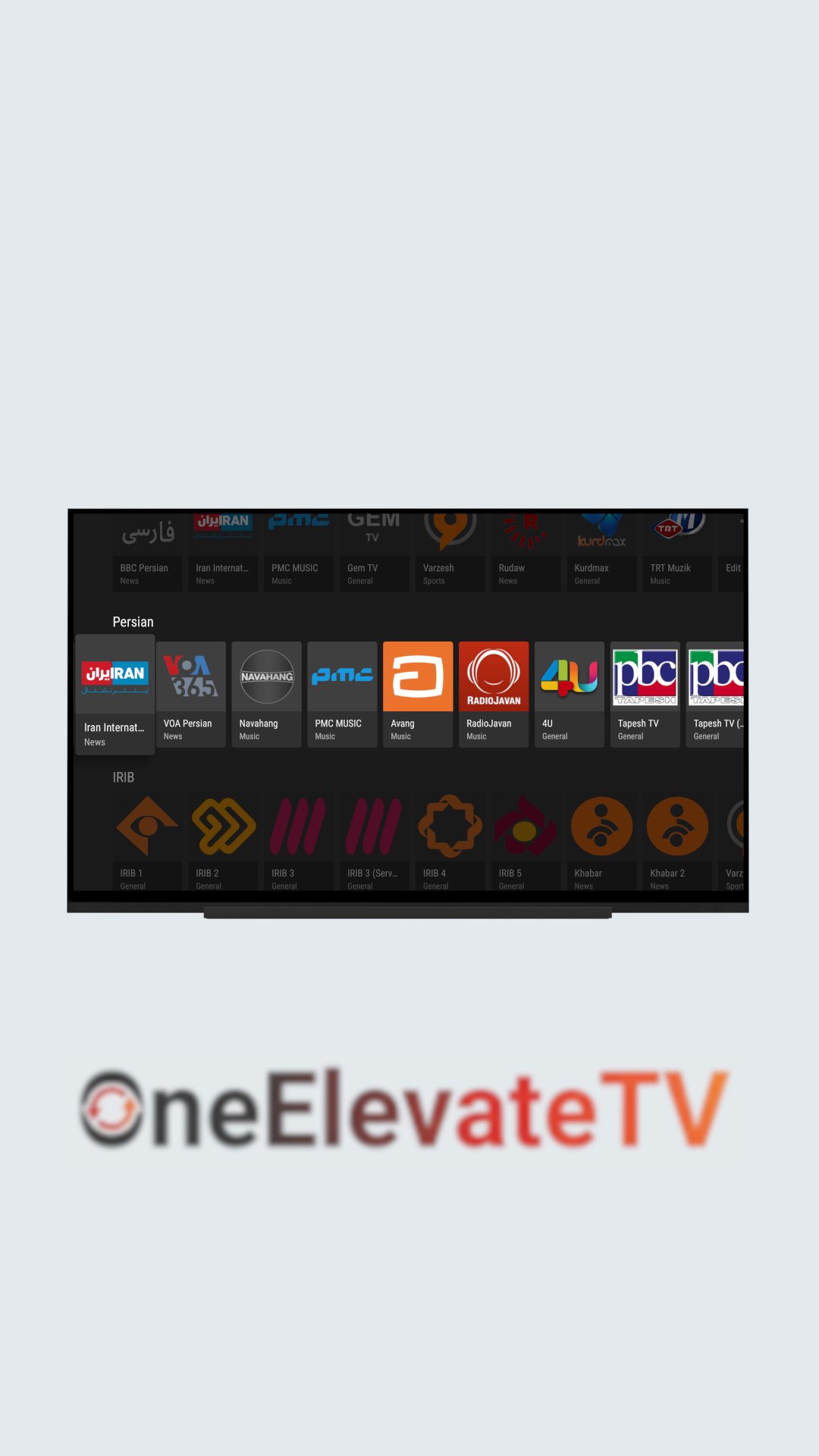
Works across Android devicesOneElevate TV runs on Android phones, tablets, and TV devices so you can watch on the screen that suits you. On Android TV, basic remote inputs navigate the interface, which helps users settle into a consistent viewing routine in the living room.
Free and transparent sourcingOneElevate TV is free to use and does not host any channel content on its own servers. It aggregates streams that are publicly available on the internet, and channel owners can request removal by emailing developer.onetv@gmail.com for takedown support.
OneElevate TV functions as an aggregator of publicly available live TV streams. It does not upload or store channel content and instead indexes links already accessible on the web. If a channel owner wants a stream removed, a request can be sent to developer.onetv@gmail.com, and the app team will review and honor valid takedown notices.
According to the developer’s disclosures, OneElevate TV may use Google Play Services and Firebase Analytics to support basic functionality and usage insights. For details about what data may be collected and how it is used, see the developer’s website and privacy information at https://sites.google.com/view/one-elevate-tech/.
The quick steps below outline first-time setup and basic viewing on Android devices. You can open the app, browse live channels, and optionally add your own playlists in minutes. If you plan to download OneElevate TV, this guide shows the essential actions to start watching.
OneElevate TV groups publicly available live channels into a straightforward app and supports optional M3U playlist import for customization. It suits viewers who want Persian, Kurdish, and other-language content organized in one place without extra steps. To begin, get the OneElevate TV latest version and set up your favorites in a few minutes.
For official information or support, use the contacts below.
Latest Version
35.0Uploaded by
Vito Kovač
Requires Android
Android 6.0+
Category
Free Entertainment AppContent Rating
Everyone
Security Report
Report
Flag as inappropriateLast updated on Jan 1, 2026
- Improved recording stability for some channels
- Enhanced casting reliability for a smoother viewing experience
- General bug fixes and performance improvements


APKPure - A multi-platform app store primarily focused on Android, providing extensive app-related content. Discover the app you want easier, faster, and safer, with quick and efficient downloads and installations.