OneCamera is a photography app to make better quality pictures (uncompressed jpeg) with no distraction due to filters or effects.
ViewFinder 100% :
The picture on the screen is not cropped so what you see is what you record.
Stored picture in best quality uncompressed jpeg and maximum size of your device :
No setting here for level of quality or compression: you always get the best from your device.
Just look at the size and weight of the pictures you take.
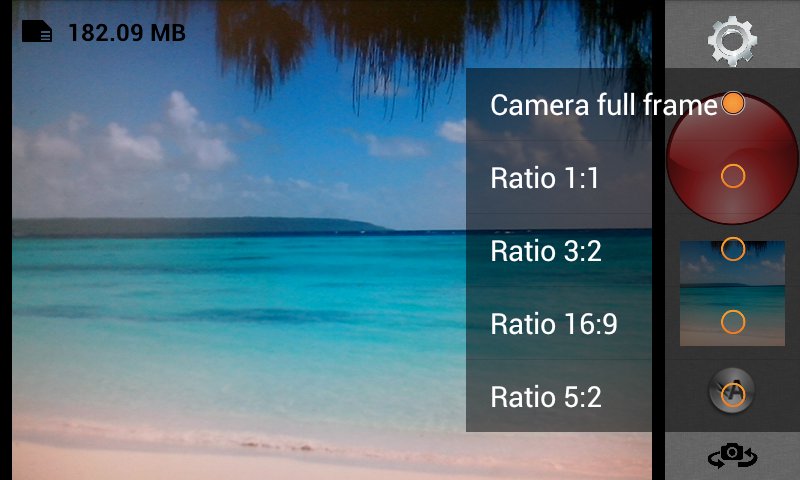
Picture ratio choice :
You can choose one of the following ratios :
- full frame ratio of the device
- square 1:1
- 3:2
- 16:9
- 5:2
Shooting modes :
In each of the 4 following modes, this app is configured to make focus before shooting.
1 - Touch mode : in this mode there is no button to capture the picture. For shooting you have to touch the appropriate area of the picture (for example a face). This area will be used for focus and metering.
2 - Face detection : in this mode the closest face is used for focus and metering.
3 - Spot = expert mode : in this mode the colored area in center of screen is used for setting metering and focus. So pay attention to what is in the center.
Memorisation : when you press and hold the button, focus and metering are setted and memorised. You can recompose the scene (still holding the button so settings are retained) ; the picture will be taken when you release the button.
If you decide not to take the picture after memorization just drag your finger (instead of release) : the picture is cancelled.
4 - Standard : standard mode of the camera.
Other features :
- Right or left handed choice
- Timer 0/3/10 seconds
- Remaining storage and iso/shutter speed of the latest picture (can be disabled)
- Shooting with volume keys (can be disabled)
- Zooming with 2 fingers (if enabled)
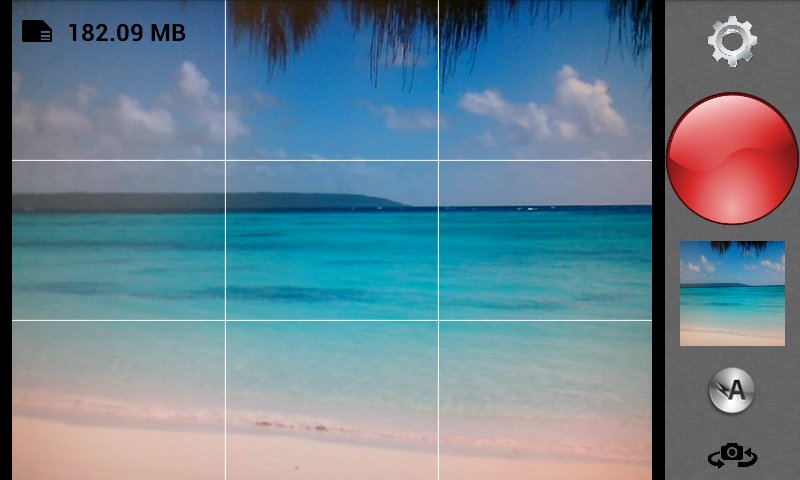
- Grid with rule of thirds (if enabled)
- Maximize light (if enabled)
- Store GPS location (if enabled)
- White balance setting
- Exposure correction
- Silence the shutter (may not work on some devices)
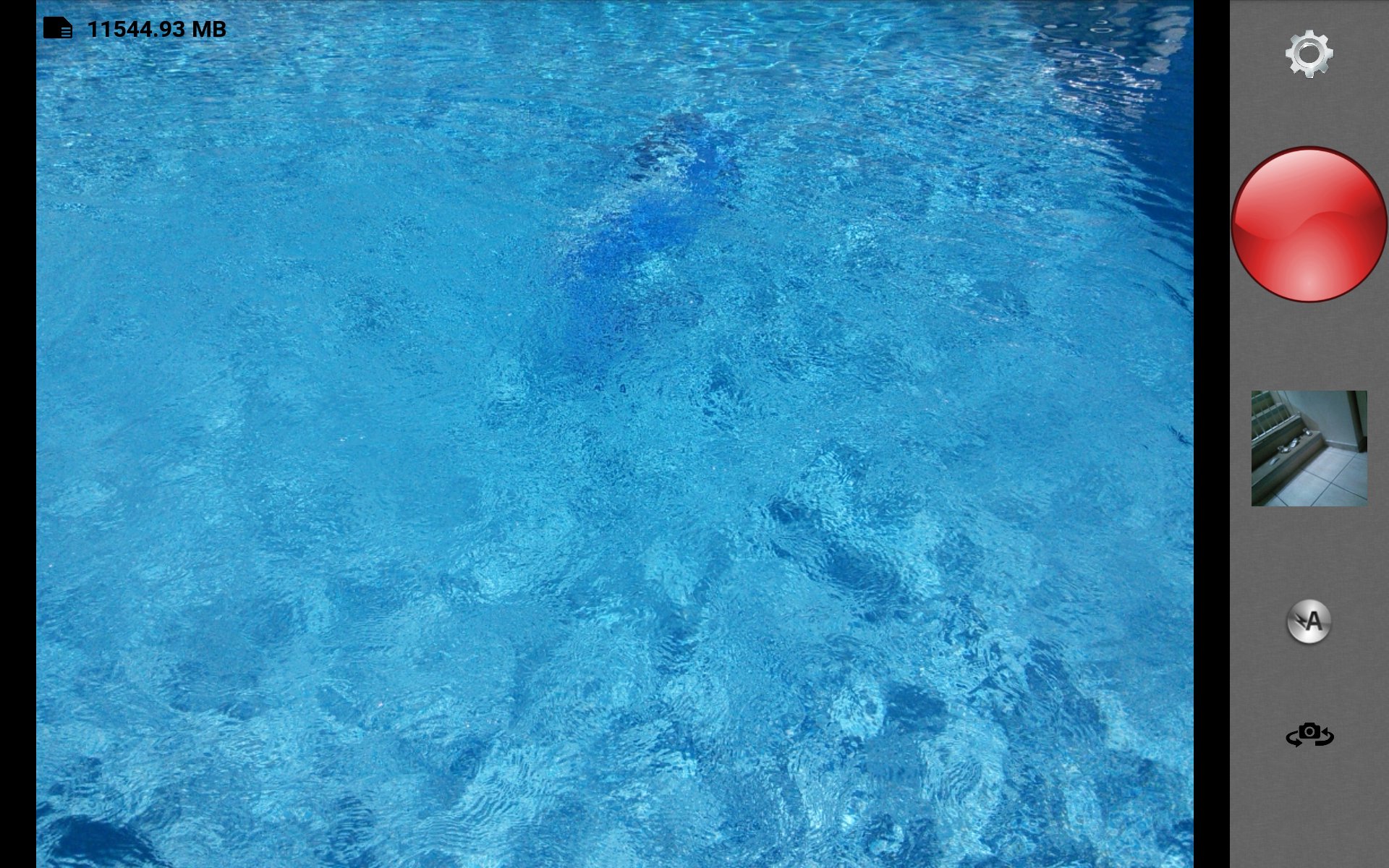
Simple interface :
- Settings
- Capture button
- Gallery (only shows pictures taken with OneCamera)
- Flah : on, auto, off
- Switch camera
If you find a bug with this app please email me to stepdevelopment46@gmail.com.
This is the free version. It has all the functionalities of the paid version.
If you don't want to see advertizing banners you can install the ad free OneCamera classic.
Make good photos!
Latest Version
1.13Requires Android
4.0 and up
Category
Free Photography AppContent Rating
Unrated · Warning – content has not yet been rated. Unrated apps may potentially contain content appropriate for mature audiences only.
Report
Flag as inappropriateLast updated on Aug 26, 2014
This release includes minor bug fixes and general improvements. Update to the latest version for the best experience.






APKPure - A multi-platform app store primarily focused on Android, providing extensive app-related content. Discover the app you want easier, faster, and safer, with quick and efficient downloads and installations.














