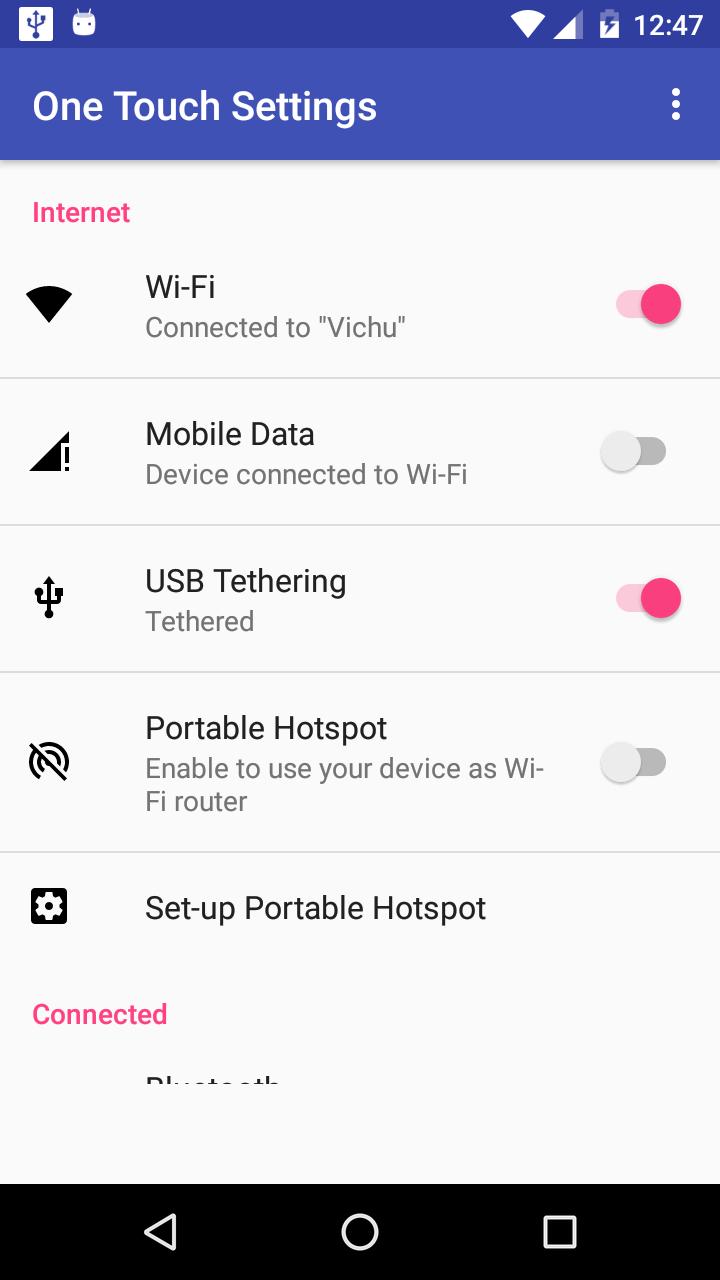
One Touch Settings allows you change below settings by one touch without digging into settings.
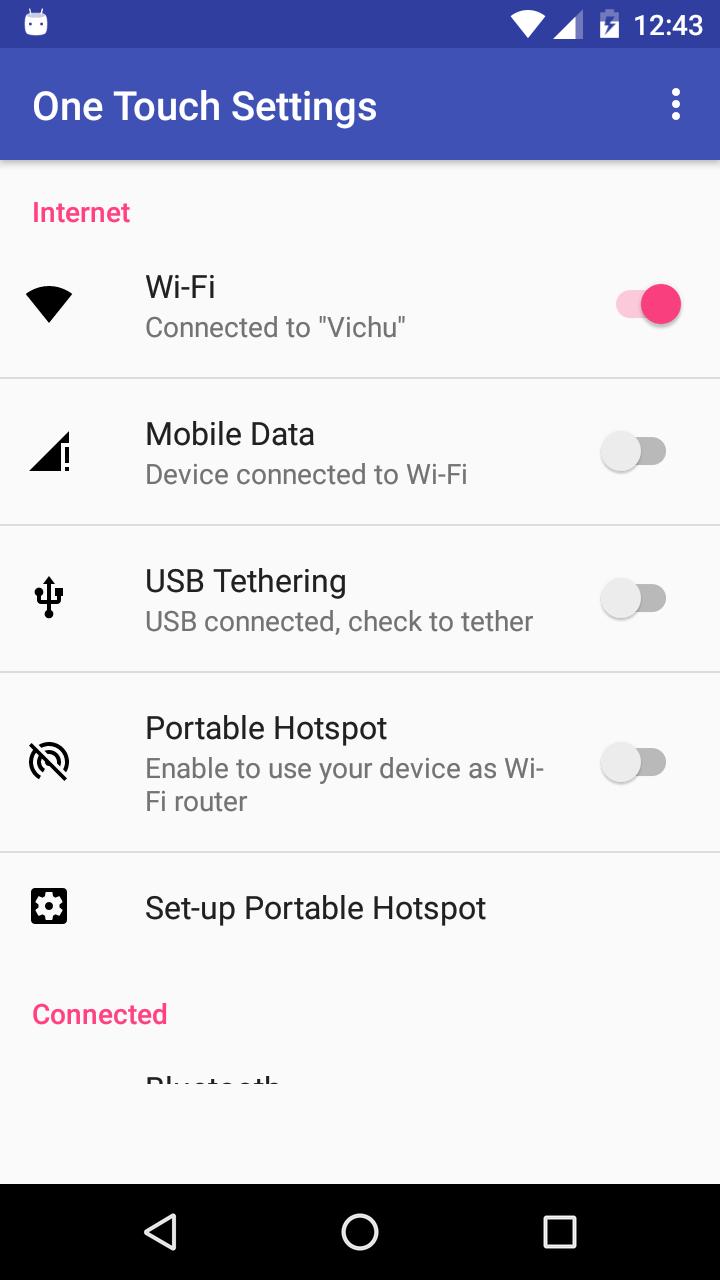
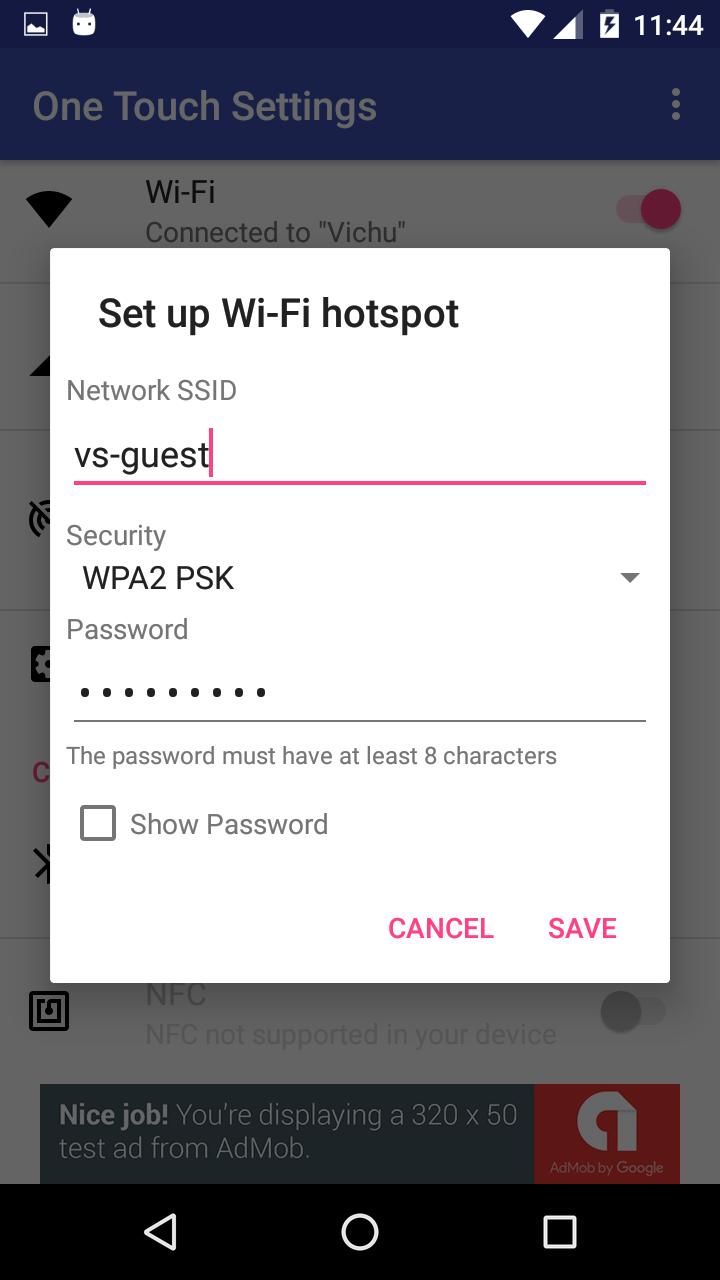
-Wi-fi Hotspot: No need to worry about Tethering settings to enable Portable Hotspot. It automatically sets all settings and converts mobile as WI-FI zone.
- Usb Tethering : Quick access to usb tethering settings
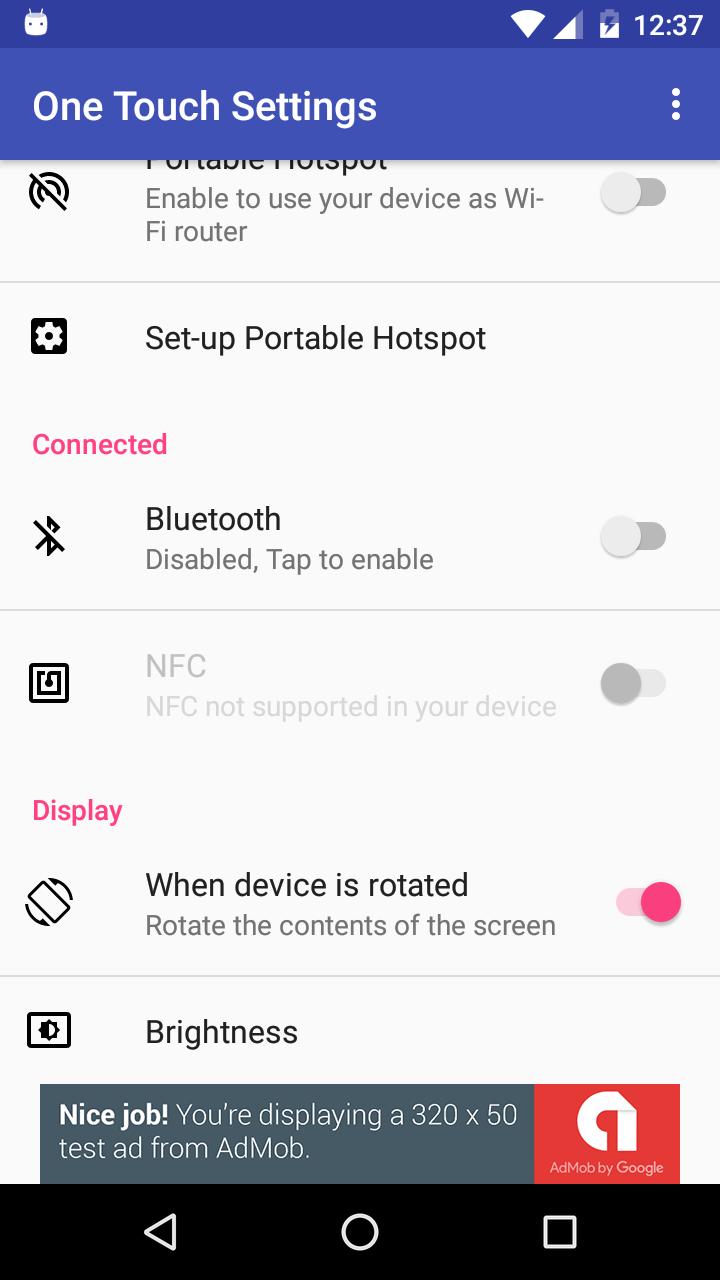
-Bluetooth : You can turn on/turn off bluetooth instantly
-Wi-Fi : You can turn on/turn off Wi-Fi
-Mobile Data : Reads the status of the mobile data
-NFC: Quick access to NFC settings
-Adaptive brightness : Option for quick access
-Location: Quick access for location settings
-Brightness: Quick access to device brightness
-Rotation: Quick settings to device auto rotation
Latest Version
2.0.7Uploaded by
YaYo Muñoz
Requires Android
Android 4.3+
Category
Free Tools AppContent Rating
Everyone
Report
Flag as inappropriateLast updated on Jul 28, 2019
- Bug fix and performance improvements




APKPure - A multi-platform app store primarily focused on Android, providing extensive app-related content. Discover the app you want easier, faster, and safer, with quick and efficient downloads and installations.