Scan Date:Jun 26, 2026
Show More

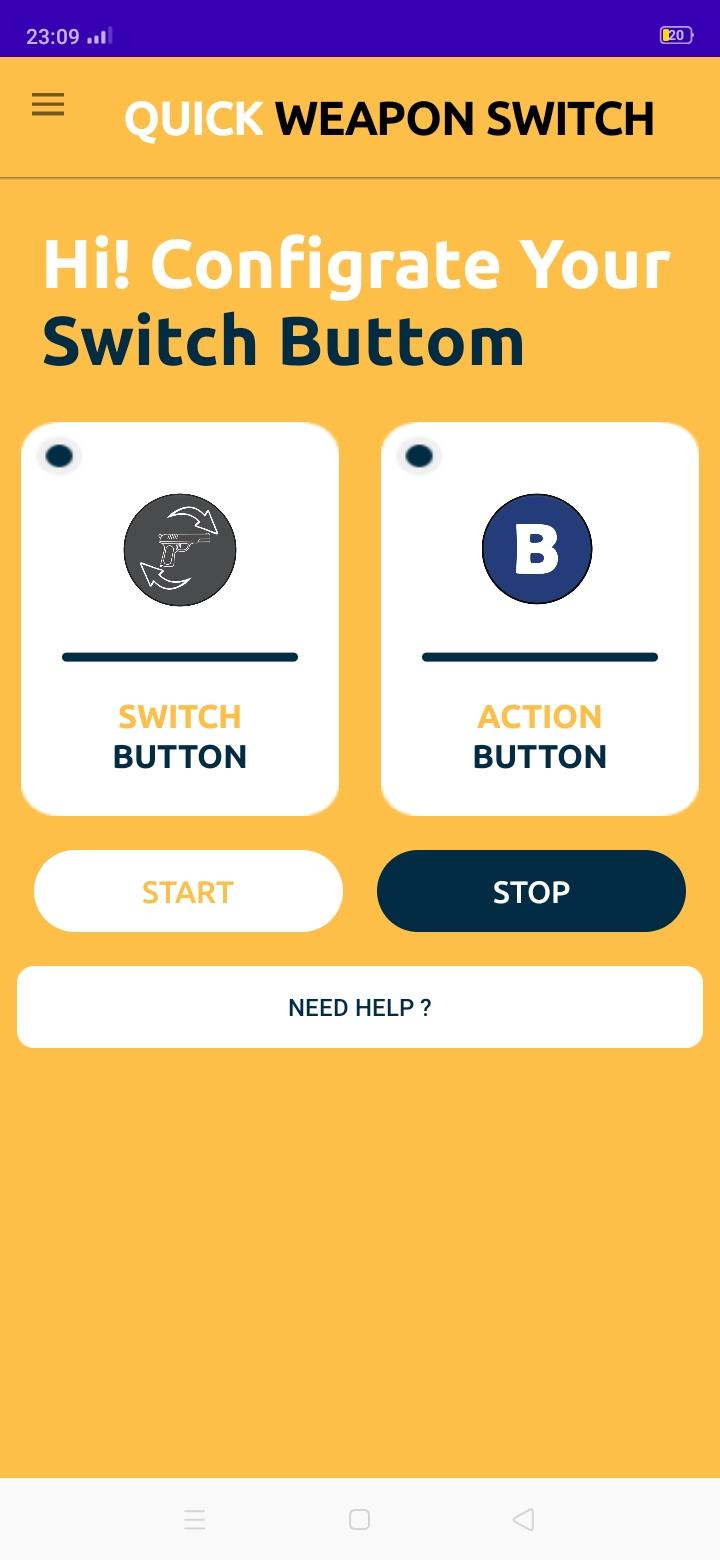
The One Tap Headshot Tool is a gaming assistance tool designed to streamline weapon switching for players with a single click. This tool provides gamers with three generated buttons: a customizable switch button that can be placed anywhere on the screen based on the player's preferences, and two designated buttons, 'A' and 'B'. 'A' is intended for the first weapon, while 'B' is for the second weapon to which the player wants to switch.
By utilizing this tool, players can rapidly switch between weapons, offering a crucial advantage in intense situations, especially when facing skilled opponents. The ability to change weapons swiftly with a simple finger click enhances players' responsiveness and can be a game-changer in critical moments on the battleground.
The One Tap Headshot Tool incorporates the Accessibility Service API to execute autoclicks precisely on the designated locations of the generated buttons. This integration is exclusively aimed at enhancing the user experience by facilitating seamless weapon switching with optimal precision. It is crucial to emphasize that the application strictly employs the Accessibility Service API for autoclick functionality and does not engage in any form of data collection through this service. Users can rest assured that their privacy and personal information remain uncompromised, as the tool focuses solely on providing a streamlined and efficient gaming experience without compromising data integrity.
Latest Version
3.1Uploaded by
Erindi Erindi Miminllari
Requires Android
Android 8.1+
Category
Free Tools AppContent Rating
Everyone
Security Report
Report
Flag as inappropriateLast updated on Aug 25, 2025
This release includes minor bug fixes and general improvements. Update to the latest version for the best experience.




APKPure - A multi-platform app store primarily focused on Android, providing extensive app-related content. Discover the app you want easier, faster, and safer, with quick and efficient downloads and installations.