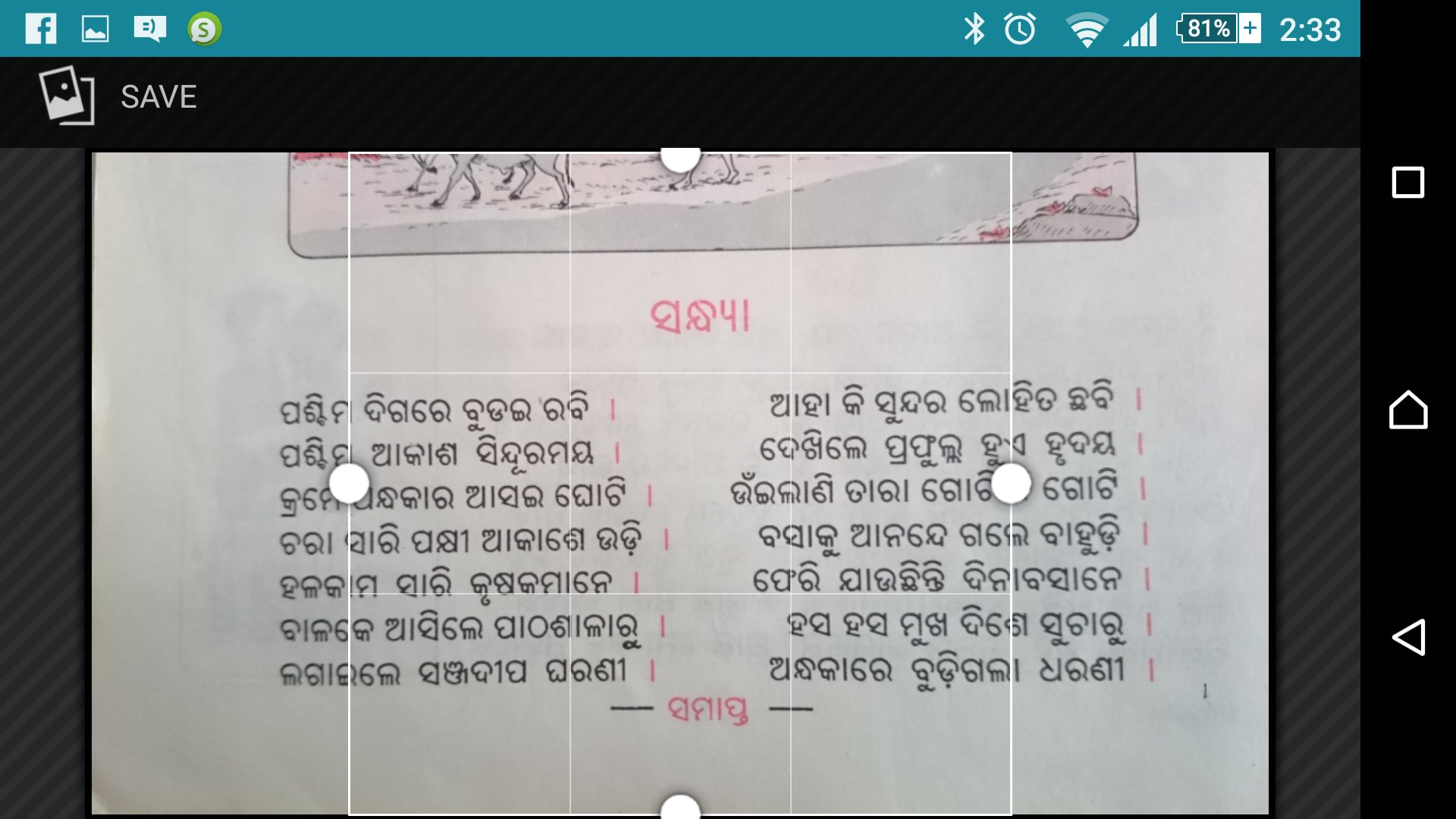
Odia OCR (Odia character recognition tool) will convert your captured / scanned documents from your camera or photo album into a regular UNICODE Odia text. Odia OCR outputs plain UNICODE Odia language text and can copy to any text editor (Ex. Odia Notepad). Odia OCR recognizes text from Odia text image based on "tesseract" OCR engine.
- It is free and very simple to use
- Supports scanned .jpg images.
- Internet connection is not required to run this app.
- Handwritten text will not work.
Latest Version
1.1Uploaded by
ภาณุพงศ์ กำเนิดกลาง
Requires Android
Android 2.2+
Category
Free Productivity AppContent Rating
Everyone
Report
Flag as inappropriateLast updated on Oct 17, 2016
This release includes minor bug fixes and general improvements. Update to the latest version for the best experience.





APKPure - A multi-platform app store primarily focused on Android, providing extensive app-related content. Discover the app you want easier, faster, and safer, with quick and efficient downloads and installations.