

OBS Studio helps when you want to record what you are doing on your phone, from how to guides to game sessions and video chats. It focuses on smooth, clear output so viewers can follow along without distraction. In addition, you can manage recording while using other apps, which suits quick clips and longer walkthroughs. If you prefer direct installation, OBS Studio APK installs on your device for recording tasks without relying on a computer.
Screen and audio capture
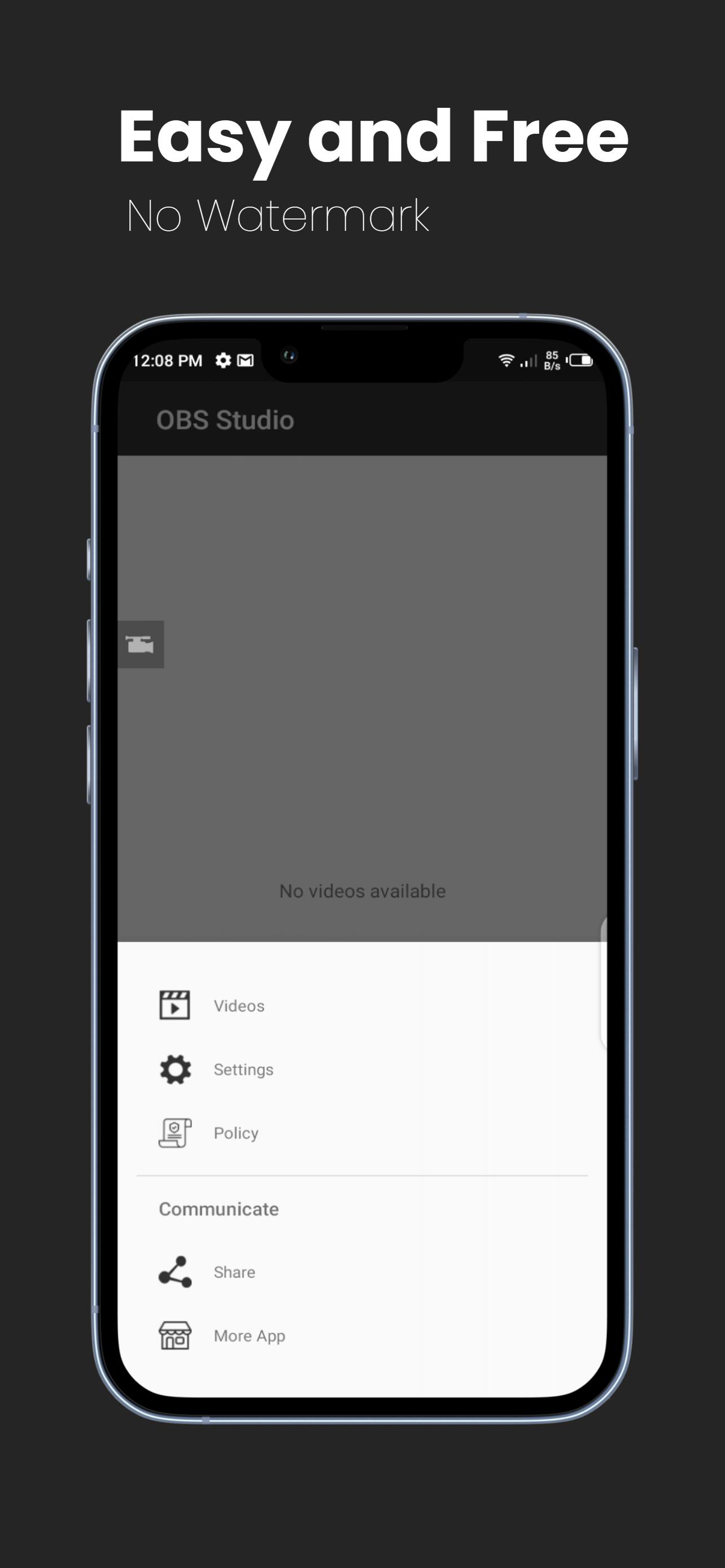
OBS Studio records screen activity with external sound from your microphone. You can start, pause, or resume from a floating window or the notification panel, and a countdown timer helps you prepare before the recording begins. Rotation support keeps orientation consistent, and videos save without a watermark. For best stability on long sessions, use the OBS Studio latest version.
Facecam while recording
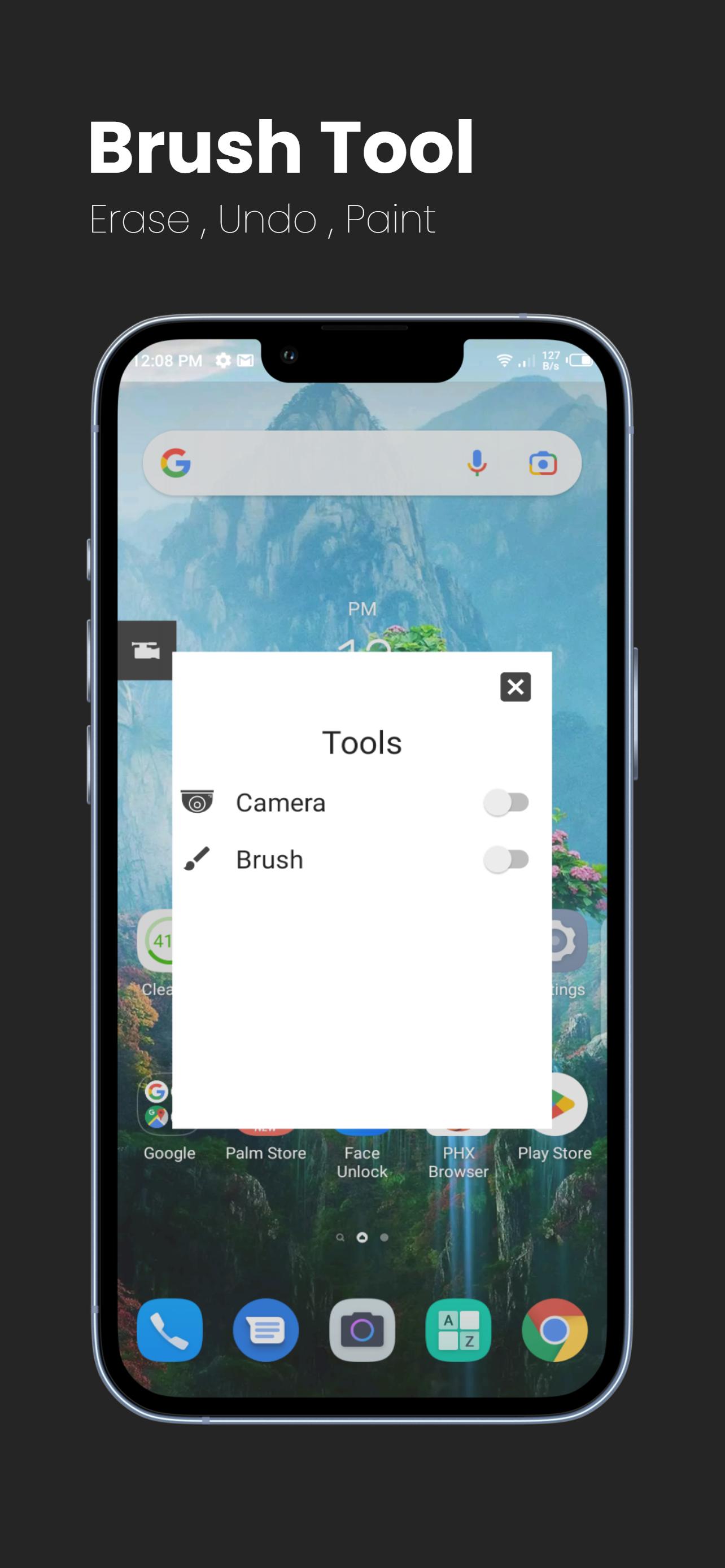
You can enable the front camera to appear while recording. This helps you present reactions or explanations as you show what is on screen. It is useful for game commentary, lessons, and quick updates.
On screen tools and screenshots
Output and quick edits
OBS Studio offers stable screen capture with camera support and practical tools for tutorials, games and calls. To begin, download OBS Studio and use the on screen controls to record, edit and export on Android.
Latest Version
5.0Uploaded by
Nsoah Nadir Assiddiq
Requires Android
Android 5.0+
Category
Free Tools AppContent Rating
Everyone
Report
Flag as inappropriateLast updated on Nov 20, 2022
Fix Bugs





APKPure - A multi-platform app store primarily focused on Android, providing extensive app-related content. Discover the app you want easier, faster, and safer, with quick and efficient downloads and installations.