Package Name:com.napsternetlabs.napsternetv
SHA-256:991412ba889a14271a03d988ed36b078a407d5c043e1f47d358efc110caabc35
Show More


Npv Tunnel by Vonmatrix Co. Ltd focuses on privacy and reliable connectivity in challenging network conditions. It uses modern tunneling technologies and advanced SSH modes to keep your traffic encrypted and accessible when networks are restrictive. The app supports flexible profile management so you can tailor configurations to your location, your provider, and your needs. It follows transparent data practices with encryption in transit and minimal data collection. Npv Tunnel is part of the NapsternetV project and is available across mobile platforms with an active community that helps you learn, share, and troubleshoot.
Multi-protocol tunneling
Npv Tunnel supports V2Ray with vless and vmess, Shadowsocks, Trojan, SOCKS, and standard SSH. This range lets you choose the protocol that works best with your network. Therefore, you can adapt connections when rules or filters change.
Advanced SSH modes for difficult networks
You can use SSH subprotocols such as DNSTT and payload-based methods. These options help Npv Tunnel maintain a link where direct connections are blocked. In addition, they offer extra flexibility without changing your server setup.
Privacy-first encryption
Npv Tunnel encrypts your traffic in transit and does not share data with third parties. The app collects minimal information, such as app details and device IDs, to improve service. Moreover, it is built to help you browse privately and avoid basic tracking.
Custom configurations
You can create and import server configurations for different use cases. Npv Tunnel lets you switch quickly between profiles so you can optimize speed or reliability. Also, you can maintain separate setups for work, streaming, or travel.
Flexible connection control
Npv Tunnel allows quick protocol changes when a route becomes unstable. You can test a server, adjust transport settings, and reconnect within seconds. Therefore, it is easier to keep a stable session on mobile networks.
Community support and updates
The project provides community help through an official Telegram group and channel. You can learn from shared configurations and get guidance when issues arise. In addition, Npv Tunnel offers updates that improve stability and security.
Npv Tunnel follows a privacy-first approach with encrypted connections and minimal data collection. According to the developer, no user data is shared with third parties, and telemetry is limited to basic app info and device identifiers. For detailed policies and announcements, you can visit the official website or community channels.
Npv Tunnel is available on mobile platforms and focuses on Android and iOS usage. There is interest in the Npv Tunnel for PC and web login; however, the app does not offer a desktop client or web account access. For PC users, typically rely on standard clients for V2Ray, Shadowsocks, or SSH.
This quick guide helps you set up your first profile and connect securely. The steps cover importing or creating a configuration and keeping your connection stable on mobile networks.
Download Npv Tunnel APK on APKPure and install it, then open the app and grant the required VPN permission.
Add a profile by importing a config file or creating one manually, and choose a protocol such as V2Ray vless or vmess, Shadowsocks, Trojan, SOCKS, or SSH.
After that, enter server address, port, and credentials. If you use SSH, select the needed mode and add DNSTT or payload parameters where required.
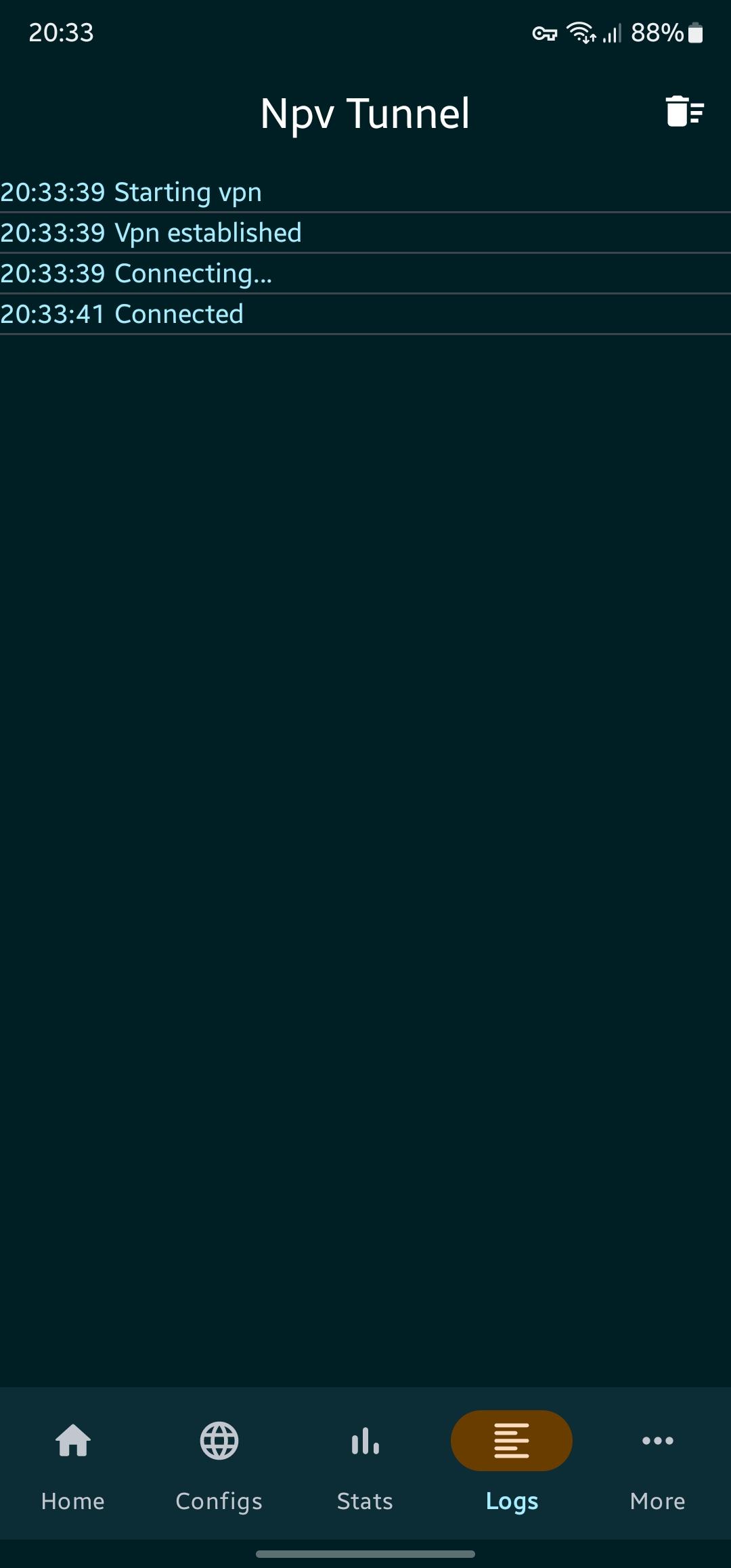
Save the profile, then tap Connect and wait for the status to show Connected. Keep the app in the foreground during the first test.
So you can confirm stability, open a browser, and check your connection. If it drops or overheats, switch to a lighter protocol, change server, or adjust background restrictions.
Npv Tunnel helps you browse privately across different networks with modern tunneling options. Download Npv Tunnel APK latest version on APKPure for secure updates, easy installs, and fast APK download.
For official resources and support, visit the developer links below.
Official website: https://napsternetv.vonmatrix.com/
Email: support@vonmatrix.com
Latest Version
123.1Uploaded by
Alessandro Ceni
Requires Android
Android 6.0+
Category
Free Tools AppContent Rating
Everyone
Security Report
Check Now
Report
Flag as inappropriateLast updated on Oct 23, 2025
1. xcore upgraded to 25.10.15




APKPure - A multi-platform app store primarily focused on Android, providing extensive app-related content. Discover the app you want easier, faster, and safer, with quick and efficient downloads and installations.