
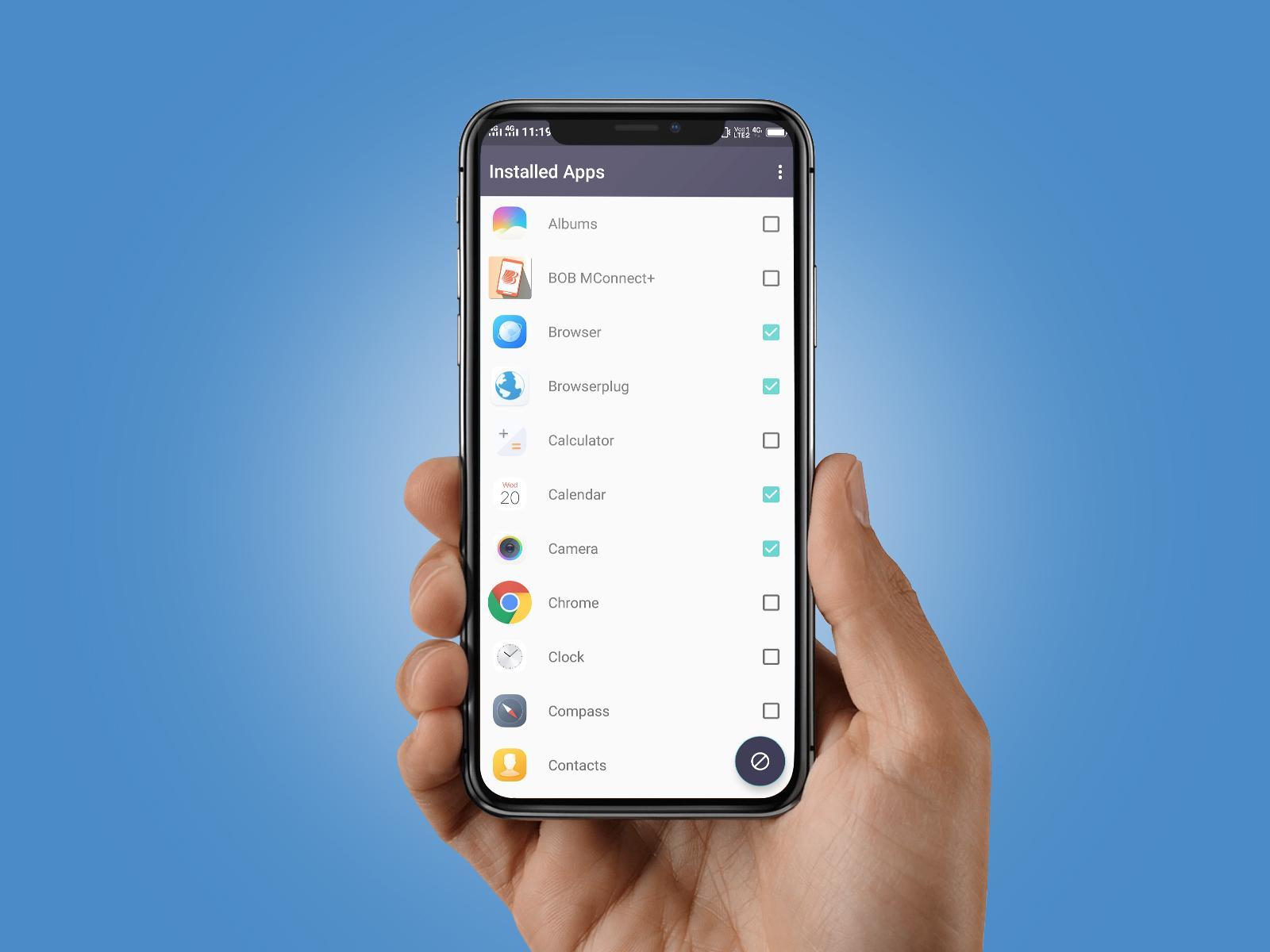
This app blocks notifications of your selected apps and makes your notification area of your android phone clean. Blocked notifications are enlisted and can be seen on tap of Notification Blocker's notification. Simple and user friendly UI with many useful features to satisfy your requirements.
🎨 Features :
★ Collect annoying useless notifications to make phone more efficient 🚀
★ Support blocking heads-up notifications (< Android O)
★ List of blocked notifications
★ One tap to clean all of the junk notifications
★ Minimal Apk Size, Minimize Memory Usage and Battery Saving☘
★ Without Root and ONLY necessary permissions required
★ Stable, robust, safe, fast 💪
★ Material Design
★ Free
🔐 Grant Notification Access permission:
Notification Access must be enabled for Notification Blocker in order to block notifications. When it is disabled, the app will guide you to the settings to enable it. Don't worry, the app will NOT collect and upload any of your privacy in the notifications.
👀 Find blocked notifications:
All of the junk notifications are put together in the Notification Blocker app. Tap on Notification Blocker's notification (will be visible in notification bar when you will have junk notifications) in the notification bar. It will show the list of all unread blocked junk notifications.
⚙ Customize the blocking rules:
You can put time based condition to block any app's notification including weekday selection. Otherwise you can simply block an app without time conditions and you will not show any notification unless defined rule is deleted or blocking is turned off.
🤕 Known issue:
On some devices, the app may be stopped by some memory clean or security apps. Please add the NCleaner into their white list manually.
😞 Android O:
Google does not allow apps to show popups over status bar anymore, therefor the Heads-up feature is disabled on Android O!
💡HUAWEI Device:
Please refer to: http://bit.ly/2zGLLv7
[Settings] -> [Advanced settings] -> [Battery manager] -> [Protected apps] -> Enable Notification Blocker
💡XIAOMI Device:
Auto start is disabled by default. Please refer to: http://bit.ly/2nhsbfL
[Settings] -> [Permissions] -> [Autostart] -> Set autostart for Notification Blocker
[Settings] -> [Battery] -> [Battery Saver]-[Choose apps] -> Select [Notification Blocker] -> Select [No restrictions]
Latest Version
1.0.2Uploaded by
Kaylh Këmylîne Kayssi-lee
Requires Android
Android 5.0+
Category
Free Tools AppContent Rating
Everyone
Report
Flag as inappropriateLast updated on Mar 5, 2019
Few bugs fixed




APKPure - A multi-platform app store primarily focused on Android, providing extensive app-related content. Discover the app you want easier, faster, and safer, with quick and efficient downloads and installations.











