Scan Date:Nov 6, 2025
Show More

No Ads, No permissions, Only takes 884KB to install
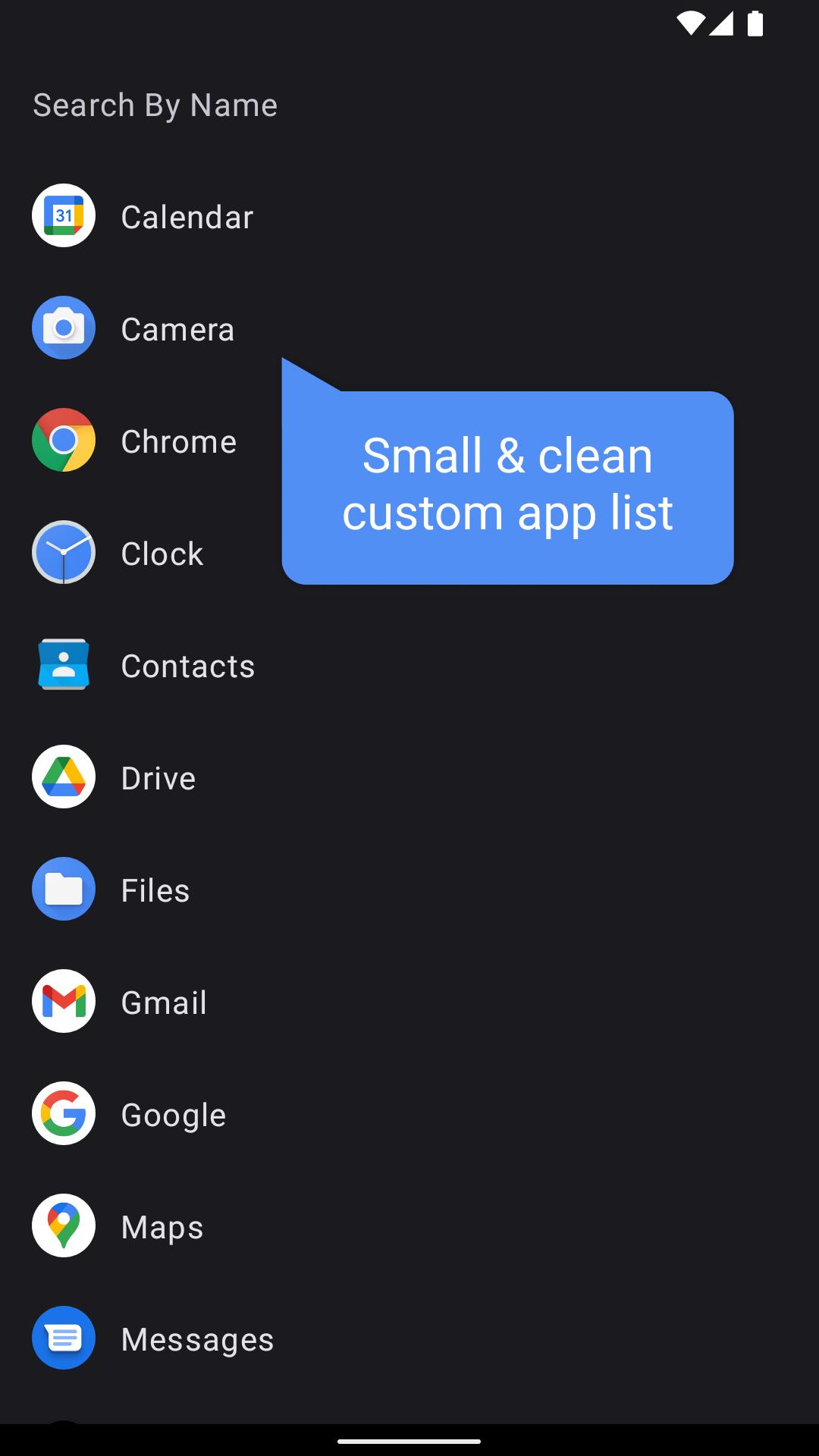
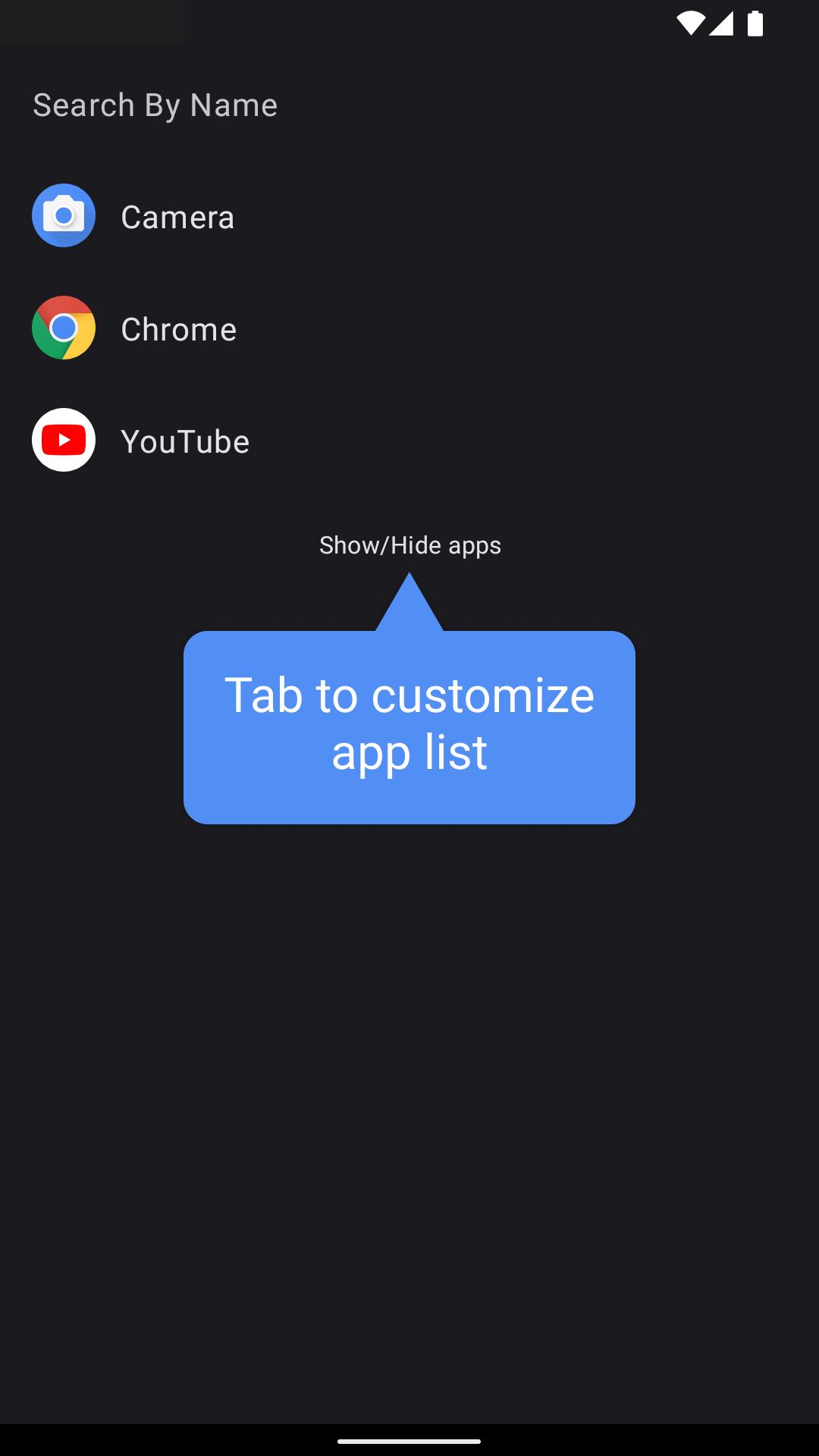
NoLauncher is a home or an app launcher built for minimum usability – no suggestions, no internet, no data connection, or anything to slow you down. Great for low-memory devices, or people who want a small, fast, and clean launcher.
Features
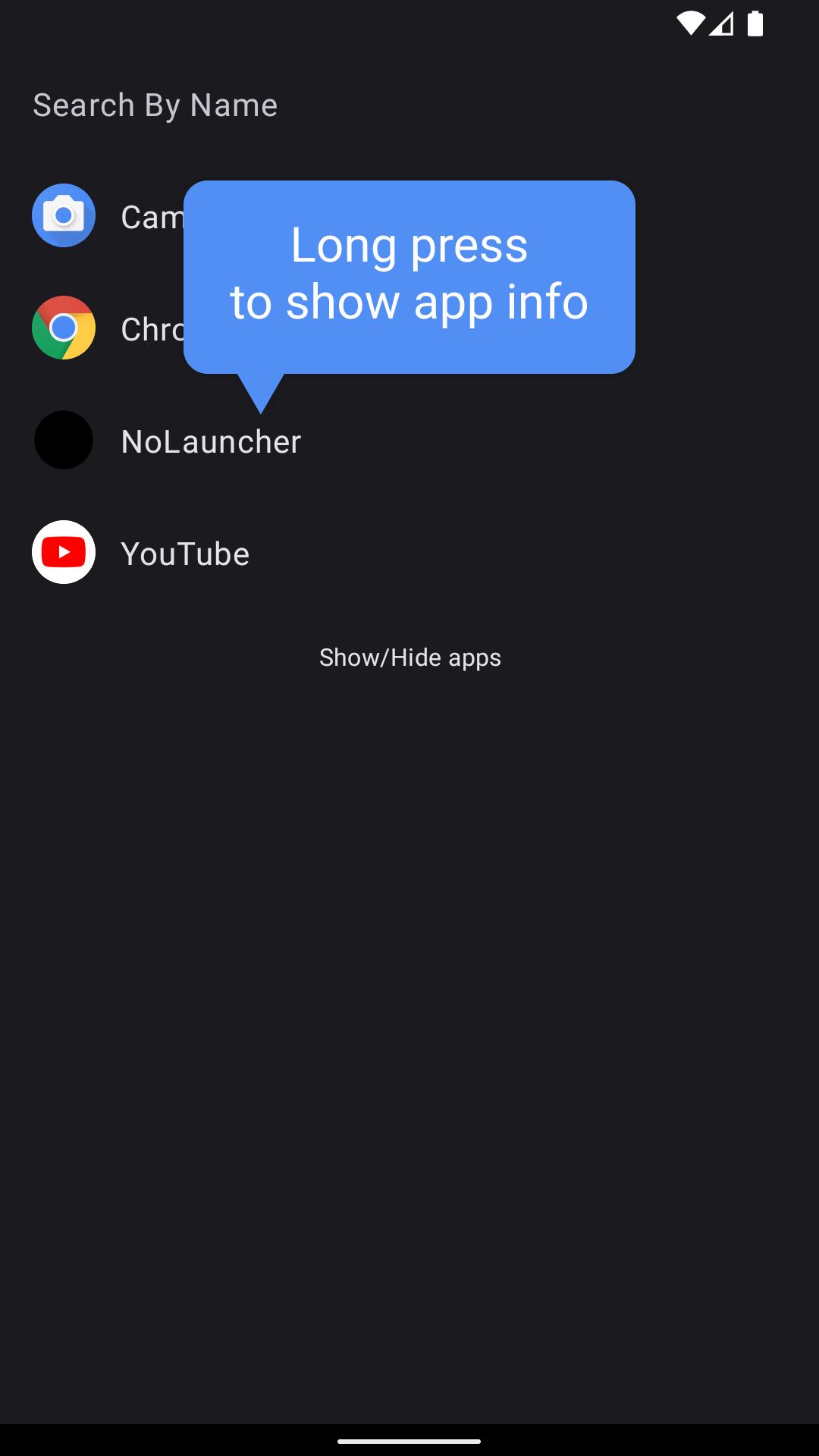
- Tab to launch an app, long press to show app info (to uninstall)
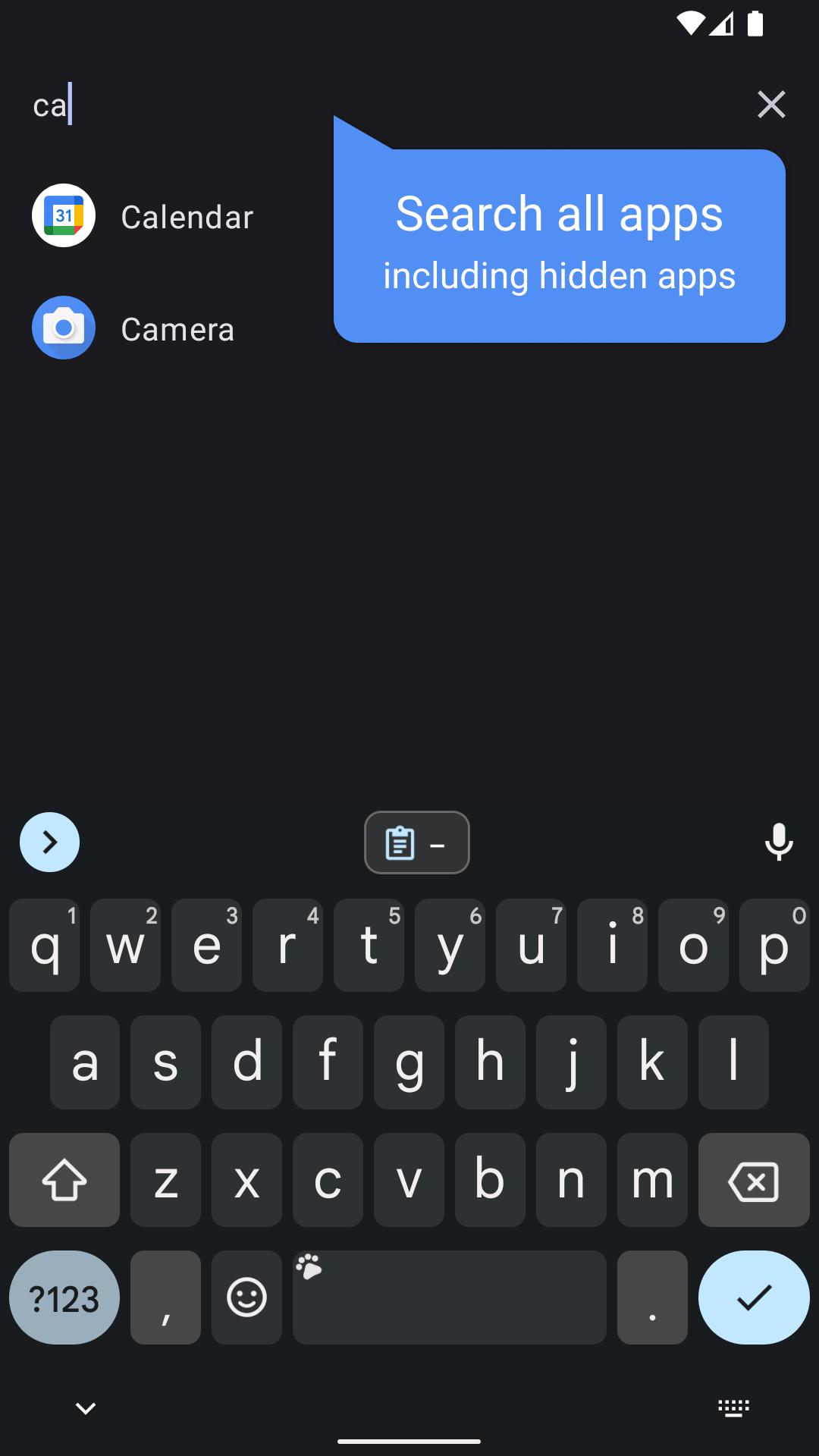
- Search apps on the top bar (no random suggestions)
- After searching, tab Enter/Go to launch the app directly
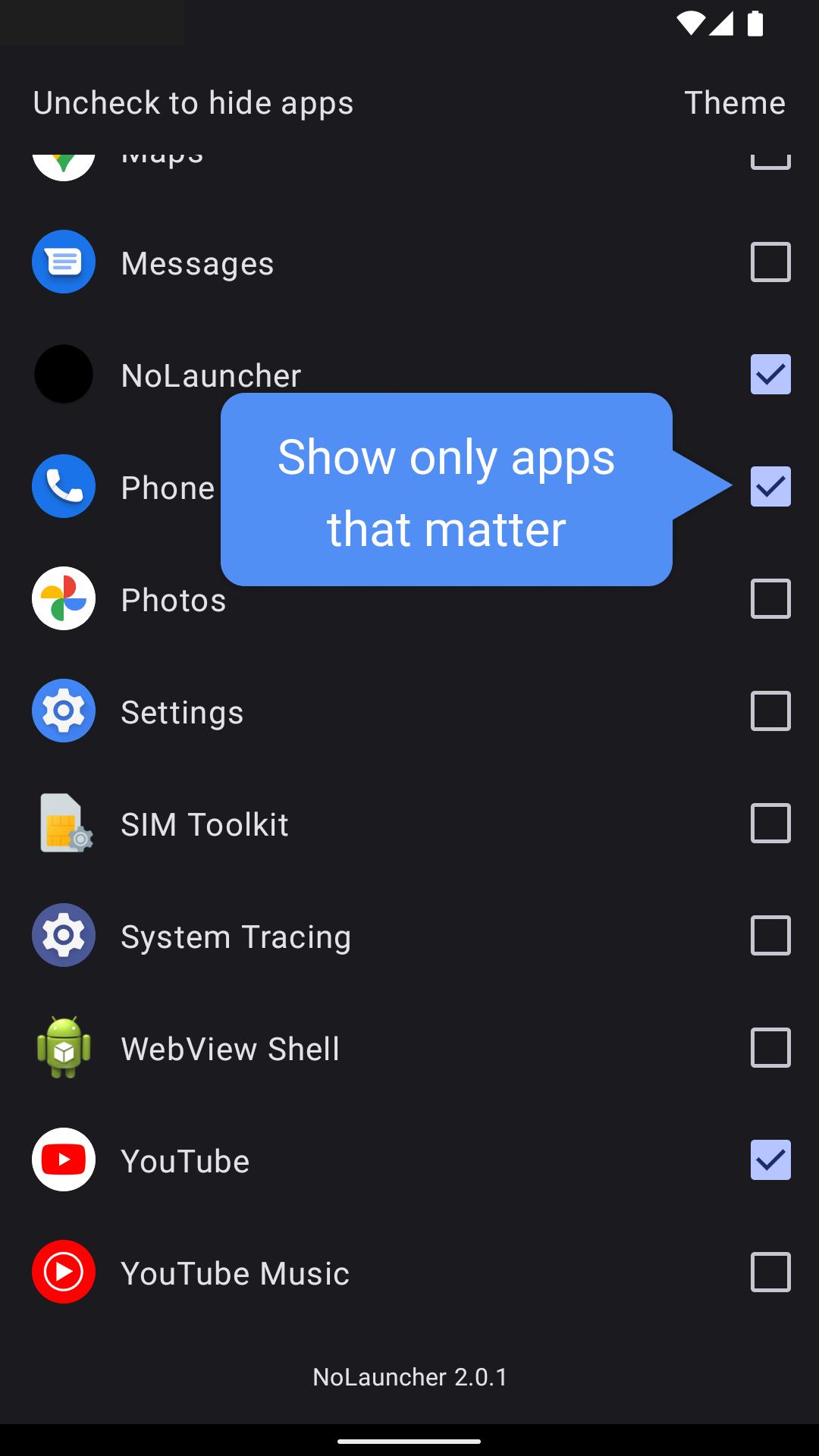
- Tab Show/Hide apps button (at the very bottom of the list) to check/uncheck apps
- Change the theme to 'System Setting', 'Light' or 'Dark mode
- Auto update app list when an app is added/removed
- Press back to remove text on the search field
- Support D-Pad Controller or Japanese feature/flip phone
How to install/uninstall NoLauncher
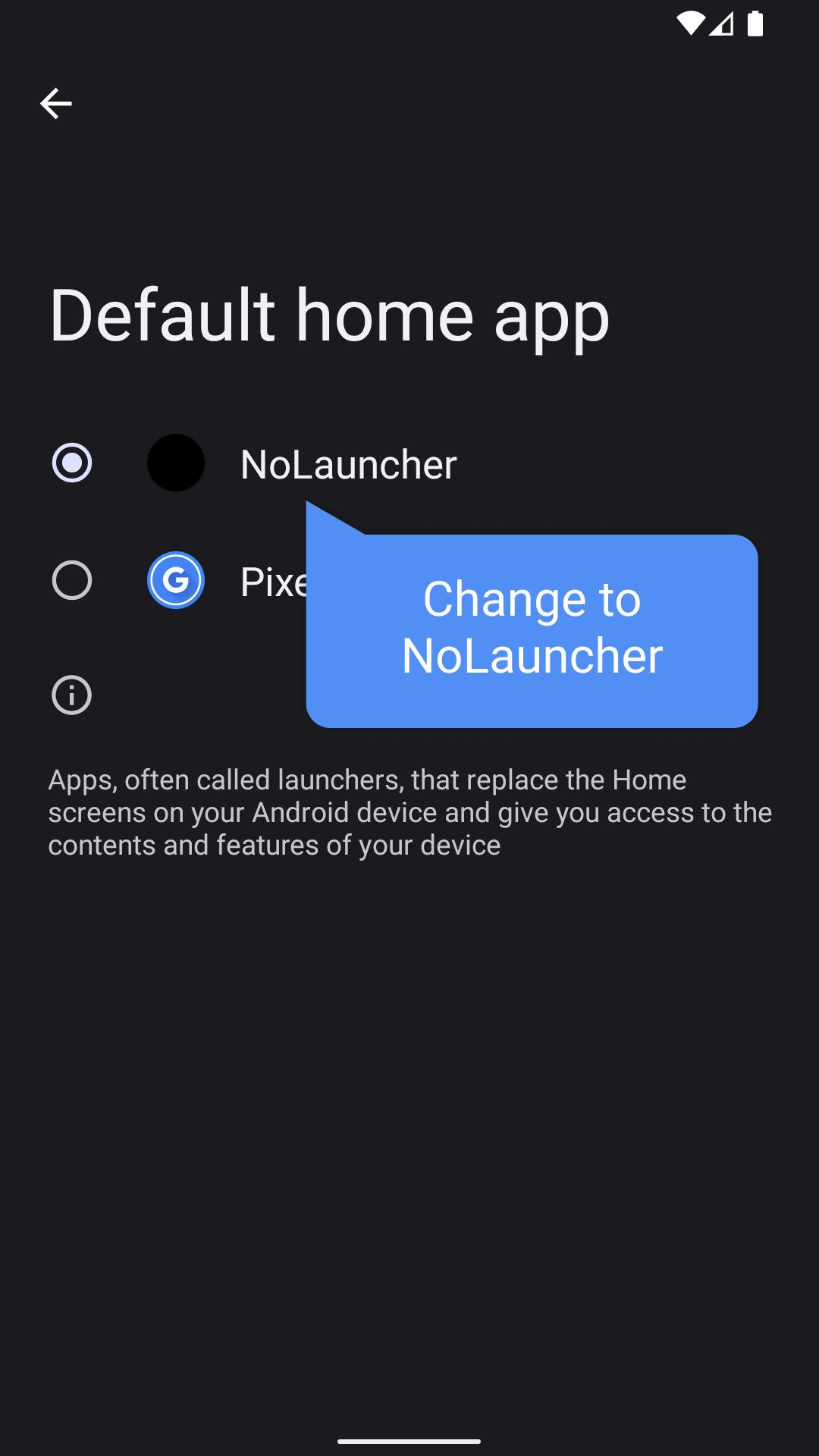
- To change the launcher, go to Settings, and search for Default home app
- Long press the NoLauncher app to remove the launcher
Opening the launcher for the first time may take time to load all the icons.
Want to make your own launcher, see the early version of this code here:
https://github.com/Saranomy/NoLauncher
Latest Version
2.0.4Uploaded by
Graziela Favaro
Requires Android
Android 5.0+
Category
Free Tools AppContent Rating
Everyone
Security Report
Report
Flag as inappropriateLast updated on Jul 16, 2024
- Updated the code to support Android 15
- Added button effects
- Reduced the resource file size

APKPure - A multi-platform app store primarily focused on Android, providing extensive app-related content. Discover the app you want easier, faster, and safer, with quick and efficient downloads and installations.