
Clean and speed up your android device with System cleaner free.
please use System cleaner 2 instead.
Nicer UI and more functionality
http://flaki.net/sys2.php
System cleaner can clear application cache and dalvik cache to free even more space.
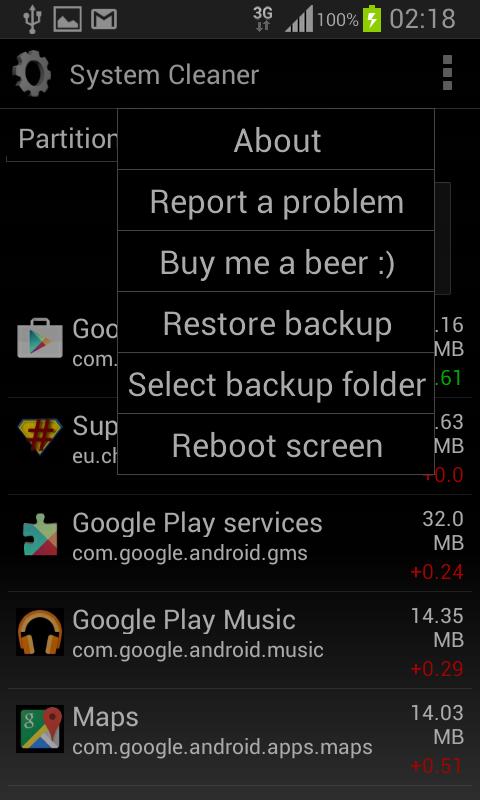
After the integration of new apps, if all is working OK, delete the backup file to free the storage (on newer devices, without the external SD card, the backup will occupy the internal storage space, and there will be the effect that the cleaner has not done its job well)
Root is required!
It is highly recommended to make a nandroid backup before changing system files.
In case of errors, please send me the log that will show so i can fix the bugs and errors. Thank you
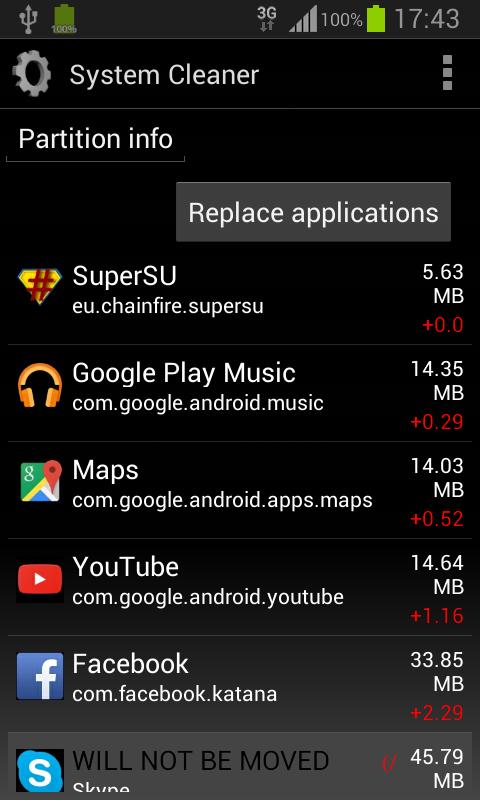
Updating system applications decreases phone internal memory, because the update is stored in /data/app and the original apk is still in /system/app.
System cleaner will automatically:
- create a backup of the original apps in /sdcard/system cleaner/ (in case you want to restore the original apk)
- delete the apk in /system/app
- move the updated apk to /system/app
- clear the dalvik-cache and application cache (optional)
- reboot device (optional but recommended)
By doing this, a considerable amount of internal memory storage will be freed.
This is very important if you have an older device with limited internal memory,
so you can have updated apps and enough storage for new installs.
How to use it:
- start the application
- let System cleaner check for updated apps
- start and let System cleaner finish the work
- restart the device (preferable with deleting the dalvik-cache to free some more space if possible)
Known issues:
- if you used Lucky patcher, you will get "Android is upgrading" on every boot after cleaning dalvik-cache (this is not my app fault) - remove the patch, reboot, then re-apply patch and the problem is gone.
NOTE: the first restart will take longer time to rebuild the dalvik-cache(this is normal)
Laatste Versie
3.1.1.Geüpload door
Jhördän Dë Ävërïgüälö
Android vereist
Android 2.3.2+
Categorie
Gratis Tools APPInhoudsbeoordeling
Everyone
Melden
Rapporteer als ongepastLast updated on Aug 19, 2015
3.1.1
- Bug fix
3.0.6
- Reporting problems: log is now attached in mail body
- Bug fix
3.0.5
- fixed reported problem of deleting external data
thanks to Akbear
3.0.3
- fixed crash on start (use report button if any problems)
3.0.0
- redesigned
- smart backup and restore
2.8.3
-lollipop support
- custom backup folder selection fix and filter only writable folders
2.7.6
- added function of clearing app cache for non-rooted users



APKPure - Een multi-platform appstore die zich voornamelijk richt op Android en uitgebreide app-gerelateerde content biedt. Ontdek de app die je wilt, eenvoudiger, sneller en veiliger, met snelle en efficiënte downloads en installaties.