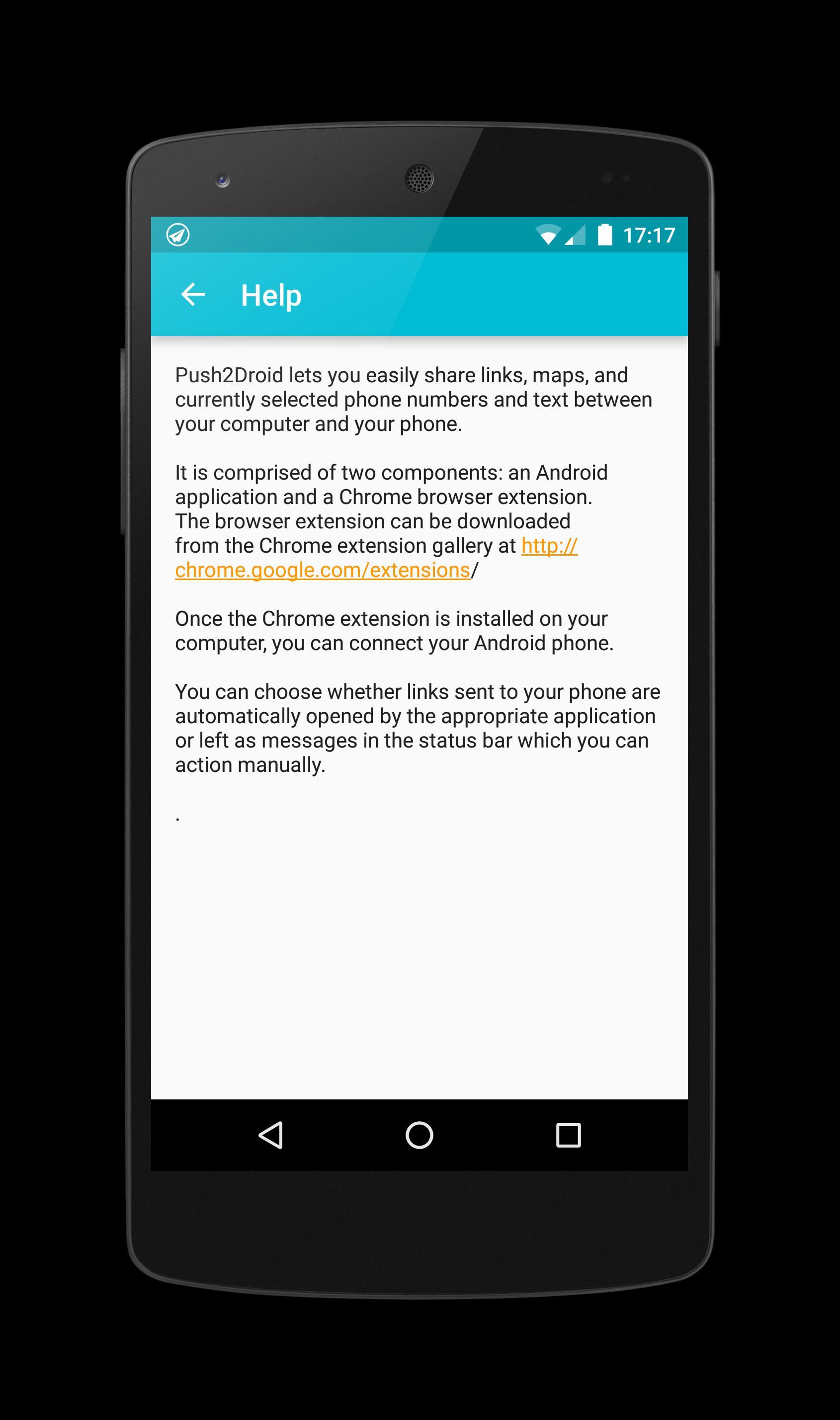
Push2Droid (Push to Droid) enables you to send links and other information from Chrome to your Android phone or tablet.
Features:
✓ Send browser links from Chrome to your android phone or tablet;
✓ Open Google Maps from Chrome on Android phone;
✓ Launch YouTube from Chrome browser on Android phone;
✓ Select a phone number in browser and launch the dialer on Android phone;
✓ Select text on a Web page and copy the clipboard to Android (long press a text box to paste on Android).
Installation:
1. Install the Push2Droid Android application and complete the simple set-up process;
2. Search for 'Push2Droid' at Chrome Web Store or download it from http://bit.ly/push2droid-ext;
3.Install the Push2Droid Chrome extension and click on the toolbar icon to sign in
4. Click the toolbar icon to send the link or currently selected text to your phone or tablet.
Laatste Versie
1.7.0Geüpload door
Prabh Gill
Android vereist
Android 2.3.2+
Categorie
Gratis Tools APPInhoudsbeoordeling
Everyone
Melden
Rapporteer als ongepastLast updated on Mar 1, 2016
fix crashes on android 2.x




APKPure - Een multi-platform appstore die zich voornamelijk richt op Android en uitgebreide app-gerelateerde content biedt. Ontdek de app die je wilt, eenvoudiger, sneller en veiliger, met snelle en efficiënte downloads en installaties.