This is Android version of one of the most popular app in Windows Phone with millions of users. The app allows controlling a remote PC in the same network.
We believe that you can enjoy your media contents on your PC relaxing on the couch, bed, or even from another room. We want you to sit comfortably and enjoy your multimedia rather than surrounded by keyboard and mouse. Use this app as Mouse and Keyboard to control your remote PC.
Key Features:
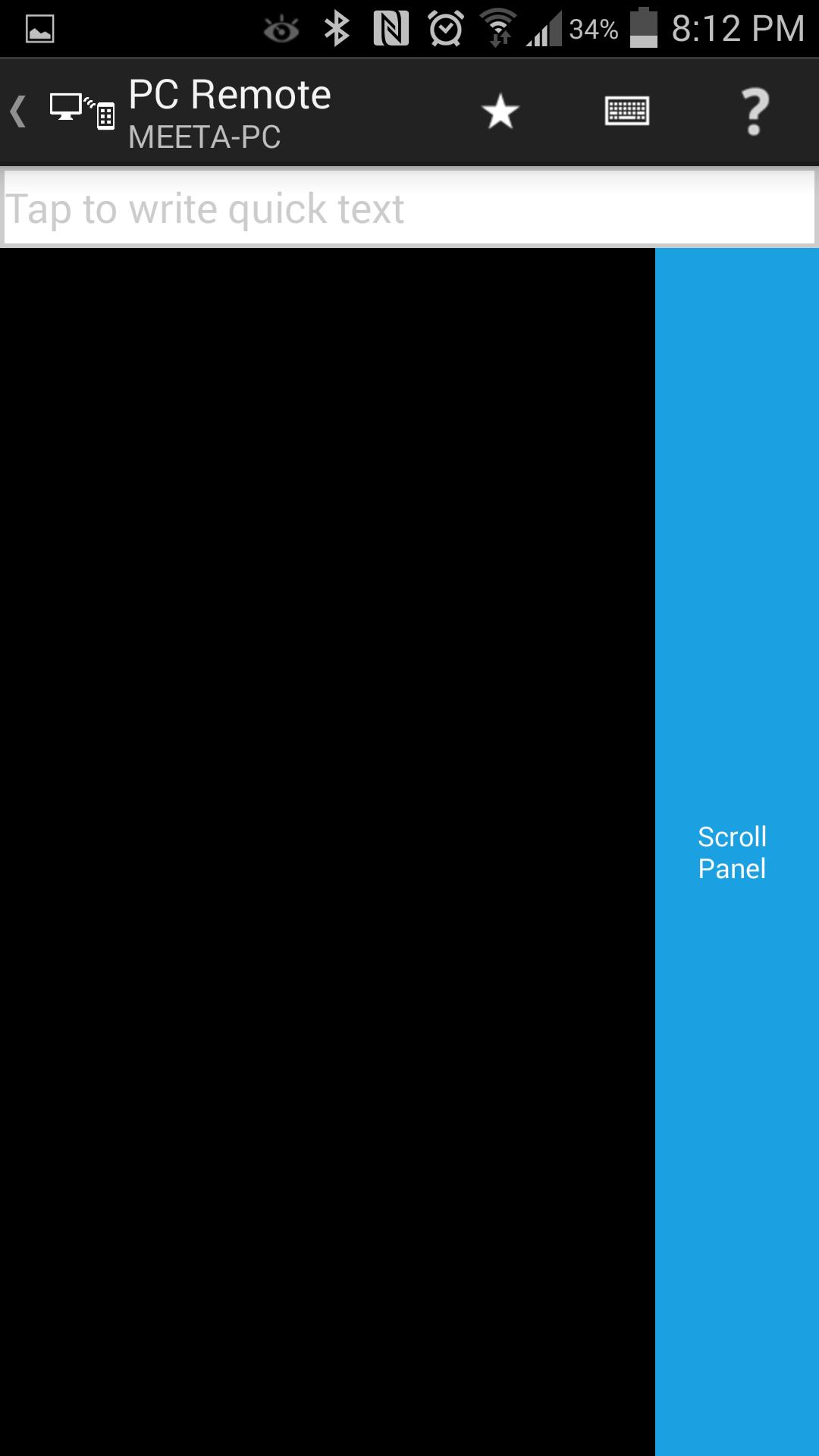
• Mouse: Left, right clicks, scrolling, zooming, drag n drop, multi finger gestures
• Keyboard: full keyboard support including control, shift, alt, tab, function and other special keys
• Volume control
• Remote Desktop
• Windows Media Center
• Zune
• iTunes, Spotify, Media Player Classic, XMBC, VLC, Netflix, Hulu
• PowerPoint remote
• Power controls: shutdown, logoff, sleep, hibernate, turn on/off monitors etc.
• Password protection, Encrypted data transfer, Domain network support
Features Coming Soon:
• Connectivity over Internet
• Files: view/transfer files
• Wake up PC
• YouTube: search YouTube in the app and with one tap play them on PC
• Custom remote
How To Connect:
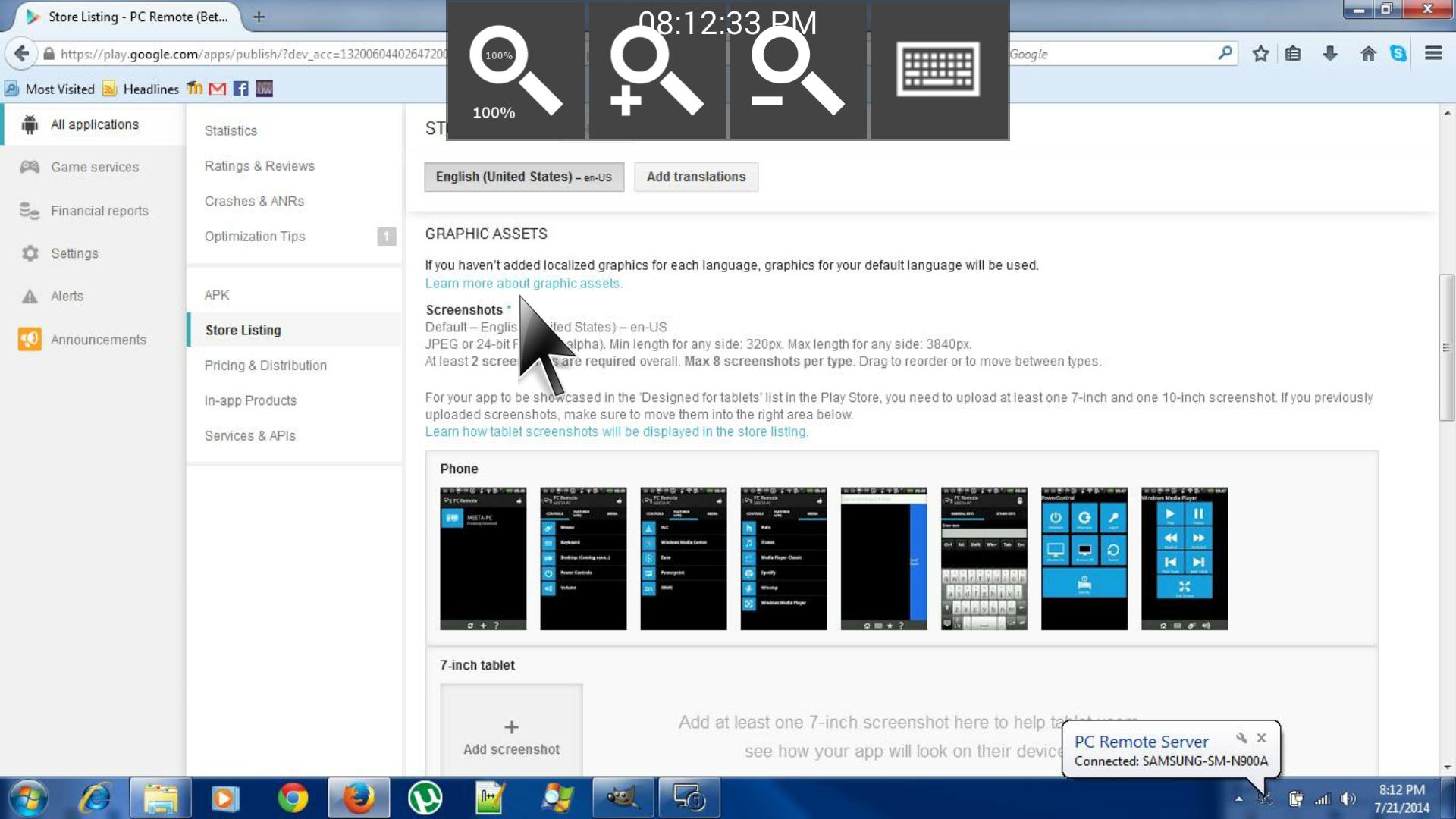
1. Install PC Remote Server from http://www.pcremoteserver.com on the remote PC that you want to control.
2. Open PC Remote app and connect to the remote PC on the same network.
System Requirements:
1. PC Remote Server running on target PC (install from www.PCRemoteServer.com).
2. Target PC must be connected to the same network (WiFi or Ethernet).
3. Target PC must have Windows XP, or Windows Vista, or Windows 7, or Windows 8.
Laatste Versie
1.1Geüpload door
Nacho Pupelis
Android vereist
Android 4.0.3+
Categorie
Gratis Tools APPInhoudsbeoordeling
Unrated · Warning – content has not yet been rated. Unrated apps may potentially contain content appropriate for mature audiences only.
Melden
Rapporteer als ongepastLast updated on Jun 4, 2015
New look and feel. .
Also fixed a bug when key strokes sometimes resulted in 'T'






APKPure - Een multi-platform appstore die zich voornamelijk richt op Android en uitgebreide app-gerelateerde content biedt. Ontdek de app die je wilt, eenvoudiger, sneller en veiliger, met snelle en efficiënte downloads en installaties.