
Learning CNC is quite easy. Only that, mastering takes more time.
To start with, being good at mathematics (especially Coordinate Geometry) is enough for coding. The G codes and M codes can be found in internet easily. You dont need to by-heart them. Just start coding by looking at the codes. The more you practice, the easier it will be.
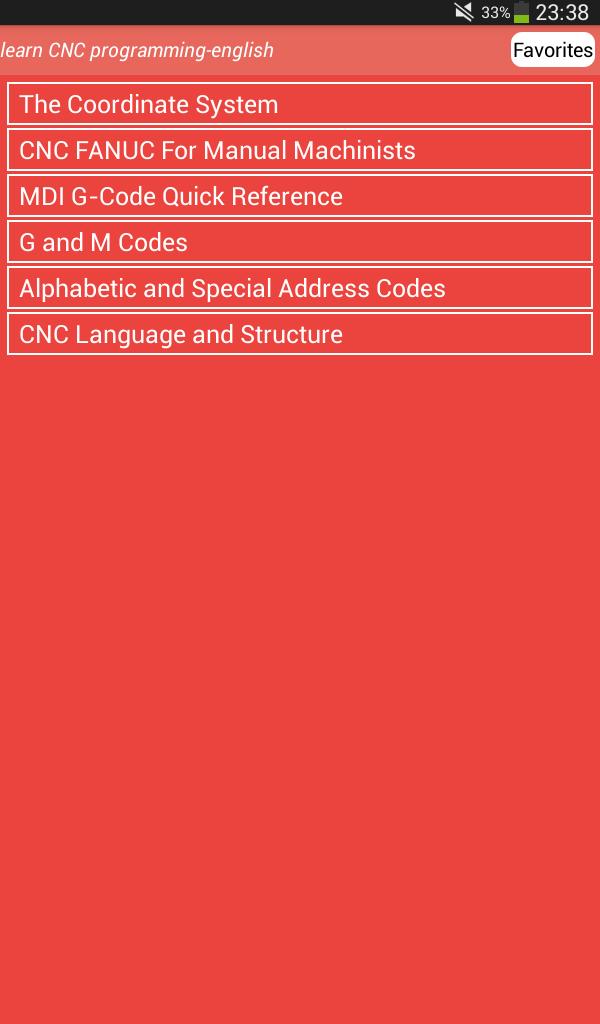
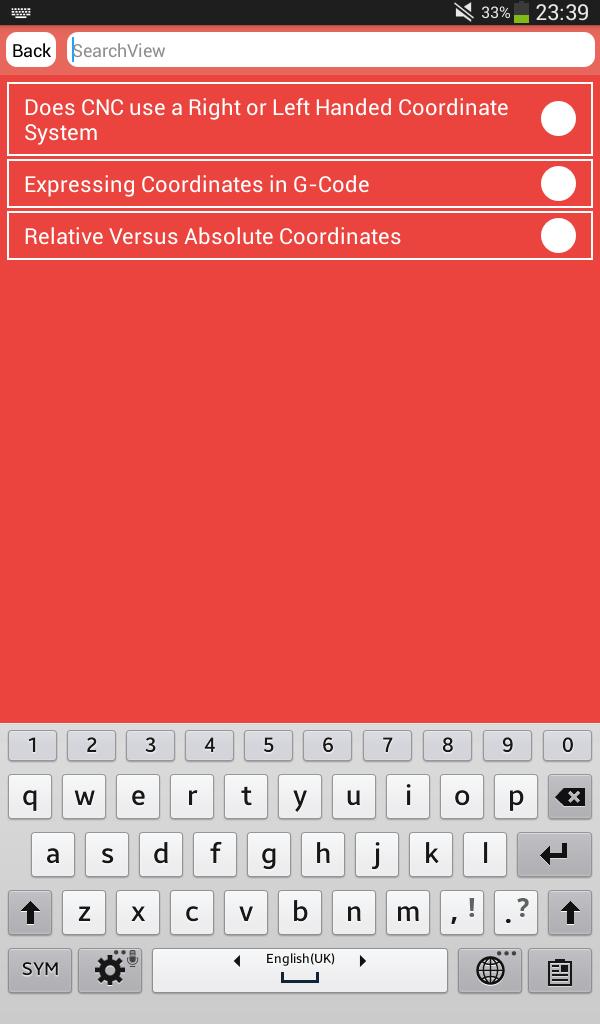
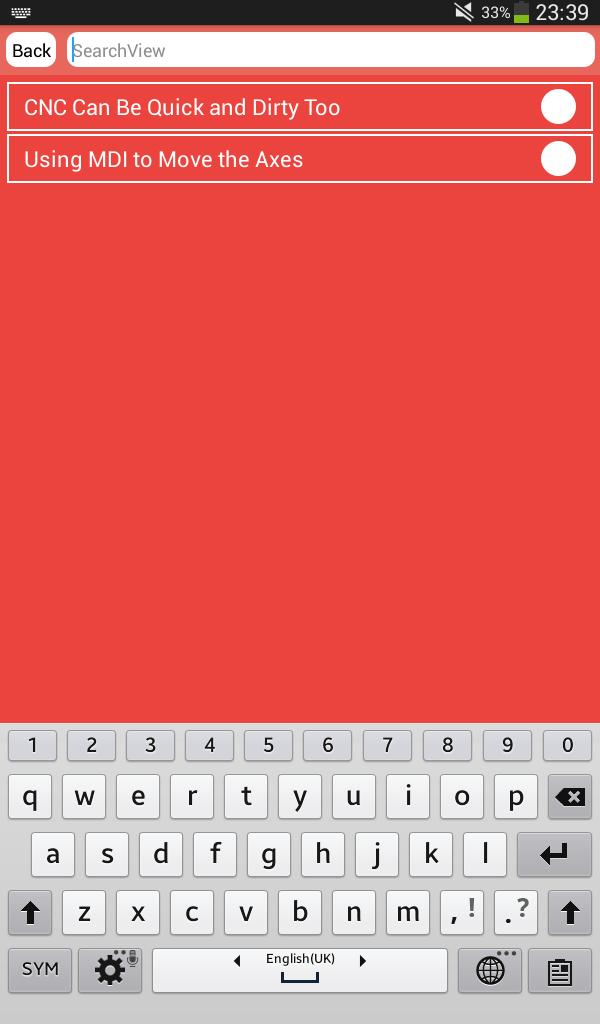
the app contains
1. Definition statements. They contains program number, defining the origin, selecting tool etc.,
2. Machining statements. Based on the coordinates, you move the tool using commands like G 0, G01, G02, G03…
3. Closing statements to tell the machine that the program is ended, bringing the tool and workpiece back to origin, stopping coolant…
The defining and closing statements will be same for most of the programs. So master the machining statements first.
First take simple shapes. For example consider the following: We will try to write the code
Learning CNC programming is one thing, learning MACHINING is another beast.
First you can learn how to make the machine move the way you want by using G codes (move in a straight line, make a circle, slower, faster, etc).
The theory is really simple, but it can get complicated when calculating intersections of curves and lines, or when tons of code are required. For that we use CAD/CAM and/or macros.
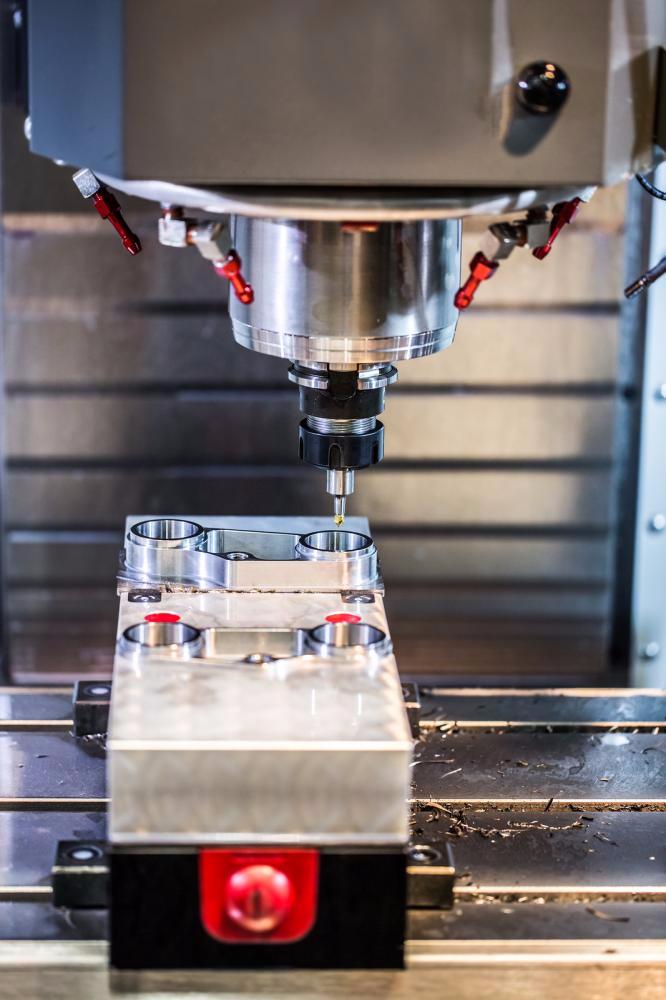
which is also known as G programming language, is the coding standard of CNC machines. CNC machines are used for cutting various materials such as plastic and metal and as these machines are controlled by a computerized system, they need a code to perform any given task.
With the help of G-codes, you can command the machine to cut something according to your requirements. G-codes let you determine the cutting speed and cutting tool’s axis.
G-codes are called so because the commands of this code used for CNC cutting begins with the letter "G". Generally, it tells the machine what action it needs to perform. For example:
•Shift the cutting tool to the place where it’s required for cutting something.
•Move in an arc form or straight line.
•Bore a hole, cut any material as per the required measurement or shape the perimeter of a work piece.
•Offset setting.
•Change the coordinate system
Laatste Versie
18.0Geüpload door
Henderson Ferreira
Android vereist
Android 2.3.2+
Categorie
Gratis Onderwijs APPInhoudsbeoordeling
Everyone
Melden
Rapporteer als ongepastLast updated on Nov 7, 2016
Deze versie bevat kleine bugfixes en algemene verbeteringen. Werk bij naar de nieuwste versie voor de beste ervaring.


APKPure - Een multi-platform appstore die zich voornamelijk richt op Android en uitgebreide app-gerelateerde content biedt. Ontdek de app die je wilt, eenvoudiger, sneller en veiliger, met snelle en efficiënte downloads en installaties.