Introducing Cursor Touchpad, the ultimate solution for seamless remote mouse control on your computer. Experience a new level of convenience and productivity by turning your Android device into a powerful touchpad.
Let's explore the key functionalities:
Remote Mouse Control:
Transform your Android device into a wireless mouse, allowing you to control your computer from the comfort of your couch or anywhere in the room.
👉 Easy Setup:
Quickly connect your Android device to your computer via Wi-Fi or Bluetooth, making setup a breeze.
👉 Gesture Support:
Use intuitive gestures to simulate mouse movements, clicks, and more, providing a smooth and efficient navigation experience.
👉 Keyboard Input:
Type effortlessly on your computer using the virtual keyboard on your Android device, eliminating the need for a physical keyboard.
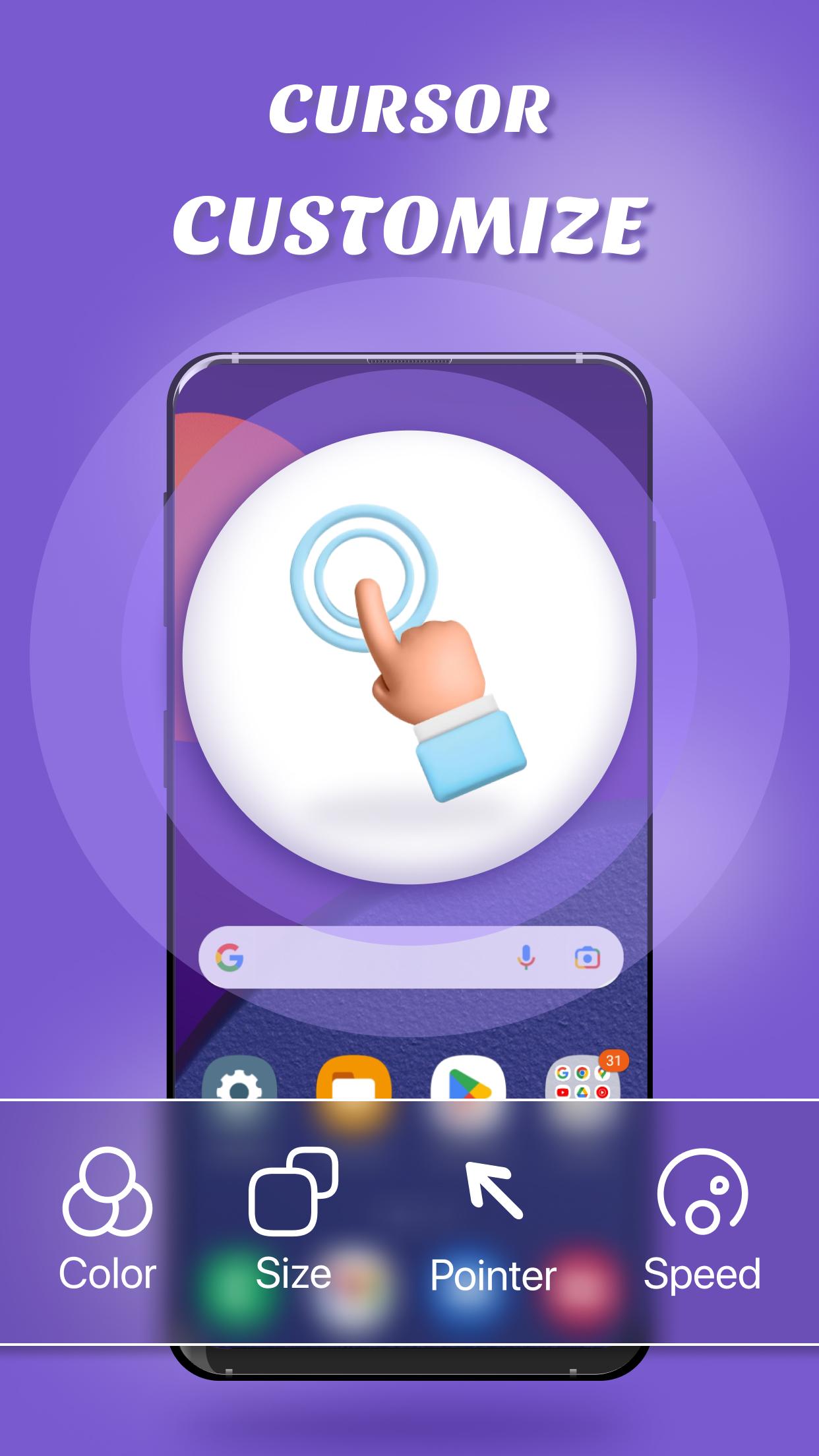
👉 Customization:
Tailor the touchpad's sensitivity, button configurations, and appearance to suit your preferences.
👉 Multi-Platform Support:
Compatible with Windows, Mac, and Linux, ensuring cross-platform accessibility for all users.
👉 Enhanced Productivity:
Increase your productivity by easily switching between applications, controlling multimedia, and performing other tasks with precision.
Whether you're giving presentations, lounging on your couch, or simply seeking a more convenient way to navigate your computer, Cursor Touchpad has you covered.
Download Cursor Touchpad today and revolutionize the way you interact with your computer. Say goodbye to traditional mouse and keyboard setups and embrace the future of remote control.
Download now and take control of your computer with Cursor Touchpad!
NOTE
ACCESSIBILITY SERVICE
This app uses ACCESSIBILITY SERVICE
This application requires activation in the accessibility service to display the control center view on the mobile screen.
Additionally, this app utilizes accessibility service functionalities such as control music, control volume, and dismissing system dialogs, among other features.
This application does not accumulate or disclose any user information about this accessibility right.
No user data is stored by this application about this accessibility right.
Laatste Versie
1.0.2Geüpload door
Sapa Ya
Android vereist
Android 6.0+
Categorie
Gratis Tools APPInhoudsbeoordeling
Everyone
Melden
Rapporteer als ongepastLast updated on Oct 28, 2023
Deze versie bevat kleine bugfixes en algemene verbeteringen. Werk bij naar de nieuwste versie voor de beste ervaring.



APKPure - Een multi-platform appstore die zich voornamelijk richt op Android en uitgebreide app-gerelateerde content biedt. Ontdek de app die je wilt, eenvoudiger, sneller en veiliger, met snelle en efficiënte downloads en installaties.