Niva VPN helps when you connect to public Wi‑Fi, travel across regions, or want to access content more privately on Android. It masks your IP and routes traffic through secure servers so people on the same network cannot easily track your activity. Unlike a basic proxy, it adds encryption for extra privacy across phones, tablets, and TVs. For users comparing options, download Niva VPN to get a straightforward setup without complicated steps. You can switch locations quickly to match browsing or streaming needs.
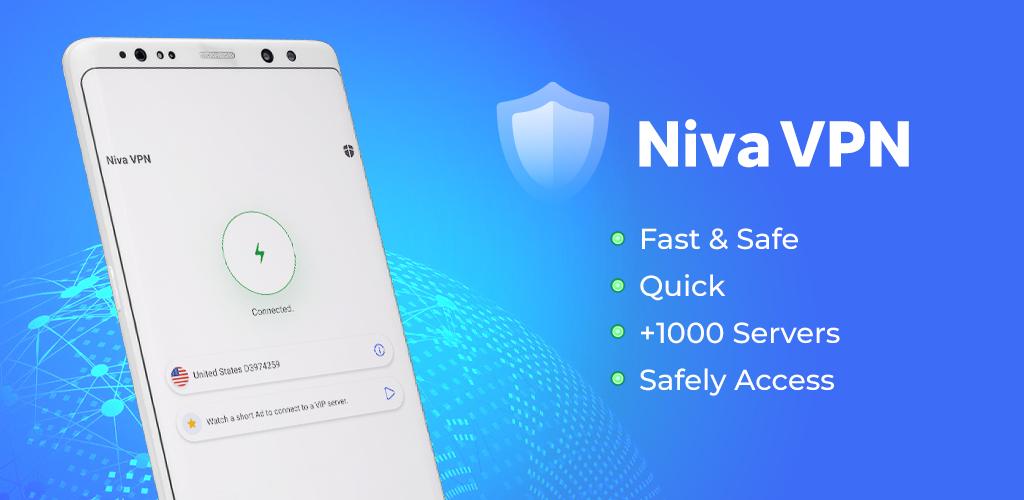
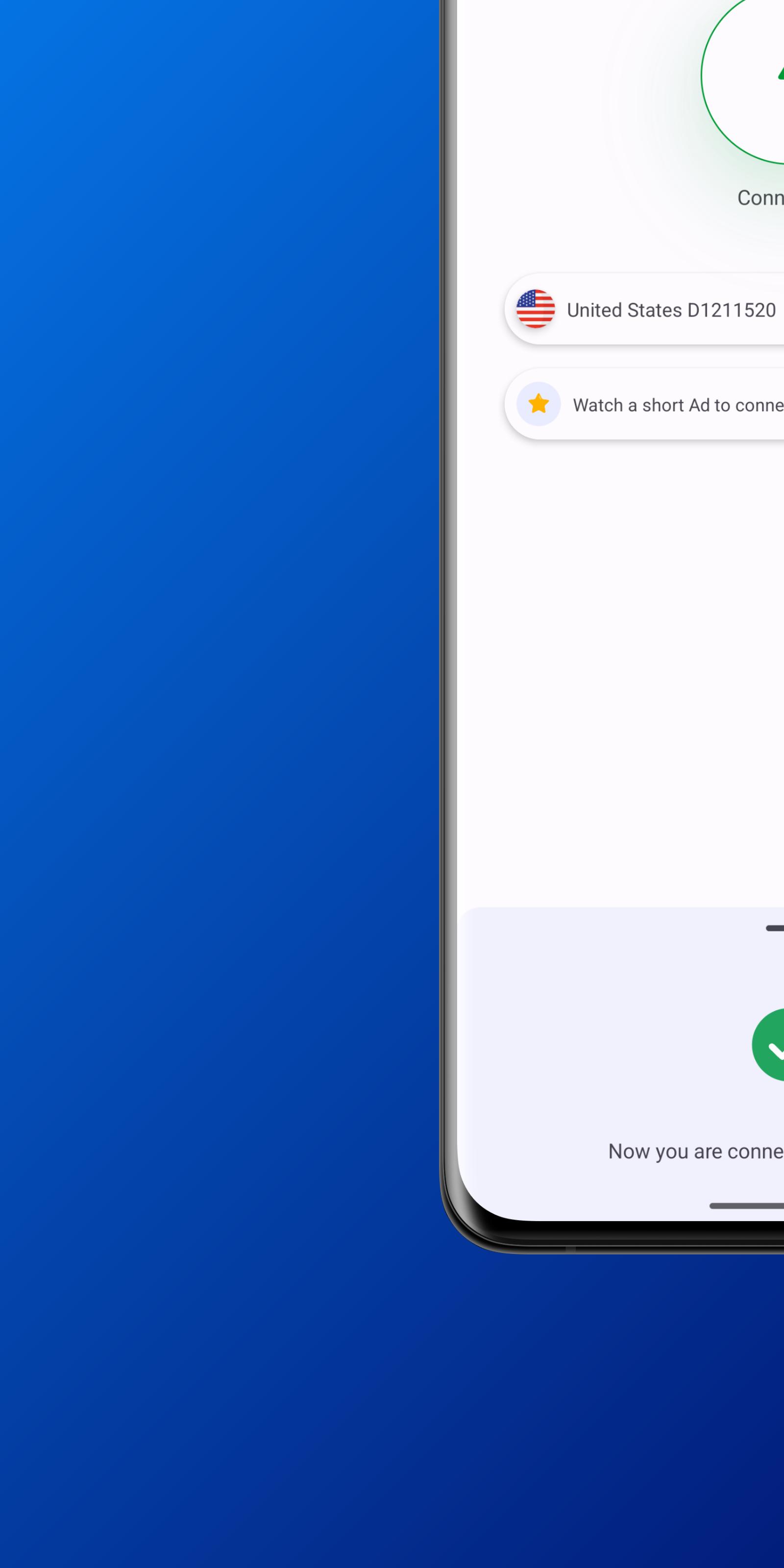
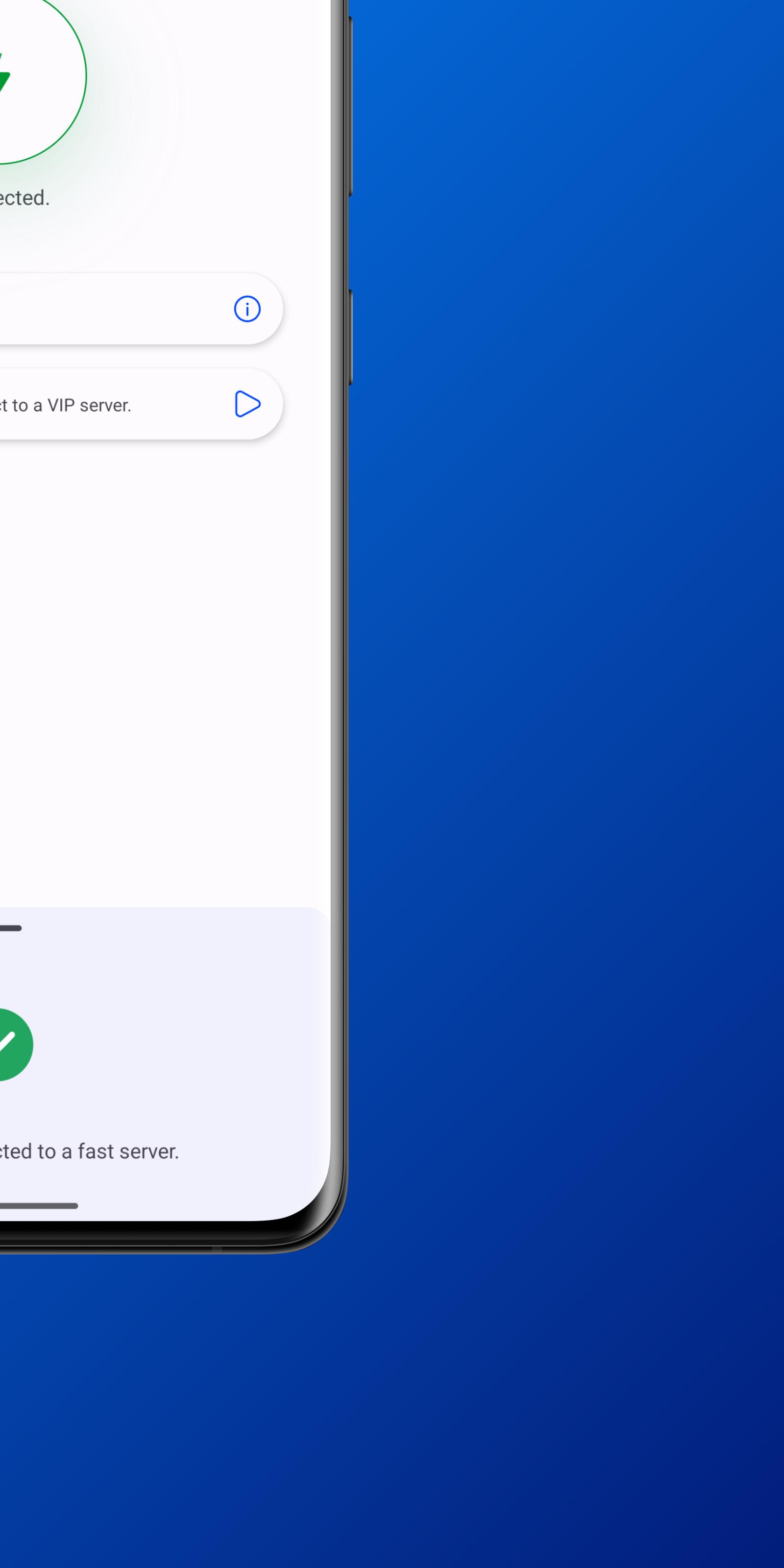
Niva VPN focuses on quick connections. You tap once to start a secure session, which helps when you join public Wi‑Fi or need protection in a hurry. The interface uses simple controls so you can connect and disconnect without digging through complex menus. It works consistently across Android phones, tablets, and TVs, making it easy to bring the same routine to your living room.
400-server network and IP address changerYou choose from a broad server selection to appear in different regions. Niva VPN updates your IP address through its network so sites see a location that suits your task. As needs change, you can switch servers to troubleshoot access or reduce congestion. This flexibility supports everyday browsing and streaming without advanced setup.
Unlimited bandwidth for everyday useNiva VPN removes data caps, which is helpful for streaming, downloads, and long work sessions. You can stay connected without watching a meter or worrying about throttles from the app. If speed varies, change to a nearby server to stabilize performance. Over time this keeps routine use more predictable.
Strong encryption compared to simple proxiesNiva VPN applies strong VPN encryption to help keep data private on public and private networks. Unlike a simple proxy, encryption wraps your traffic so it is harder to inspect along the path. You can browse, sign in, or shop online with added protection from network snooping. This makes a difference in airports, cafes, and shared offices.
No-logs privacy policyUnder a strict no-logs policy, Niva VPN does not collect activity logs or connection logs. This means the service does not record the sites you visit or the times you connect. For users who value privacy, this stance reduces stored records about your sessions. Combined with encryption, it supports a more private experience.
A proxy mainly changes your apparent IP address. It typically does not encrypt traffic, which can leave data readable to intermediaries on the route. Niva VPN combines IP masking with encryption so traffic is harder to inspect as it moves through the network. If you rely on public Wi‑Fi or travel often, this difference is important.
For faster speeds, pick a server near your current location. When a site is region-locked, move to a server in a permitted region and refresh the page. If you encounter buffering or timeouts, switch to a less busy server and try again. Keeping the Niva VPN APK available on your device helps you set up quickly after a reset or device change.
Niva VPN helps in several everyday cases. You might need privacy on a cafe hotspot, or want your streaming profile to match a different region while traveling. You may also prefer not to expose your real IP when testing sites or managing accounts across locations. In these moments, a quick one-tap connection keeps the process simple.
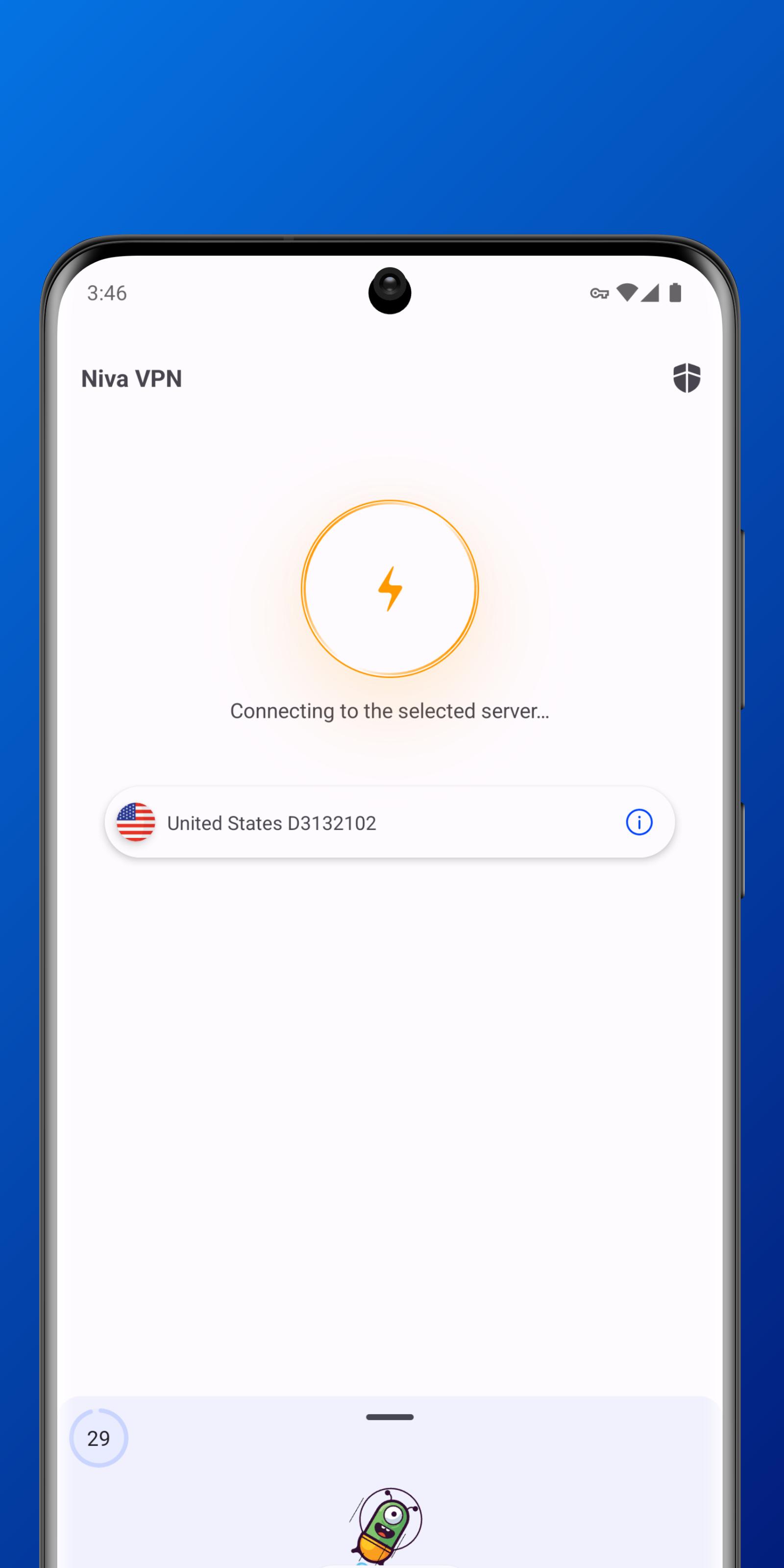
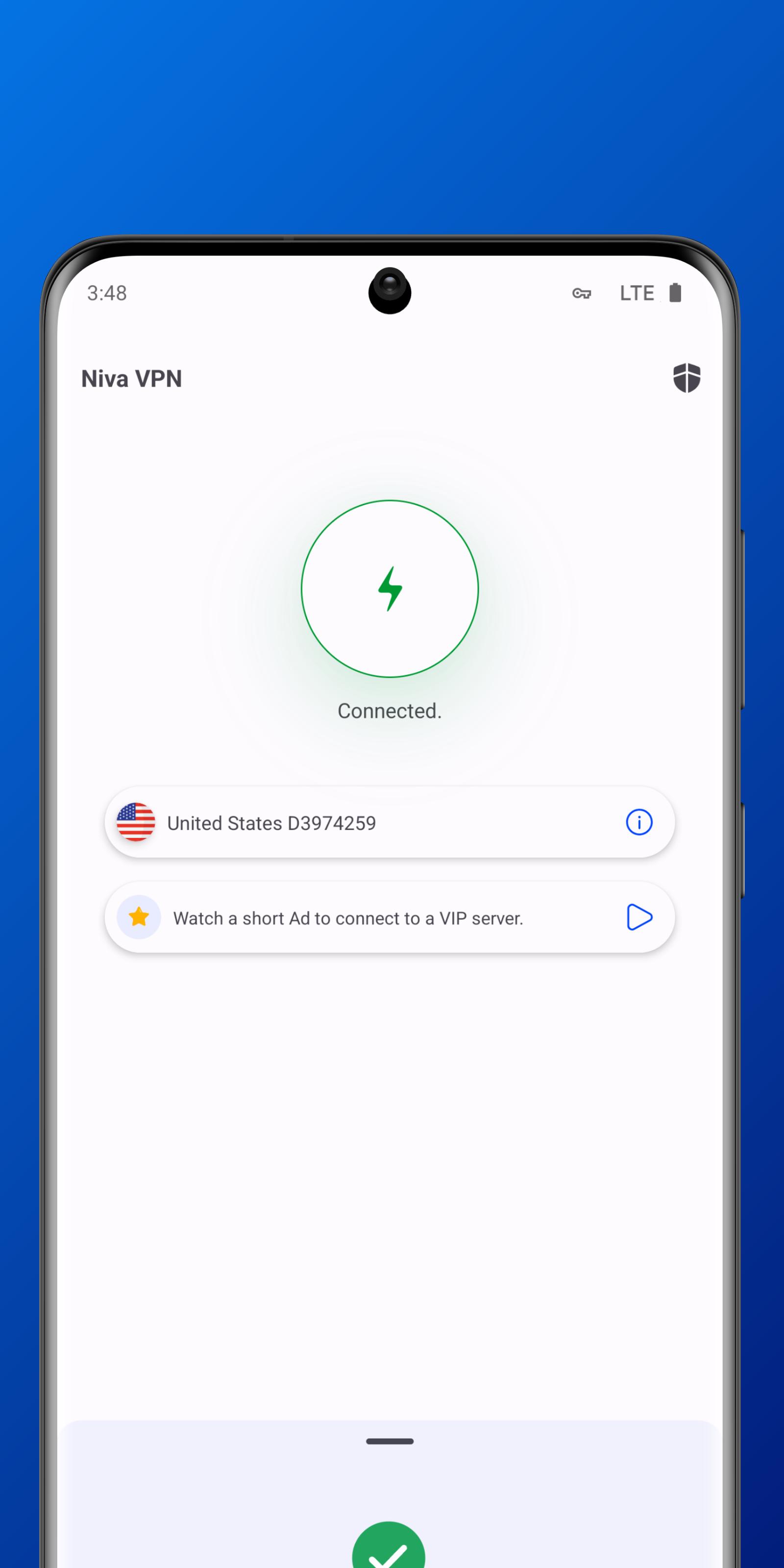
This quick guide shows how to start a secure session on an Android phone. Install the Niva VPN latest version on your device, then open the app to connect. After that, pick a server as needed and check your browsing.
Niva VPN offers quick connections, strong encryption, and a clear no-logs stance for everyday Android use. If these points fit your needs, download Niva VPN and follow the steps above to get started.
Latest Version
6.0Uploaded by
Sarwan Meena
Requires Android
Android 6.0+
Category
Free Tools AppContent Rating
Everyone
Report
Flag as inappropriateLast updated on Jun 1, 2024
This release includes minor bug fixes and general improvements. Update to the latest version for the best experience.



APKPure - A multi-platform app store primarily focused on Android, providing extensive app-related content. Discover the app you want easier, faster, and safer, with quick and efficient downloads and installations.