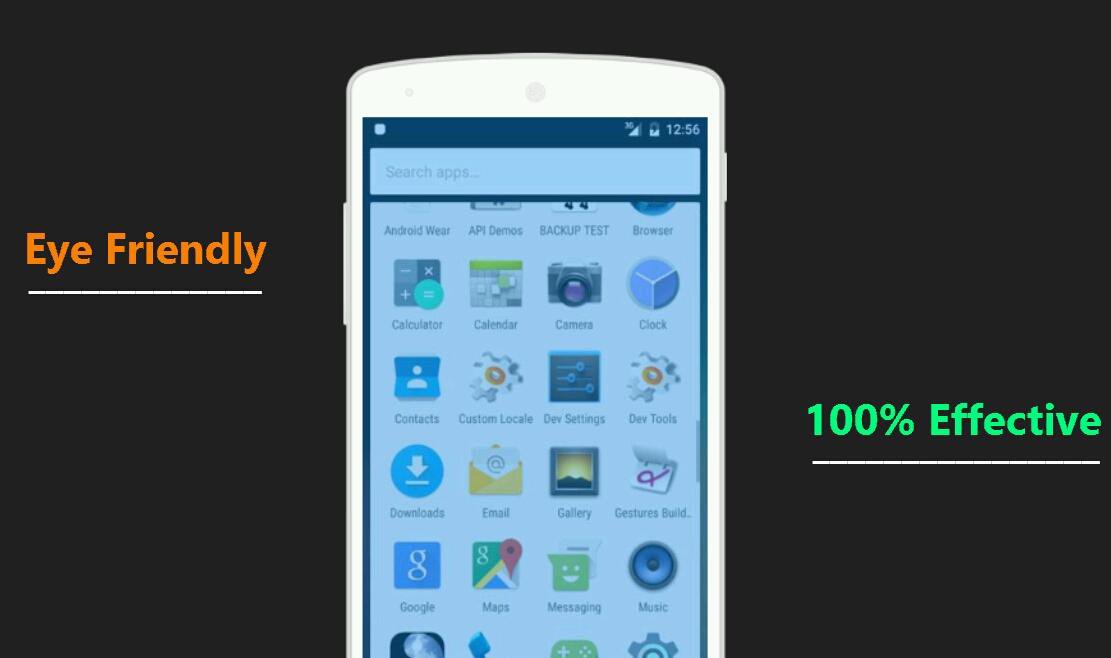
The main goal of this app is to reduce the brightness below the minimum level allowed by default.This application applies an overlay filter that acts as a dimmer to darken the screen and protect your eyes from pain and prevent headaches!
♦Benefits of Using Night Mode:
- Prevent your eyes from hurting when the screen is too bright
- Relax your eyes at night when watching,reading or browsing from your tablet/phones
- Ease your sight & reduce eyestrain
- Protect your eyes effectively from blue light
♦How To Use:
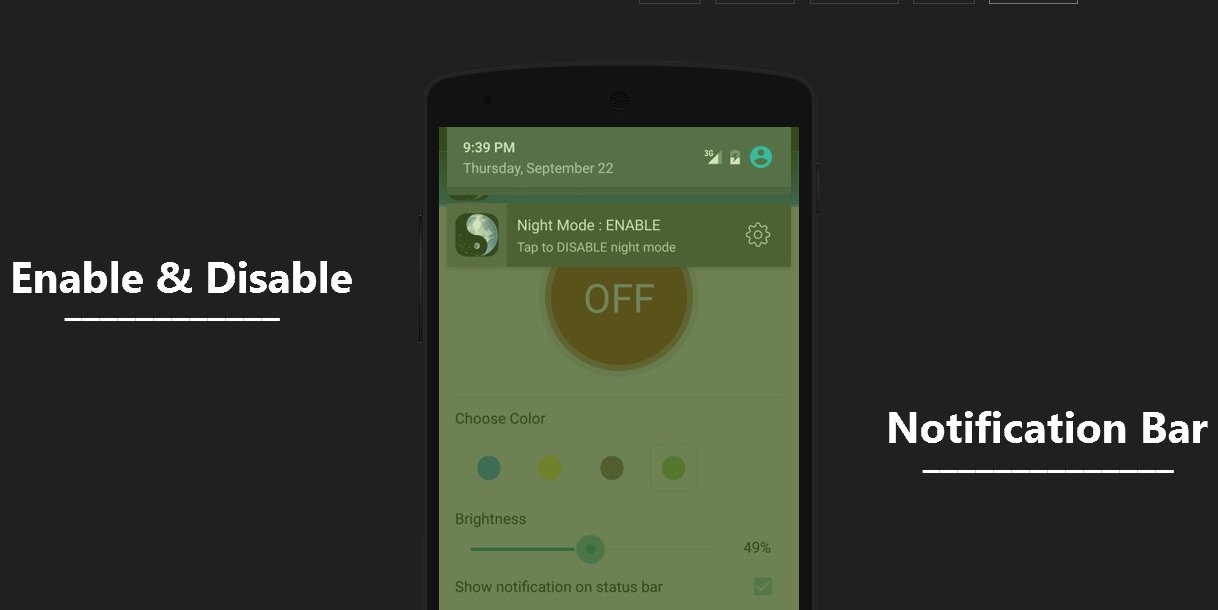
Night mode pro has 4 different types of colors which suggest by doctors.Choose a color & adjusting the brightness based on your eye satisfactions
♦Remember :
- Some buttons (example: Install button) are disable when eyes protector is turned on.so please don't panic
- Disable the night mode when talking the screenshots,cause screenshots will show the filters effect
Latest Version
1.2Uploaded by
Dzejlan Halilovic
Requires Android
Android 4.0+
Category
Free Health & Fitness AppContent Rating
Everyone
Report
Flag as inappropriateLast updated on Sep 24, 2016
Minor bug fixes and improvements. Install or update to the newest version to check it out!



APKPure - A multi-platform app store primarily focused on Android, providing extensive app-related content. Discover the app you want easier, faster, and safer, with quick and efficient downloads and installations.