Scan Date:May 1, 2026
Show More


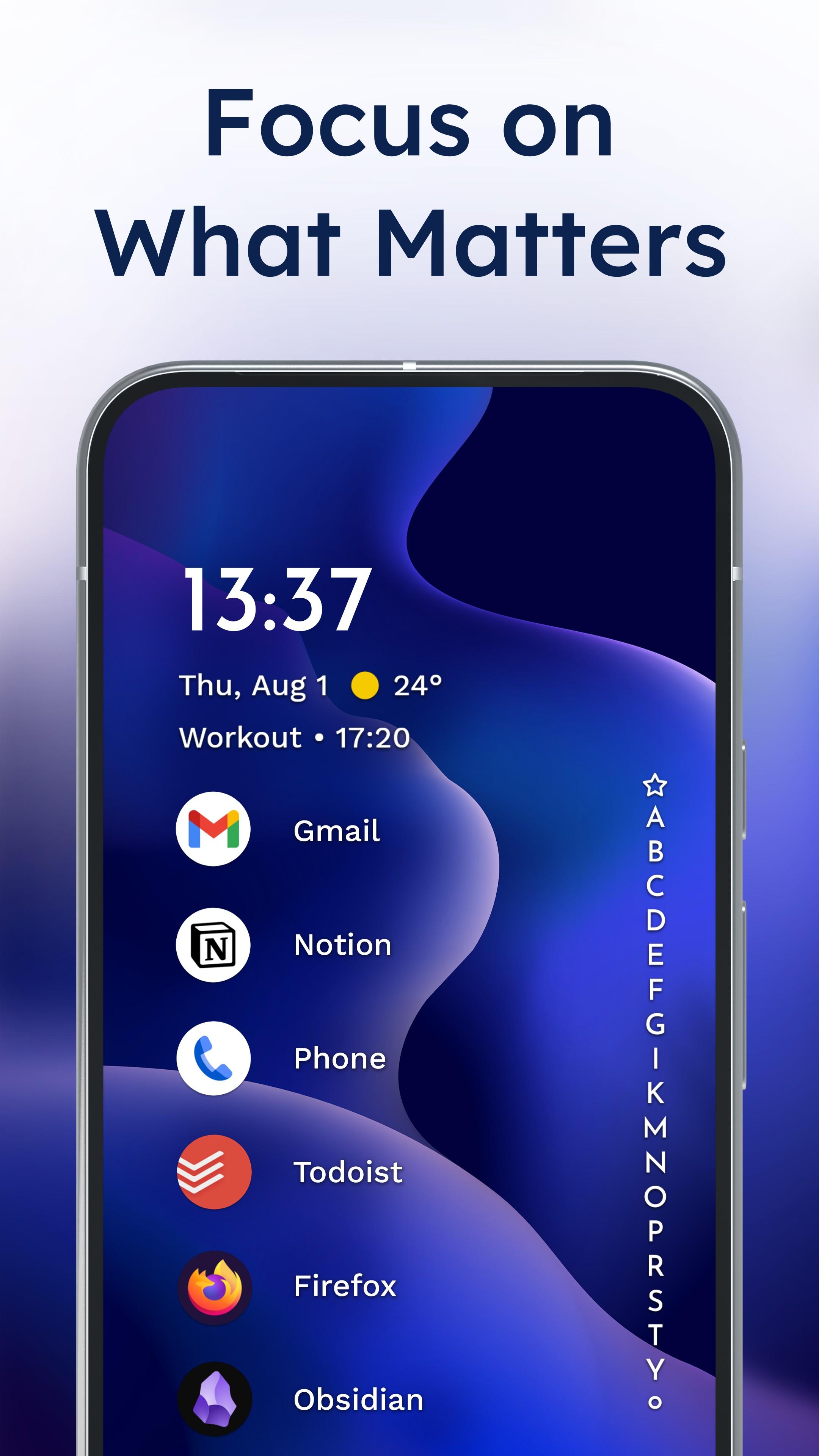
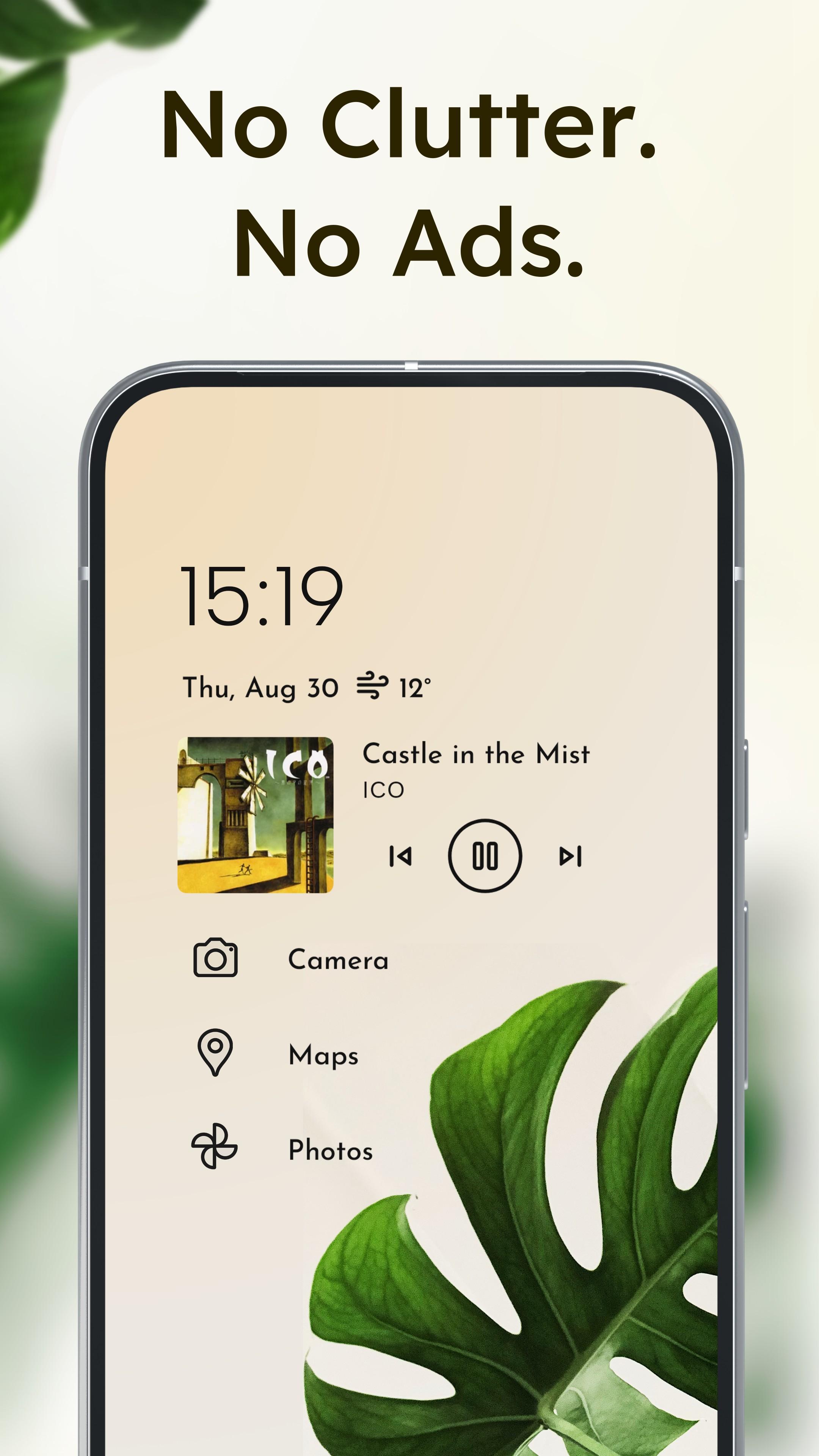
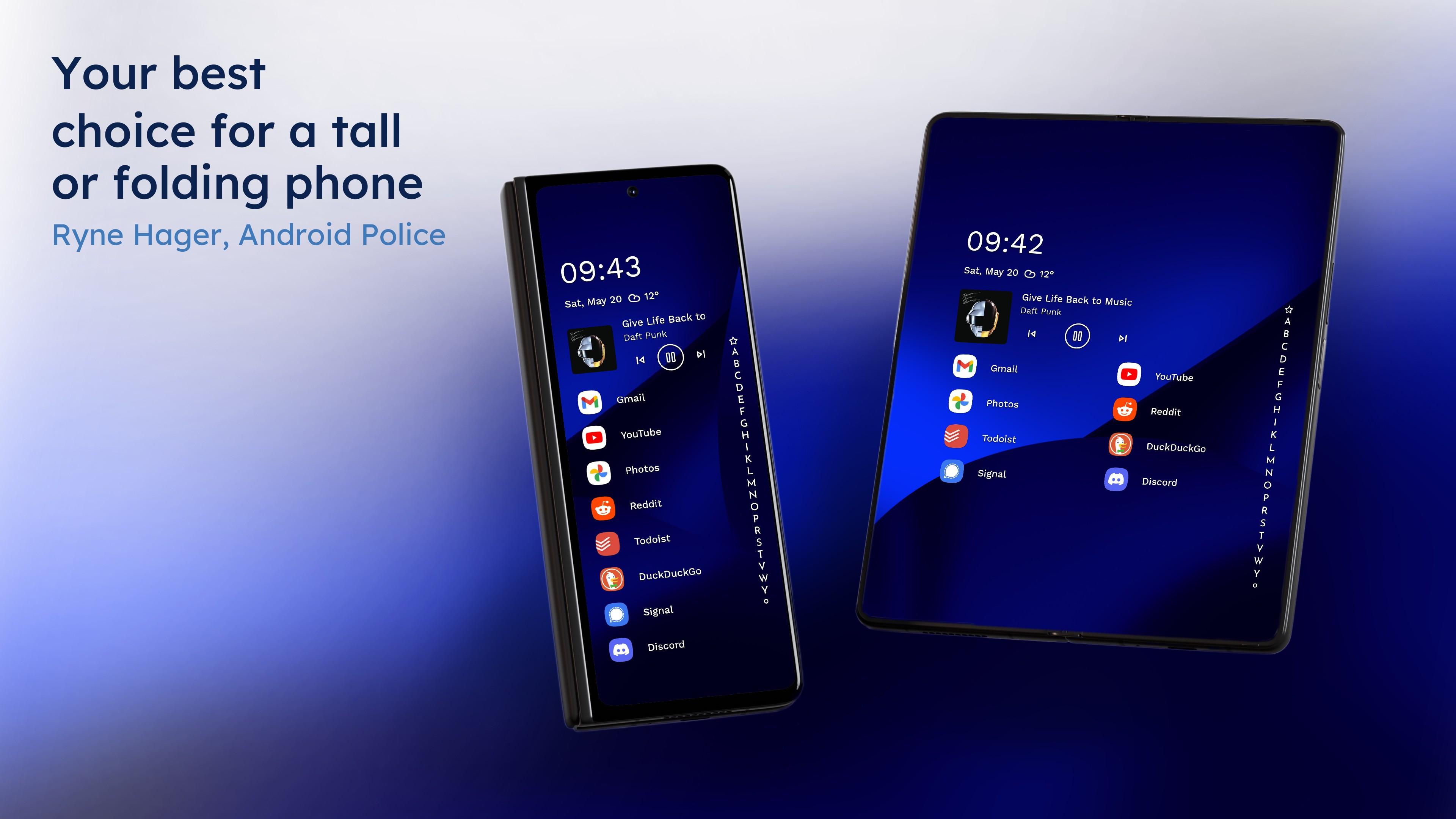
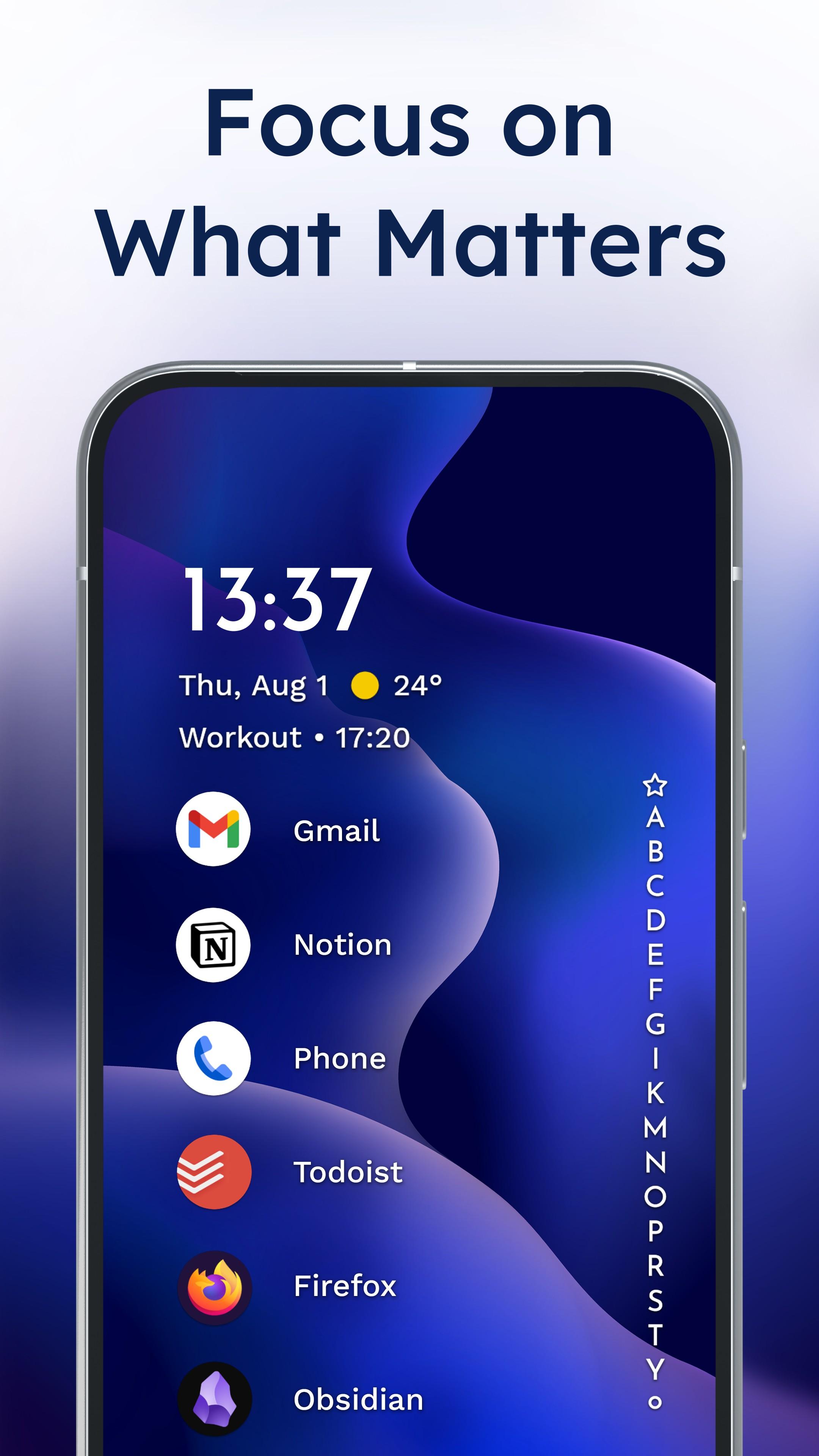
Niagara Launcher helps when your phone is tall and hard to use with one hand. It keeps your home screen clean, so you focus on what matters during the day. Navigation feels direct because common actions stay within easy reach. To try it on your device, install the Niagara Launcher APK and set it up in a few minutes. Setup is quick, and the interface stays simple to learn.
Ergonomic home screen
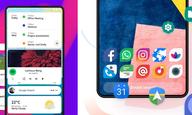
Niagara Launcher places core actions where your thumb can reach. Large phones feel manageable because the interface centers what you use most. You can open apps and interact without stretching across the display.
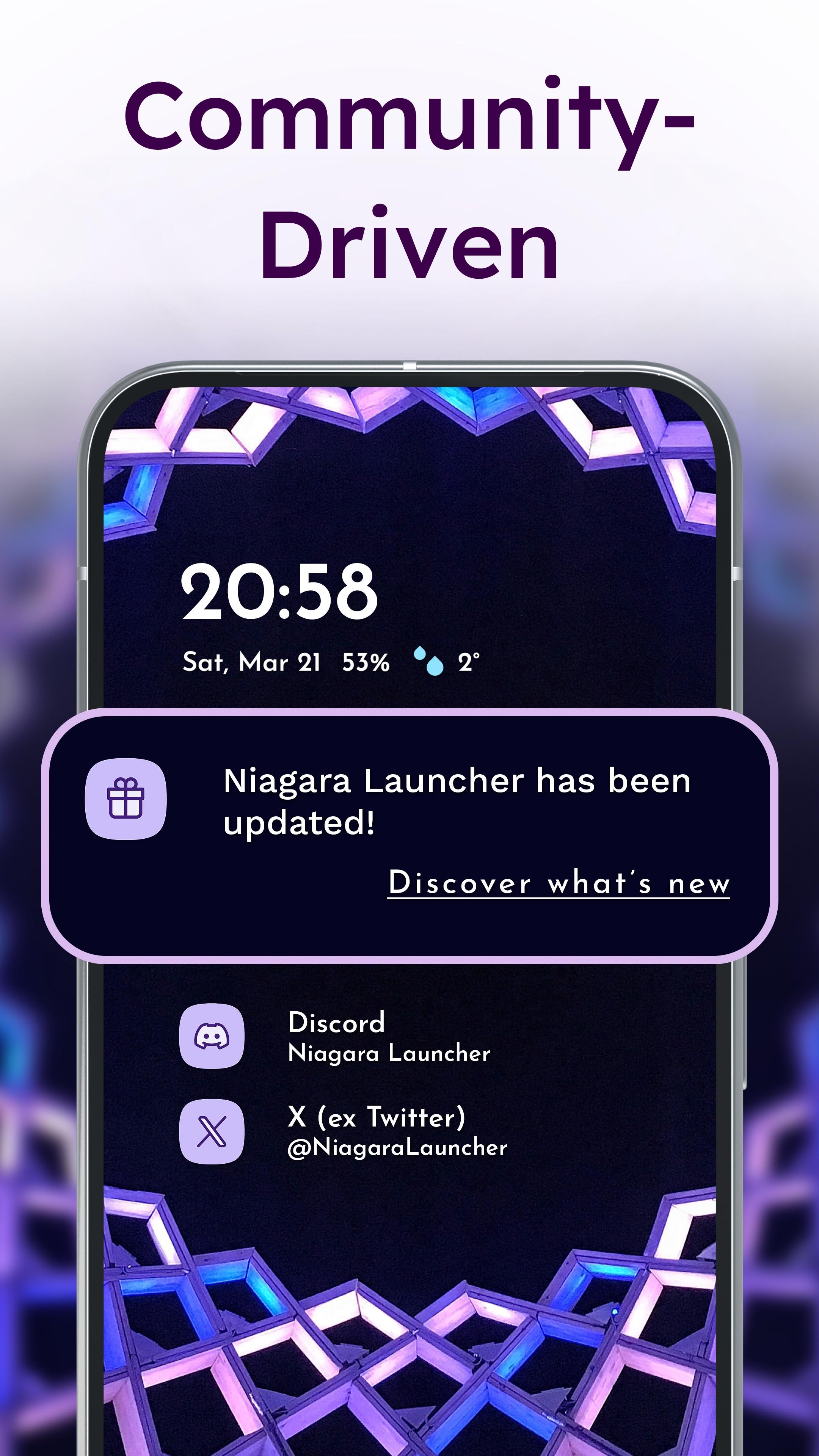
Adaptive list and notifications
Wave alphabet navigation
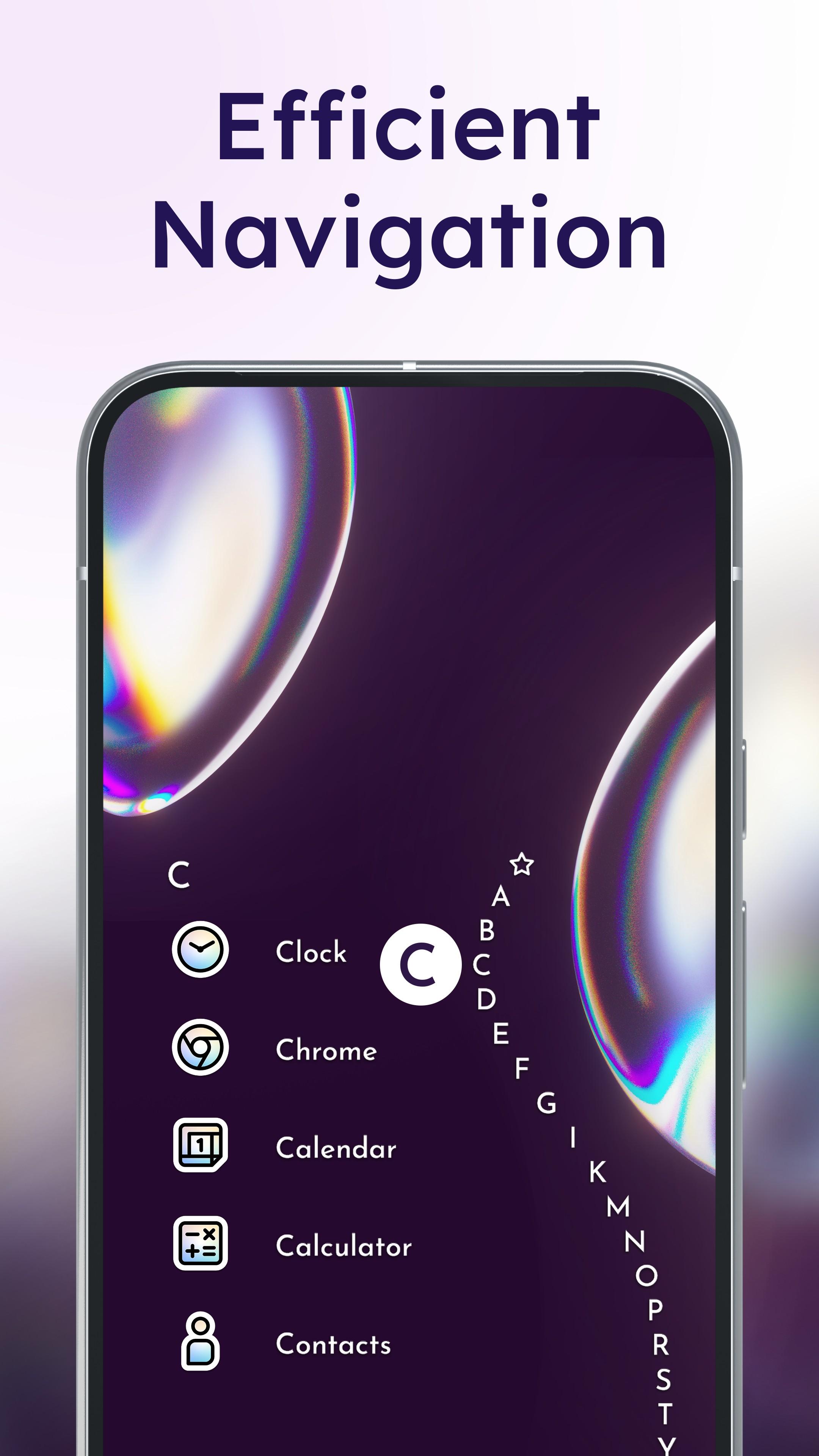
Use the wave animation to slide through the alphabet and reach any app quickly. You can jump to a specific letter with one hand without opening a separate app list. This makes browsing long app collections faster and more precise.
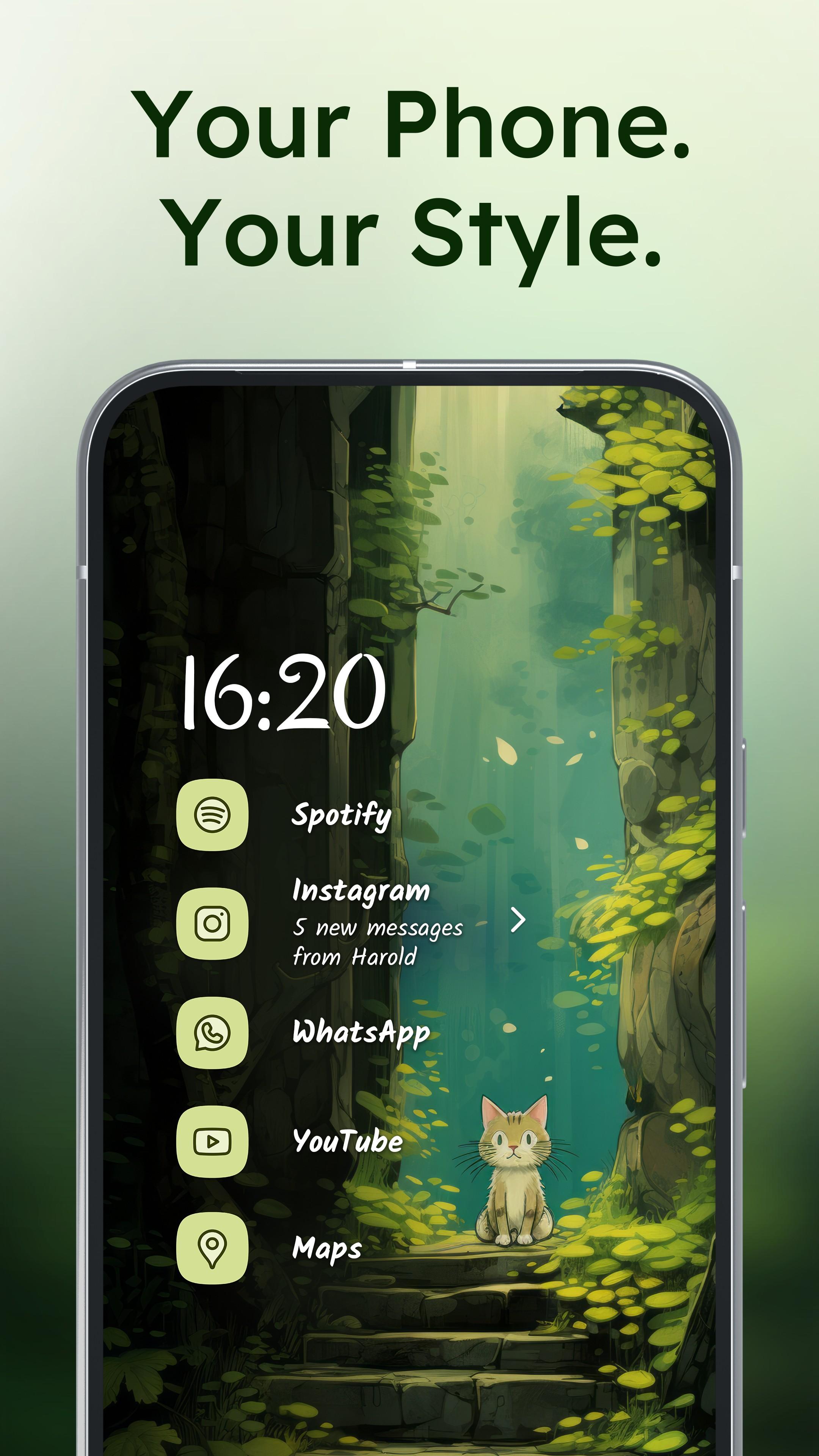
Personalization and Material You
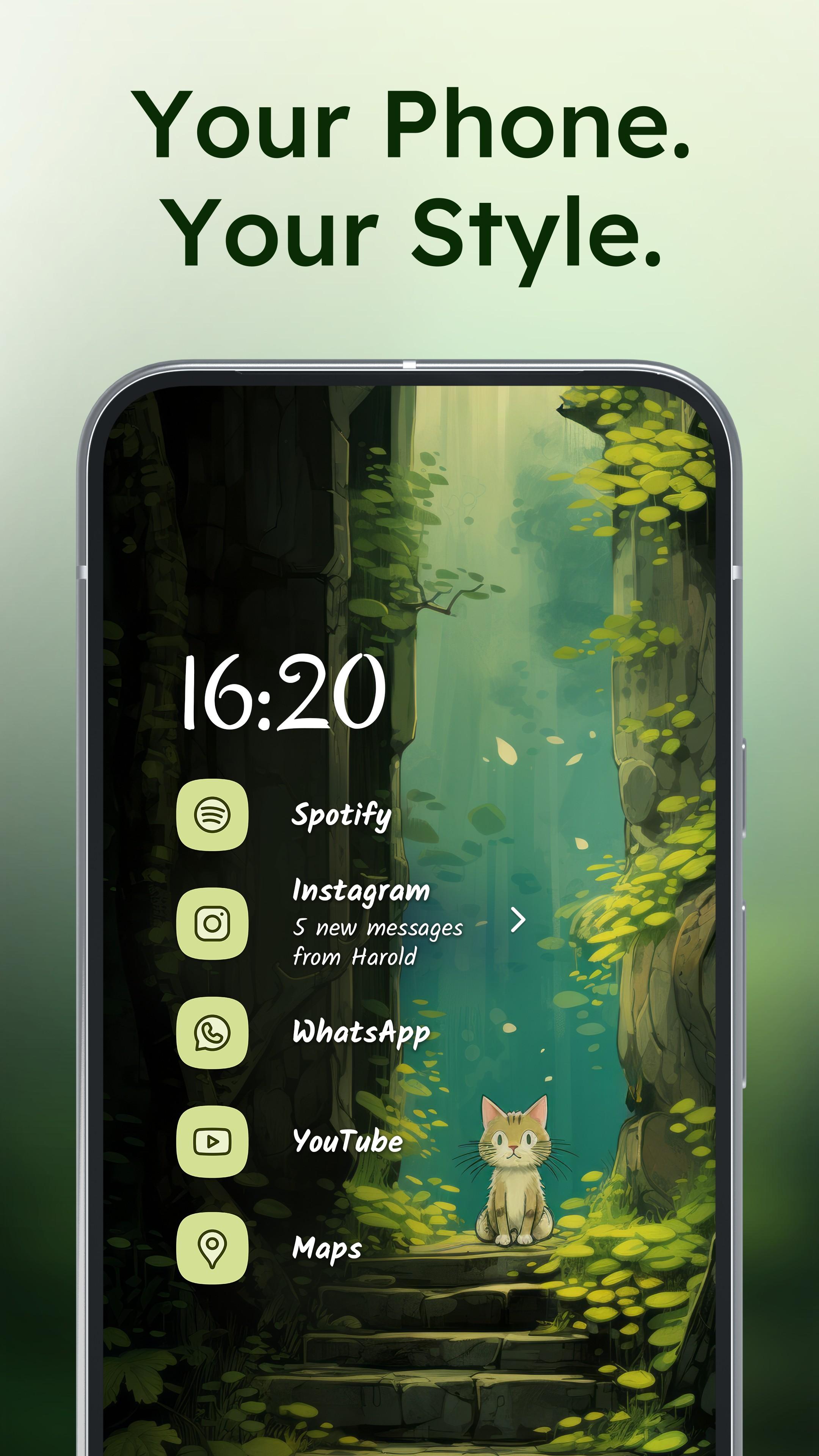
Niagara Launcher focuses on one hand use and a clean home screen. To begin, download Niagara Launcher and set it as your default launcher. Adjust the layout, notifications, and theme to fit your routine. Follow the in app hints to complete the first setup steps.
Latest Version
1.16.4Uploaded by
Mellowdrop Studio
Requires Android
Android 5.0+
Category
Free Personalization AppContent Rating
Everyone
Security Report
Report
Flag as inappropriateLast updated on May 1, 2026
Minor bug fixes and improvements. Install or update to the newest version to check it out!

APKPure - A multi-platform app store primarily focused on Android, providing extensive app-related content. Discover the app you want easier, faster, and safer, with quick and efficient downloads and installations.