
NextRadio helps users who want quick access to live, local FM content on a phone. It supports everyday listening for music, news, and sports, and helps you stay informed during urgent situations. Additionally, it can work on compatible devices or stream audio when needed, so you have options at home or on the move. To start, get the NextRadio APK and confirm your phone setup before tuning into nearby stations. Availability of local stations depends on your location and device capabilities.
Local FM with activated chip
In the NextRadio latest version, the app plays terrestrial FM radio on compatible phones when the built in FM receiver is activated. This mode uses less mobile data than online audio and can help extend battery life during long sessions.
Streaming option
If your phone does not support an activated FM receiver, you can listen by streaming live stations using your data connection. This provides access to local programming when over the air reception is not available on your device.
Emergency listening support
When the FM chip is active, NextRadio can keep working even if cell towers are down. This helps you receive local broadcasts for news and alerts during power or network disruptions in your area.
Headphones act as antenna
For local FM reception, you need to connect wired headphones or a stereo cable. The cord works as an antenna to capture nearby FM signals and improve reception while you tune to stations.
NextRadio focuses on reliable access to live and local FM radio on your phone. To begin, download NextRadio and connect wired headphones if you plan to use over the air FM on a compatible device.
Latest Version
6.0.2492-releaseUploaded by
Minhphung Minhphung
Requires Android
Android 4.4+
Category
Free Music & Audio AppContent Rating
Teen
Report
Flag as inappropriateLast updated on Jan 3, 2019
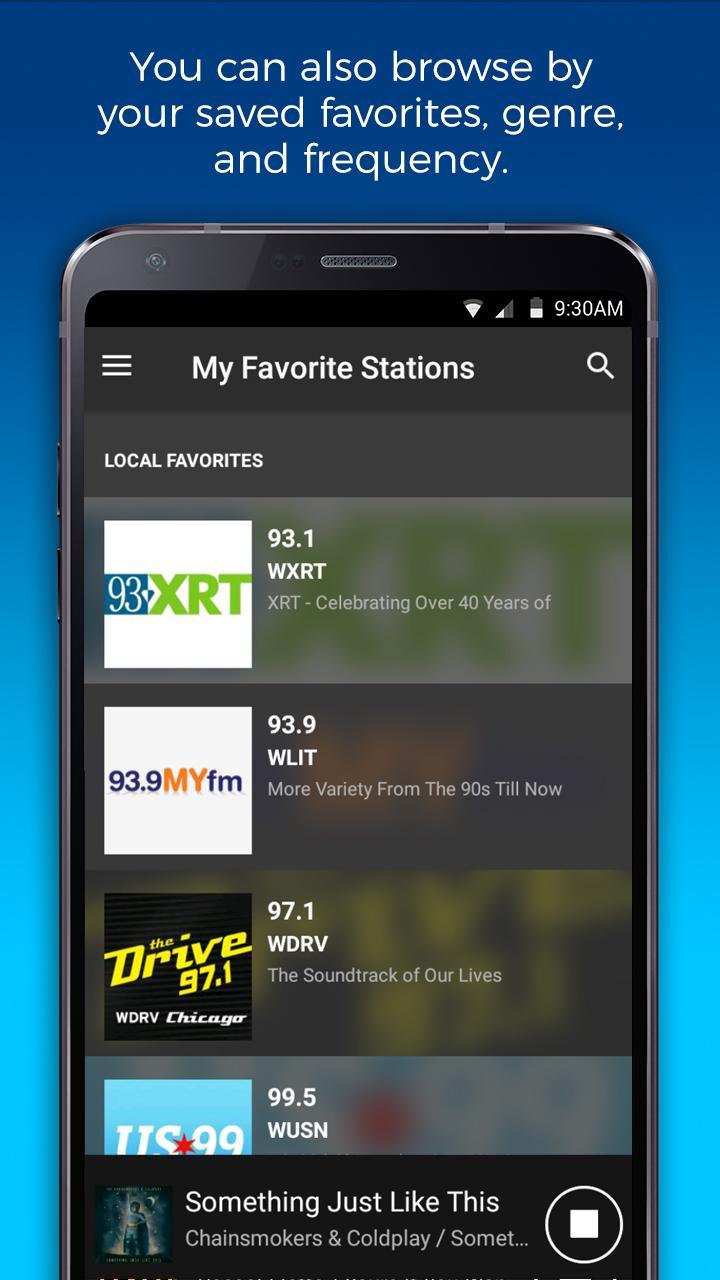
NextRadio is going back to basics. Streaming is no longer supported, but you can still tune to your favorite local stations on FM-enabled devices.



APKPure - A multi-platform app store primarily focused on Android, providing extensive app-related content. Discover the app you want easier, faster, and safer, with quick and efficient downloads and installations.