Scan Date:May 7, 2026
Show More


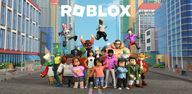
Roblox brings together a global community of players and creators in one platform. You can log in to discover trending worlds like Adopt Me!, Brookhaven RP, Dress to Impress, SpongeBob Tower Defense, and How to Train Your Dragon. New experiences appear every day as creators publish fresh content. The app focuses on discovery, social play, and personalization so you can quickly find something fun, join friends, and express your style. It also supports accounts that carry across devices, therefore your identity and progress remain consistent wherever you play.
Explore millions of experiences
Roblox organizes adventures, roleplay, simulators, obbies, and multiplayer battles into easy-to-browse categories. You can search by name, filter by genre, and jump into a world in seconds. This helps you find specific games like Adopt Me! or try something new without a long setup.
Play across devices
Roblox works on mobile, tablet, PC, console, and VR. You can start it on PC at home and continue on your phone while out. Moreover, progress and friends stay tied to your account, so switching devices does not interrupt your session.
Customize your avatar
You can personalize your look with Marketplace items, accessories, animations, and emotes. It is simple to swap outfits for different games and save presets. In addition, avatar changes update across devices, so your style follows you everywhere.
Play with friends
Roblox lets you form Parties, join friends directly, and chat in text or voice for users 13 and older. You can invite friends from your list or share links so everyone joins the same server. Also, in-game menus make it easy to keep your group together between games.
Create with Roblox Studio
Roblox Studio on Windows and Mac lets you build, script, and publish your own experiences. You can share your game to reach millions of players and update it at any time. Furthermore, Studio integrates assets and tools so creators can test and iterate quickly.
Safety and parental controls
Roblox includes advanced moderation, account restrictions, and clear community guidelines. Parents can set controls for chat, spending, and access to content. Therefore, families can customize the experience to fit their needs while keeping communication clear and age-appropriate.
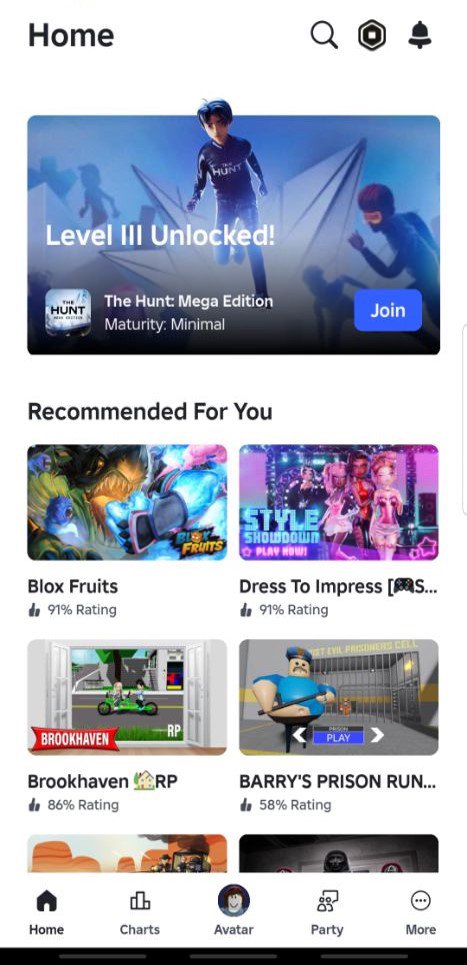
Players often search by name, so here are examples you can find when you download Roblox. Adopt Me! focuses on pet collection and trading. Brookhaven RP centers on social roleplay in a city. Dress to Impress highlights fashion challenges and voting. You can also discover SpongeBob Tower Defense, How to Train Your Dragon, and many more, which appear in trending and recommended shelves.
These experiences support quick joining, party play, and frequent updates from their creators. Therefore, it is easy to return to favorites, explore seasonal events, and try new modes as they go live.
One account works on mobile, tablet, PC, console, and VR. Your friends list and avatar carry over, so you can switch from Roblox for PC to your phone without losing progress. Voice and text chat settings also follow your account, which keeps communication consistent when you change devices.
If you prefer touch controls, the mobile layout places movement and camera inputs on screen and provides clear menus for inventory and emotes. Controller and keyboard controls activate automatically on supported devices, so you can play the way you prefer.
You can begin on mobile in a few minutes. The steps below outline account setup, discovery, and safe play so you can join your first world quickly.
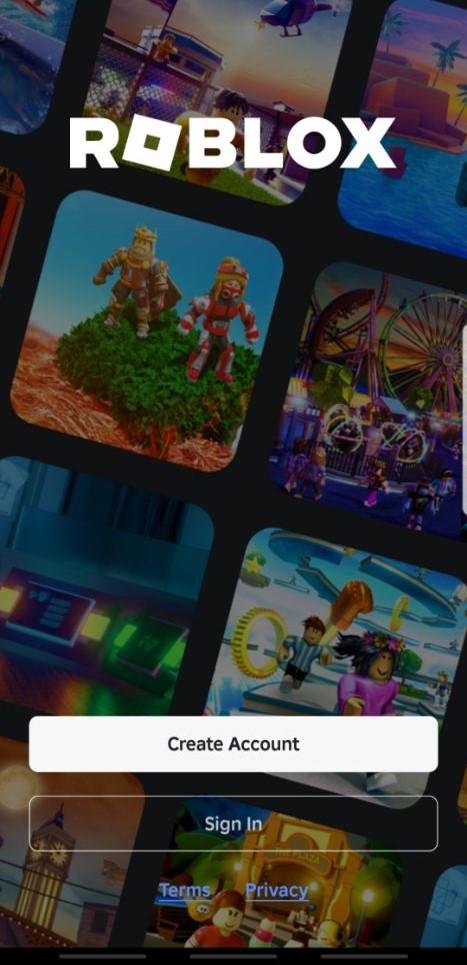
Install the app and open Roblox. Sign in to an existing account or create a new one, then verify your email or phone for recovery.
Set your display name and pick a basic avatar. After that, open the Home tab to see recommended and popular experiences.
Use search to find a specific game like Brookhaven RP, or tap a category such as Adventure or Roleplay. Then, press the Play button to enter.
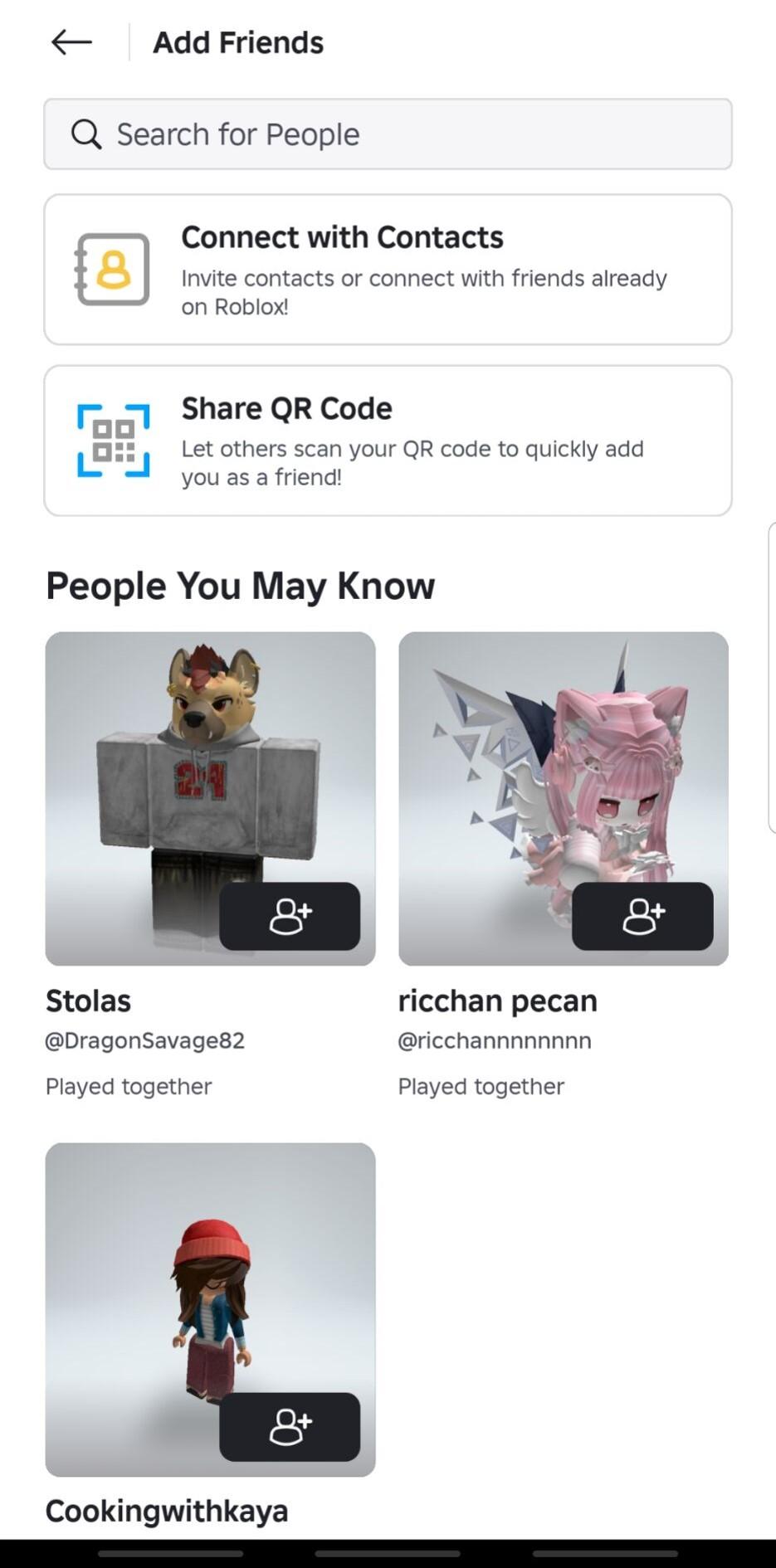
Invite friends from your list or create a Party to join the same server. So everyone can move between experiences together from the menu.
Open Settings to adjust graphics, controls, chat, and privacy. Manage spending limits and enable account restrictions if needed.
Roblox helps you discover new games, play with friends, and customize your identity across devices. Download Roblox APK latest version on APKPure to start exploring and keep it updated with the newest improvements.
Official resources from Roblox:
Website: https://www.roblox.com/
Download page: https://www.roblox.com/download
Latest Version
2.720.1167Uploaded by
Lovequyen Cintaly
Requires Android
Android 8.0+
Category
Free Adventure GameContent Rating
Teen · Diverse Content: Discretion Advised
Security Report
Report
Flag as inappropriateLast updated on May 7, 2026
To make Roblox work better for you, we deliver updates regularly. These updates include bug fixes and improvements for speed and reliability.



APKPure - A multi-platform app store primarily focused on Android, providing extensive app-related content. Discover the app you want easier, faster, and safer, with quick and efficient downloads and installations.