
Neon Watch Face: Ignite Your Style, Illuminate Your Day 🌟🔥
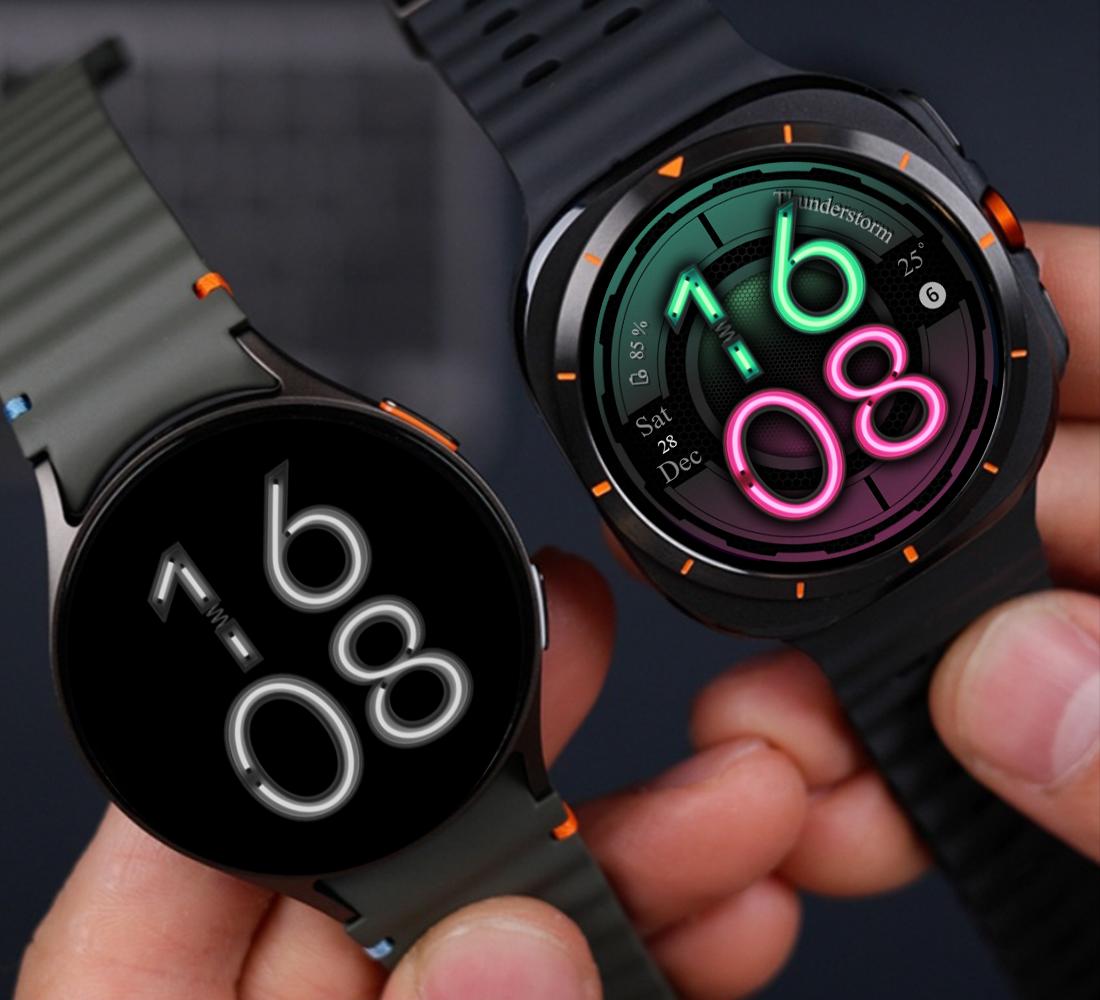
Step into the future with Neon Watch Face, a mesmerizing blend of cutting-edge design and everyday practicality. Bathed in vibrant neon colors and packed with smart features, this watch face transforms your smartwatch into a glowing masterpiece that’s as bold as you are.
Features That Shine Bright:
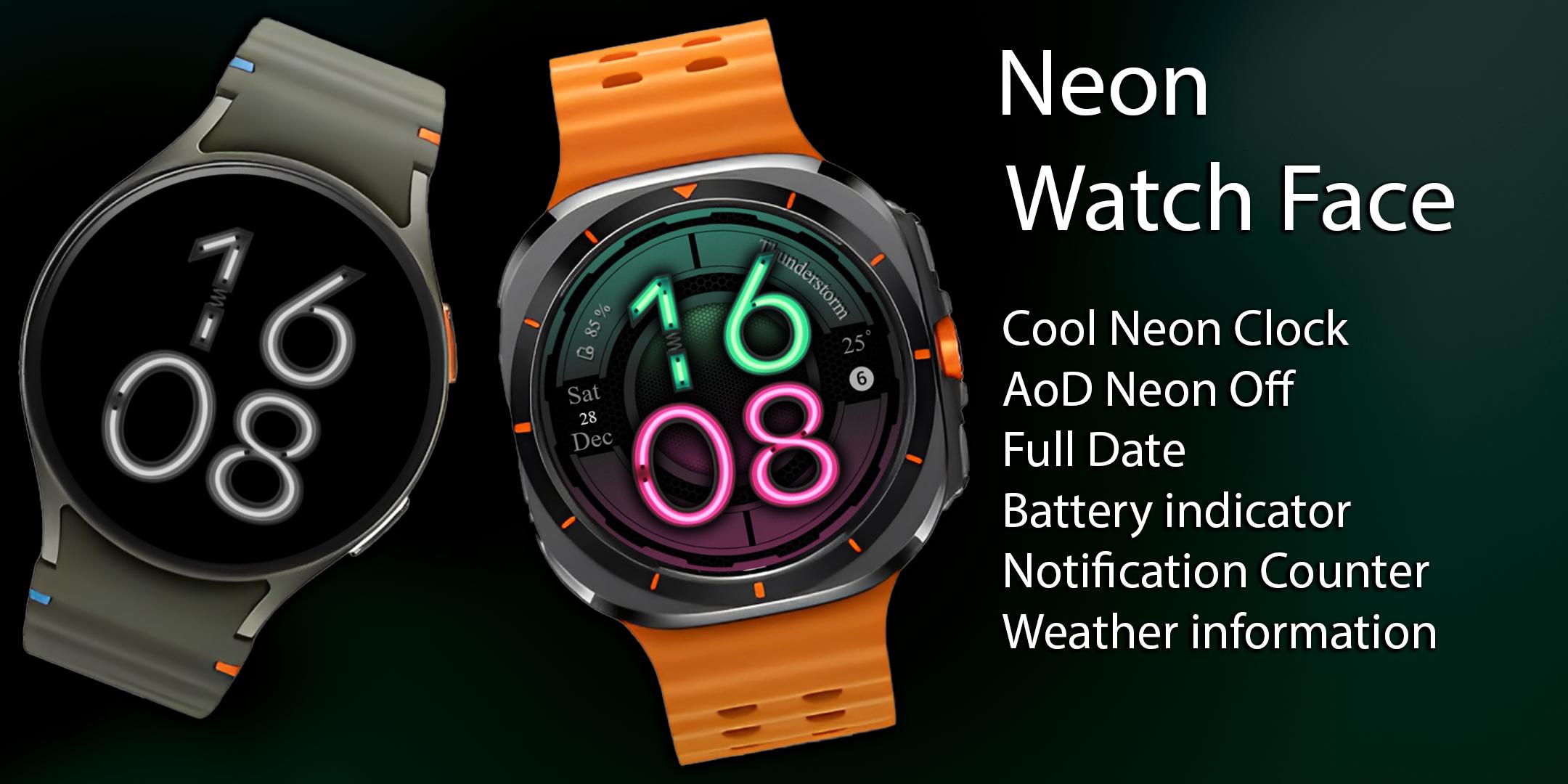
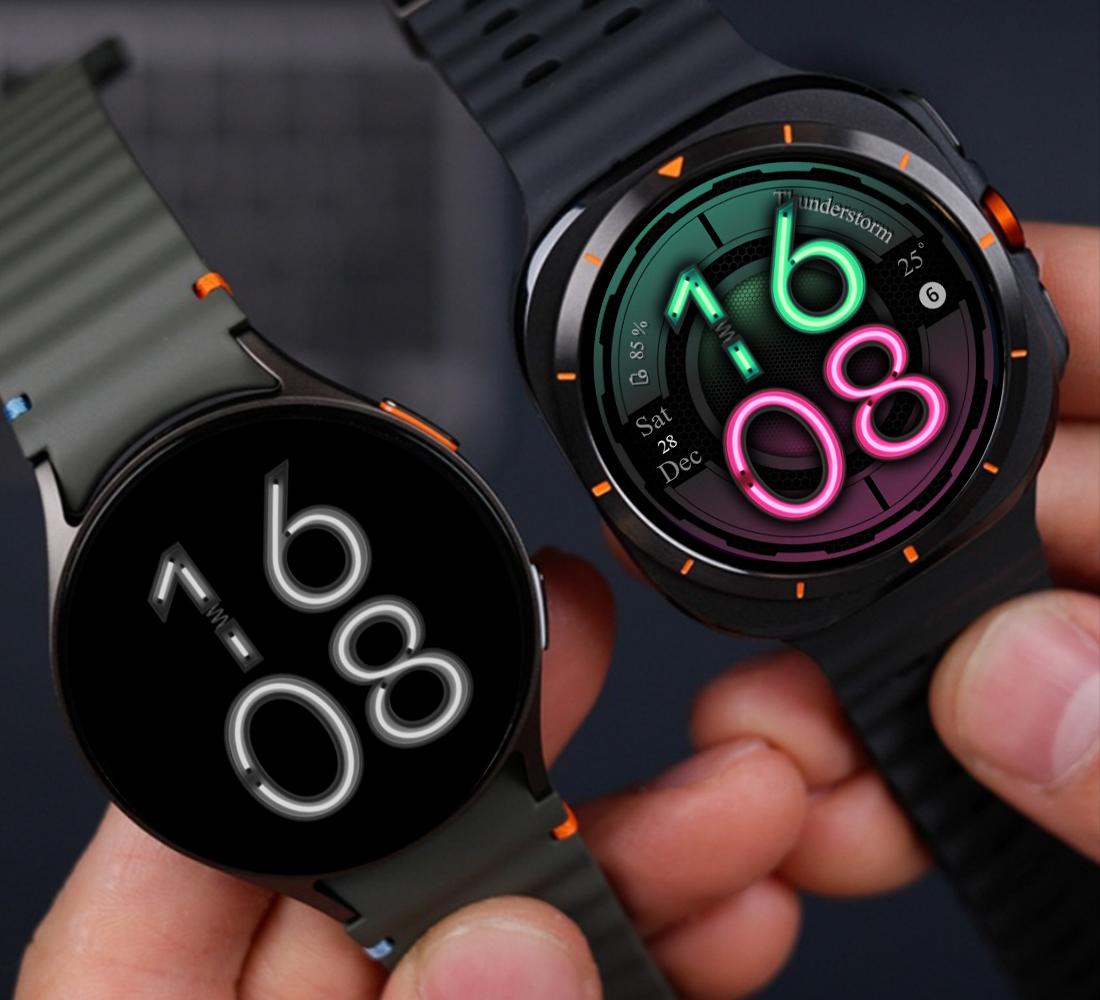
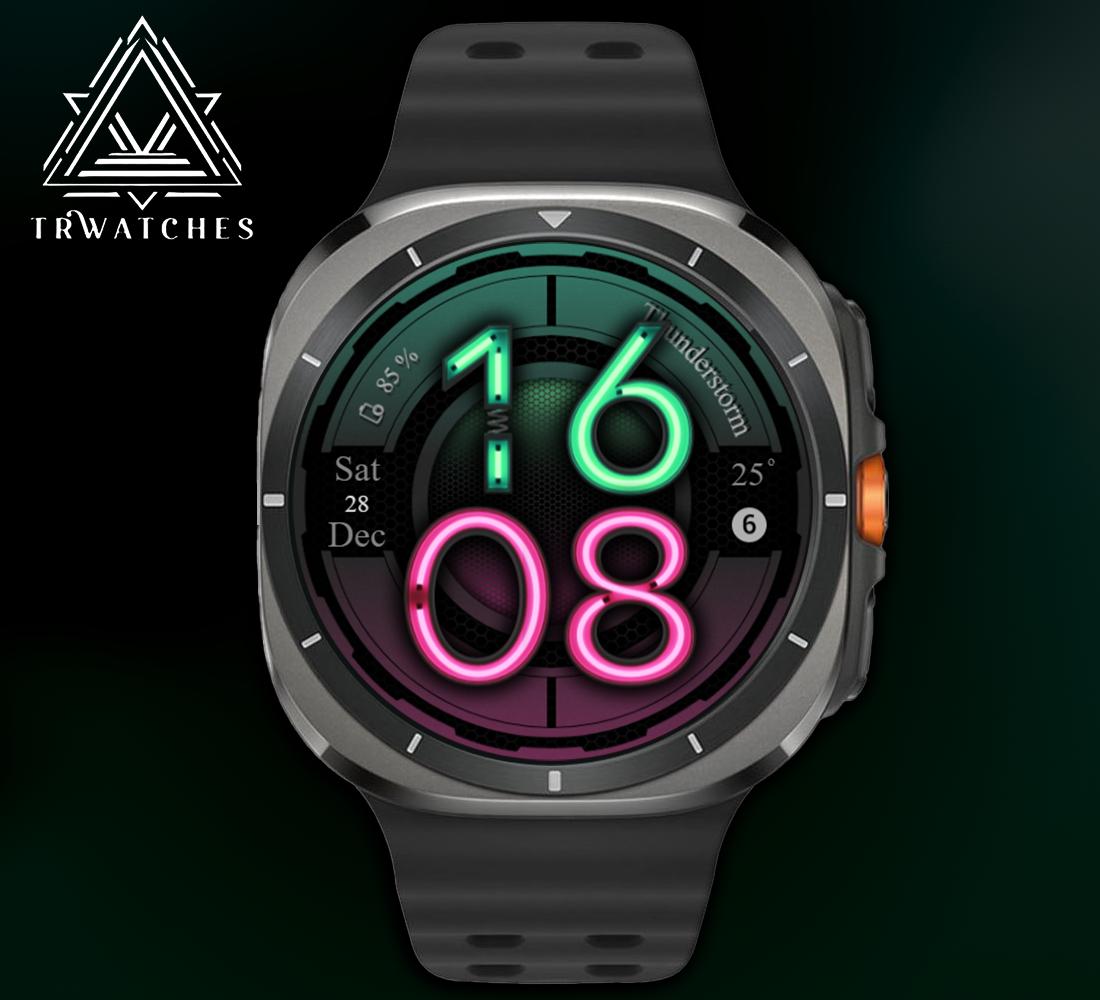
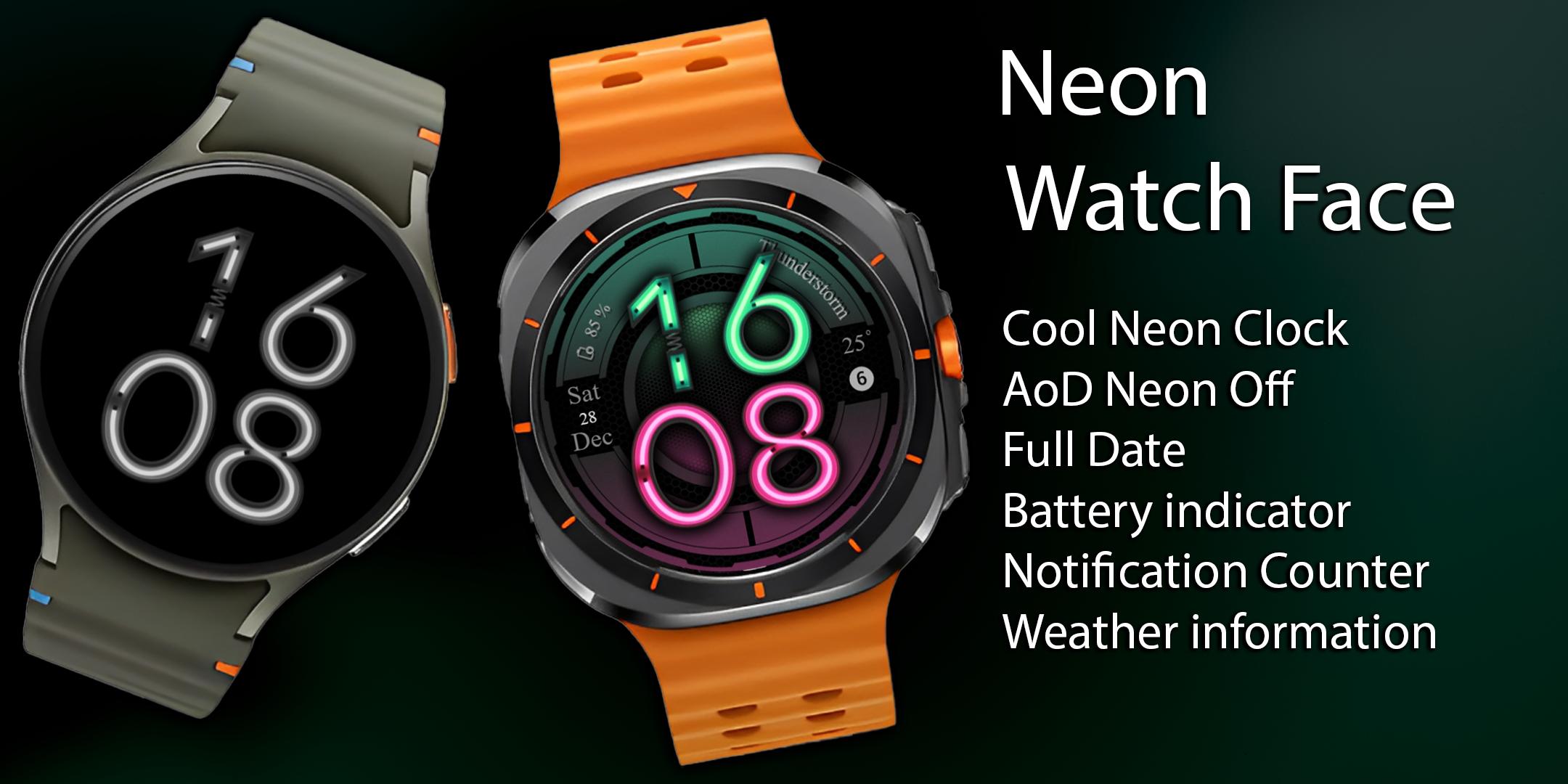
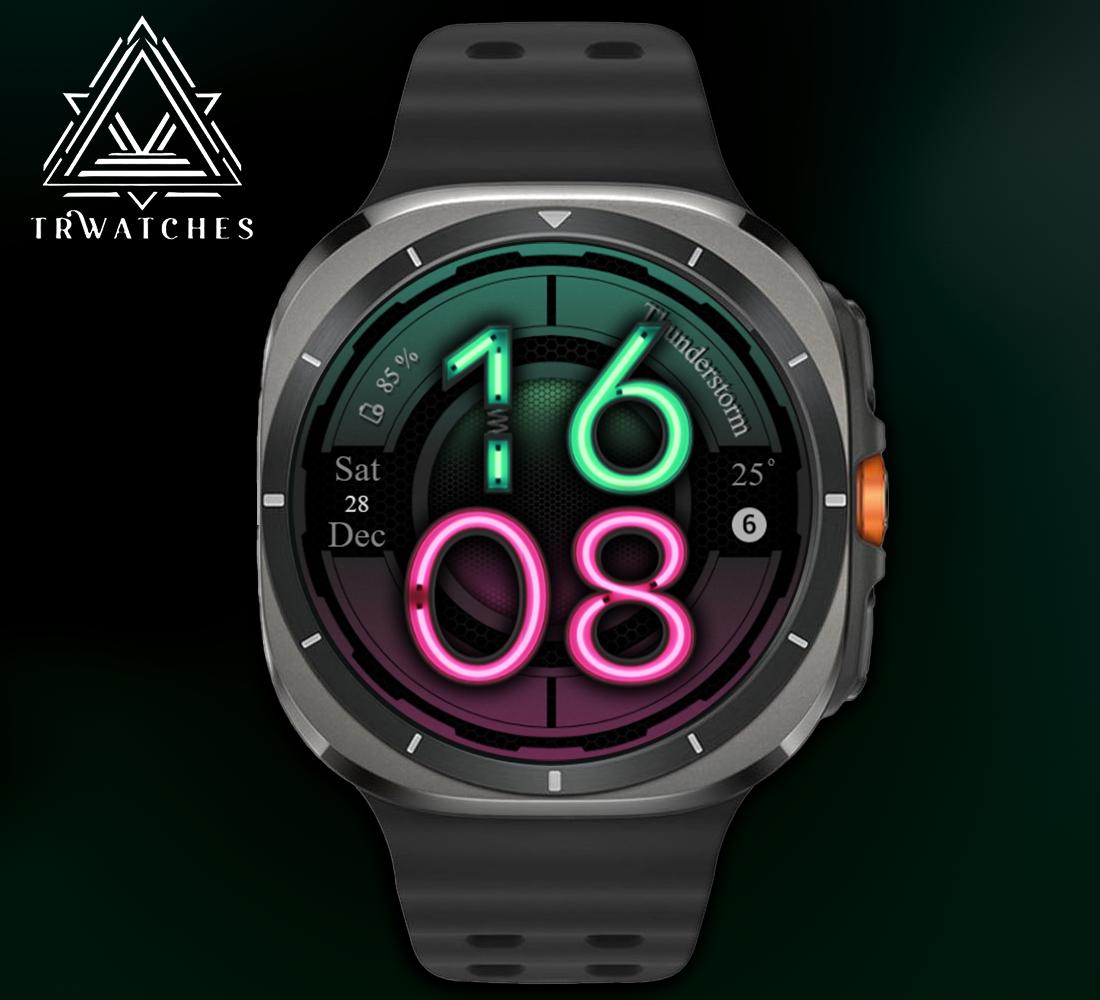
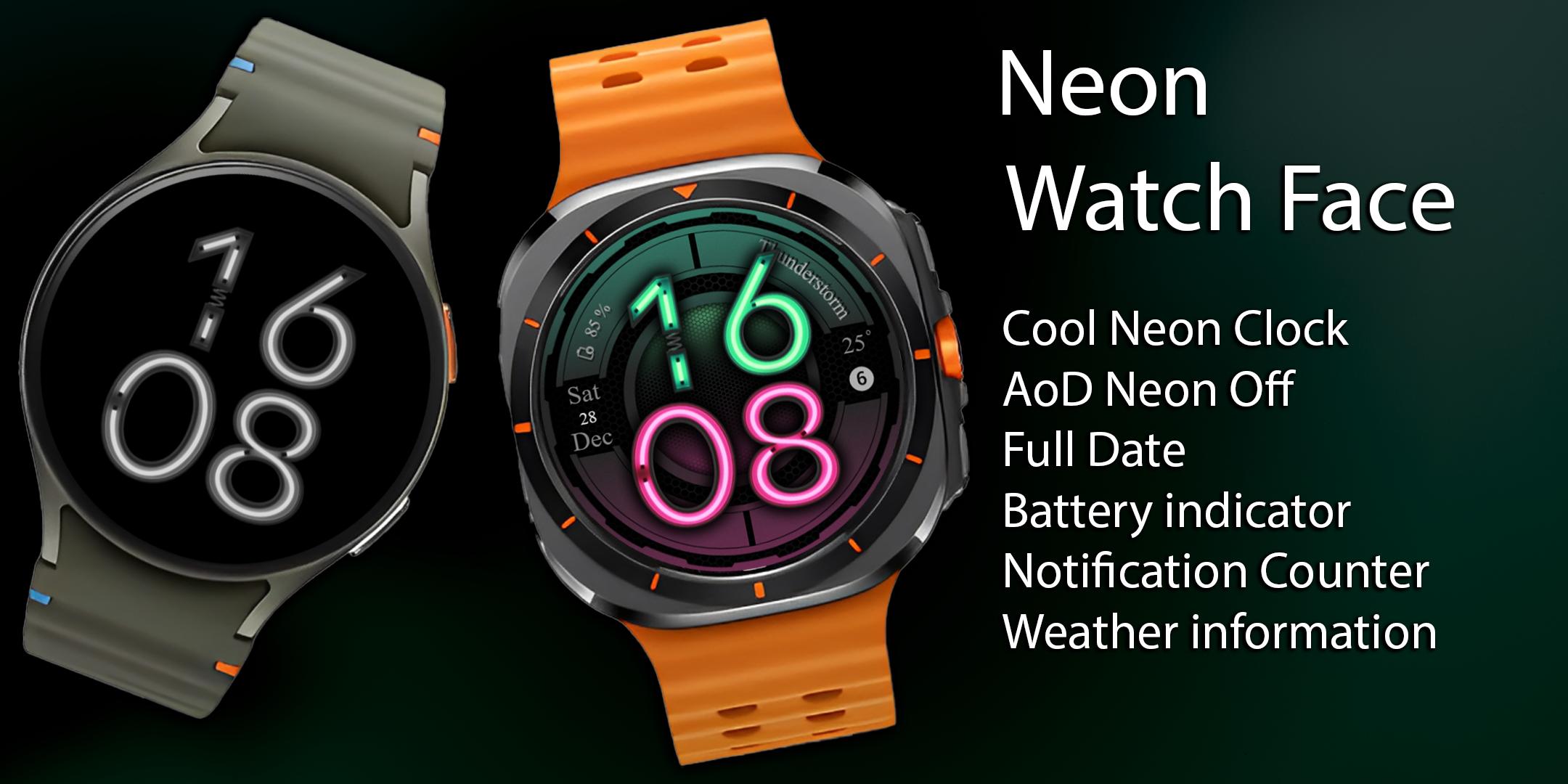
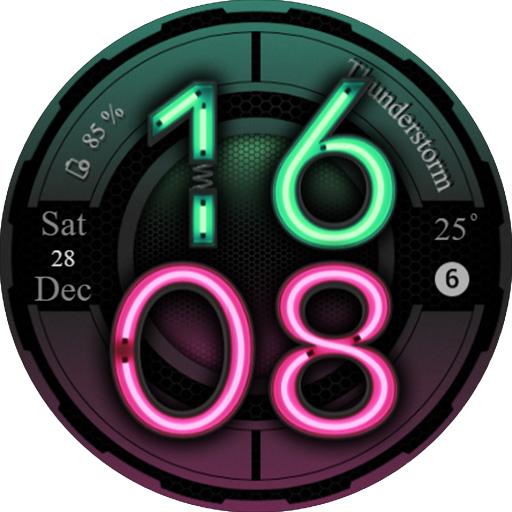
🌈 Striking Neon Clock: A bold, glowing time display that commands attention.
📅 Complete Date Widget: Never lose track of time with the full day, date, and month at your fingertips.
🔋 Battery Indicator: Stay ahead with a sleek, modern gauge that keeps you informed about your power level.
🌦️ Weather Features: Get real-time updates on current weather and temperature—ready for anything.
💬 Notification Counter: Stay in the loop and never miss a thing with a clean notification tracker.
✨ Neon Off AoD: A dimmed, energy-efficient Always-on Display that keeps the neon glow alive, even in low-power mode.
Why Neon Watch Face?
💎 A futuristic design that makes your smartwatch a statement piece.
Let your personality shine with Neon Watch Face—a perfect blend of style, innovation, and utility. Get it now and experience the glow like never before! 🚀
--------------------------------------------------------------------------------------------------------
Watch face installation notes on smart watch:
Phone app serves only as a placeholder to make it easier to install & find the watch face on your Wear OS watch. You have to select your watch device from the install dropdown menu.
If you download the helper directly with the phone , you need to open application and touch on the display or the download button. -> will start to install on the watch.
A wear os watch need to be connected.
If not working in that way , you can copy that link into your phone chrome browser and click on arrow down from right , and you choose the watch face to install.
..............................................
After installation you need to set that watch face to your screen , from wear OS app , go down at downloaded watch faces and you will find it.
If you have problems , please contact me on raduturcu03@gmail.com
Try to see others designs in my google profile.
Latest Version
Varies with deviceRequires Android
Category
Personalization AppContent Rating
Everyone
Report
Flag as inappropriateLast updated on Jan 10, 2025
Minor bug fixes and improvements. Install or update to the newest version to check it out!

APKPure - A multi-platform app store primarily focused on Android, providing extensive app-related content. Discover the app you want easier, faster, and safer, with quick and efficient downloads and installations.








