Set the time you want to wake up, and you will be able to wake up feeling good on time.
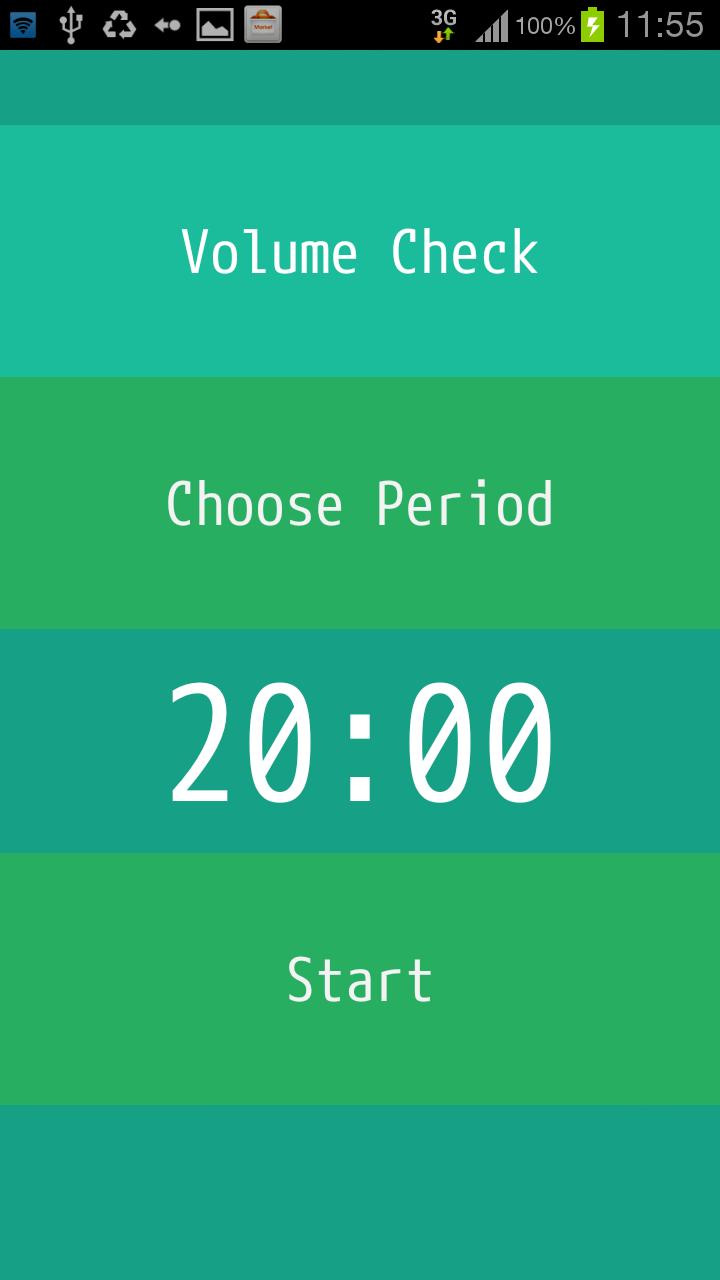
It needs only two step.
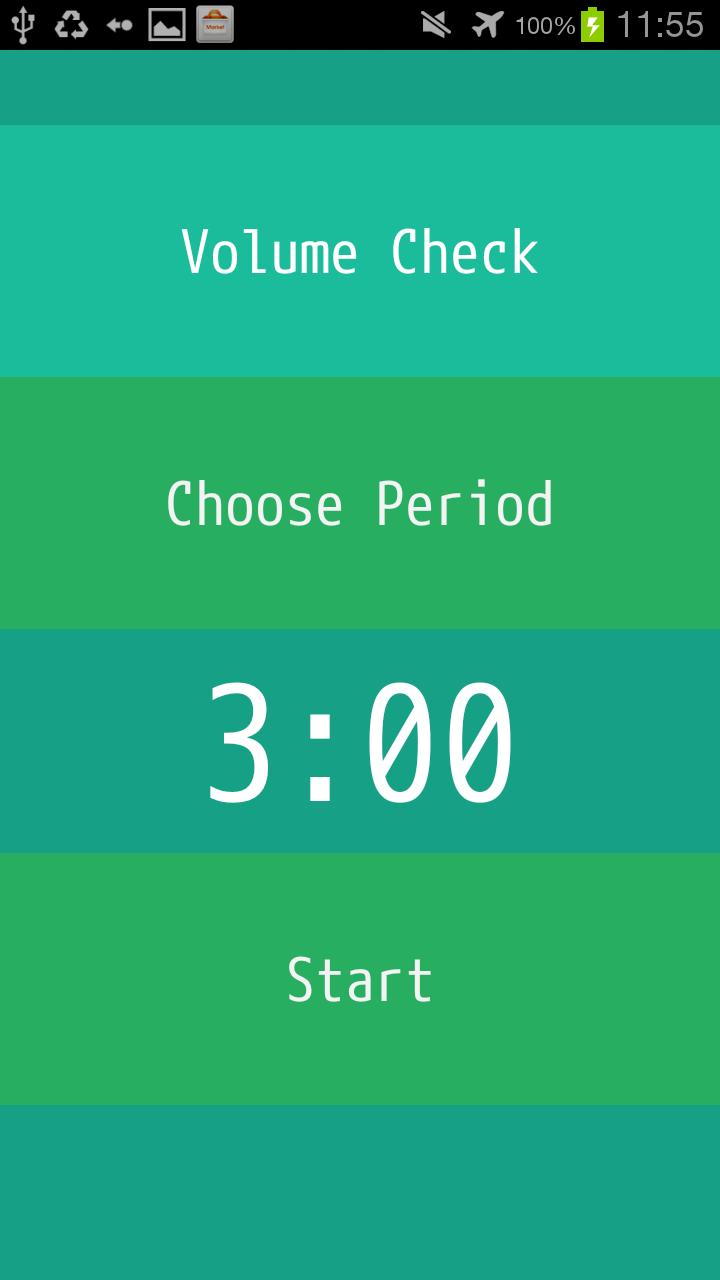
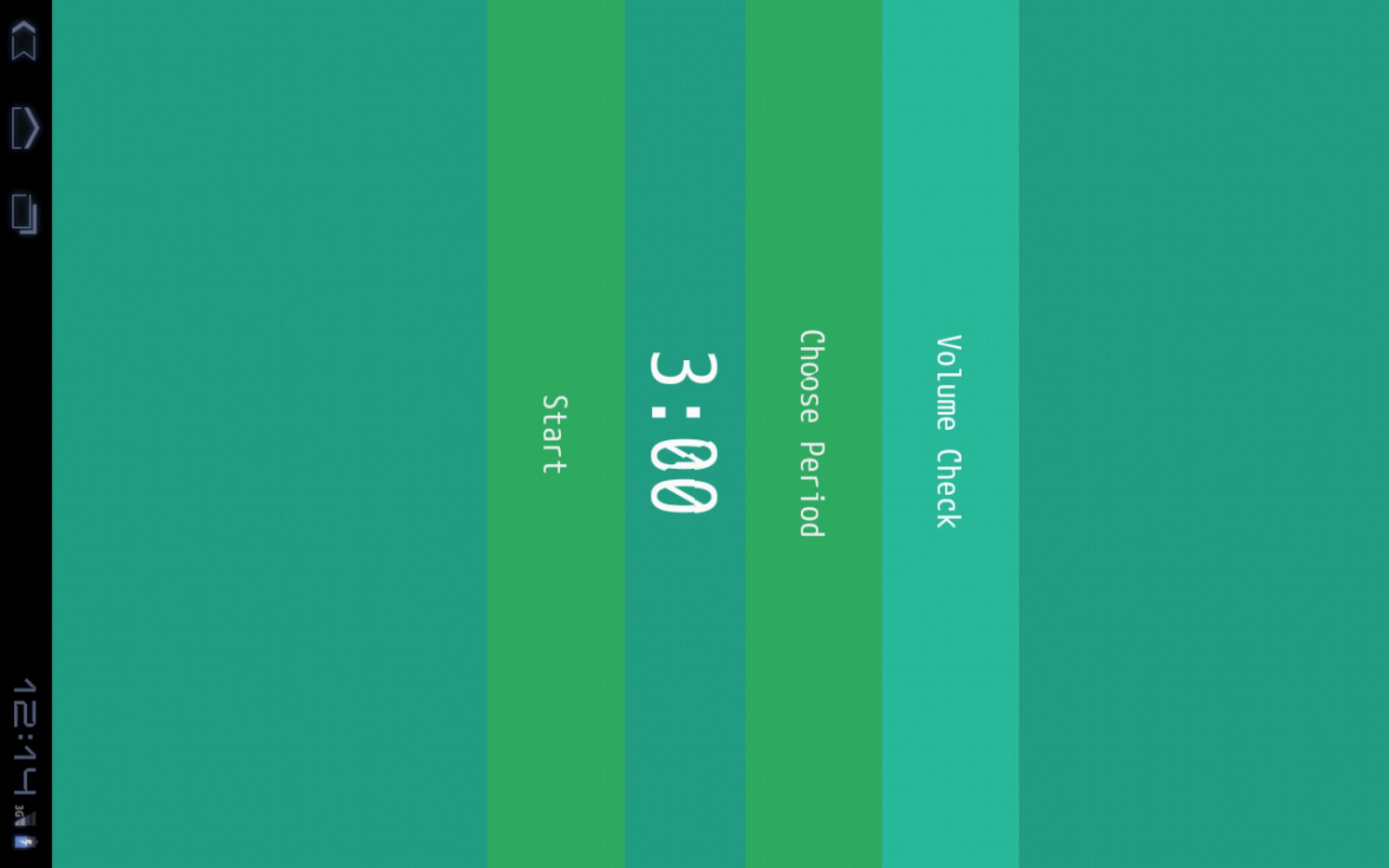
Select time you wake up, and tap start button.
That's all. Then, take a good nap!
It has also snooze and volume check.
If you use pattern lock, the alarm will be displayed over the lock screen.
After stopping the alarm, the screen lock will be enabled.
It gives you a comfortable nap.
Take a good nap!
Latest Version
1.3Uploaded by
Farman M Ahmad
Requires Android
Android 3.0+
Category
Free Tools AppContent Rating
Everyone
Report
Flag as inappropriateLast updated on Jan 29, 2016
This release includes minor bug fixes and general improvements. Update to the latest version for the best experience.



APKPure - A multi-platform app store primarily focused on Android, providing extensive app-related content. Discover the app you want easier, faster, and safer, with quick and efficient downloads and installations.