Scan Date:Mar 5, 2026
Show More

Text on Pic is your go-to photo editor app for creating stunning photo cards and adding stylish text to photos. Whether you want to write a name or heartfelt messages, this app makes it easy to personalize your photos with artistic decorations like love stickers, heart shapes, emojis, feathers, color filters and more.
What You Can Do with Text on Pic:
- Write text on photos in various calligraphic fonts and styles.
- Decorate your photos with vibrant stickers, emojis, hearts, and colorful feathers.
- Create unique photo cards for special occasions like birthdays, anniversaries, or simply to express love.
- Use advanced tools like Magic Brush and Paint Brush to add artistic flair to your creations.
- Save your photos in Insta Square format to avoid cropping when sharing on social media.
Key Features:
Magic Brush
Unleash your creativity with the Magic Brush! Add sparkling textures and prints that make your photos stand out. This artistic tool allows you to craft unique designs with ease. Mistakes? No problem - use the eraser to refine your work.
Heart Shapes
Express your love with beautifully designed heart shapes. Choose from a variety of options to suit your mood and personalize your text in a heartfelt way.
Feather Decorations
Add a touch of elegance to your art with colorful feather designs. These elements add a charming and whimsical look to any photo.
Paint Brush
Create personalized text or drawings using the Paint Brush. Adjust the stroke size and color to match your vision, and use the eraser to perfect your creations.
Photo Decoration
Add text and blend it seamlessly with your photos. Include decorative items like hearts, feathers, emojis, and more to make your photo cards unique.
How to Use Text on Pic:
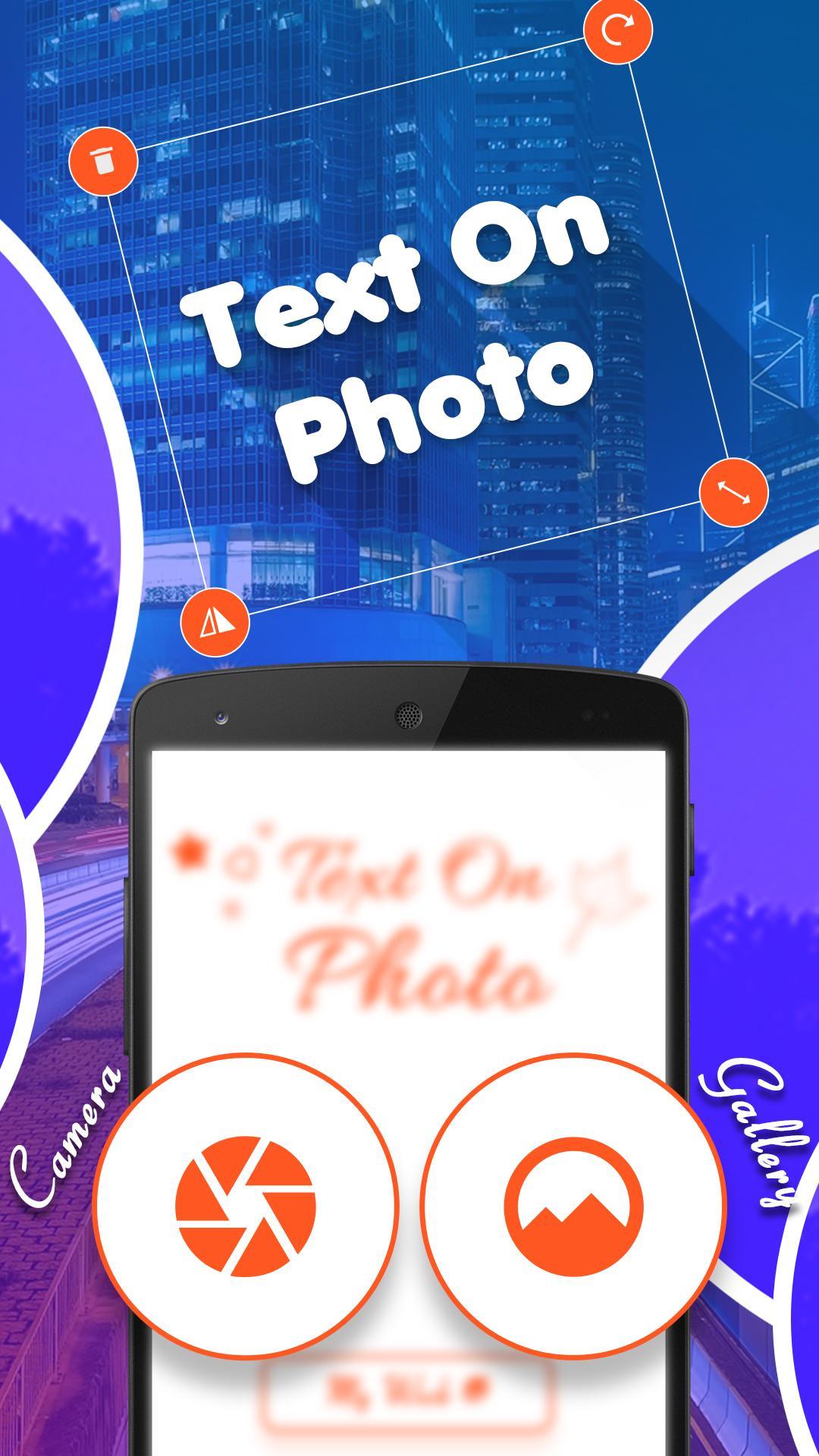
1. Select a Photo : Take a selfie or choose an image from your gallery.
2. Add Text : Write a name, quote, or any text on your photo. Customize the font style and color.
3. Decorate : Enhance your photo with stickers, hearts, feathers, emojis or brush strokes.
4. Save & Share : Save your creation and share it on social media or set it as your profile picture.
Perfect for Every Occasion
- Create adorable photo cards for your baby boy or girl by adding their name and decorating with playful stickers like balloons and bracelets.
- Make birthday, anniversary or love cards with ease.
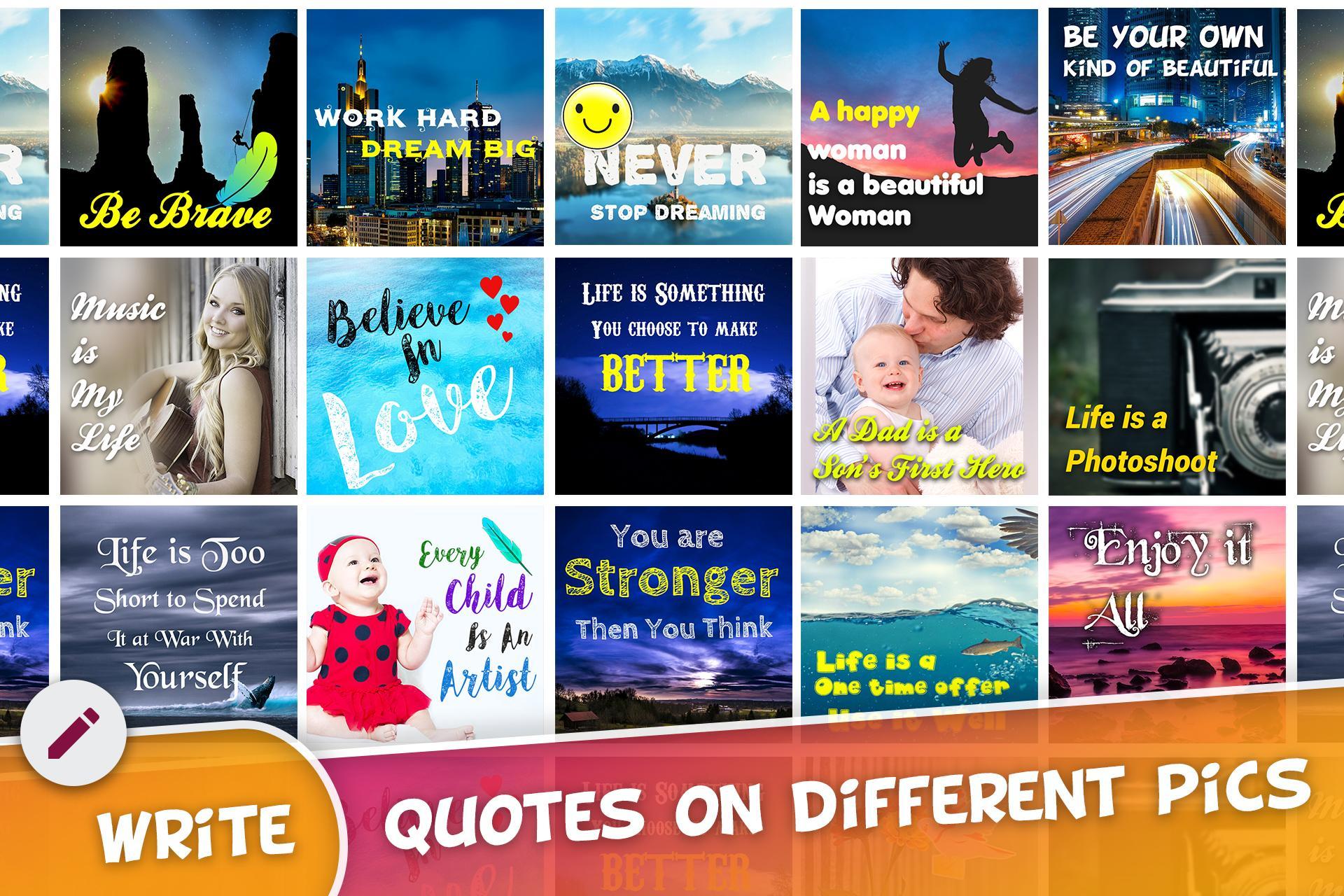
- Express your feelings with artistic photo quotes and stylish text.
Why Choose Text on Pic?
Our app is designed to make photo editing simple, fun, and creative. With its intuitive tools and artistic features, Text on Pic helps you craft personalized photos that leave a lasting impression.
Download Text on Pic today and start creating! Share your experience by leaving a review - we love hearing your feedback and continuously strive to improve your experience.
Write your photo story with Text on Pic and let your creativity shine!
Latest Version
2.1Uploaded by
Javier Garcia
Requires Android
Android 6.0+
Category
Free Photography AppContent Rating
Everyone
Security Report
Report
Flag as inappropriateLast updated on Oct 25, 2025
Minor bug fixes and improvements. Install or update to the newest version to check it out!





APKPure - A multi-platform app store primarily focused on Android, providing extensive app-related content. Discover the app you want easier, faster, and safer, with quick and efficient downloads and installations.