My Voice Zoo Game suits players who enjoy light, creative play without timers or pressure. The game runs on simple microphone recordings, so your sounds become part of the experience, and the zoo grows at an easy pace while you check in when convenient. Because play centers on audio, it works well for quick sessions with family or friends. If that fits what you want, download My Voice Zoo Game APK latest version from APKPure to try the voice-powered zoo idea.
Record animal calls with your voice
My Voice Zoo Game lets you capture short sounds through your phone’s microphone and assigns them to animals. You decide how each creature sounds, from a bold roar to a small chirp. This keeps the focus on your own audio rather than preloaded clips, which makes the experience feel personal from the start.
Personalized zoo that reflects your recordings
Your recordings become the animals’ voices, so every zoo is different. Two players will not hear the same set of calls because the sounds come directly from users. Over time, the zoo gains its own character as more recordings are added.
Idle earnings that encourage steady growth
As animals call out, the zoo earns income in the background. You return when ready and use those earnings to bring in more creatures and keep progress moving. This loop removes pressure and supports short, casual check-ins.
Collect, name, and expand over time
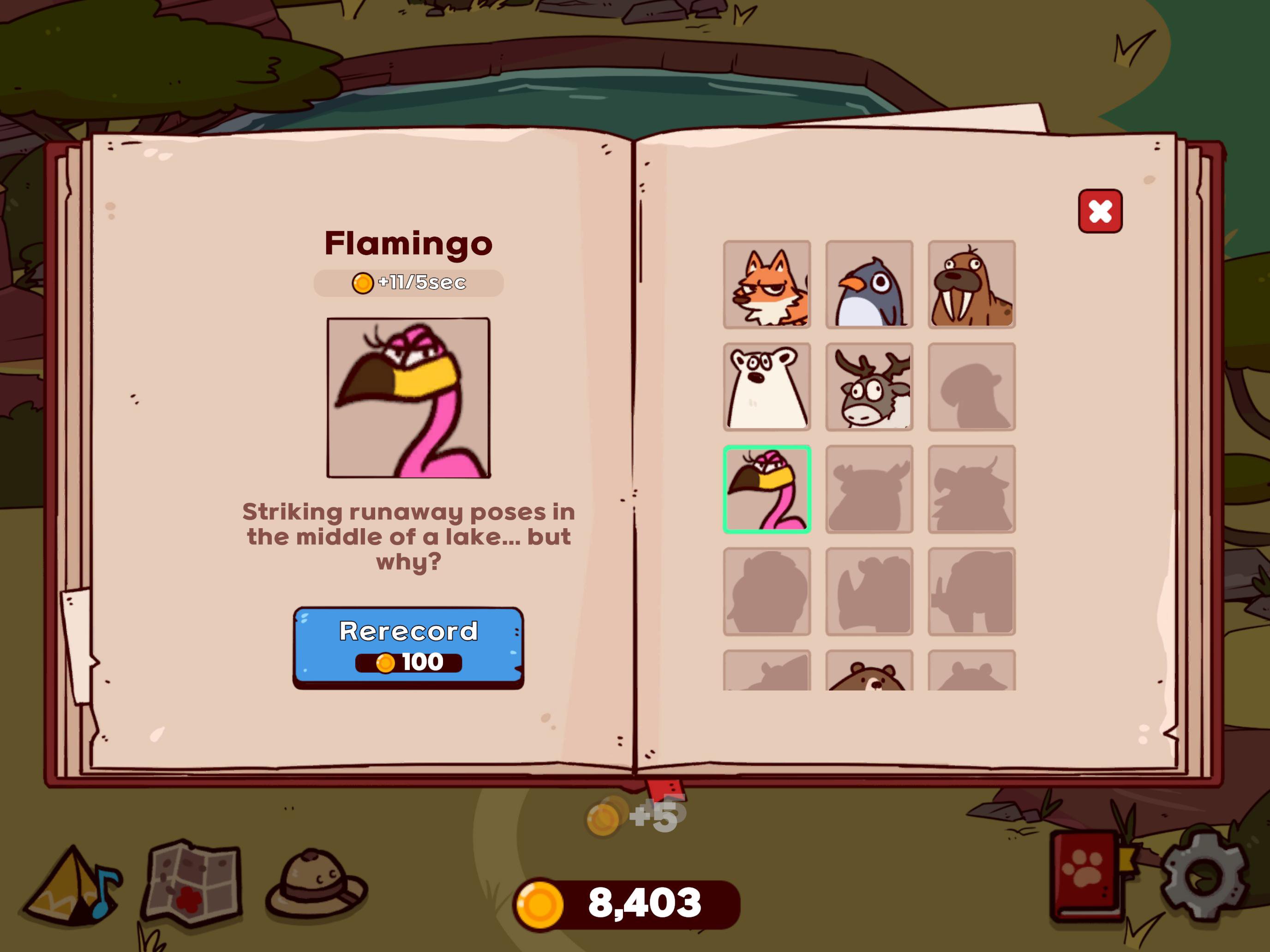
You adopt new animals, give them names, and watch the habitat get livelier with each addition. Naming helps you remember which sounds belong to which animal, which is useful as your collection grows. Expansion feels gradual and clear, with simple actions guiding each step.
Relaxed play with simple controls
Controls focus on tapping and recording, so the game stays approachable for all ages. The pace remains gentle, and there are no competitive demands. This makes it easy to share funny recording moments with family or friends and then let the zoo run while you do other things.
This game relies on your microphone to capture animal calls, so permission for audio recording is required. For clean and consistent sounds, it helps to record in a quiet space and speak close to the phone. If microphone access is denied, the core mechanic will not function as intended.
Many Android users prefer installing or updating through an APK for manual control. If you use the My Voice Zoo Game APK, keep microphone permissions enabled so recording remains available after updates. When checking for the My Voice Zoo Game's latest version, review in-app prompts to confirm new content or refinements before recording fresh calls.
Getting started takes only a few minutes, and most actions involve short taps and simple recordings. To keep the process smooth, consider a quiet room so your first calls are clear. If needed, you can revisit recordings later to improve them after the initial setup with the My Voice Zoo Game latest version APK.
Open the app, then allow microphone access when prompted so the recording feature works correctly.
Follow the on-screen cue to record a sound for your first animal, and save it when you like the result.
Place the animal in your zoo, then wait a bit while it calls and produces earnings in the background.
Return to collect earnings, adopt another creature, and record a new call that fits its style.
Repeat the loop, rename animals as needed, and adjust recordings to shape how your zoo sounds.
My Voice Zoo Game focuses on simple recordings, gentle progression, and a zoo that sounds like you. If a relaxed loop and creative audio suit your play style, download My Voice Zoo Game APK latest version from APKPure.
Latest Version
1.0.1Uploaded by
Carlos Alberto Da Silva Santos
Requires Android
Android 7.1+
Category
Free Casual GameContent Rating
Everyone
Report
Flag as inappropriateLast updated on Mar 11, 2026
- Bug fixes
- Small UI and gameplay improvements



APKPure - A multi-platform app store primarily focused on Android, providing extensive app-related content. Discover the app you want easier, faster, and safer, with quick and efficient downloads and installations.