Scan Date:Mar 5, 2026
Show More
My Microphone - Sound Amplifier app lets you use your device as a voice changer and megaphone! Plug it into a stereo system or connect via Bluetooth and start talking or singing songs! My Microphone is making it great for use in public speeches, karaoke or anywhere you need to use a mic like a real megaphone, voice recorder or sound amplifier.
My Microphone main features:
- Single button control
- Automatic voice recorder for your live performance or singing
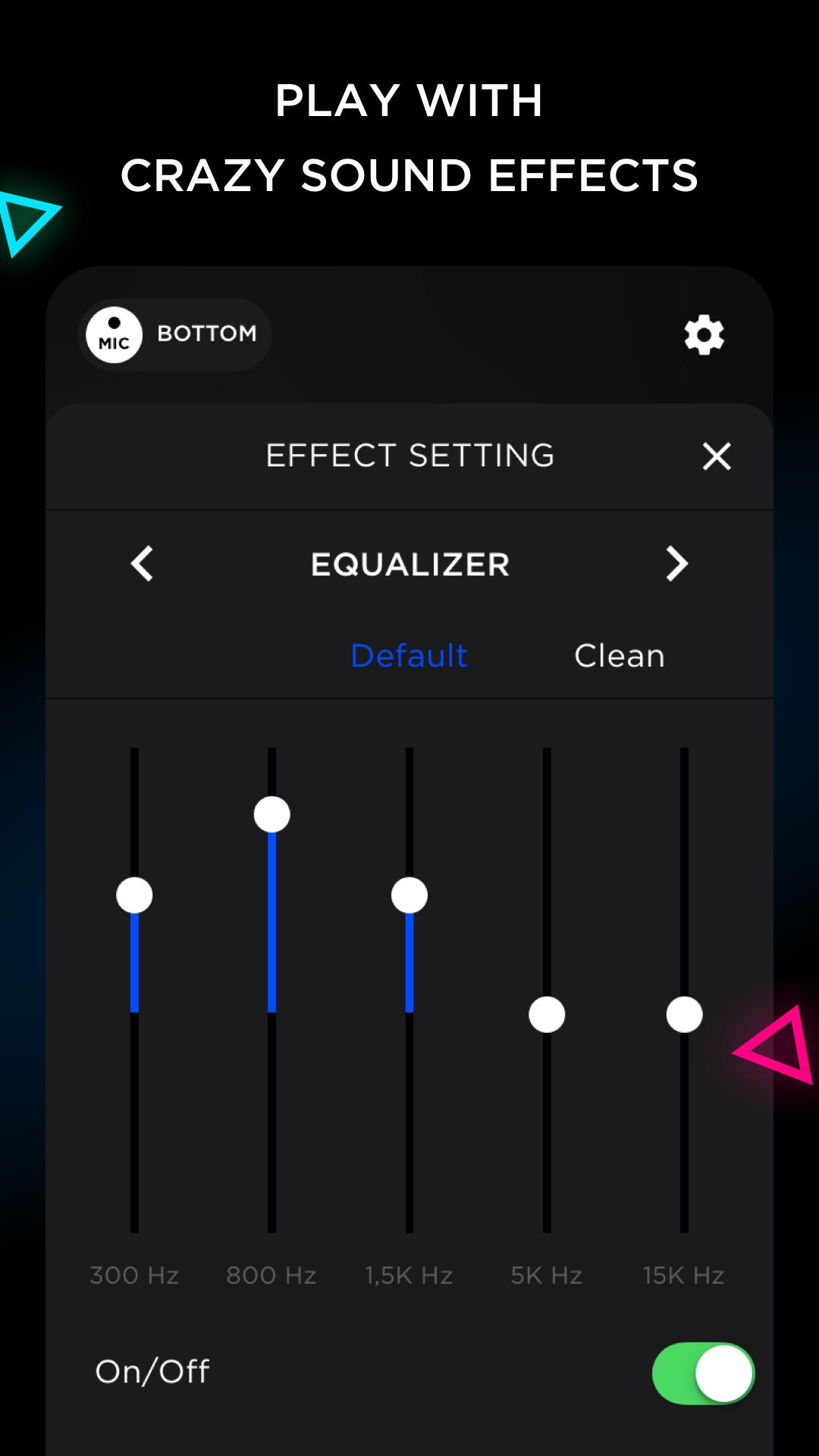
- Microphone gain control and equalizer
- Voice changer with 8 pro sound effects for tweaking your voice
- Karaoke section with the most popular songs in English
- Increase sound and volume like a real megaphone with a sound amplifier feature
Beyond its core function as a megaphone and sound amplifier, My Microphone offers creative possibilities with its built-in voice changer and convenient voice recorder. Capture your performances, tweak your sound with professional effects, and enjoy clear, amplified audio – all within a single, easy-to-use megaphone app.
Tips for using My Microphone - Sound Amplifier:
First things first, to prepare the sound amplifier for optimal use, we recommend turning down the volume of My Microphone.
Next, plug your audio cable into the 3.5mm headphone output of the device, and then connect the other end of the cable to your audio speakers, or simply connect it via Bluetooth with your Bluetooth speaker.
Finally, turn My Microphone on by pressing the On/Off button on the display. Adjust the volume by using the volume buttons of your device.
Tap the Auto Rec button if you want to record your voice with mic. Tap again to stop recording. This voice recorder feature is disabled by default.
Use My Microphone as a powerful sound amplifier and megaphone with built-in voice changer functionality. It also functions as a convenient voice recorder for capturing your performances!
My Microphone - Sound Amplifier app is the best tool for live singing and giving speeches through speakers, as well as a pro voice recorder – a true megaphone and voice changer – all in one app!
https://appsprings.pro/privacy
https://appsprings.pro/tos
Latest Version
1.4.6Uploaded by
Rakos Arnold
Requires Android
Android 8.0+
Category
Free Music & Audio AppContent Rating
Everyone
Security Report
Report
Flag as inappropriateLast updated on Mar 5, 2026
Minor bug fixes and improvements. Install or update to the newest version to check it out!




APKPure - A multi-platform app store primarily focused on Android, providing extensive app-related content. Discover the app you want easier, faster, and safer, with quick and efficient downloads and installations.