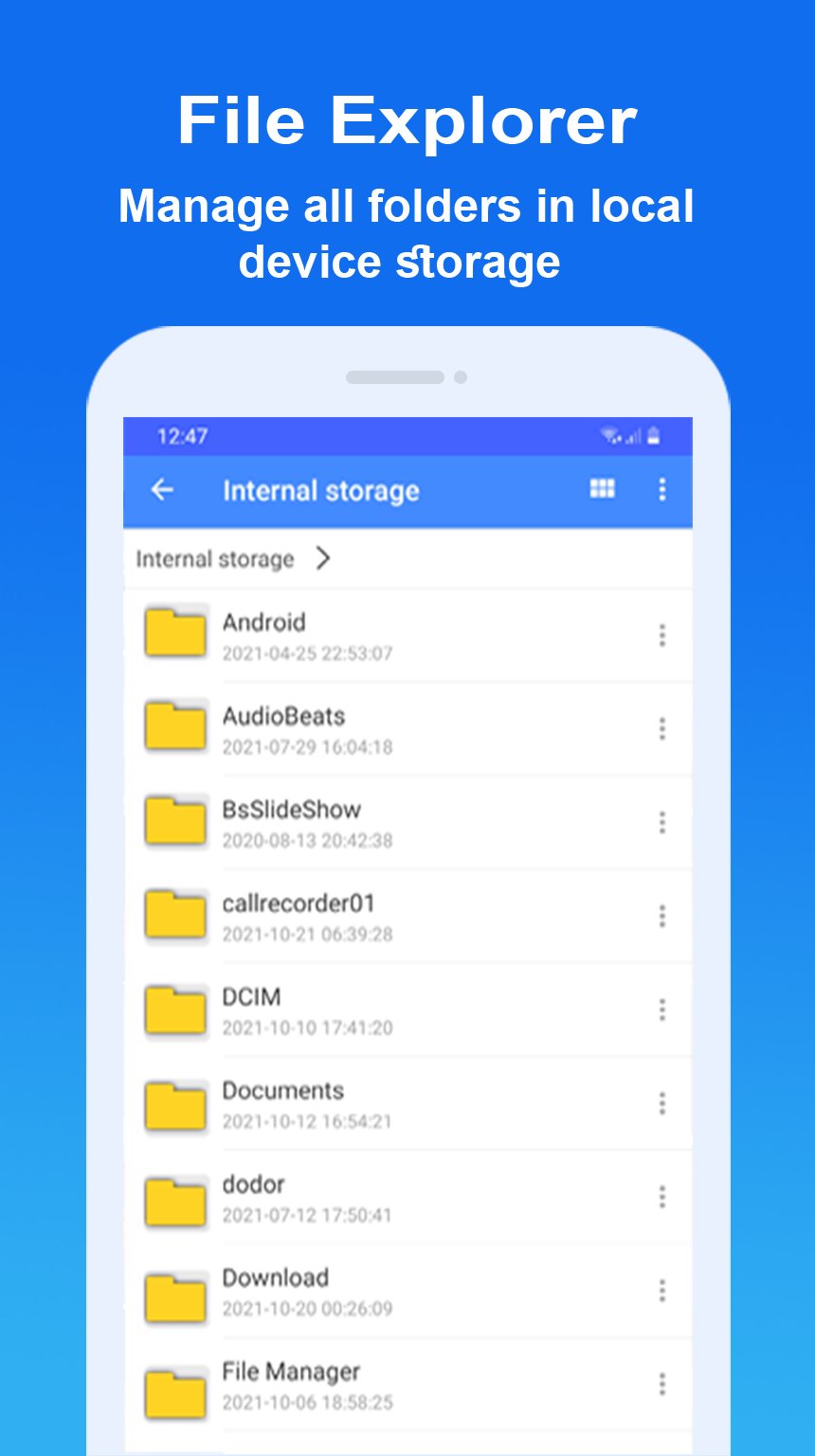
My File 2023 is a handy file explorer and storage browser that helps you find and manage what you’re looking for fast.
With my file & file explorer app, you can easily manage your files on a local device & micro SD card, freeing up space to boost your phone performance.
📂 Manage Files 2023 :
- A simple file explorer (2023) with the basic functionalities you'd expect and some outstanding extras
-Types of files: including downloaded, document, image, audio, video, and installation files (APK)
- Basic features like cut, copy, paste, delete, share, compress, extract, etc. easily accessible
- Easily protect your files via password to enhance security of your files.
- Supports dark mode file manager app
if you have any suggestions or comments about my files app 2023, please feel free to contact us by email.
Latest Version
0003Uploaded by
Deep
Requires Android
Android 5.0+
Category
Free Productivity AppContent Rating
Everyone
Report
Flag as inappropriateLast updated on Jul 11, 2023
Minor bug fixes and improvements. Install or update to the newest version to check it out!





APKPure - A multi-platform app store primarily focused on Android, providing extensive app-related content. Discover the app you want easier, faster, and safer, with quick and efficient downloads and installations.