Scan Date:Oct 31, 2025
Show More
<< Android 10 or later functions >>
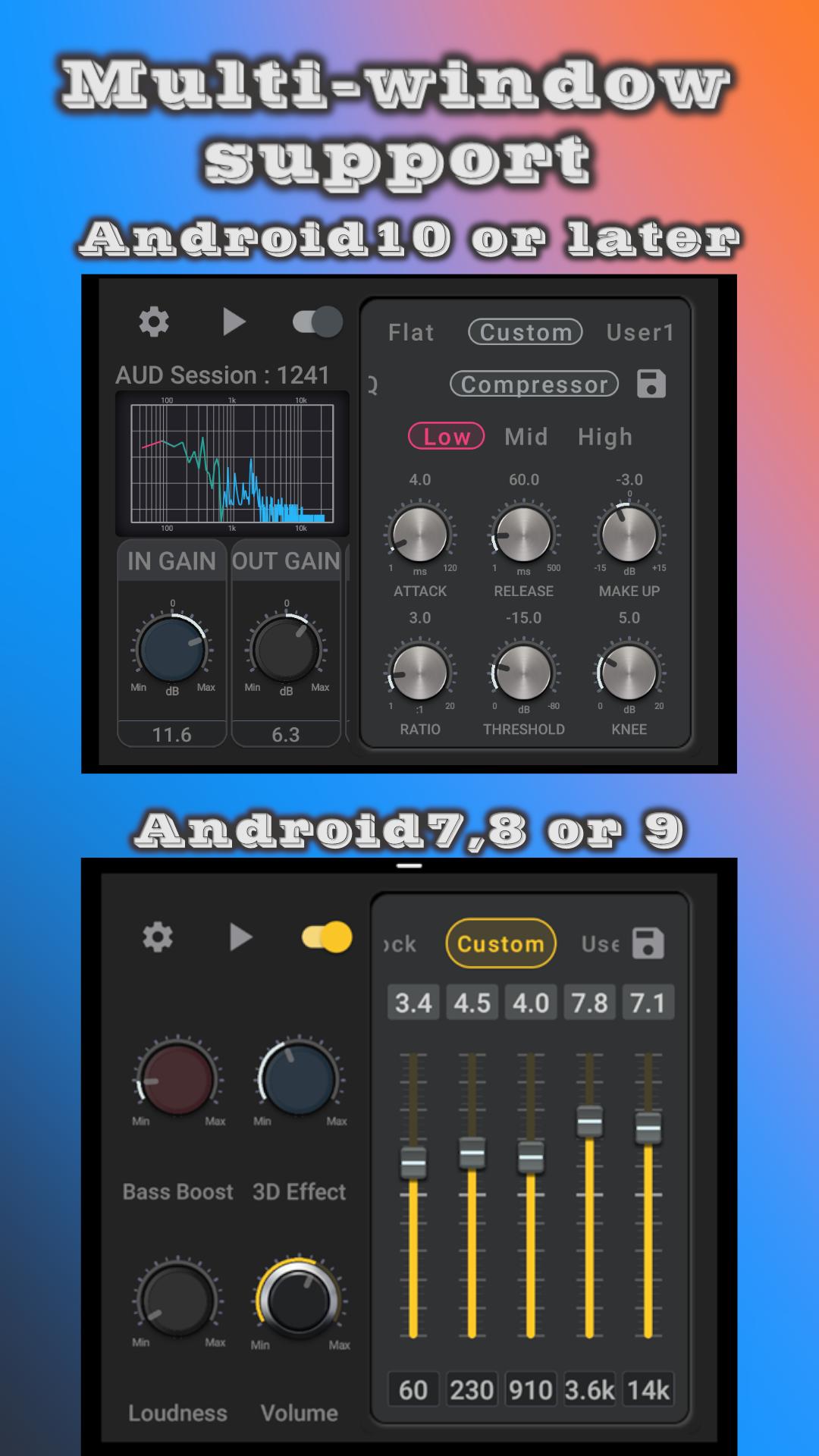
3-band compressor and 8-band equalizer are available on Android 10 or later.
function:
- 8 band equalizer
0.1dB resolution
- 3 band compressor
It is divided into Low (32-64Hz), Mid (140-400Hz), and High (1k-15kHz).
--> At first, try adjusting 'Ratio', 'Threshold' and 'Make Up'.
- 17 presets
pops
--> At first try fine-tuning the vocal volume with mid and high 'Ratio' or 'Make Up'.
Rock 1 (Electric)
Rock2 (Acoustic)
--> Guitar sound quality: At first try tweaking the 'Ratio' between mid and high.
- 10 user presets
- Warm mode (a warm mode)
--> There is compatibility depending on the song. Please use as you like.
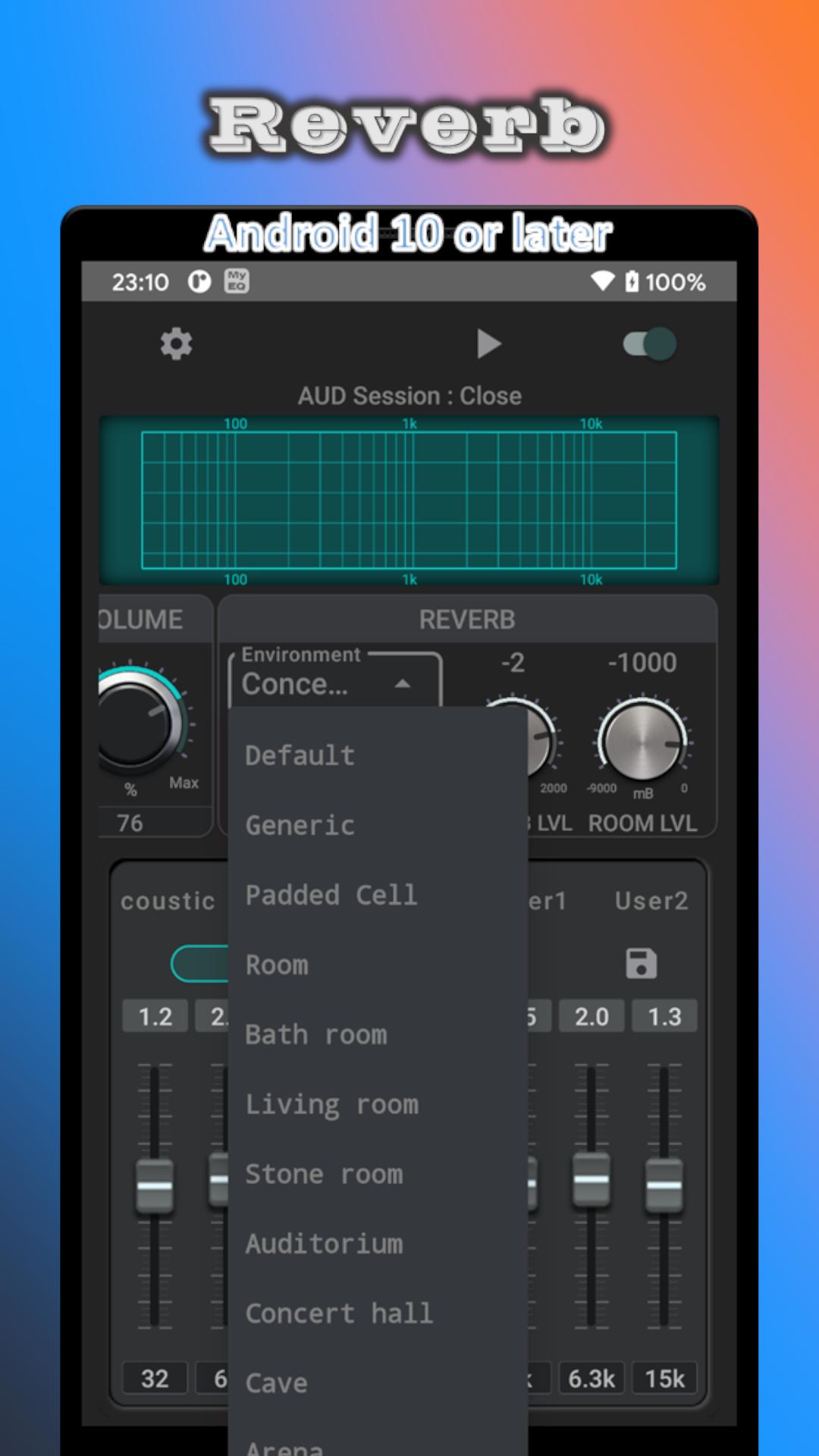
- Reverb : 30 presets
--> Tap the parameter change knob to return to the original setting.
- Visualizer (FFT)
--> The color of the graph corresponds to the color of the Low, Mid, and High tabs of the compressor.
- Input Gain
- Output Gain
- Volume
- Multi window mode
- works in the background
(To exit completely, click the "Exit" button on the notification, or click the "Exit" menu item.)
Since Android 10 and later uses Audio Session,
Only works for music players that are sending Audio Sessions.
<< Android9 or earlier functions >>
Simply launch your music player or other device from the My Equalizer play button and change the Bass Booster, Virtualizer, and Equalizer settings to achieve the desired sound quality.
Functions :
- Bass Boost
- Virtualizer(3D Effect)
- Volume booster(Loudness)
- 5-band equalizer (number of bands depends on the model)
Band level can be operated with 0.1dB resolution
- Built-in presets
- 1 custom preset
- 5 user presets
- 16 color themes
- Background operation
(For complete exit, please execute the Exit button in the notification)
- Multi-window mode support (Android 7 or later)
Please avoid extreme settings and enjoy at a moderate volume.
Latest Version
2.11.12Uploaded by
Nandhu Smart
Requires Android
Android 6.0+
Category
Free Music & Audio AppContent Rating
Everyone
Security Report
Report
Flag as inappropriateLast updated on Aug 29, 2025
- Library update
- Change sound quality
(Please avoid extreme settings and enjoy at a moderate volume.)





APKPure - A multi-platform app store primarily focused on Android, providing extensive app-related content. Discover the app you want easier, faster, and safer, with quick and efficient downloads and installations.