Scan Date:Feb 29, 2024
Show More


My Drawer suits users who want a better drawer while keeping their favorite launcher. It offers a clear way to browse apps and stay tidy, and works alongside your home setup. After you download My Drawer, add its icon to your home screen and open it to see your library arranged. You can keep using your launcher as usual and enjoy a more consistent app view. Setup is quick, so you start without extra steps.
Automatic app categorization
My Drawer groups your apps by category without forcing you to move them into folders. Categories are created automatically and update as you install or remove apps. You open the drawer and find related apps collected together, which helps you scan and launch faster.
Advanced search
You can locate any app with a fast search that filters results as you type. Enter a few letters to narrow down the list and jump straight to the app. This is useful when an app is buried among many, and you prefer typing rather than scrolling.
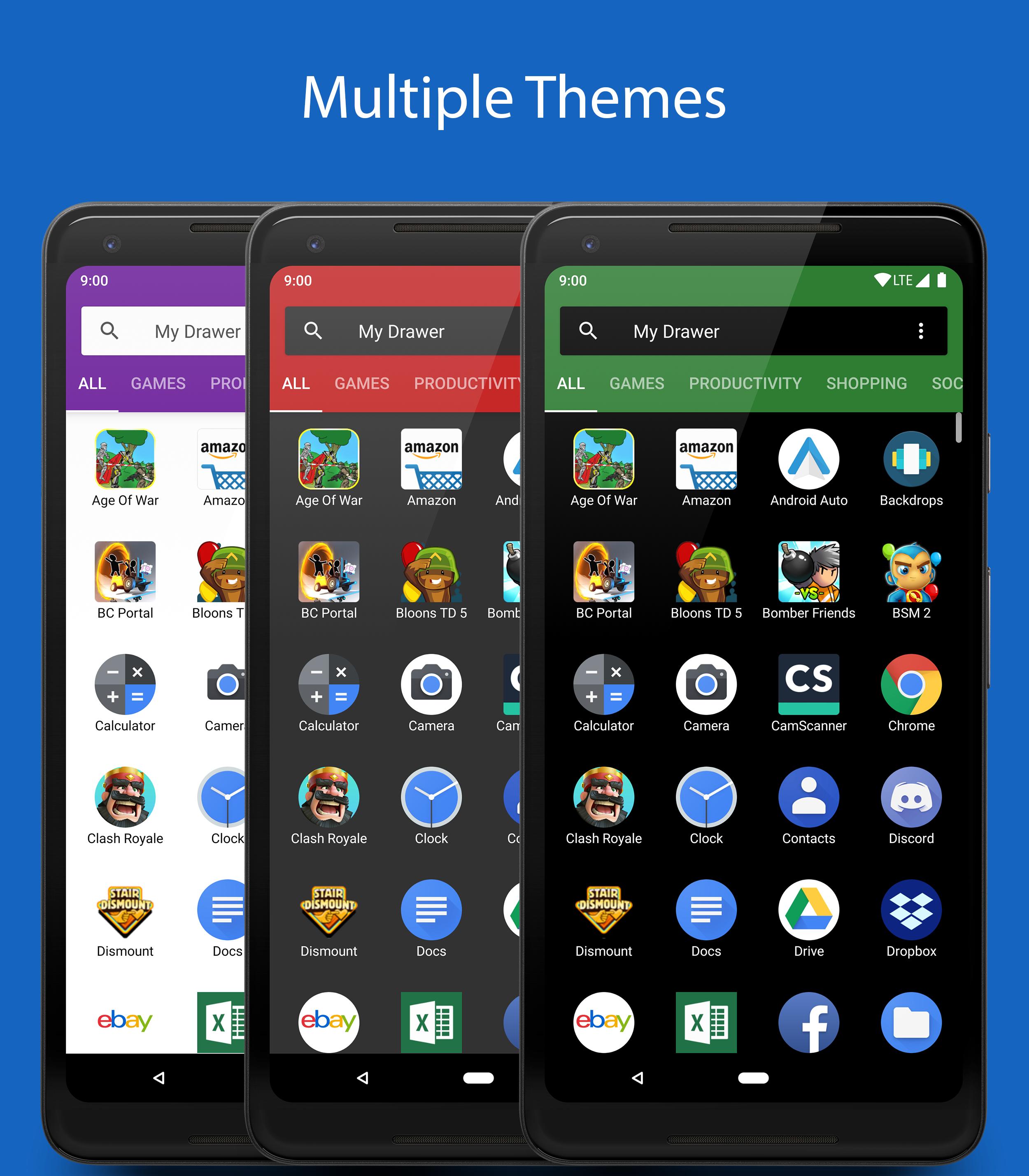
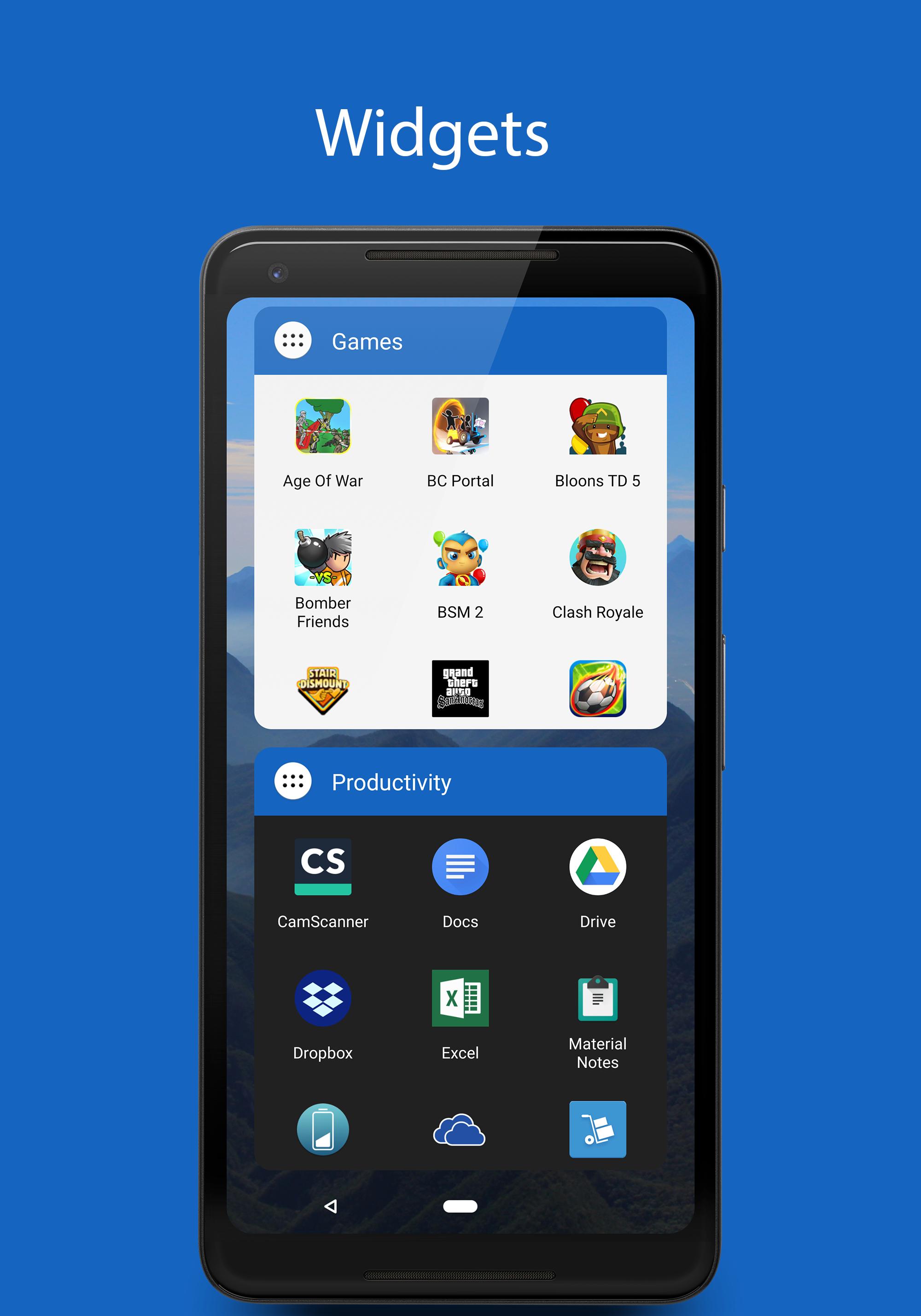
Themes and widgets
Hide unwanted apps
You can hide apps you do not use or do not want to see. Hidden apps remain installed and can be shown again at any time. This keeps the drawer focused on what matters, and all controls are available in the My Drawer APK.
My Drawer offers organized browsing, quick search, visual customization, and tools to reduce clutter. To keep your current launcher while improving access, install the My Drawer latest version and follow the simple setup.
Latest Version
2.0.10Uploaded by
ابو عبدو صحراوي
Requires Android
Android 5.0+
Category
Free Productivity AppContent Rating
Everyone
Security Report
Report
Flag as inappropriateLast updated on Mar 15, 2024
Minor bug fixes and improvements. Install or update to the newest version to check it out!






APKPure - A multi-platform app store primarily focused on Android, providing extensive app-related content. Discover the app you want easier, faster, and safer, with quick and efficient downloads and installations.