
★☆ Intuitive and easy operation☆★
☆☆ I can write diary in any number☆★★
★☆ Pictures can be unlimited☆★
★☆ Backup☆★
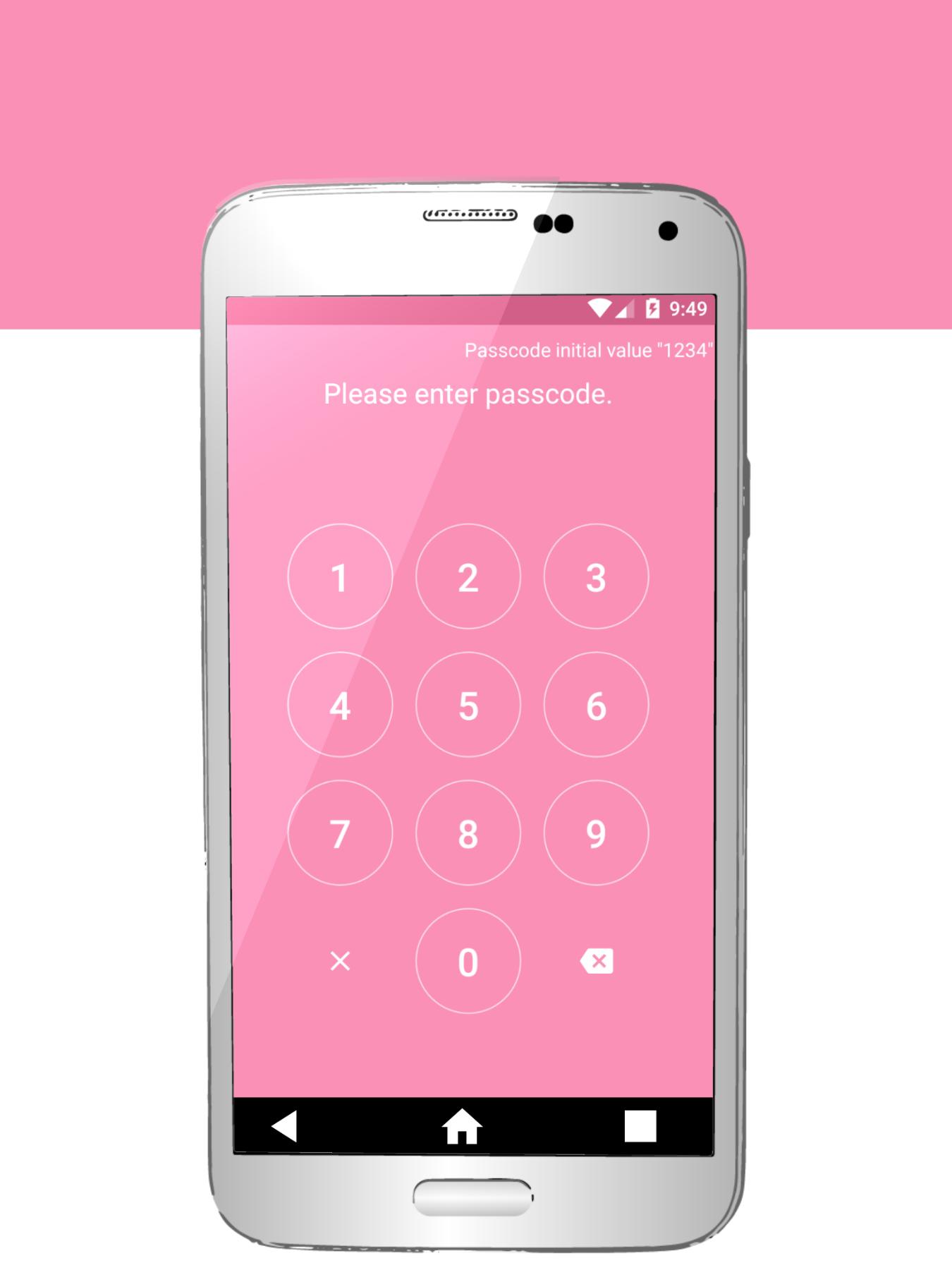
★☆ Protect private with password☆★
▼ Operation explanation
● Write a diary
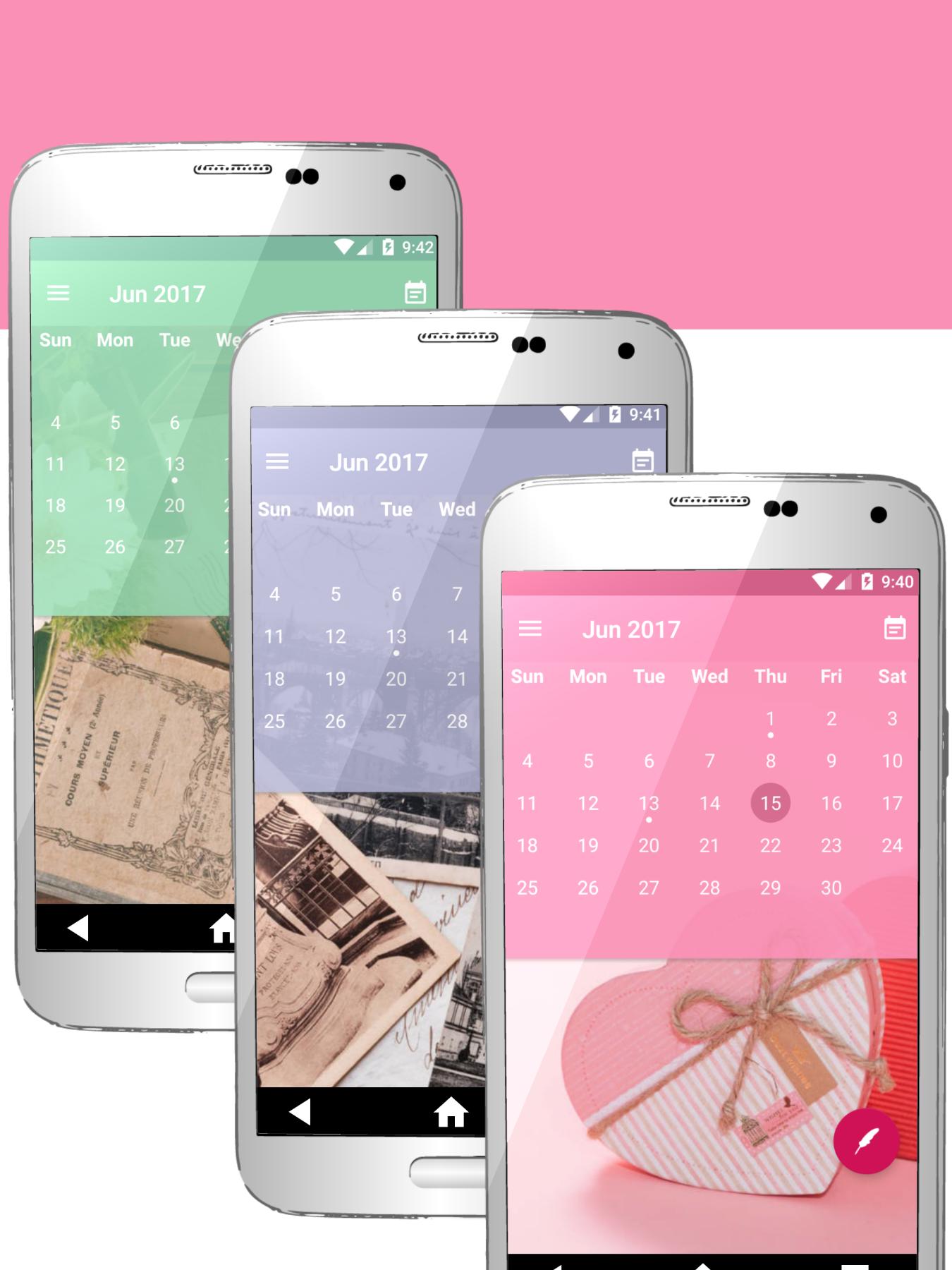
Select a date from the calendar and touch the round button on the bottom right. Write a diary and save with a check button.
● Photo attachment
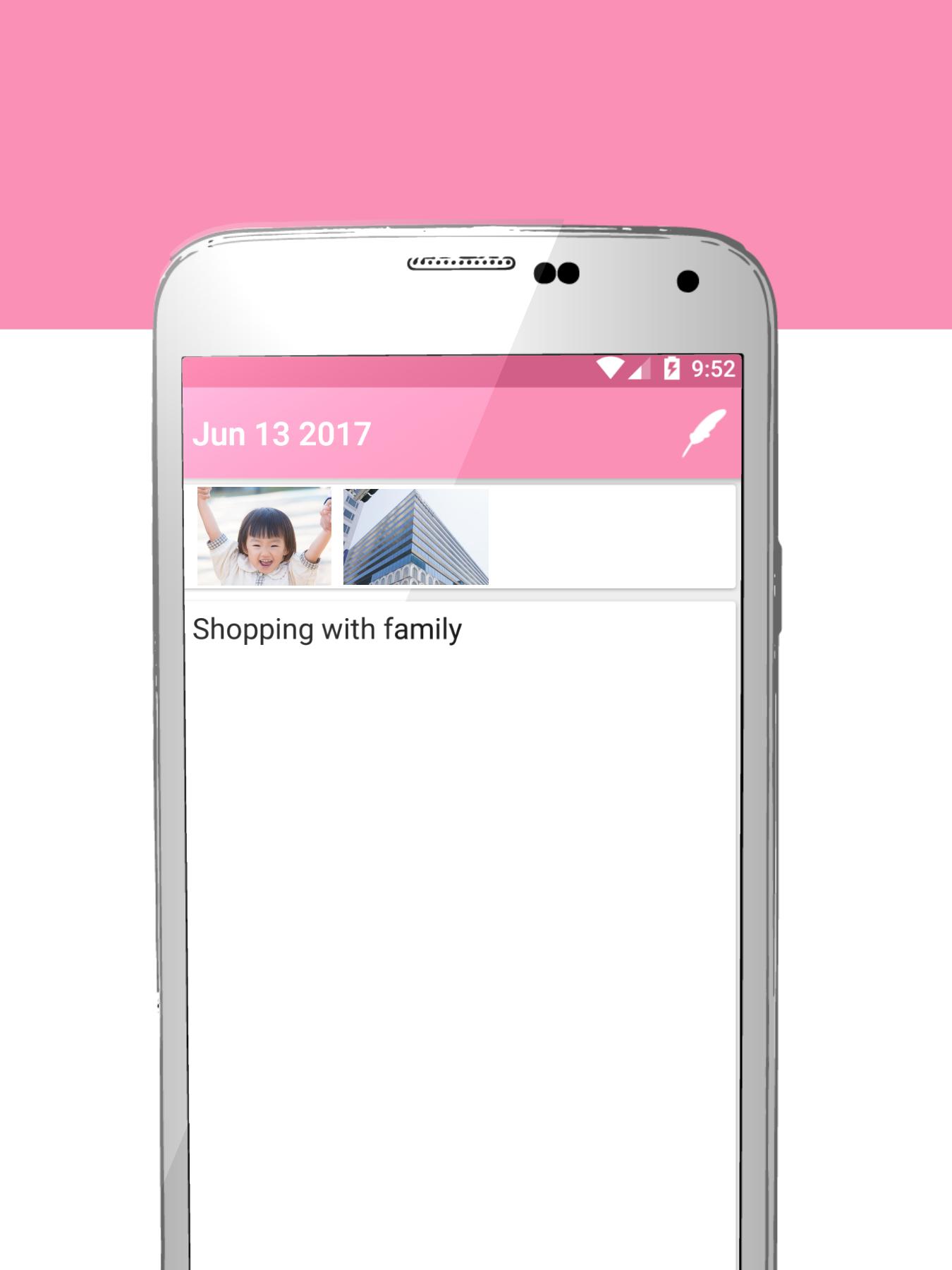
Press the button to the left of the check button and select the picture.
● Delete attached image
In the diary editing screen, press and hold the image you want to delete.
● Backup
Pull out the menu from the left and select Backup. Pictures are saved in the folder of the application, please move to the new smartphone.
Latest Version
1.2.1Uploaded by
ဆင္အားမာန္
Requires Android
Android 5.0+
Category
Free Lifestyle AppContent Rating
Everyone
Report
Flag as inappropriateLast updated on Nov 24, 2017
Bug fixes
Icon correction


APKPure - A multi-platform app store primarily focused on Android, providing extensive app-related content. Discover the app you want easier, faster, and safer, with quick and efficient downloads and installations.











