


Package Name:com.harmostik.alldetailsmydevicesetting
SHA-256:1e2beff15343107694fa7f229878535810524d38c15469b5c1a526b578f82346
Show More

My Device Setting is an app that allows anyone to easily obtain device settings details. Now you can easily find useful information regarding your device's features with ease by using this amazing and helpful My Device Setting App. Our Smart My Device Settings allow you to get details of device info, network, model and display, storage info, tools, setting shortcuts, test devices, sensor lists, and many more.
Get the following details of your device parts with ease, which are mentioned below:
# Device information:
Device information includes details about the maker, model, build version, codename, release build version, product, hardware, radio version, device model, board, display version, build brand, build host, build time, build user, serial, OS version, language, SDK version, screen density, and much more.
# Network:
Find out the phone kind, network type, class, isNfcEnabled, is WiFiEnabled, isNetworkAvailable, and many other network data. By utilizing our app, you can stay connected to your network and get any information without researching deeply into your device's settings.
# Model and Display:
Try this tool to find information regarding your model and display it in detail. Find model details like manufacturer, model, build version codename, hardware, build brand, build host, build time, serial, OS version, SDK version, and many more. Fetched display information like orientation, screen height, screen width, screen density, and many more.
# Storage Info:
The quickest way to obtain storage details like total, available, and used device storage. Find the CPU information like processor, bogoMIPS, features, CPU implementer, CPU architecture, CPU variant, CPU part, CPU version, hardware, maximum frequency, and many more. Find core CPU details, like core 0 to core 7. Get RAM details like total RAM, available RAM, low memory threshold, private dirt, PSS, shared dirt, and many more.
# Tools:
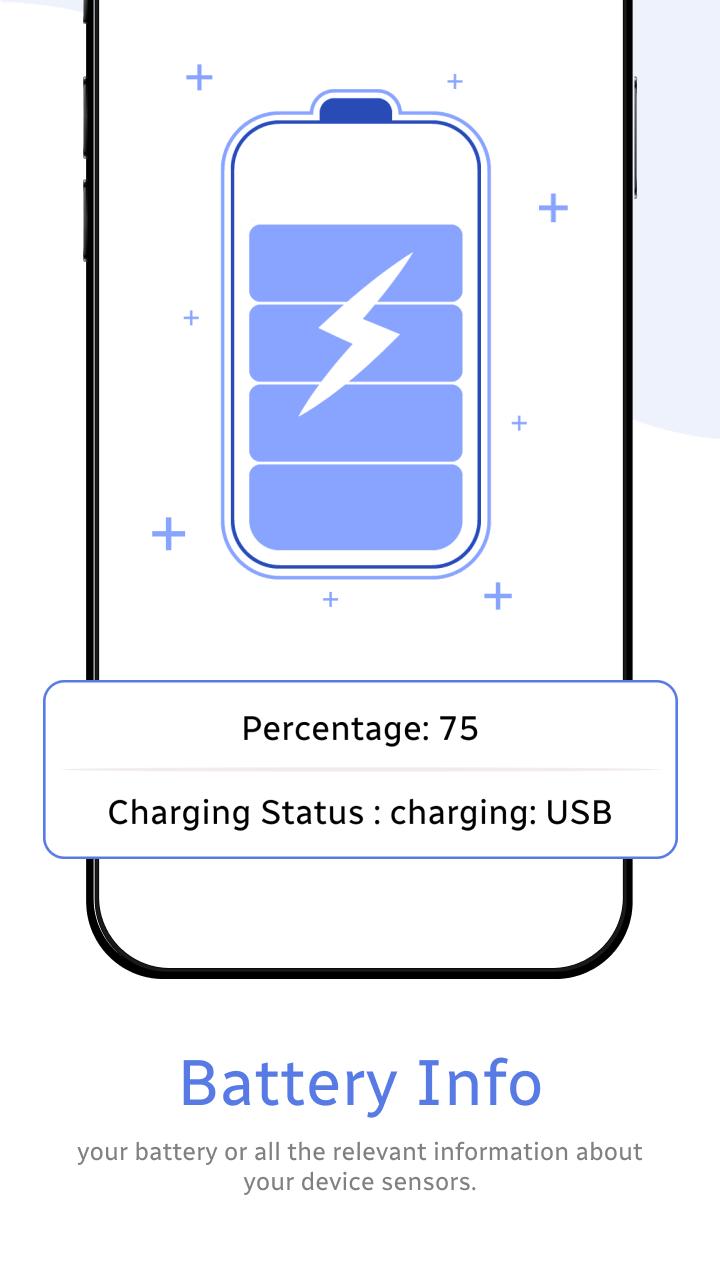
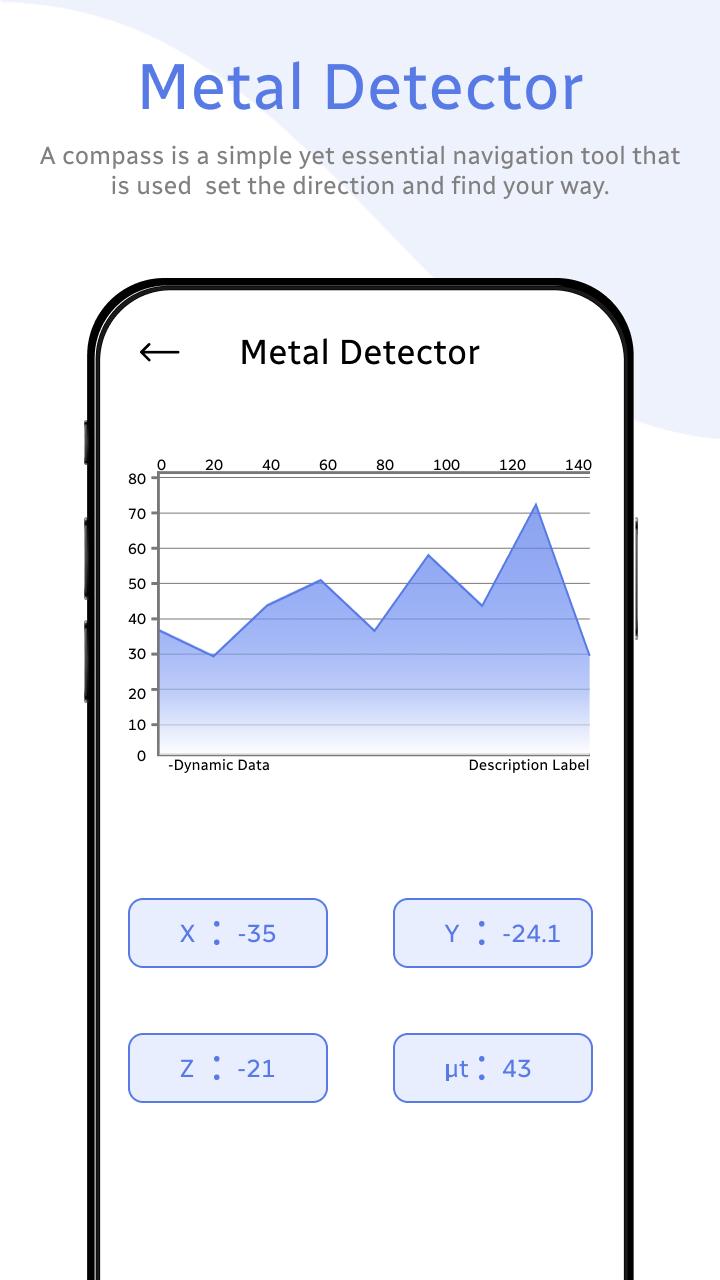
Find different tools, like the compass, to find the perfect navigation using the digital compass. Find the details of your device battery, like battery percentage, battery charge status, current (mA), temperature, power, health, status, power source, technology, voltage (mV), time to charge, capacity, and many more. A metal detector allows you to detect metal around your area by just placing the device and getting the details in a chart view.
# Setting Shortcut:
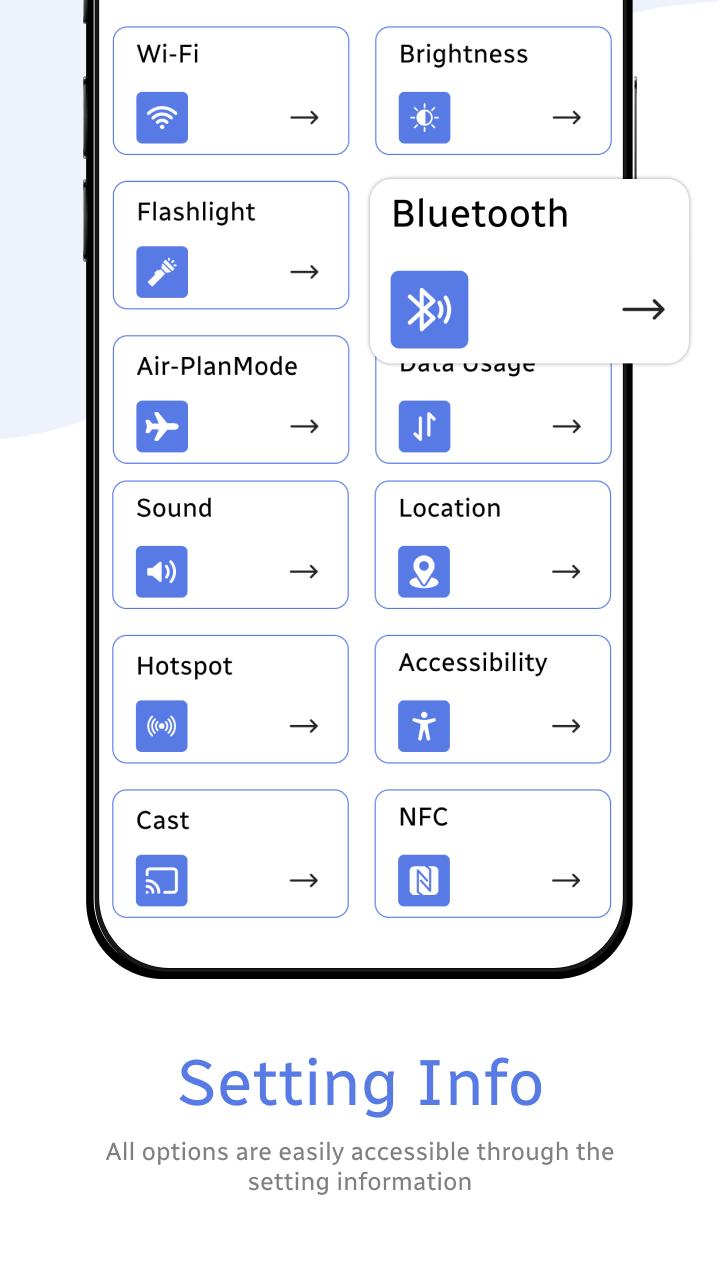
The setting shortcut provides a convenient and efficient way to access and adjust their preferences with a few simple clicks. Get instant access to different tools like WiFi, brightness, flashlights, Bluetooth, airplane mode, data usage, sound, location, hotspot, accessibility, cast, NFC, and many more.
# Test Device:
Test device tools are essential components in the fields of quality assurance and product testing. These tools are designed to check the performance and reliability of various features of the device system. These tools allow you to check the device's performance, like the display, multitouch, flashlight, loud speaker, ear speaker, microphone, light sensor, accelerometer, vibration, Bluetooth, fingerprint, and volume up and down buttons.
# Sensor List:
Sensor list tools are essential instruments designed to identify and monitor various sensors within a system or environment. By utilizing sensor list tools, users can efficiently track sensor health, troubleshoot issues, and ensure optimal functionality. Also find details like accelerometer, magnetometer, gyroscope, proximity, significant motion, step detector, step counter, device orientation, stationary detection, motion detection, and many more.
Latest Version
3.5Uploaded by
Walamun AuAinun
Requires Android
Android 4.4+
Category
Free Tools AppContent Rating
Everyone
Security Report
Check Now
Report
Flag as inappropriateLast updated on Aug 19, 2025
Minor bug fixes and improvements. Install or update to the newest version to check it out!



APKPure - A multi-platform app store primarily focused on Android, providing extensive app-related content. Discover the app you want easier, faster, and safer, with quick and efficient downloads and installations.












