
One of the main features of such controller is that you can easily make it out of cheap and accessible modules, which you may find in popular online stores.
The controller supports LED strips of from 30 to 240 diodes. Before use, you should set the number of diodes in your strip by pressing the LED button. Then save the set value to NVRAM by pressing the SAVE button.
Presented software allows you to enjoy more than 12 built-in musical programs and over 44 dynamical programs. Taking into account all the variations of motion and colors, you will find that overall number of programs exceeds 1000! You can simply choose any program, set up direction of motion, LED strip brightness, motion speed, and comfortable white light color temperature. Moreover, we will continuously release new musical and dynamical programs!
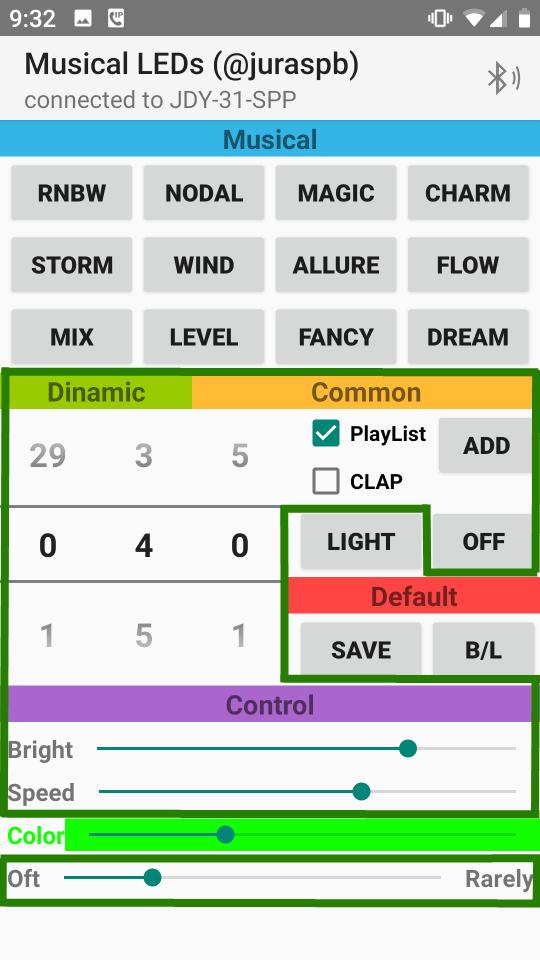
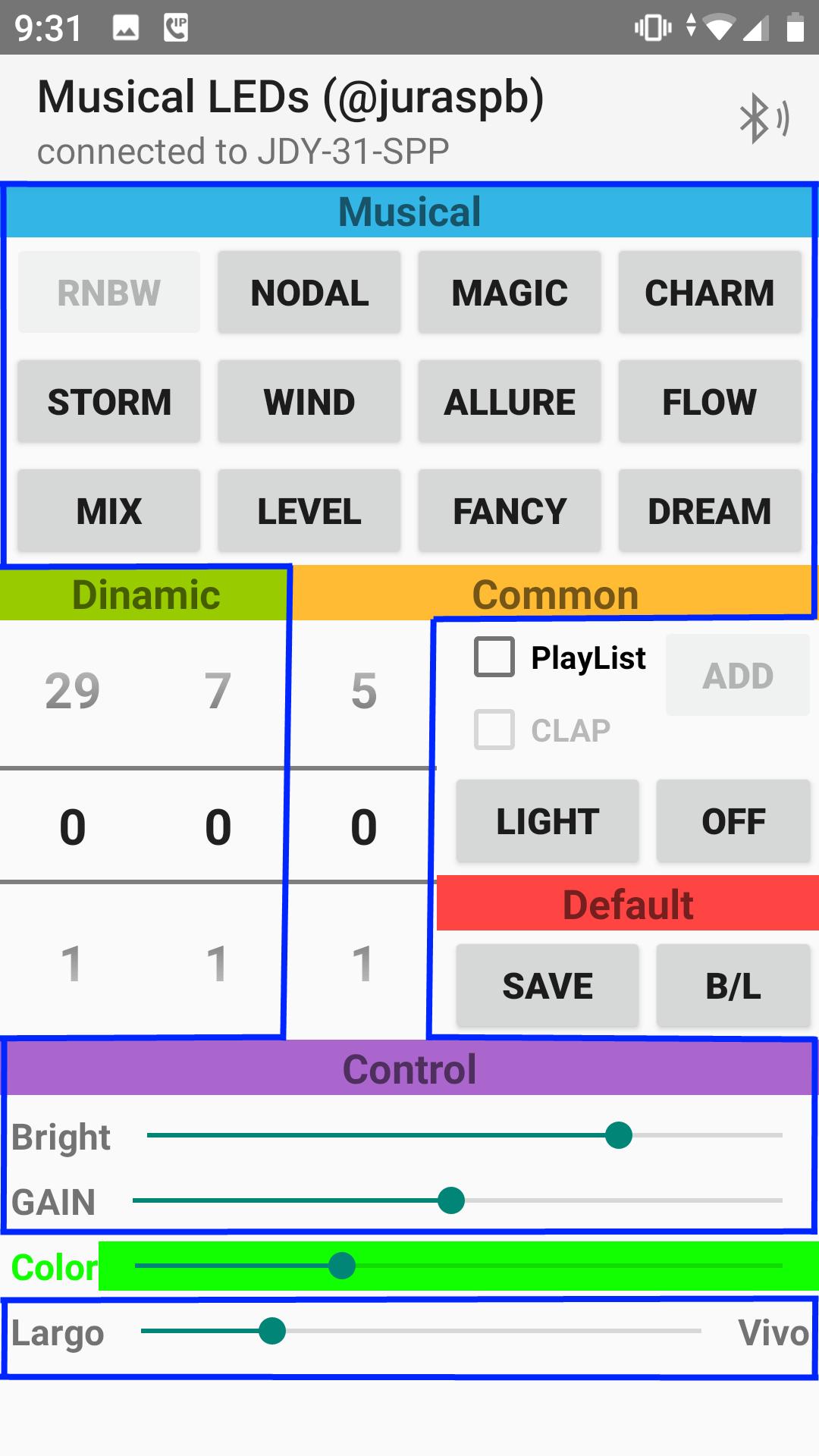
The controller also allows you to make a playlist of dynamical programs. Just add any dynamical program you like to playlist by pressing the ADD button. Using this feature, you can create the playlist of dynamical programs that will alternate each other in order you want with unique motion speed for every program. To clear playlist hold the ADD button for more than 5 seconds. Check the box labeled playlist to start the cyclic playing. Do not forget to save your playlist to NVRAM by pressing the SAVE button.
Using the buttons OFF and LIGHT, you may turn the LED strip off or turn on simple white lighting at any time.
You may set up your controller from any terminal software using AT commands. To get the command list, use the AT+H command. You can also set colors of the dynamical programs from terminal.
Everything needed to start your amazing LED strip musical experience is to install our firmware on the STM32F103 microcontroller. Assembly instructions and firmware are available to download from the developer’s web site and from the Musical LEDs Facebook group.
Have a nice time!
Latest Version
3.0Uploaded by
Yuriy Petrukhanov
Requires Android
3.0
Category
Music & Audio AppContent Rating
Everyone
Report
Flag as inappropriateLast updated on Jan 31, 2024
Minor bug fixes and improvements. Install or update to the newest version to check it out!



APKPure - A multi-platform app store primarily focused on Android, providing extensive app-related content. Discover the app you want easier, faster, and safer, with quick and efficient downloads and installations.