

MuMuPlayer helps users who prefer a keyboard, mouse, or gamepad when playing mobile titles on a computer. It brings a familiar Android setup into a desktop window, so you can open apps, tweak settings, and manage accounts with less friction. In addition, it focuses on stable performance to support long sessions and daily play.
Clean Android 12 desktop experience
MuMuPlayer delivers a pure Android environment on your computer with support for Android 12. The interface stays ad-free, which keeps navigation clear and consistent. You can switch between dark and light modes based on your preference. Everyday actions feel familiar, so you move from phone to desktop without a learning curve.
Cross-platform builds for more devices
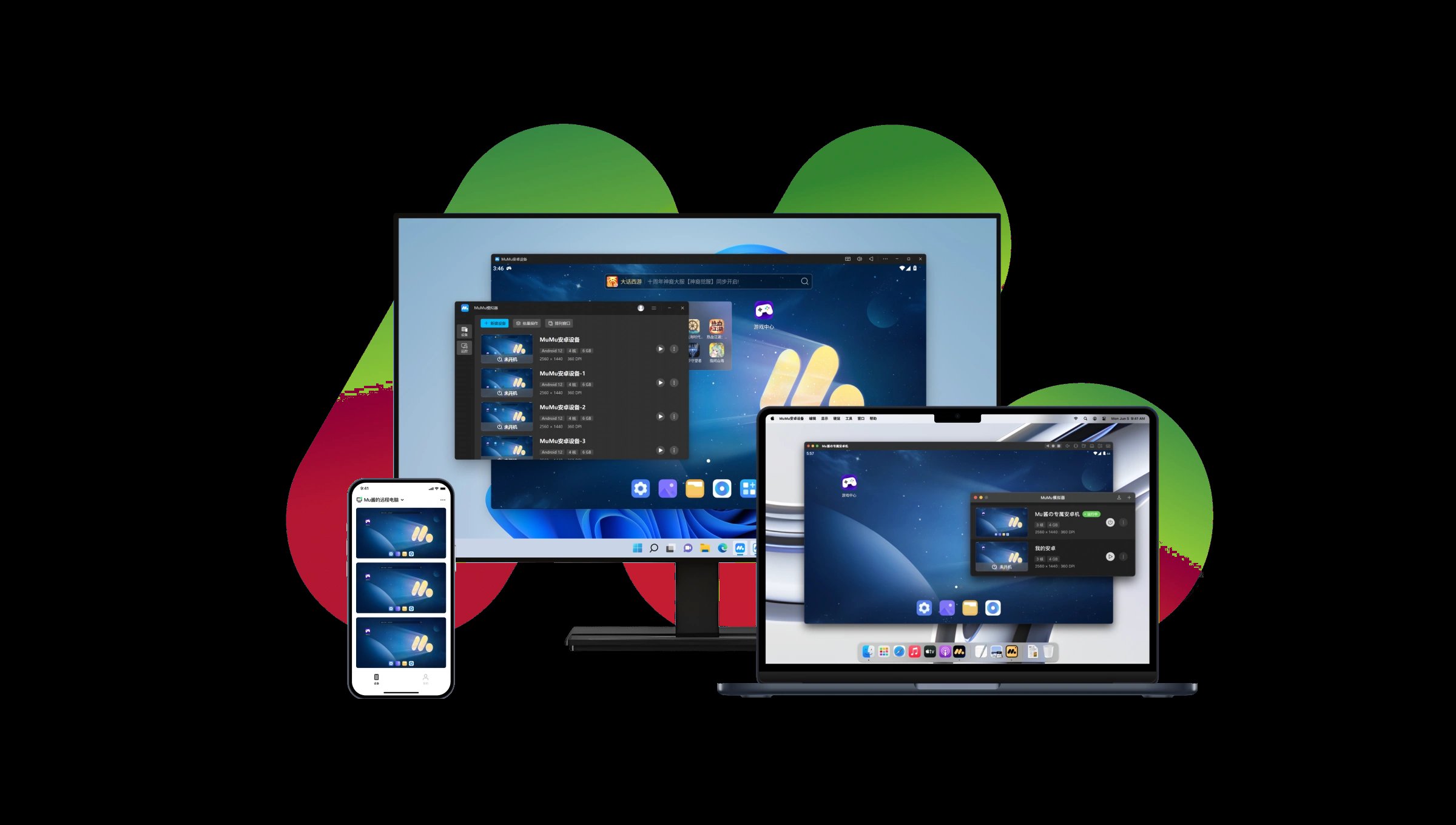
To match different hardware, MuMuPlayer provides optimized versions for Windows, macOS, including Apple Silicon, and Windows ARM. This gives you a tailored build that aligns with your machine for stable operation. It also helps users who switch between devices keep a similar setup across platforms. As a result, you can focus on your games and apps instead of compatibility issues.
High definition visuals and high FPS options
For visual clarity, MuMuPlayer supports 4K output and high FPS modes. Intelligent frame interpolation aims to keep animations smooth during action-heavy moments. You can tune these settings to match your monitor and hardware capacity. This approach gives users control over image quality and frame rate to suit each title.
Flexible keyboard, mouse, and controller input
MuMuPlayer includes advanced keyboard and mouse mapping so you can assign on-screen actions to keys and clicks. Gamepad support is available for players who prefer controllers. On Mac laptops, touchpad gesture navigation adds an extra way to move through the interface. These input options help you set up controls that match your habits.
Unlimited multi-instance management
It supports unlimited multi-instance use in case you need to run several accounts or games at the same time. Resource allocation is designed to stay efficient, so you can open, pause, and switch instances as needed. Many players use this to farm materials, reroll, or multitask across different titles. It keeps account management in one place without constant logouts.
Simple installs and helpful tools
Installing content is straightforward. Shared folders make it easy to move files in and out of the emulator. There is also an in-emulator game center for discovery, along with ADB connectivity for users who need developer tools. These options support both regular play and testing workflows.
If you encounter the name MuMu App Player, it refers to the same product. Some users also say NetEase MuMu when talking about the emulator. Naming can vary by region and source, so confirm you are viewing official information before starting a setup. This helps avoid confusion when searching for installers or guides.
On platform availability, MuMuPlayer offers builds for Windows, macOS with Apple Silicon, and Windows ARM. Version names may differ between these platforms. Before installation, check which package fits your device and confirm you are using the latest version for that system.
MuMuPlayer maintains official blog hubs that share game news, guides, redeem codes, and event updates. These resources are useful if you want tips for control layouts, instance planning, or account workflows. You can browse them to stay informed about features and popular game configurations.
For macOS users, there is a free trial to explore premium features before subscribing. This gives you time to test performance on Apple Silicon and decide whether the feature set meets your needs.
MuMuPlayer provides a clean Android environment on a desktop with visual controls, multi-instance support, and straightforward package installs. To keep your setup current, download MuMuPlayer latest version from APKpure. Users who want keyboard or controller play for mobile titles can consider this emulator for consistent daily use.
For official resources and support, see the information below.
Official website: https://www.mumuplayer.com/
Latest Version
1.2.3Uploaded by
NetEase
Requires Android
Android 8.0+
Category
Free Tools AppReport
Flag as inappropriateLast updated on May 19, 2026
Minor bug fixes and improvements. Install or update to the newest version to check it out!


APKPure - A multi-platform app store primarily focused on Android, providing extensive app-related content. Discover the app you want easier, faster, and safer, with quick and efficient downloads and installations.







