
Hide and password protect pictures, videos, documents and any other file on your device with secure folder.
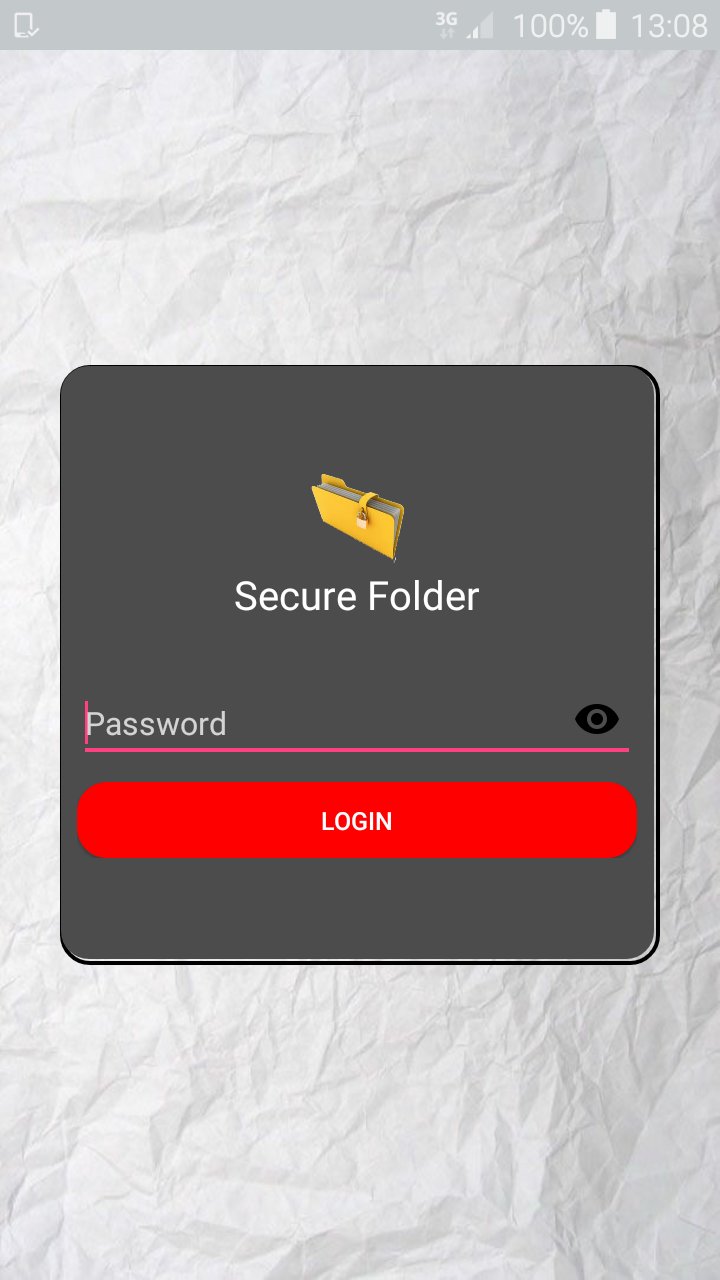
Secure folder is able to encrypt files of any type or length and no one can use it without your permission. The folder is password protected, therefore only you can de-crypt the encrypted files. With secure folder you can protect your business documents, videos, music, photos, and other personal files from snoopers.
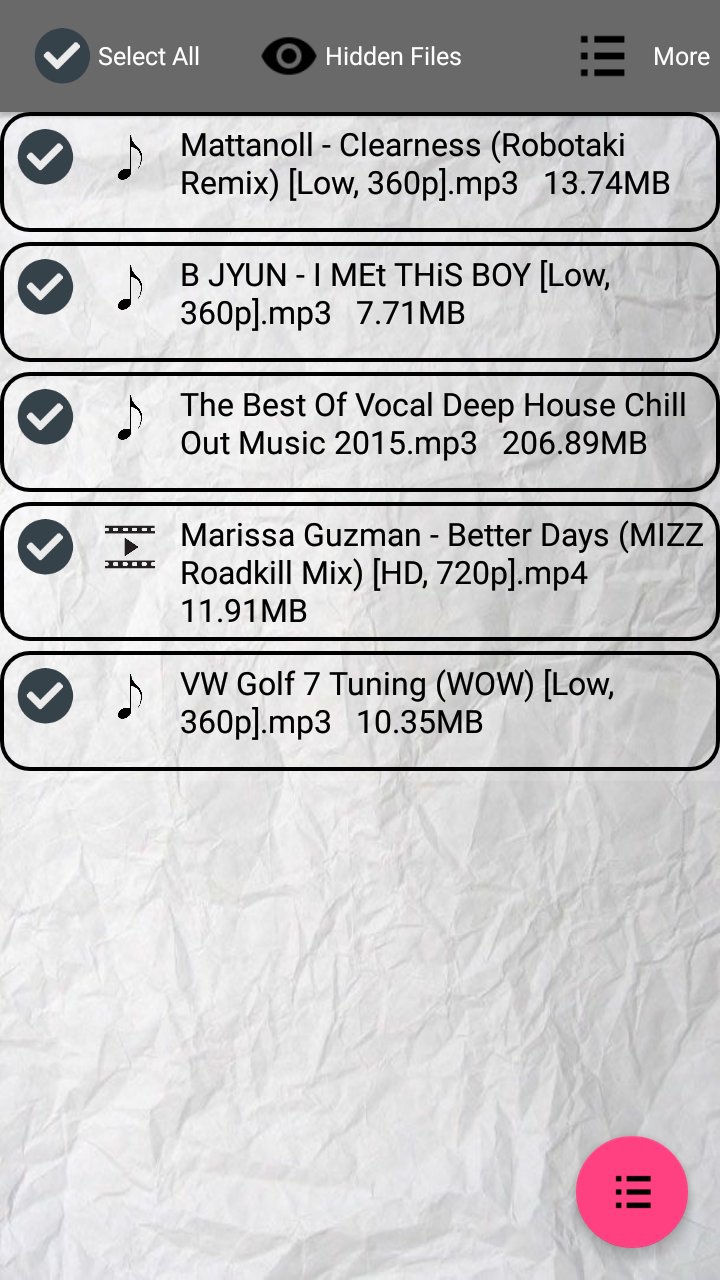
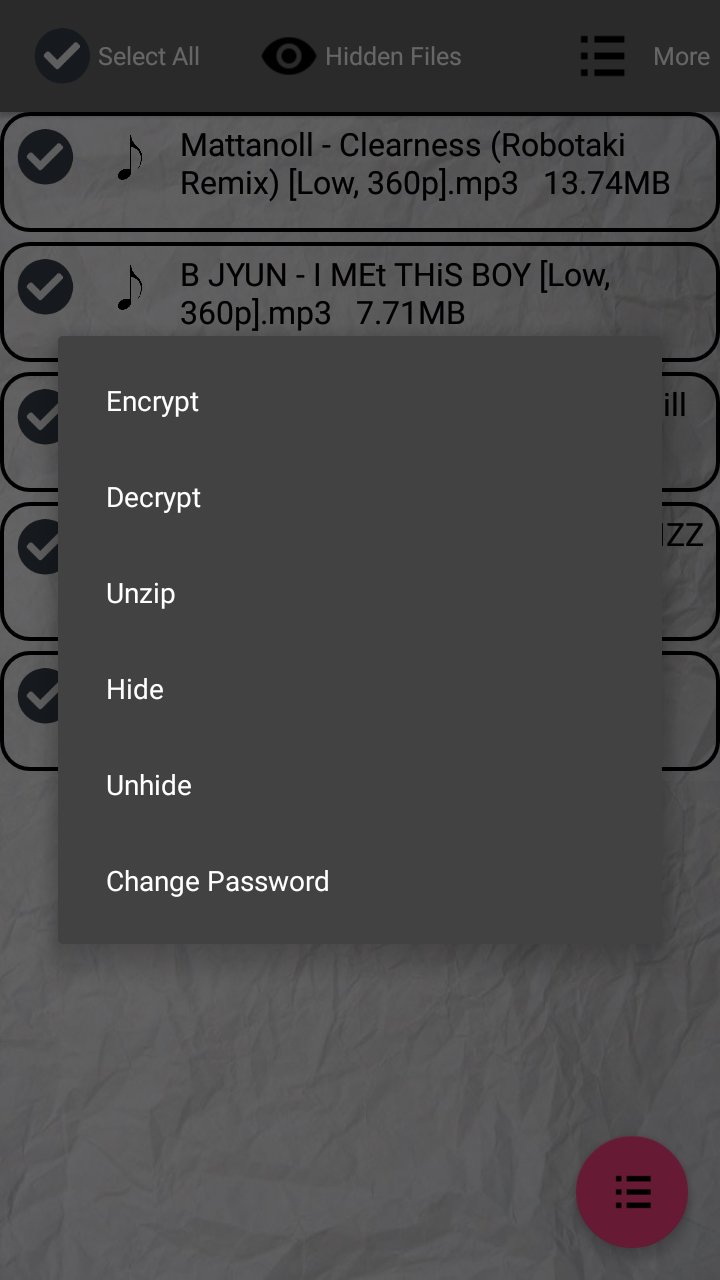
Secure folder has the following functionalities:
- Password protect your files.
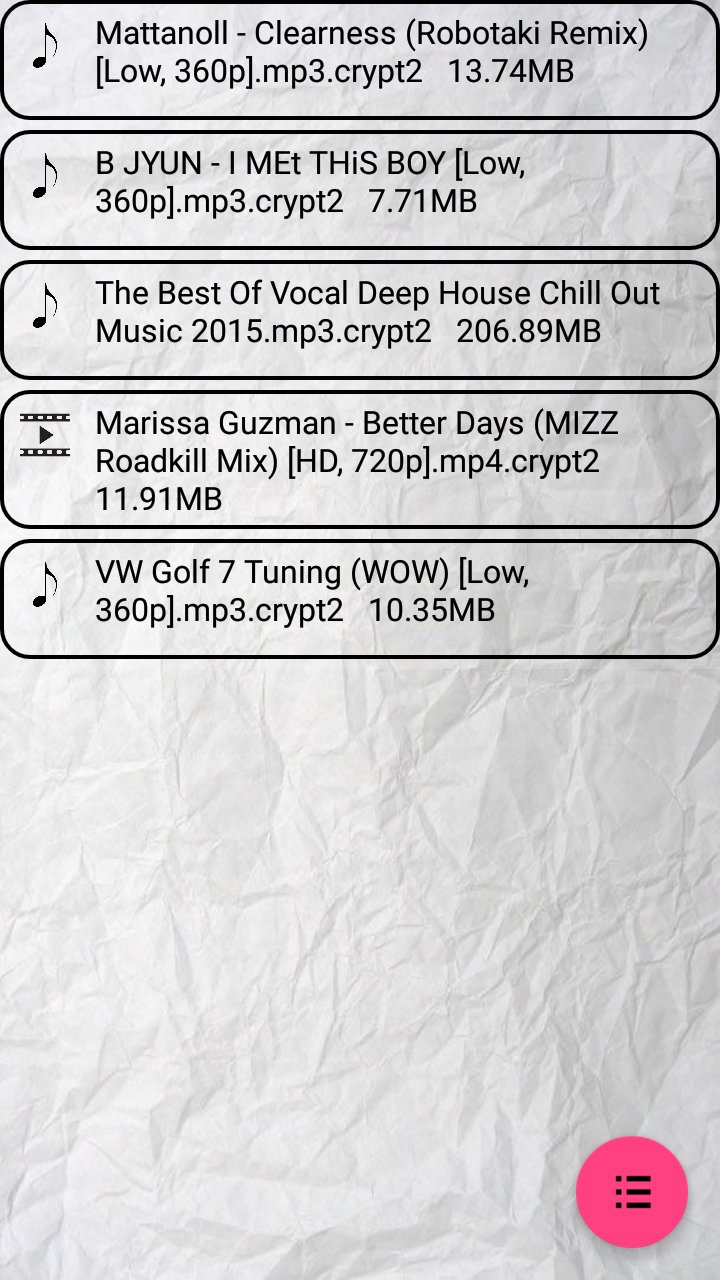
- Encrypt files.
- Hide files.
- Show hidden files.
- Un-zip zipped files.
- And perform normal functionalities of a file explorer.
Latest Version
2.0.0Uploaded by
UmAr RaJa
Requires Android
Android 4.0.3+
Category
Free Tools AppContent Rating
Everyone
Report
Flag as inappropriateLast updated on Apr 17, 2017
New user interface.
Improved hiding functionality.




APKPure - A multi-platform app store primarily focused on Android, providing extensive app-related content. Discover the app you want easier, faster, and safer, with quick and efficient downloads and installations.













