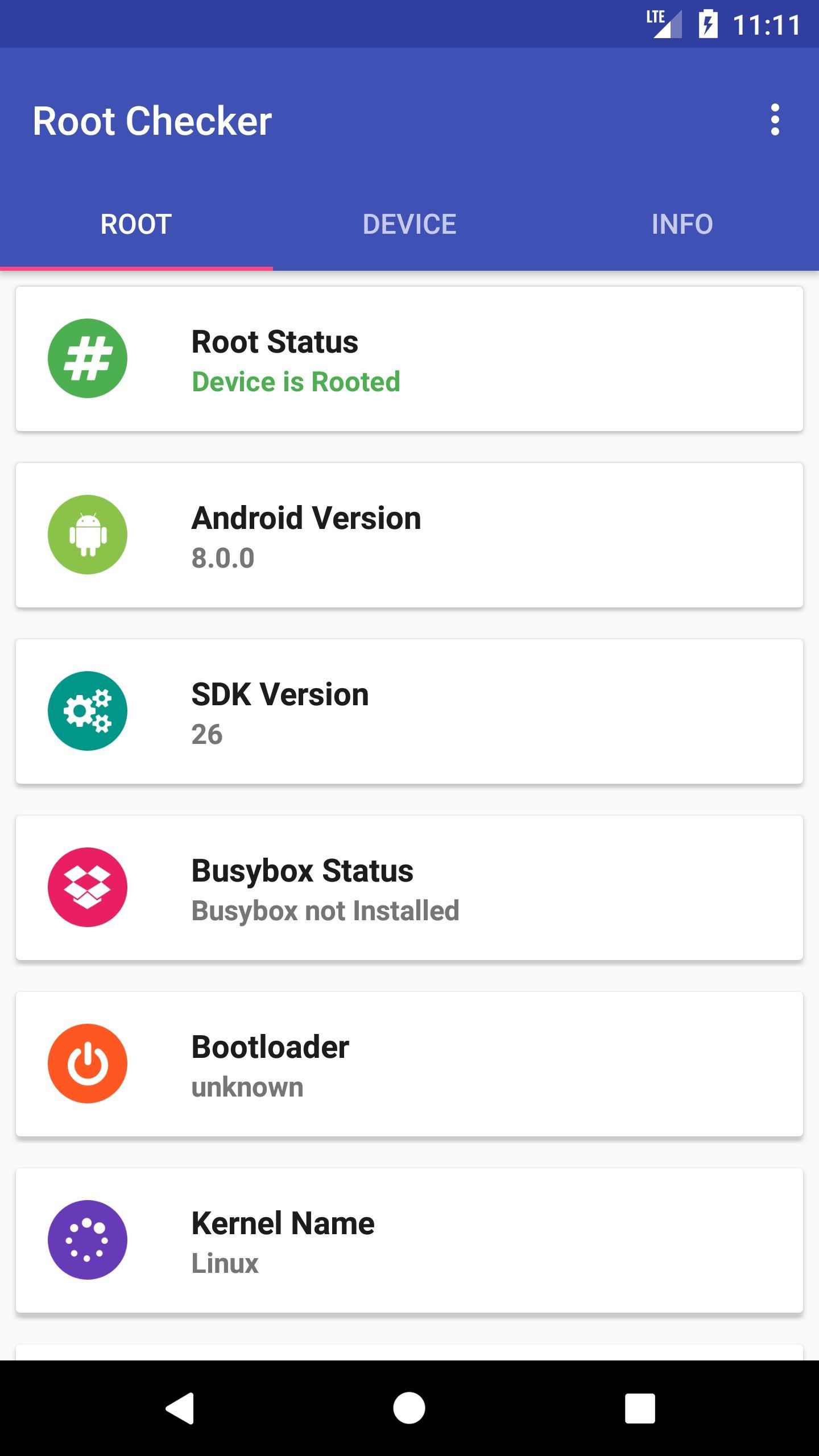
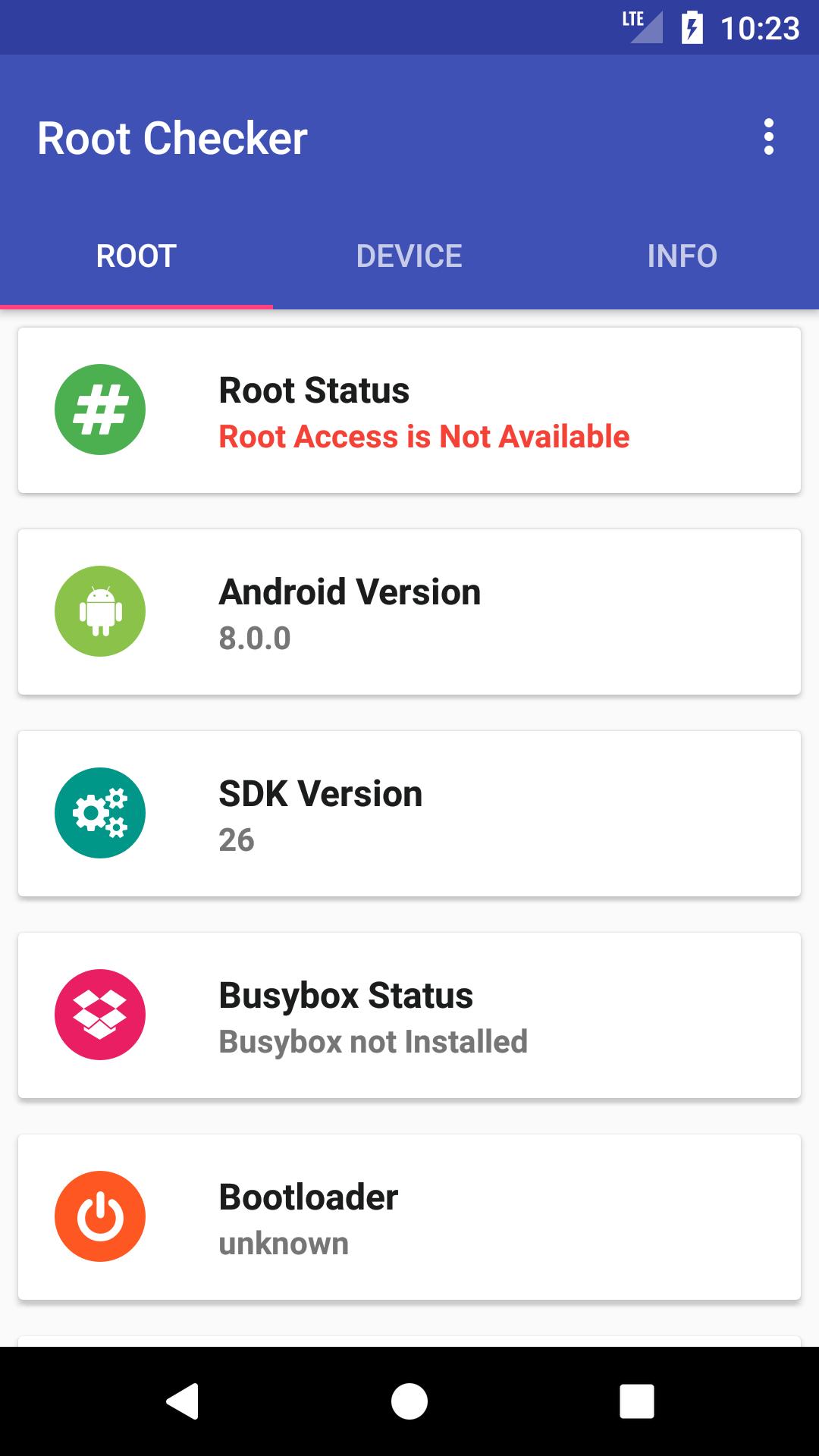
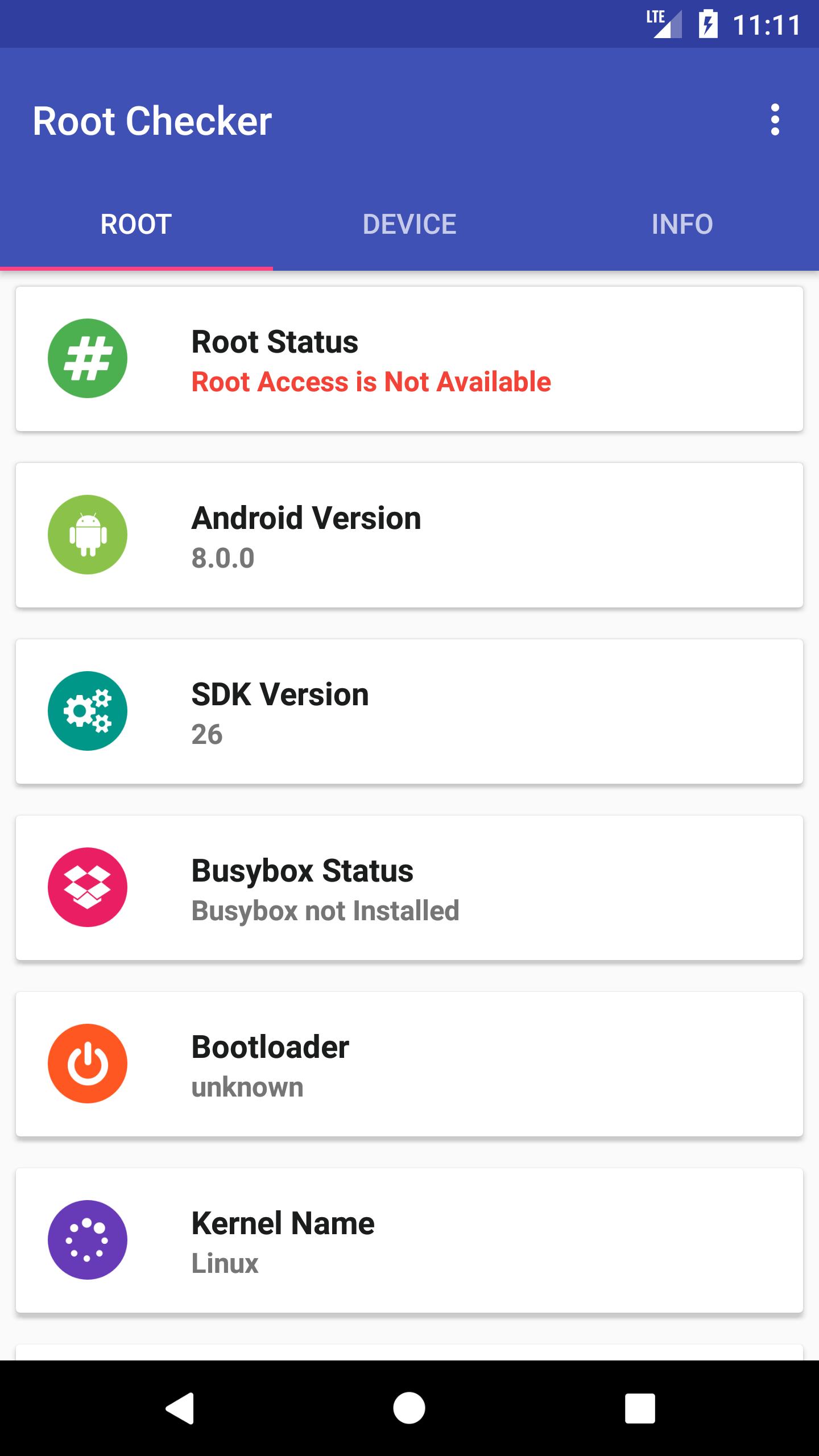
Root Checker Application provide status of your device is Rooted or Not Rooted.
⚙ Roots Checker App Features:
★ Check the status of your Android device Rooted or Not Rooted
★ Busybox Installed or Not
★ Android Device Brand Name
★ Android Device Model Number
★ Busybox Version
★ Bootloader Version
★ Kernel Name
★ Kernel Version
★ USB Debugging mode on or off
★ Fingerprint
★ Run Time
★ Xposed Framework Installation status
☆ THIS APPLICATION DOES NOT ROOT YOUR DEVICE BUT IT CAN CHECK ROOT STATUS ONLY ☆
Root Checker application main feature is to provide simple functionality to check their android device root access (administrator / superuser).
This application provide technical detailed related to root status (superuser access). Root checker app also provide device information like brand, model, imei, build, os version etc.
Our Root checker app is free and easy to use. To check root status just install Root Checker app and open it. It will provide all detailed information about root status and device hardware and software.
What is Rooting?
“Rooting” your device means obtaining “superuser” rights and permissions to your Android’s software. With these elevated user privileges, you gain the ability to load custom software (ROM’s), install custom themes, increase performance, increase battery life, and the ability to install software that would otherwise cost extra money (ex: WiFi tethering). Rooting is essentially “hacking” your Android device. In the iPhone world, this would be the equivalent to “Jailbreaking” your phone. You can check Root Status by using our Root Checker App
Why is it called Rooting??
The term “root” comes from the Unix/Linux world and is used to describe a user who has “superuser” rights or permissions to all the files and programs in the software OS (Operating System). The root user, because they have “superuser” privileges, can essentially change or modify any of the software code on the device. You see, your phone manufacturer/carrier only gives you “guest” privileges when you purchase your device. They do this for good reason… they don’t want you getting into certain parts of the software on your phone and screwing it up beyond repair. It makes it much easier for them to manage and update the devices if they lock it all down. This way, all the users are running the same unmodified version of the phone’s software. This makes it much easier for them to support the devices. But, for the tech-savvy crowd, only having “guest” privileges on your device is pretty lame and it locks down a lot of potentially useful features. They can unroot device and check root status (superuser) by our root checker app.
What is BusyBox ??
When a phone is rooted, one of the most common things to do after rooting is the installation of the BusyBox binary, prior to running any applications that require root privileges.
To make sense of this, it is necessary to have a brief understanding of what BusyBox is. BusyBox is a collection of powerful command-line tools in a single binary executable that can be run for UNIX based systems, including Android. The collection of tools available depends on how the BusyBox binary was built, and the source code is GPLv2 open-source, available from BusyBox Website. Many of the tools don’t do anything useful without elevated root privileges as in a rooted Android device.
Many Android applications that require root privileges use BusyBox from the command-line extensively. Some of the utilities are powerful enough to severely alter your device, such as the ability to write data directly any partition on your device. Many third-party firmware packages including Cyanogenmod utilize BusyBox extensively and already come with prebuilt with it, so users should be aware of consequences if making any modifications to the existing installation of BusyBox, by themselves of from one of many pre-packaged Play Store applications.
Versi Terbaru
2.3Dimuat naik oleh
Jimena Villagràn
Memerlukan Android
Android 4.0+
Category
PERCUMA Alatan APLIKASIPenilaian Kandungan
Everyone
Laporkan
Tandai sebagai tidak sesuaiLast updated on Aug 10, 2017
- Support for latest version
- Device Information Added
- My Device Info Added






APKPure - Sebuah gedung aplikasi berbilang platform yang tertumpu terutamanya pada Android, menyediakan kandungan berkaitan aplikasi yang meluas. Temui aplikasi yang anda mahukan dengan lebih mudah, pantas, dan selamat, dengan muat turun dan pemasangan yang cepat dan cekap.