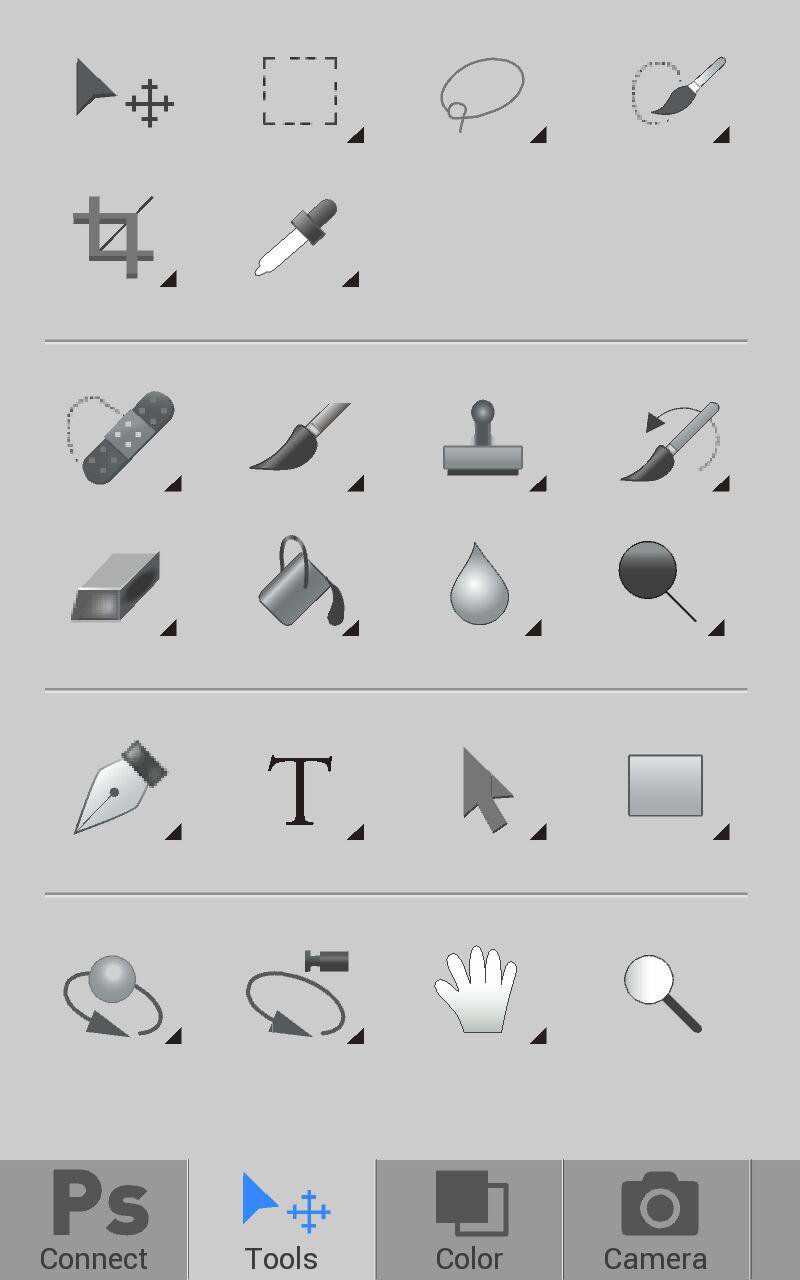
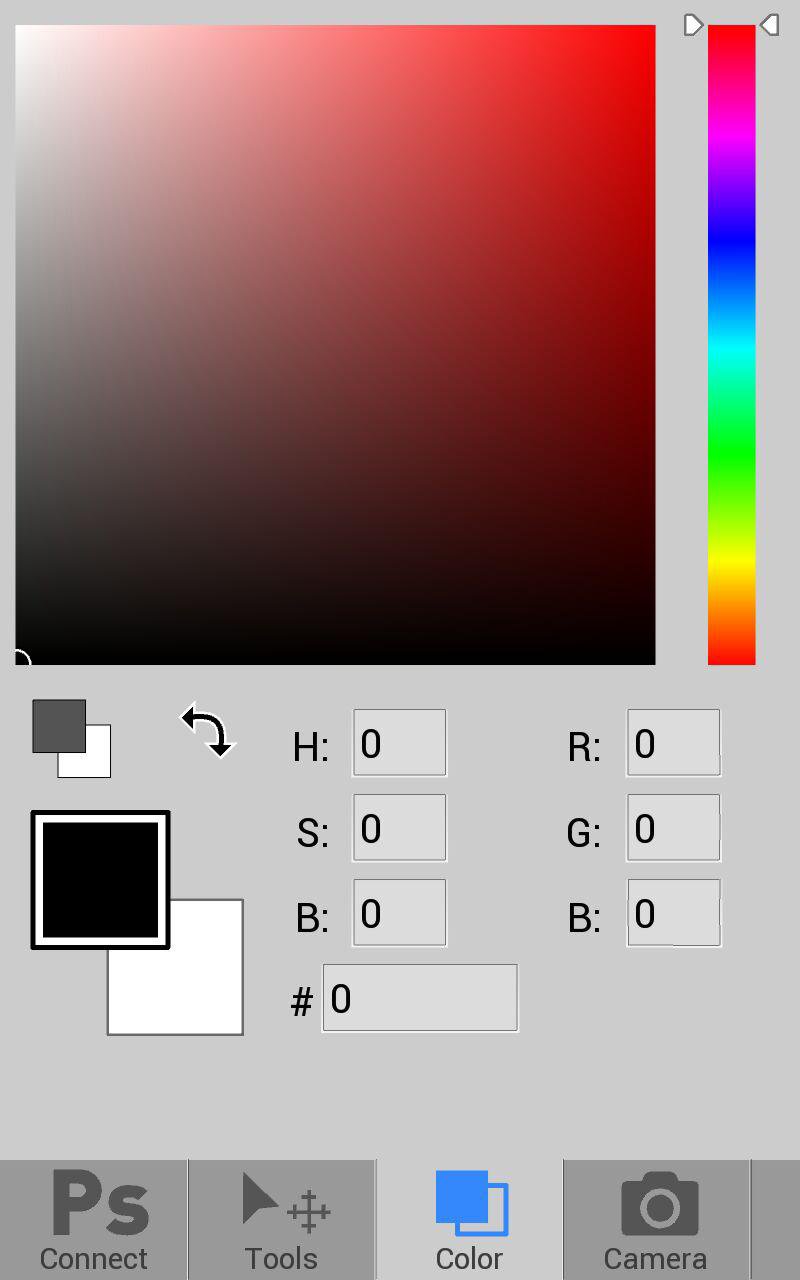
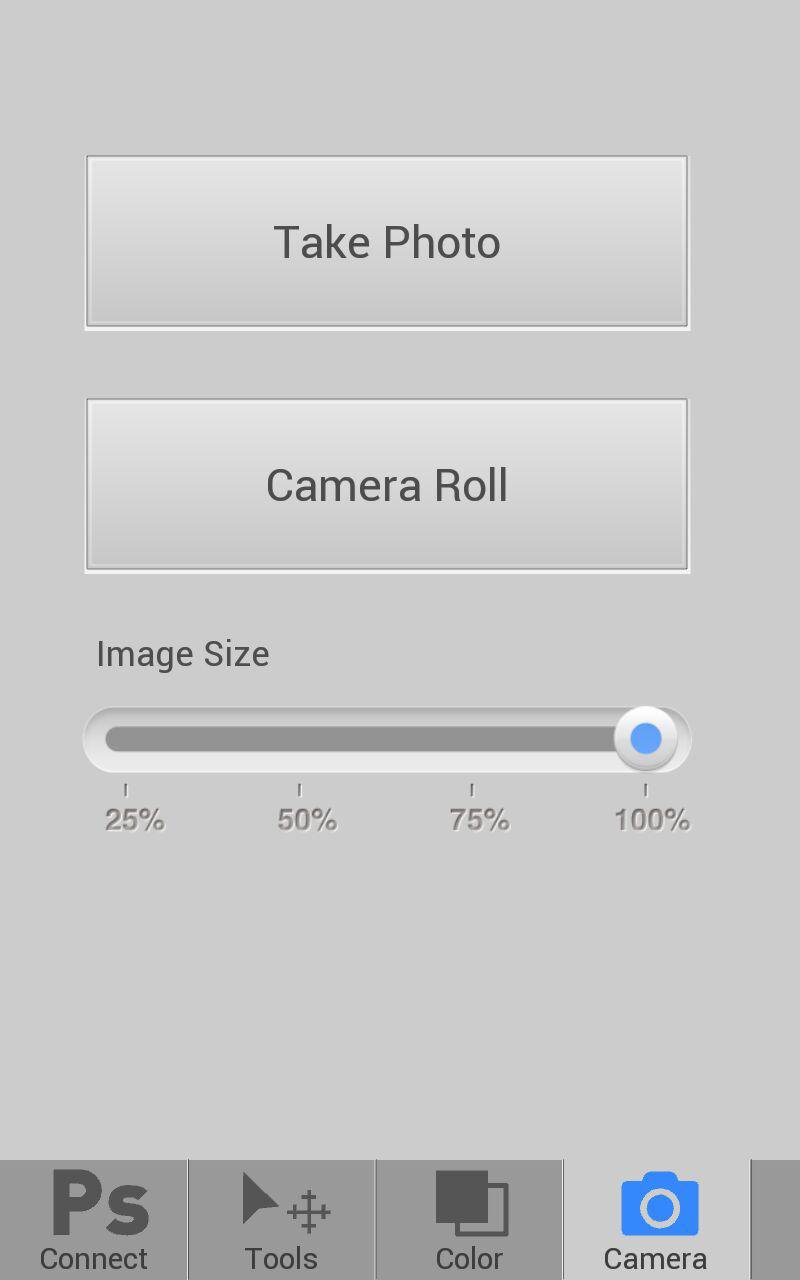
PsTools is Photoshop's useful tools on mobile. Now PsTools have all features of origin tools. You can use tools, color palette and camera.
You need to version 12.0.4 or later required.
--- Open Forum for PsTools ---
If you have any idea, suggestion or bug for PsTools. Please visit our forum and mention you opinion. http://itpointlab.com/forums/forum/f-pstools/
--- How to use ---
1. run Photoshop (higher then version 12.0.4)
2. go to menu Edit -> Remote Connections
3. fill Service Name, Password and check Enable Remote Connections
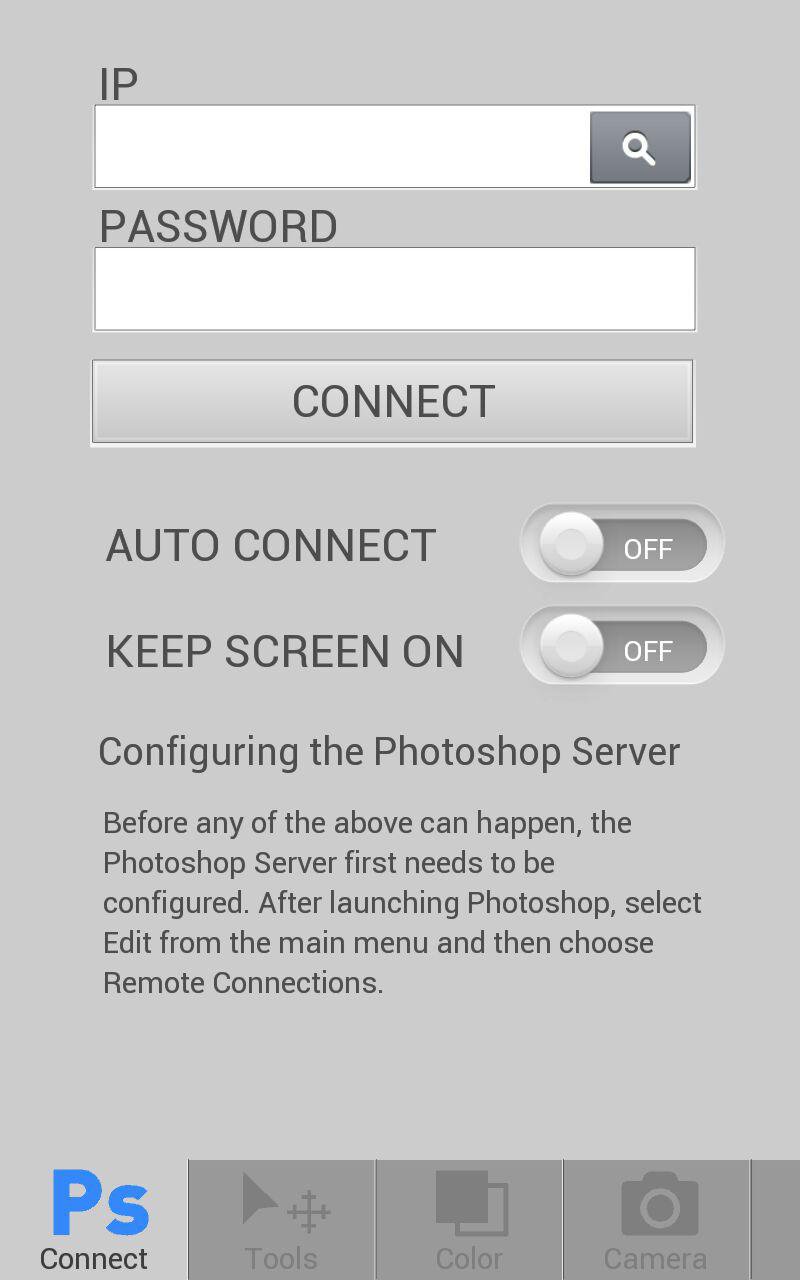
4. run psTools app
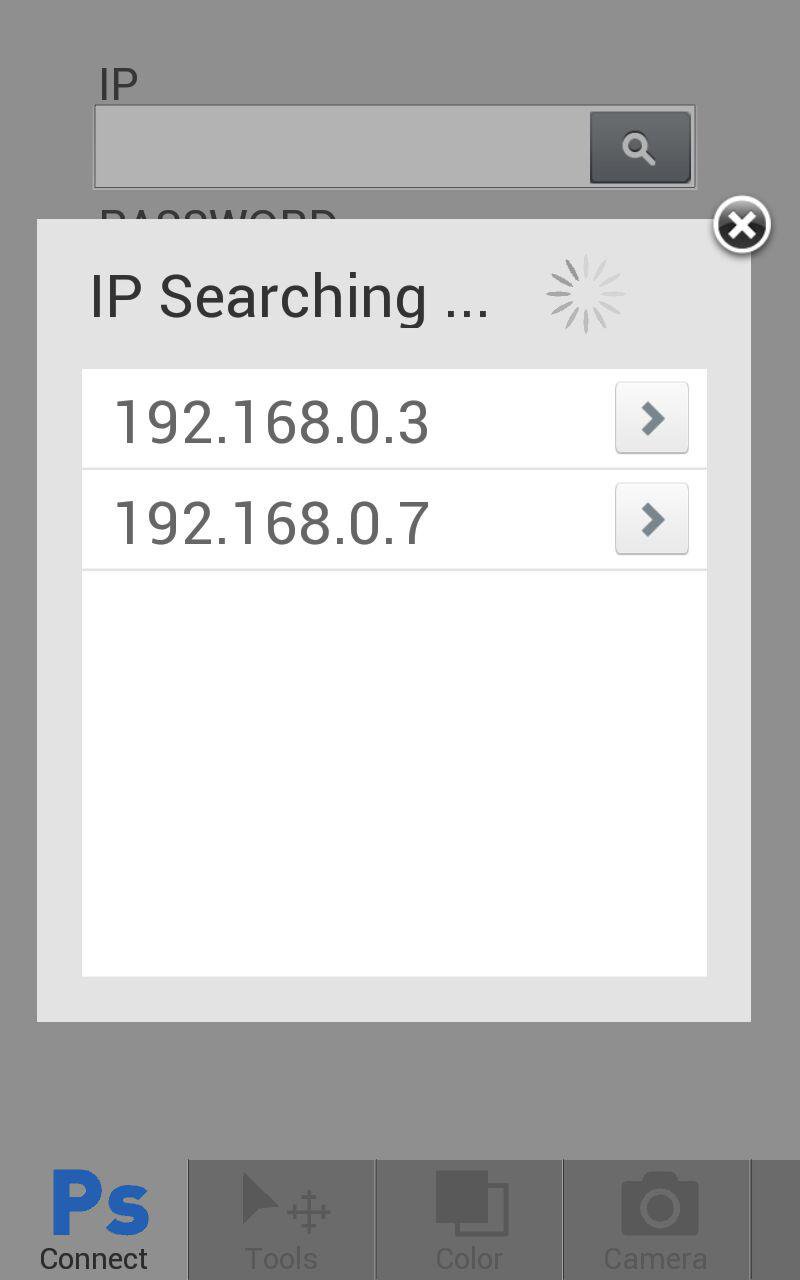
5. insert ip of computer running photoshop and password filled in step3
6. now you can control photoshop by PsTools
Versi Terbaru
2.2.1Dimuat naik oleh
Ranniely Silva
Memerlukan Android
Android 2.2+
Category
PERCUMA Fotografi APLIKASIPenilaian Kandungan
Unrated · Warning – content has not yet been rated. Unrated apps may potentially contain content appropriate for mature audiences only.
Laporkan
Tandai sebagai tidak sesuaiLast updated on Aug 16, 2015
2.2
• added new feature Color what is color palette of photoshop.

APKPure - Sebuah gedung aplikasi berbilang platform yang tertumpu terutamanya pada Android, menyediakan kandungan berkaitan aplikasi yang meluas. Temui aplikasi yang anda mahukan dengan lebih mudah, pantas, dan selamat, dengan muat turun dan pemasangan yang cepat dan cekap.