How to install a Keyboard Plus theme?
Just follow these easy steps:
1. Download Keyboard Professional from Google Play Store
2. Open the Keyboard Professional theme
3. Apply the theme by pressing the - Activate - button from the Keyboard Plus Theme Manager
If you want to change your font size just go to the Quick Settings Tab and choose from one of the 3 available sizes: small, medium or large.
This Keyboard Plus theme uses a free Google Font available here: http://www.google.com/fonts/specimen/Dosis
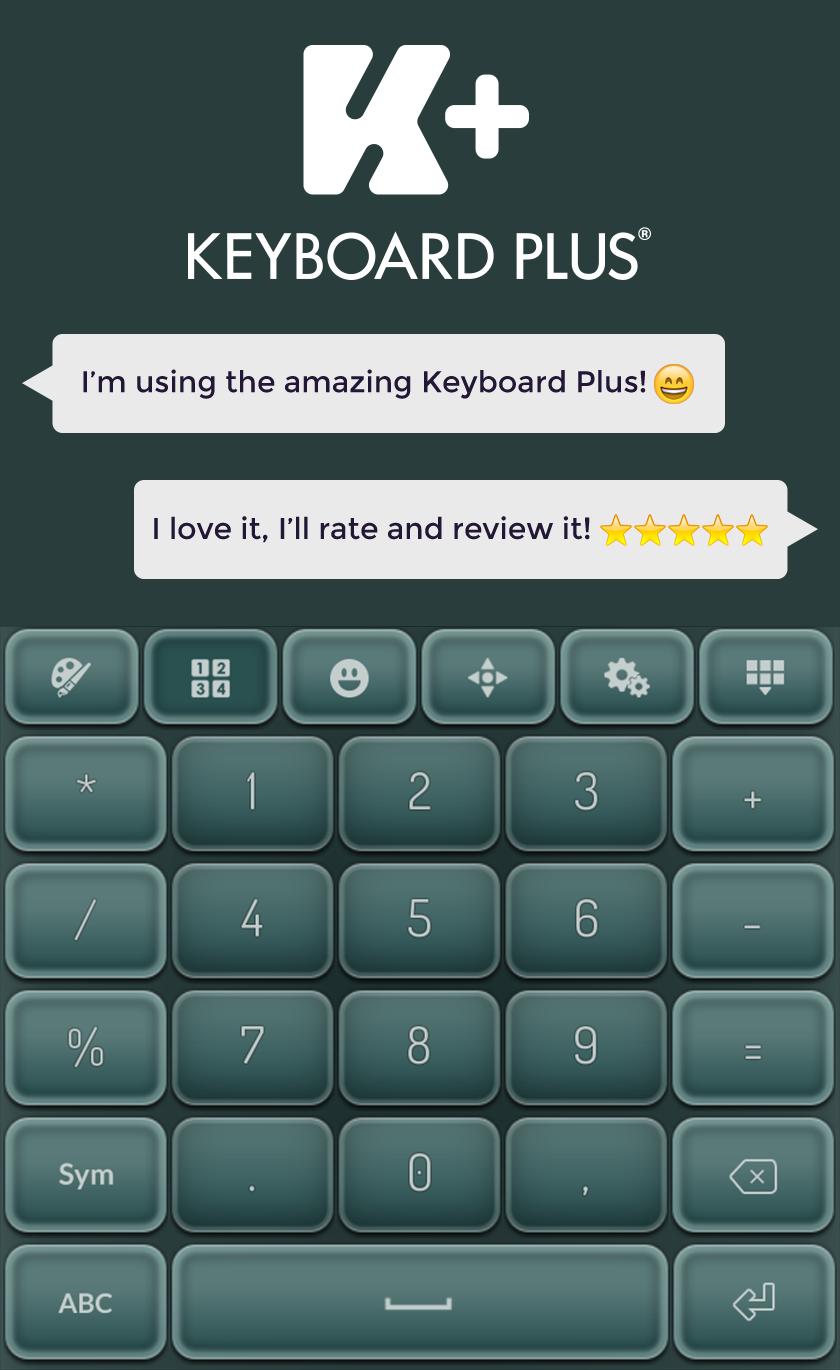
All the Keyboard Plus themes come with a matching font that will be displayed automatically.
New Layouts with translations coming soon.
We are looking forward for your feedback so don't hesitate to contact us for any suggestions or other issues that you may have at the following address: bestkeyboardsthemes@gmail.com
You are a leader, a winner and you will not settle for anything less than perfect. You want to be fast, precise and always make a very good first impression? Get the Keyboard Professional theme and you will never be disappointed. This new, impressive keyboard theme has a sharp look and it's very easy to use so you can have the best results with minimum effort. Don't let anything distract you from your goals, be fast and always ahead of others, that is the way to success. Choose to look professional and you will get the attention and respect that you deserve. Download right now the new Keyboard Professional theme and always be a winner.
Versi Terbaru
4.0.0Dimuat naik oleh
هبوش عبودة
Memerlukan Android
Android 4.2+
Category
PERCUMA Pemperibadian APLIKASIPenilaian Kandungan
Everyone
Laporkan
Tandai sebagai tidak sesuaiLast updated on Jun 29, 2018
Minor bug fixes and improvements. Install or update to the newest version to check it out!





APKPure - Sebuah gedung aplikasi berbilang platform yang tertumpu terutamanya pada Android, menyediakan kandungan berkaitan aplikasi yang meluas. Temui aplikasi yang anda mahukan dengan lebih mudah, pantas, dan selamat, dengan muat turun dan pemasangan yang cepat dan cekap.