
File Manager is a free, secure tool that helps you find file faster, manage files easily, and share them offline with others. File Manager also recognizes multiple file formats, including music, videos, images, documents, APKs, and zip-files. We update our app regularly to bring you the best experience. With Mi File Manager’s crisp and clear UI, file management becomes easier than ever before!
FileMaster is a device manager and optimization tool that is extremely preferable if you really just want something simple.
File Manager helps you handle all your files whether they are stored in your device's main storage or microSD card.
File Manager is an easy and powerful file explorer for Android devices. It’s free, fast and full-featured. Because of its simple UI, it’s extremely easy to use.
Features :
* Files are organized into categories by their formats. From there, you can access to frequently used apps quickly.
* Open videos, music, documents, APKs, and compressed files with one tap.
* Compress and decompress ZIP/RAR archives.
Easy access to local files:
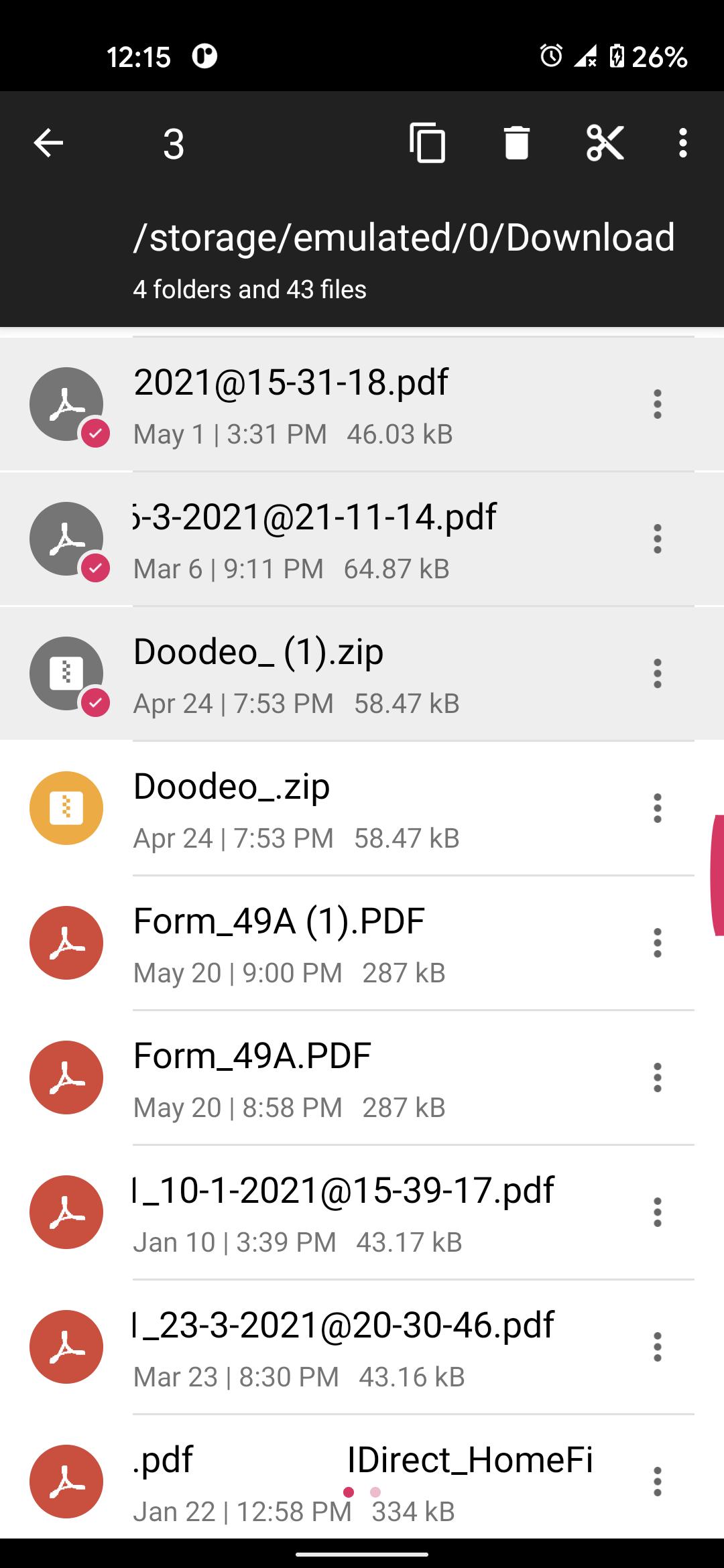
All files are no longer hidden in the mobile system. File manager will help you find file, categorize file easily. It also supports tons of cool features: global search, moving, deleting, opening, and sharing files, as well as renaming, unzipping, and copy-paste.
Apk Manage:
Has downloaded a lot of apk files, but do not know how to delete, so that mobile phone storage is heavily occupied.
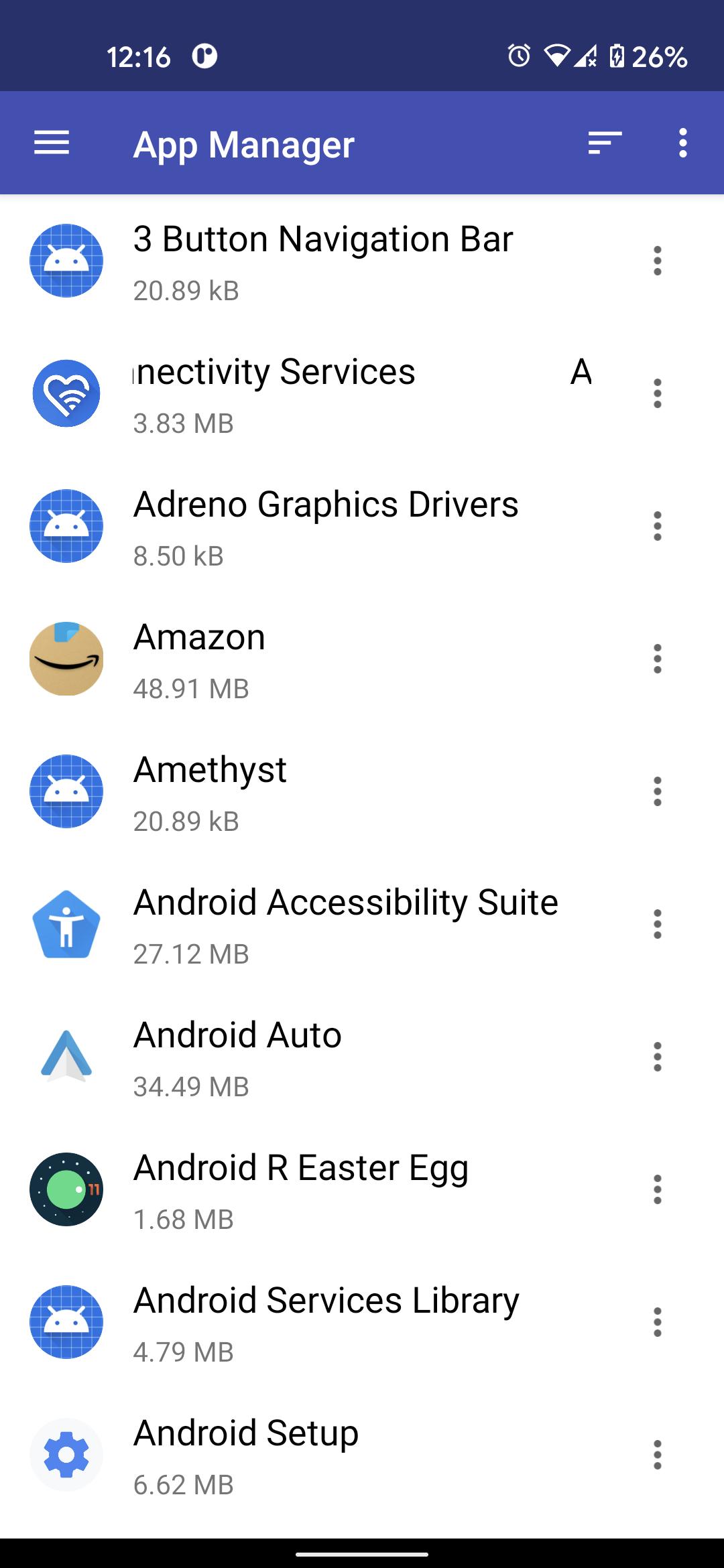
These problems will no longer happen to you. We provide the apk management page, all apk files will be automatically categorized and displayed there. You can install them and delete them. Things get simple.
Root Explorer
Root Explorer For advanced users to explore, edit, copy, paste and delete files in the root partition of phone storage for development purposes. Explore root folders of the system like data, cache.
Note:
Basic read/write operations might not work on external memory on KitKat devices. Don't use cut/paste from or to external SD Card. You might loose your files.
Feedbacks and suggestions
We’d love to hear from you!
Send us your feedbacks via: powervideoplayer@gmail.com
Versi Terbaru
1.0.3Dimuat naik oleh
Mina-king Doni Avdija
Memerlukan Android
Android 4.1+
Category
PERCUMA Alatan APLIKASIPenilaian Kandungan
Everyone
Laporkan
Tandai sebagai tidak sesuaiLast updated on Aug 6, 2021
File Manager 2021 is best file manager for access files, photos, videos and document from phone.






APKPure - Sebuah gedung aplikasi berbilang platform yang tertumpu terutamanya pada Android, menyediakan kandungan berkaitan aplikasi yang meluas. Temui aplikasi yang anda mahukan dengan lebih mudah, pantas, dan selamat, dengan muat turun dan pemasangan yang cepat dan cekap.






