Extended PC - The ultimate remote control for Windows PC!
Turn your android device into a WiFi Remote Control for your Windows PC.
Relax on your couch and control your favorite programs, mouse and keyboard from anywhere.
FEATURES:
* MOUSE PAD
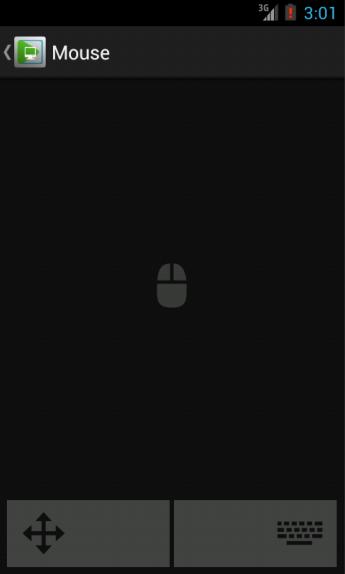
Move mouse, left/right clicks, horizontal and vertical scroll.
* KEYBOARD
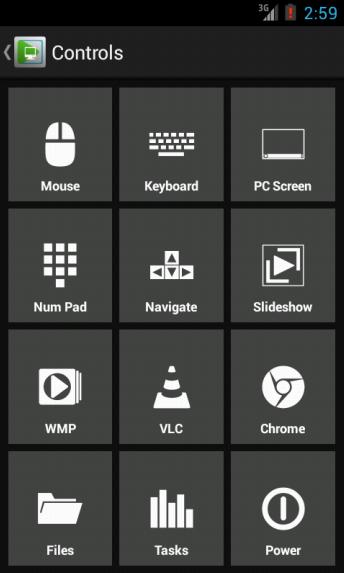
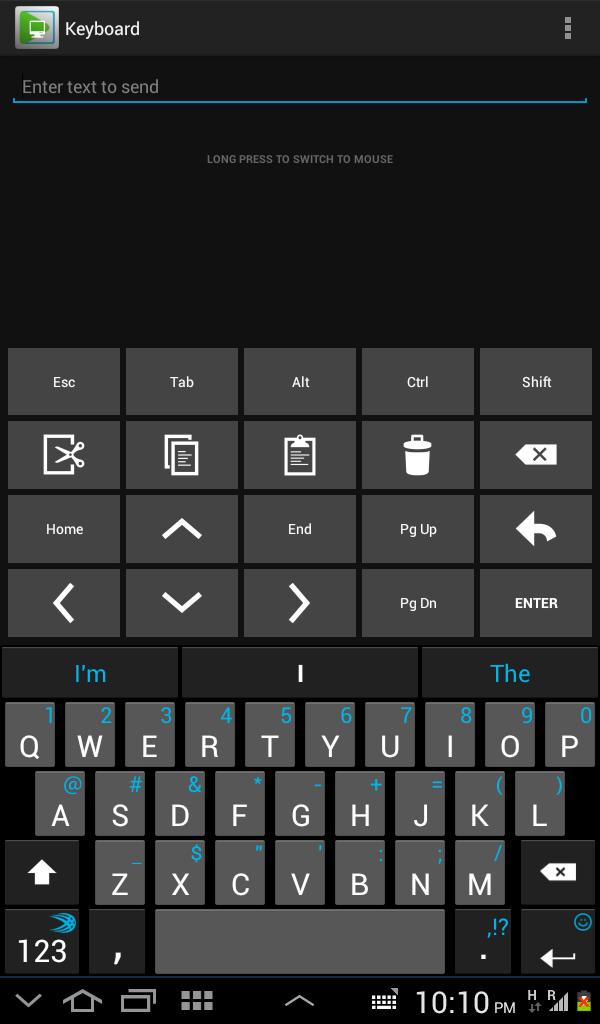
Use phone's soft keyboard, plus special keys like Alt, Ctrl, Esc, Tab, Arrows, etc.
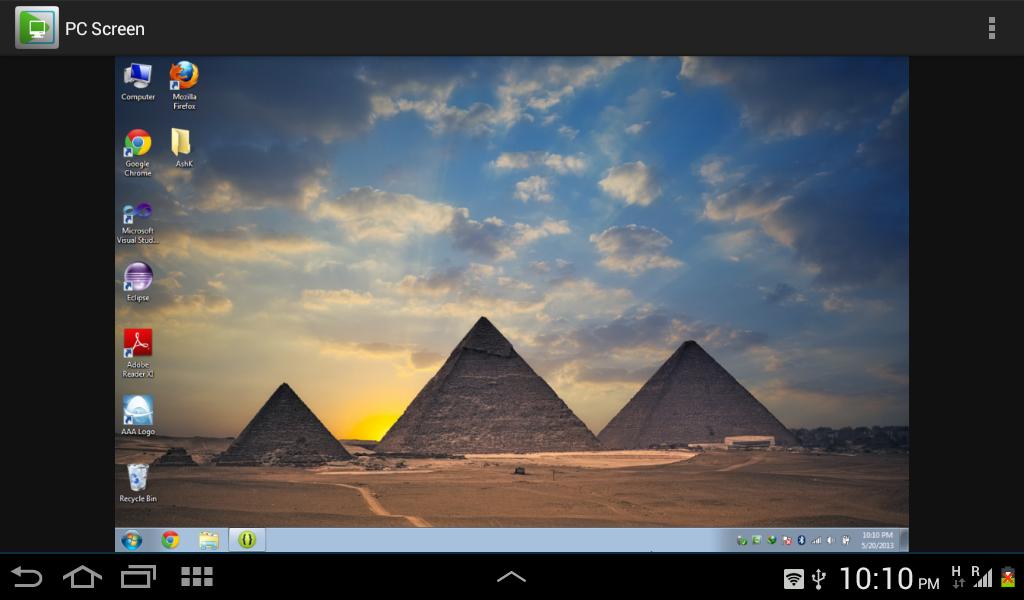
* PC SCREEN VIEWER (PRO version)
View your PC Screen in your phone. (View only, not for controlling)
* WINDOWS MEDIA PLAYER CONTROL
Open, exit, play, pause, change track, control volume, etc.
* VLC CONTROL (PRO version)
Play, pause, full screen, seek left/right, control volume, etc.
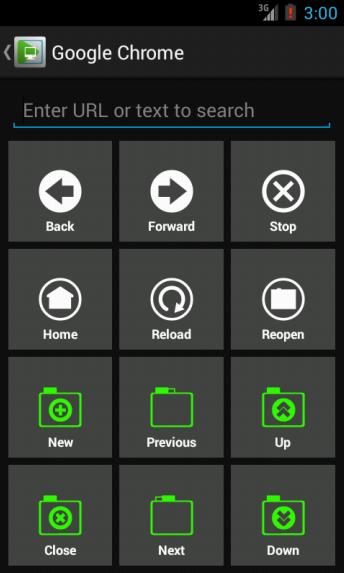
* GOOGLE CHROME CONTROL (PRO version)
Open a website, search, close/open/reopen tabs, navigate via tabs, scroll the page, etc.
* TASK MANAGER
View all running apps and processes in the PC and terminate them.
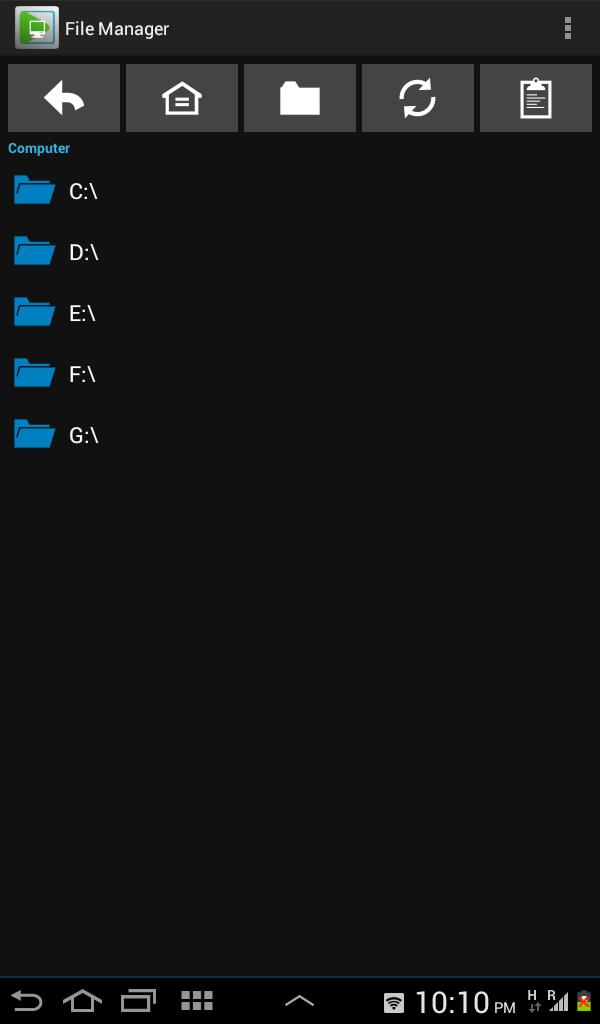
* FILE MANAGER (PRO version)
Perform all file operations in the PC.
* POWER CONTROLS
Shutdown, restart, sleep, hibernate, lock or log-off your PC.
* NUMBER PAD
Dedicated control for entering numbers.
* NAVIGATION PAD
Use arrow keys to navigate in apps, scroll them and play games.
* POWERPOINT SLIDESHOW REMOTE (PRO version)
Start/end slideshows and navigate via slides.
* PC VOLUME CONTROL
Use phone's hardware volume buttons to control PC volume.
DOWNLOAD SERVER:
http://bit.ly/10jooup
OR https://docs.google.com/file/d/0B44GFEZPhl_OWkt1NkF3UHZpcjQ/edit?usp=sharing
HOW TO USE:
* Download server app from http://bit.ly/10jooup and install it in your PC.
* Make sure that your Android device and PC are on the same WiFi network.
* Run the server app on PC. Allow it through Windows Firewall.
* The IP Address will be displayed. Enter this under Server settings in android app.
* Click on "Verify" to verify the connection and start controlling your PC.
* If unable to connect to PC server then it is most likely blocked by Windows Firewall or any antivirus program.
For support, please drop a mail at:
ashkapy@gmail.com
Versi Terbaru
1.0Dimuat naik oleh
Joseph Leite
Memerlukan Android
Android 2.2+
Category
PERCUMA Alatan APLIKASIPenilaian Kandungan
Everyone
Laporkan
Tandai sebagai tidak sesuaiLast updated on Jul 21, 2015
Server app installation requirements reduced form .NET 4.0 to .NET 3.5




APKPure - Sebuah gedung aplikasi berbilang platform yang tertumpu terutamanya pada Android, menyediakan kandungan berkaitan aplikasi yang meluas. Temui aplikasi yang anda mahukan dengan lebih mudah, pantas, dan selamat, dengan muat turun dan pemasangan yang cepat dan cekap.