Tired of finding a pen and paper during a call.Then Call Writer is an app for you.
Call writer is a simple application that lets you take and save notes during an incoming or outgoing call.
** Directions of use **
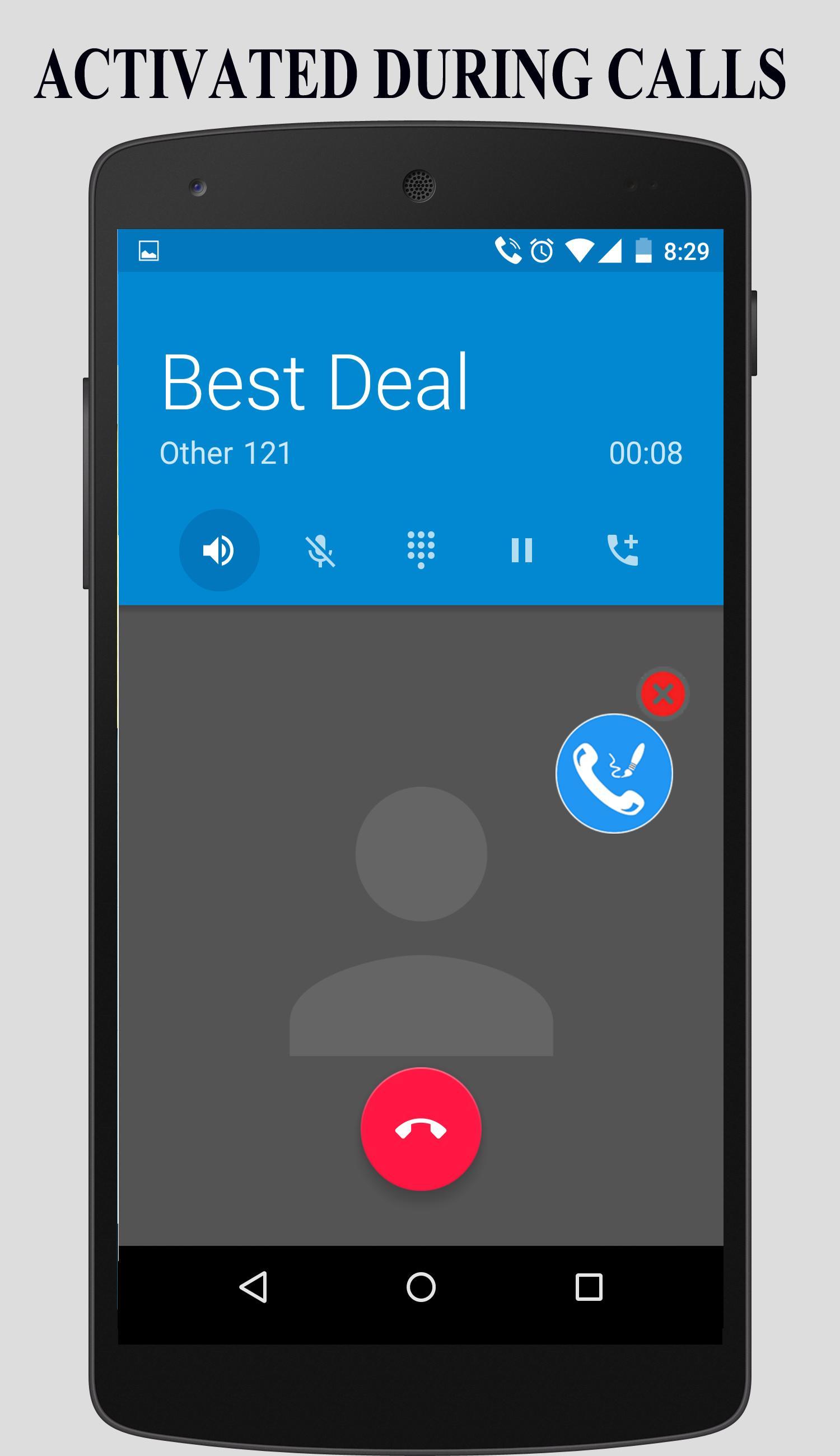
* Call writer is activated whenever there is a incoming or outgoing call and a floating icon appears.
* Activate speaker mode in your phone.
* Click on the icon to open the page.
* We have introduced a floating icon, which the user can adjust as per the convenience.
* Easily take notes using paint. Adjust eraser size from the settings.
* Now user can easily write notes using notepad.
* User can either use notepad or paint or both.
* Notes are automatically saved when the call is disconnected.
* Notes are saved in the app and user can also share the notes using Whatsapp, Gmail, Hangout etc.
* Notes are saved according to date and time.
* Freely edit notes during call using paint or notepad.Go to settings and deactivate "Close Automatically After Call" to keep writing notes even when the call ends.
* User can now call directly to the written number in saved text notes.
* Directly open Email,Phone numbers and URL link made in saved text notes.
** Settings
1. App Status - On/Off
2. Notifications - On/Off
3. Close Automatically after Call - On/Off
4. Eraser size
** This app will be working in Xiaomi phones if you enable the settings given below.
Go to settings -> installed apps -> call writer -> permission manager -> display pop up window -> Then accept it.
" Note - For latest versions of android please enable the 'draw over other apps' feature for Call Writer from the settings of your phone. Also enable all the permissions to the app for proper functioning. This is basically applicable when paint notes are unable to save or view."
Download PRO version with no ads - https://play.google.com/store/apps/details?id=com.photonapps.callwriterpro
If you have any suggestions or feedback please write to us at photonapps@gmail.com
Like us - https://www.facebook.com/photonapps
https://www.facebook.com/CallWriterApp
Follow us - https://twitter.com/Photonapps
https://twitter.com/CallWriterApp
**Do read our privacy policy and terms of use.
Versi Terbaru
1.0.13Dimuat naik oleh
张帅
Memerlukan Android
Android 3.0+
Category
PERCUMA Alatan APLIKASIPenilaian Kandungan
Everyone
Laporkan
Tandai sebagai tidak sesuaiLast updated on Oct 14, 2017
Bug Fixes.
Caller id function disabled.





APKPure - Sebuah gedung aplikasi berbilang platform yang tertumpu terutamanya pada Android, menyediakan kandungan berkaitan aplikasi yang meluas. Temui aplikasi yang anda mahukan dengan lebih mudah, pantas, dan selamat, dengan muat turun dan pemasangan yang cepat dan cekap.