MP3 Player is one of the best music player for Android
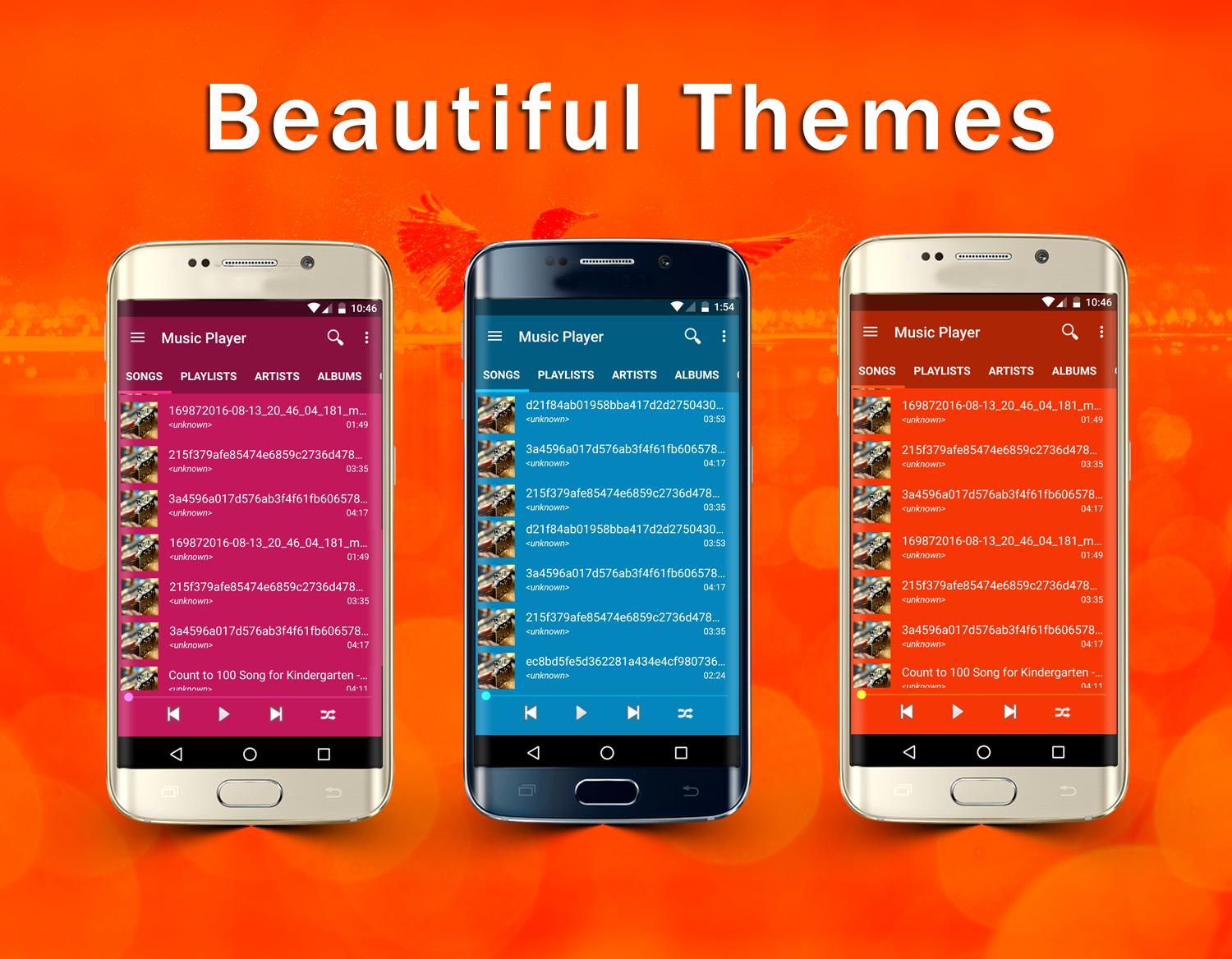
MP3 Player is a beautiful music player with custom themes and colors.
Music Player Features
★ Sensor music player control for mp3 player to pause, play, and play the next song. Shake the phone for the next song.
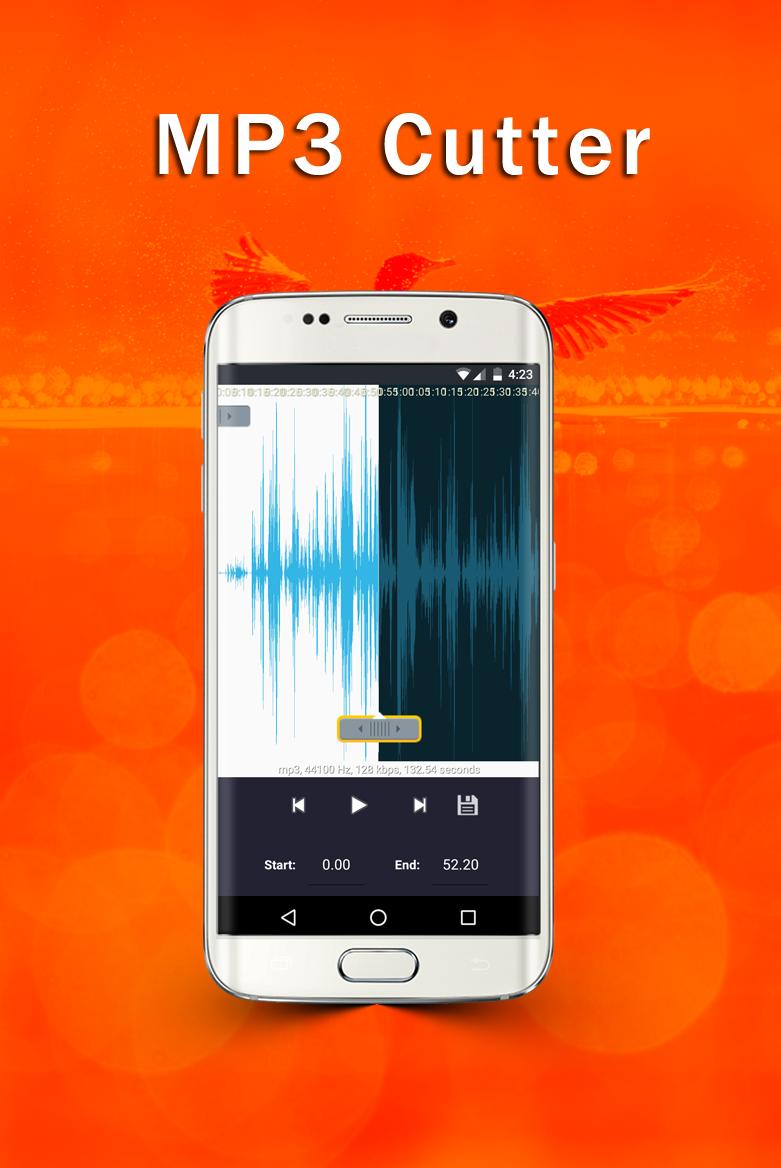
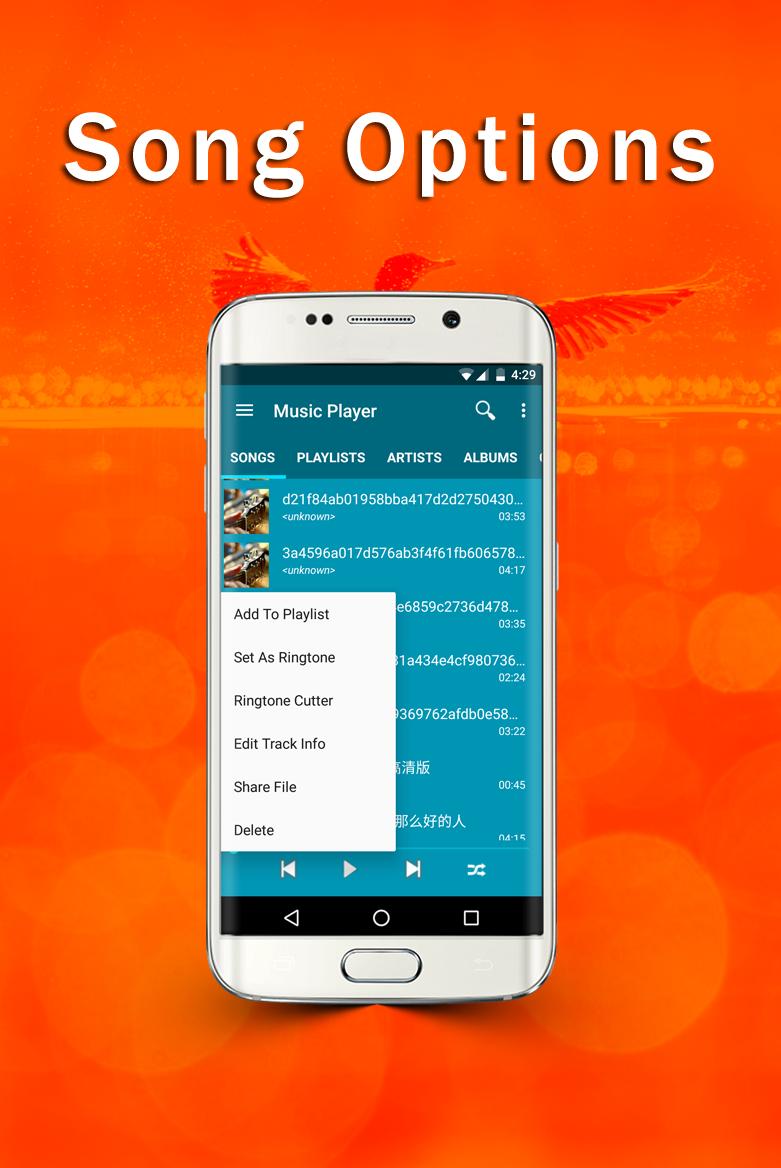
★ Ringtone Cutter to cut any mp3 file.
★ Band Equalizer with Bass Boost, and presets.
★ Music Sharing with anyone.
★ Play music on the same screen instead of the play screen.
★ Sleep Timer to stop music at your preference.
★ Play music by Songs, Playlists, Artists, Albums, Genres and Folders.
★ Local Search music by songs, playlists, artists, albums, genres, and folders.
★ Swipe to change songs in Play Screen, and click to pause and play.
★ Folder view to play all music files.
★ Sort music by Title, Artist, Album, Year, Date Added and Duration of the music.
★ Tracker editor to change meta data for tracks, albums, artists, genres.
★ Cool animations and custom colors. You can use choose any color for this music player app.
This is one of the best android music player app with beautiful interface and robust features that you can get for free. Keep in mind this is not an online music player, it cannot play search or play music from the internet. You will need to have songs on your phone to use this music player.
This android music player app is highly customizable. You can change the background, theme, and color. Album art has been added to this music player and you have the option to hide it if you don't like album arts.
How to use this music player for Android
1. Sensor Control - this control is turned off by default. You need to turn this option on to take advantage of controlling music player by hand gestures. There are 2 types of sensor, hand shake and hover and wave. Please turn off the sensor when you are not using it because the sensor is very sensitive. It may skip songs when your hands are near the phone.
2. You can change the theme for the music player at any time use the quick theme change or you can go to settings and use a custom color to change the header and background.
Open Source Libraries used in this MP3 player
Color Picker - https://github.com/attenzione/android-ColorPickerPreference
LazyList - https://github.com/thest1/LazyList
Ringdroid - https://github.com/google/ringdroid
Android Viewpager Transformers - https://github.com/geftimov/android-viewpager-transformers
ViewAnimator - https://github.com/florent37/ViewAnimator
Images Use
Credits for images used in this music player app and promotional graphics
https://unsplash.com
If you have any questions about this MP3 Player or report bugs, please feel free to contact us mp3player@mp3musicplayer.net
Latest Version
1.41Uploaded by
Michael Z
Requires Android
Android 5.0+
Category
Free Music & Audio AppContent Rating
Everyone
Report
Flag as inappropriateLast updated on Aug 24, 2024
Minor bug fixes and improvements. Install or update to the newest version to check it out!






APKPure - A multi-platform app store primarily focused on Android, providing extensive app-related content. Discover the app you want easier, faster, and safer, with quick and efficient downloads and installations.