Scan Date:Feb 27, 2026
Show More
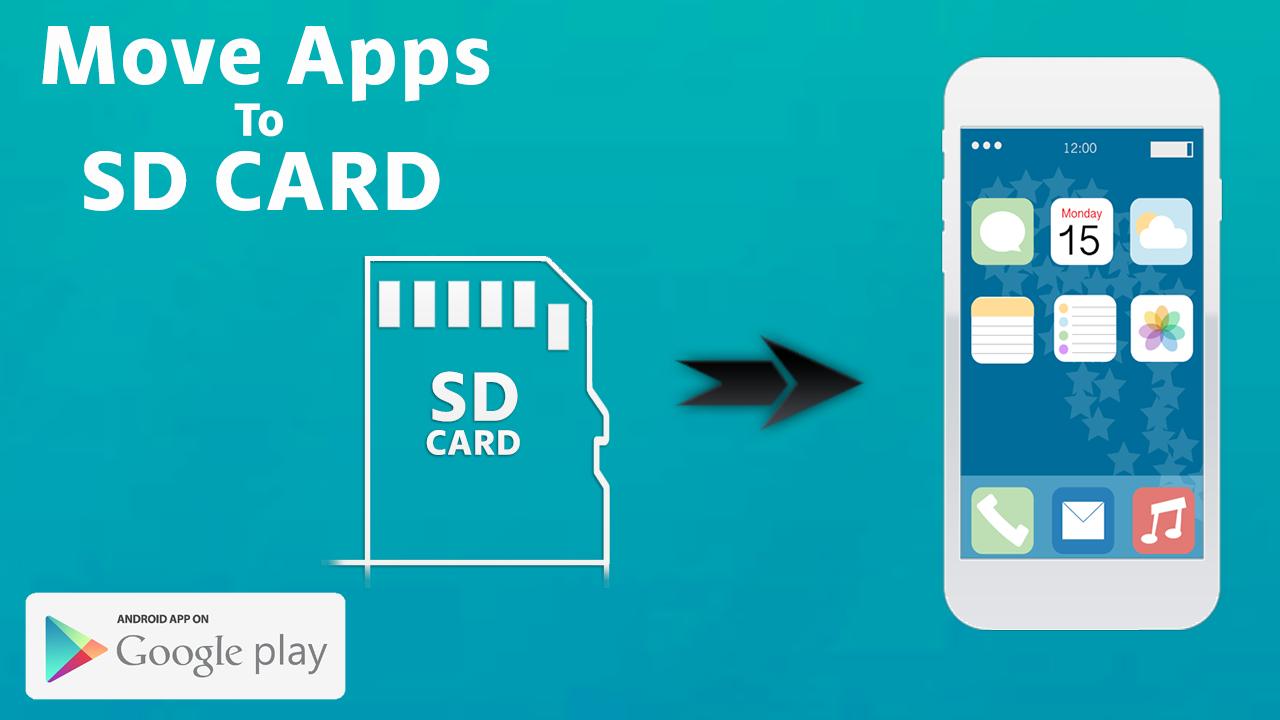
Most Android phones come with only 8 or 16 or 32GB of internal memory isn't enough for many users once they start downloading apps, taking high-resolution photos and videos,downloading movies and sideloading music.Fortunately, a number of phones come with a micro SD card slot, which lets you bolt on additional storage.
Google Android 2.2 and up allows you to Move Apps To SD CARD. But this only works if developers specifically enable the feature when coding their apps, and not all of the data will be copied to your SD card. Some remains on your phone’s disk, which means that the more apps you install the less free space you have.There’s a new tool called "Move Applications to SD CARD" that makes it easy for Android users on their phone to move almost any application to the SD card. More on that in a moment.
Running out of storage space for your applications? What you might not know is that you can transfer data Applications to SD cards.
feature
*******************
• Move apps to the SD card
• Move the applications to the internal memory of the mobile phone
Download this applicatio Free now .
***********************************************************************************************
Move Application To SD CARD allows you to move the app from the phone memory to SD card.
Sometime your phone memory or your SD card are full not space to move the data phone to SD card to use this application.
Latest Version
11.1Uploaded by
Sukron Toms
Requires Android
Android 6.0+
Category
Free Tools AppContent Rating
Everyone
Security Report
Report
Flag as inappropriateLast updated on Nov 14, 2025
Minor bug fixes and improvements. Install or update to the newest version to check it out!



APKPure - A multi-platform app store primarily focused on Android, providing extensive app-related content. Discover the app you want easier, faster, and safer, with quick and efficient downloads and installations.