
1. Function
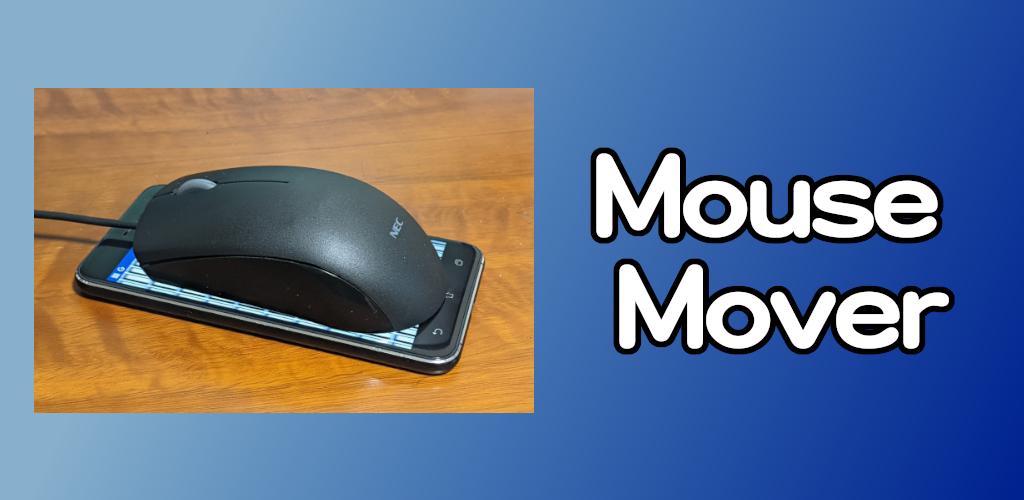
Move the cursor on the red LED optical mouse to prevent the computer screen from locking.
* It may not work well depending on the type of mouse and smartphone.
2. How to use
Press the start button and place the optical mouse on your smartphone.
If the mouse cursor doesn't move well, try changing the pattern, speed, and brightness parameters.
Latest Version
1.0.2Uploaded by
Mohammed Ahmed
Requires Android
Android 5.0+
Category
Free Tools AppContent Rating
Everyone
Report
Flag as inappropriateLast updated on Jul 14, 2024
[Ver.1.0.2]
Compliant with Google policies.





APKPure - A multi-platform app store primarily focused on Android, providing extensive app-related content. Discover the app you want easier, faster, and safer, with quick and efficient downloads and installations.