Record when there is a change on the screen.
Wait until there is no change.
Recording time is recorded.
Usage
Make each setting and tap the start button
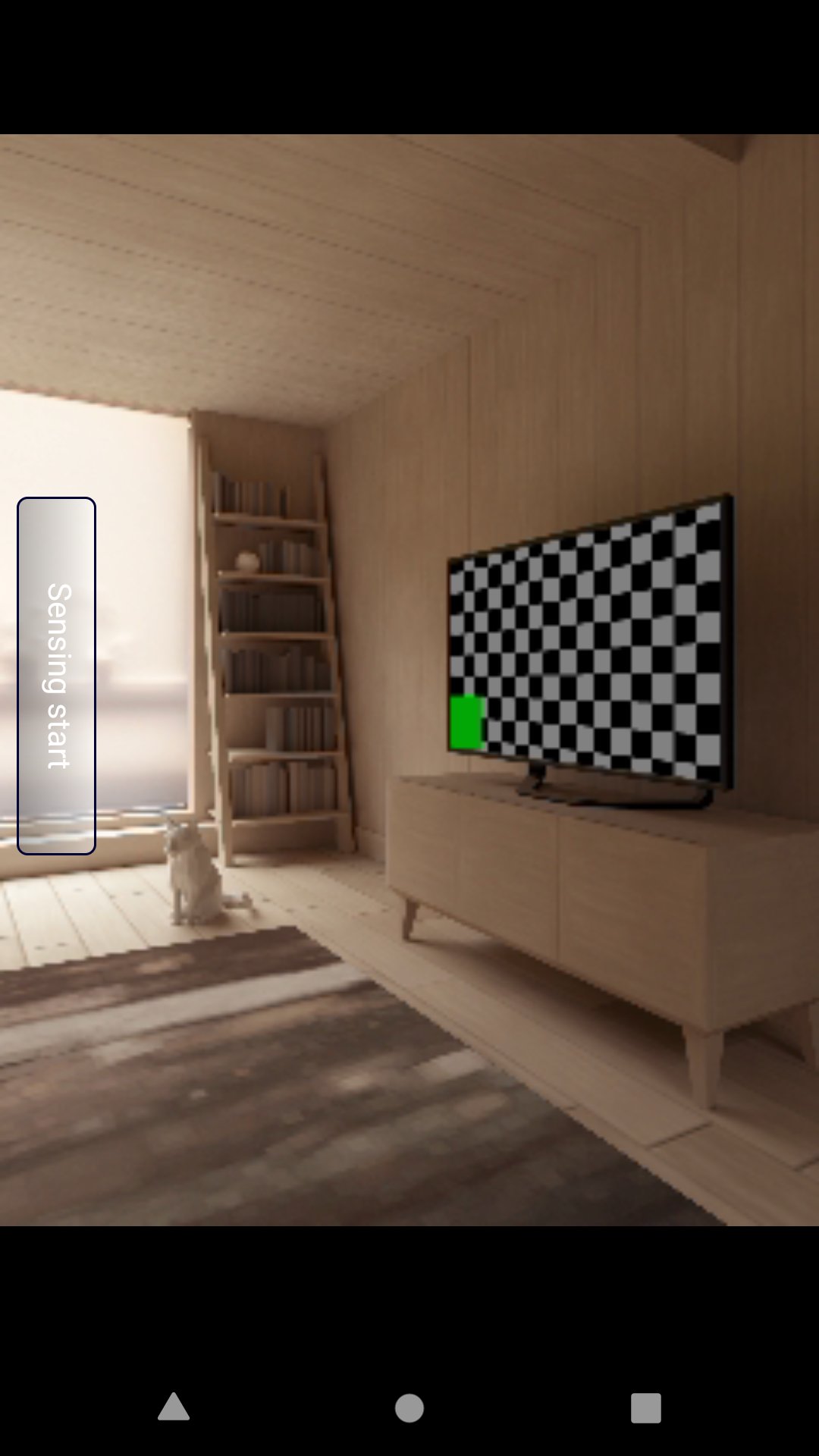
Tap Start Sensing.
Recording will end when the total recording time reaches the set time.
Please tap the play button to play.
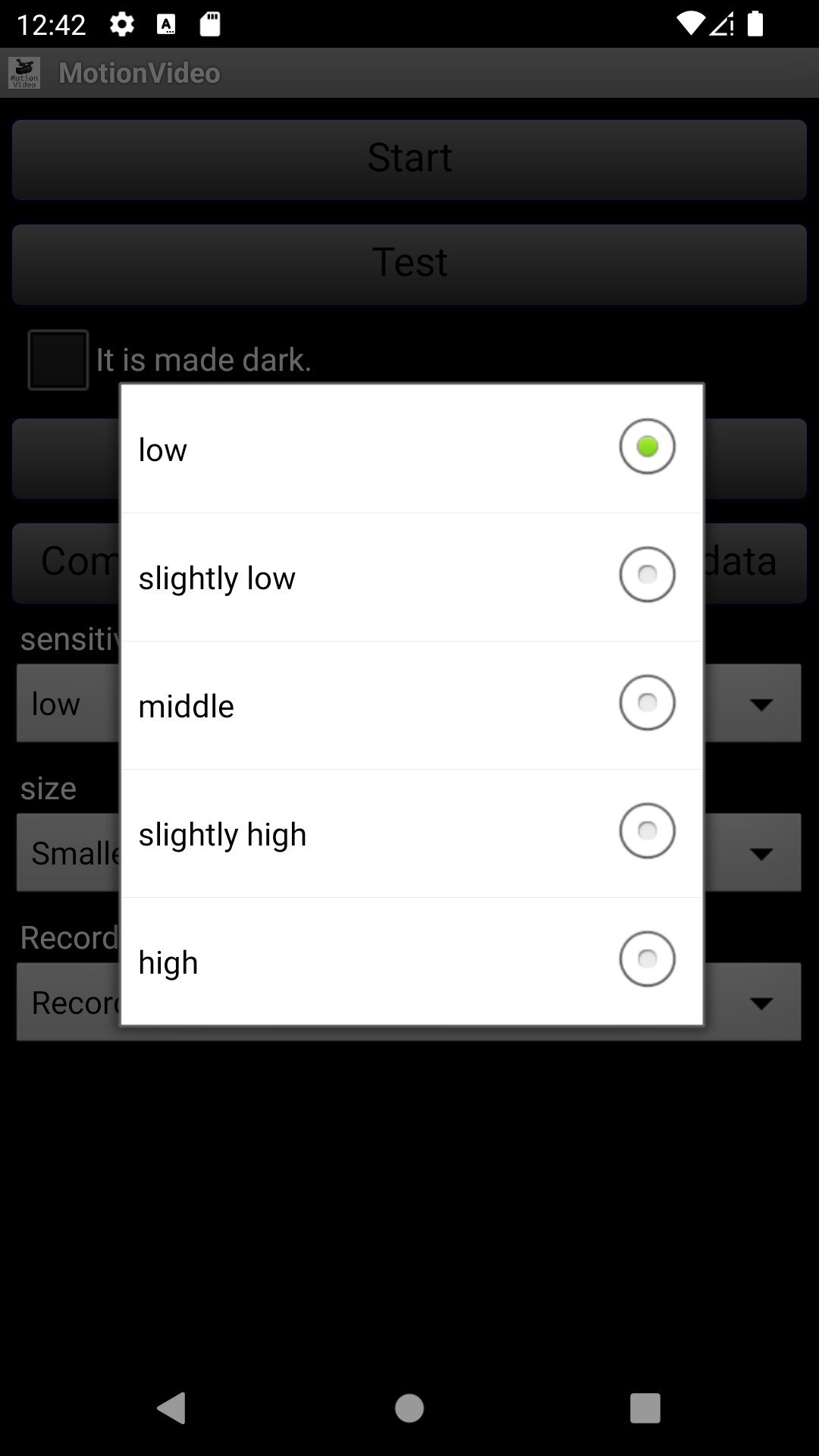
Tap the test button for sensitivity adjustment.
I sense it when it beeps.
You can select 5 levels of sensitivity.
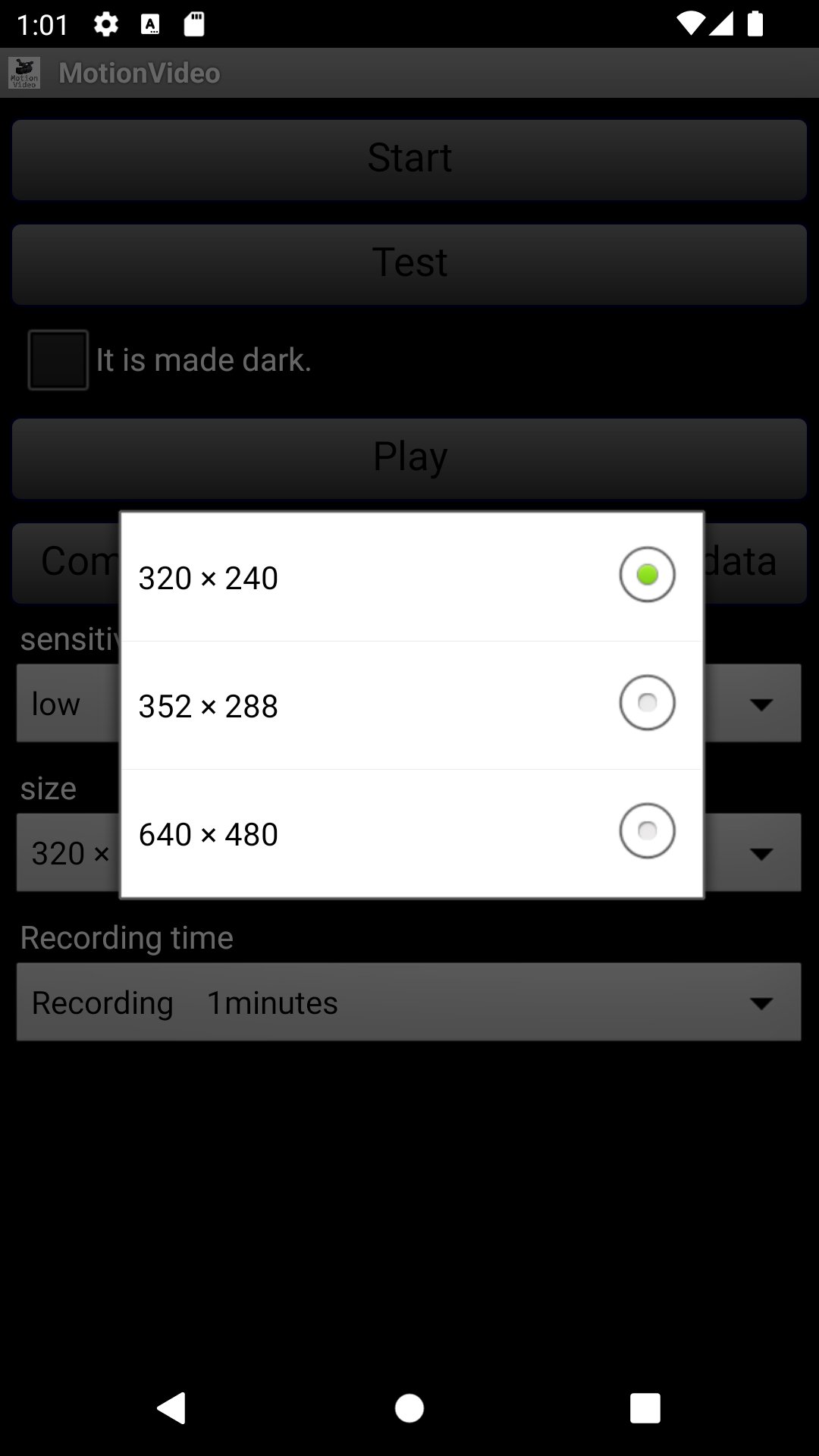
image size
The type depends on the terminal, but can be selected.
(Initial setting size only)
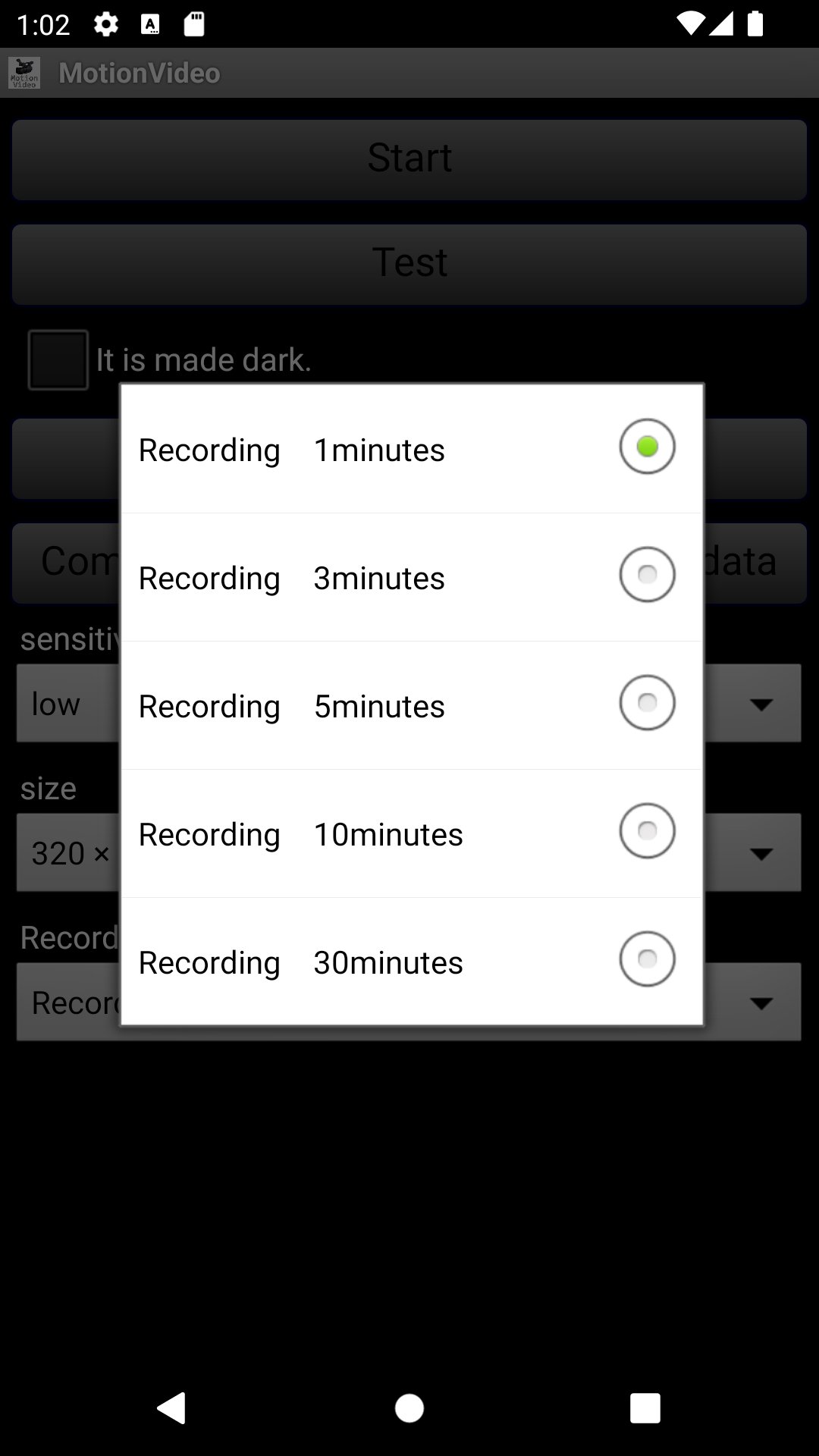
You can set the recording time.
You can select from 5 steps: 1 minute, 3 minutes, 5 minutes, 10 minutes, and 30 minutes.
You can leave the video by compressing and saving.
Latest Version
1.7Uploaded by
Diego Bellini
Requires Android
Android 8.1+
Category
Free Tools AppContent Rating
Everyone
Report
Flag as inappropriateLast updated on Sep 29, 2023
Minor bug fixes and improvements. Install or update to the newest version to check it out!


APKPure - A multi-platform app store primarily focused on Android, providing extensive app-related content. Discover the app you want easier, faster, and safer, with quick and efficient downloads and installations.