

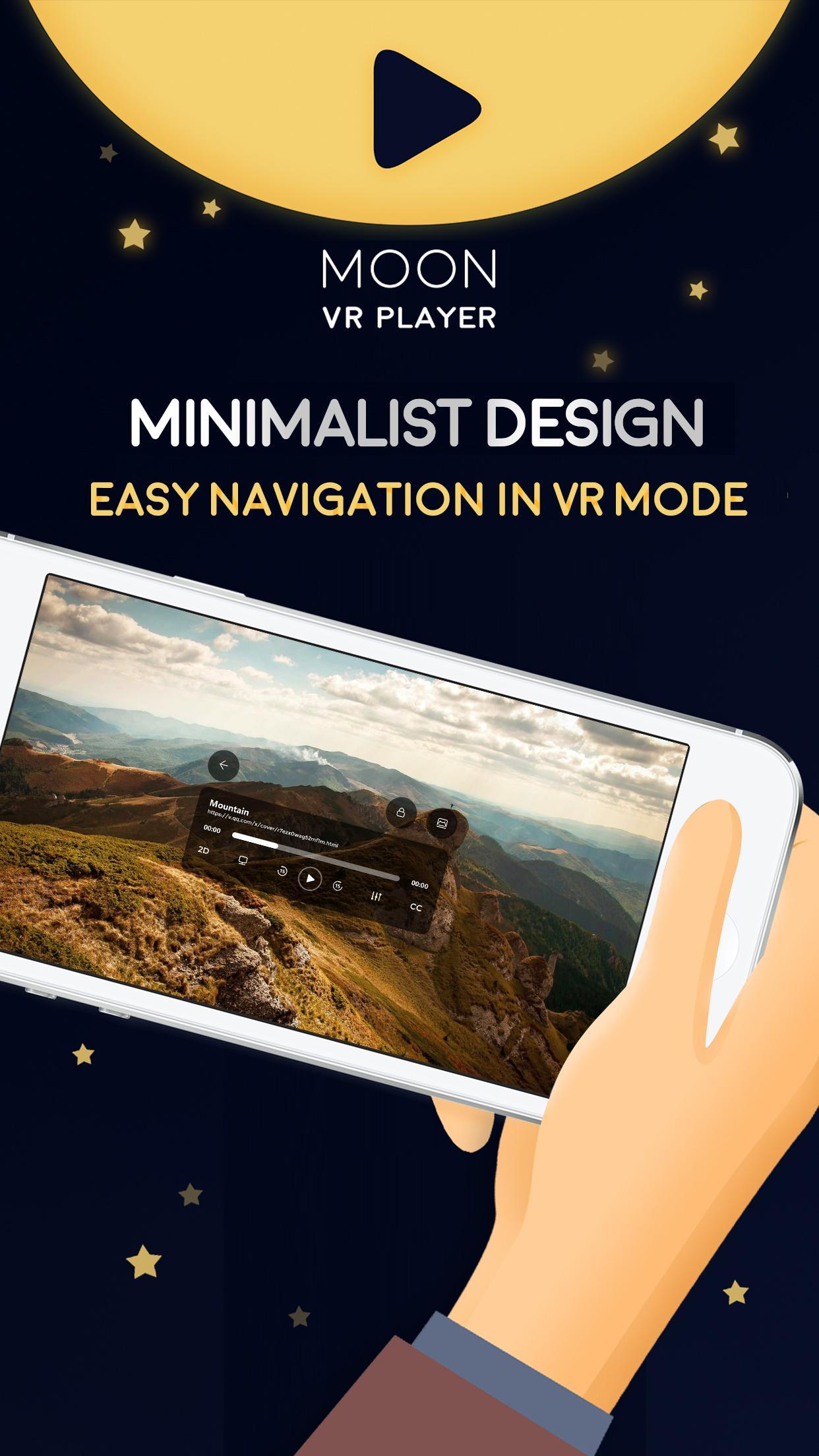
Moon VR Player helps users who want to watch VR videos on a Daydream headset without juggling multiple apps or file transfers. It focuses on smooth playback and a simple viewing setup, so you can start watching quickly. Whether your videos are saved on your device or opened through links, controls remain straightforward and responsive. Additionally, Moon VR Player APK fits users who prefer installing apps directly on Android and keeping storage usage low.
Play videos from your computer
You can stream VR, 3D, or 2D videos from a Windows or Mac computer using Air Play. This avoids copying large files to your phone and helps keep storage free. A companion program is required on your computer, and setup guidance is available inside the app.
Open online video links
If you do not have local files, you can open online video links from services like YouTube and Vimeo. The app fetches the stream and plays it in the mode you select, so you can switch from local viewing to online sources without changing tools.
Flexible viewing modes and screen controls
Format, subtitle, audio, and resolution support
Moon VR Player focuses on practical VR viewing for Daydream phones and keeps setup straightforward. Set up the companion on your computer if you plan to stream, then choose a mode and start playing your videos. To get the app, download Moon VR Player and follow the on-screen guidance.
Latest Version
2.5.0Uploaded by
يحيى محمود بردي
Requires Android
Android 7.0+
Category
Free Entertainment AppContent Rating
Teen
Report
Flag as inappropriateLast updated on Sep 19, 2017
1、release the new AirPlay client
2、support the screen rotation
3、support the screen size and brightness adjustment
4、support the adjustment of the screen ratio
5、support swap slides, fix some 3D video can not play the problem correctly
6、support the mirror flip, fix some video reversal problem
7、add to monoscopic, fix some 3D video ghosting problem
Thank you for using Moon VR Player, please email us via vrexplorer2014@gmail.com!




APKPure - A multi-platform app store primarily focused on Android, providing extensive app-related content. Discover the app you want easier, faster, and safer, with quick and efficient downloads and installations.














