Scan Date:May 15, 2026
Show More

Monoposto suits players who want a realistic single seater experience on a phone, with attention to pace and race management. It focuses on clean driving, timing, and consistent laps, while offering controls that you can tailor to your preferences. Additionally, it fits different play sessions so you can run a quick event or commit to longer weekends when time allows. If you want a focused open wheel title on mobile, you can download Monoposto and get started quickly.
Monoposto includes a complete calendar with 34 circuits and multiple ways to play, from short sessions to longer campaigns. You can jump into a quick event when time is limited or run a full race weekend to manage every part of your performance. The game structures race days around preparation and execution so your results reflect consistency and skill.
Online racing with qualifyingOnline sessions let you compete in head to head duels or larger grids with up to 24 cars. Qualifying is included so you can set your grid position under pressure before the race starts. This format mirrors real track days and helps you practice single lap pace as well as race craft.
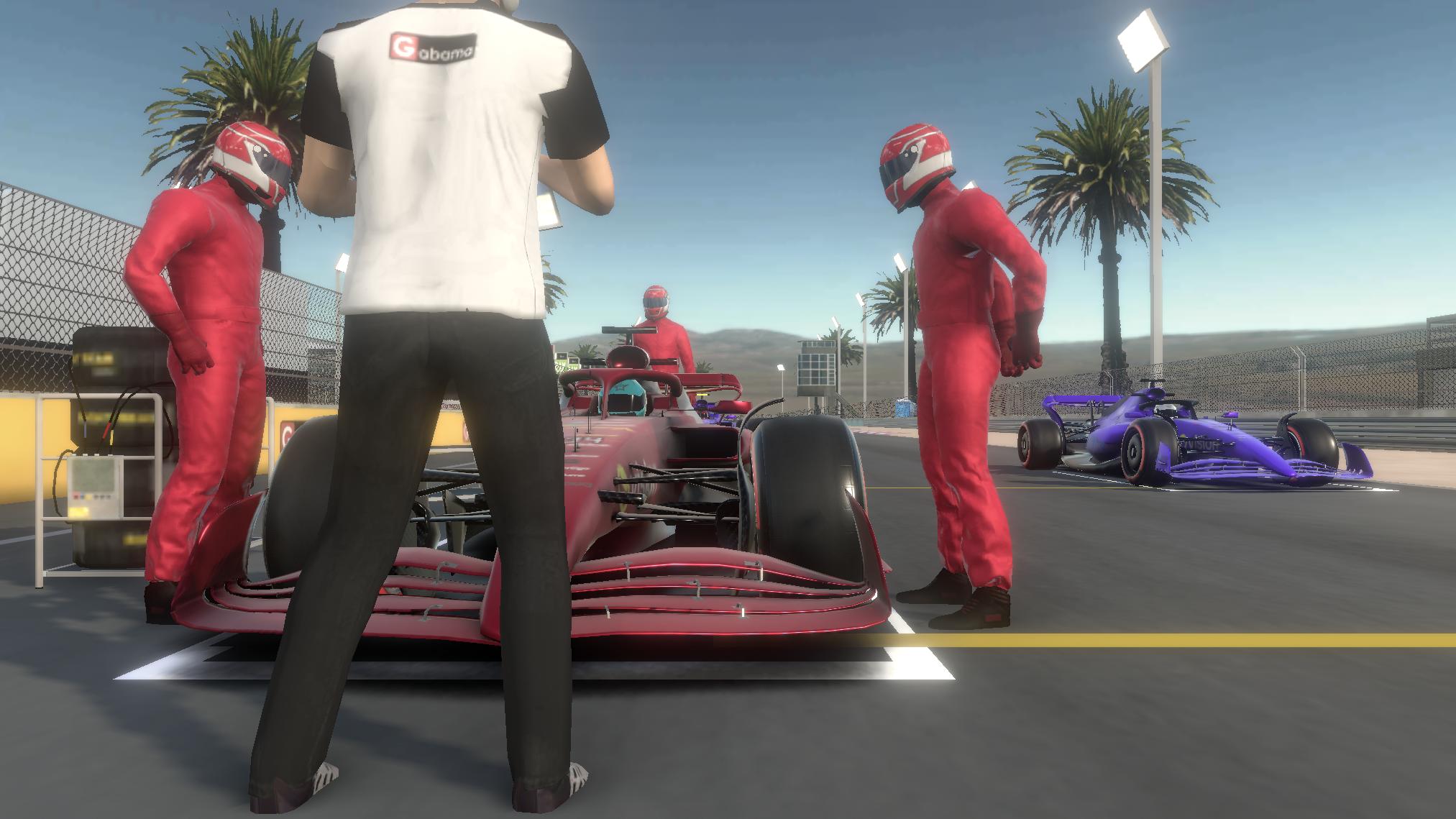
Pit stops and repair strategyRaces and qualifying allow pit stops, which adds planning to every event. You decide when to enter the lane to fix damage and maintain a steady pace across the run. Timely repairs and clean exits can make a difference, especially when traffic and track position matter.
Deep car and driver customizationMonoposto supports custom liveries, race suits, helmets, team logos, and driver images through downloadable templates. You can create your own designs in an editor of your choice, then import assets to personalize your car and team. The official website provides template packs and a tutorial video to guide you through the process. This setup helps users build a consistent team look and share it with other players.
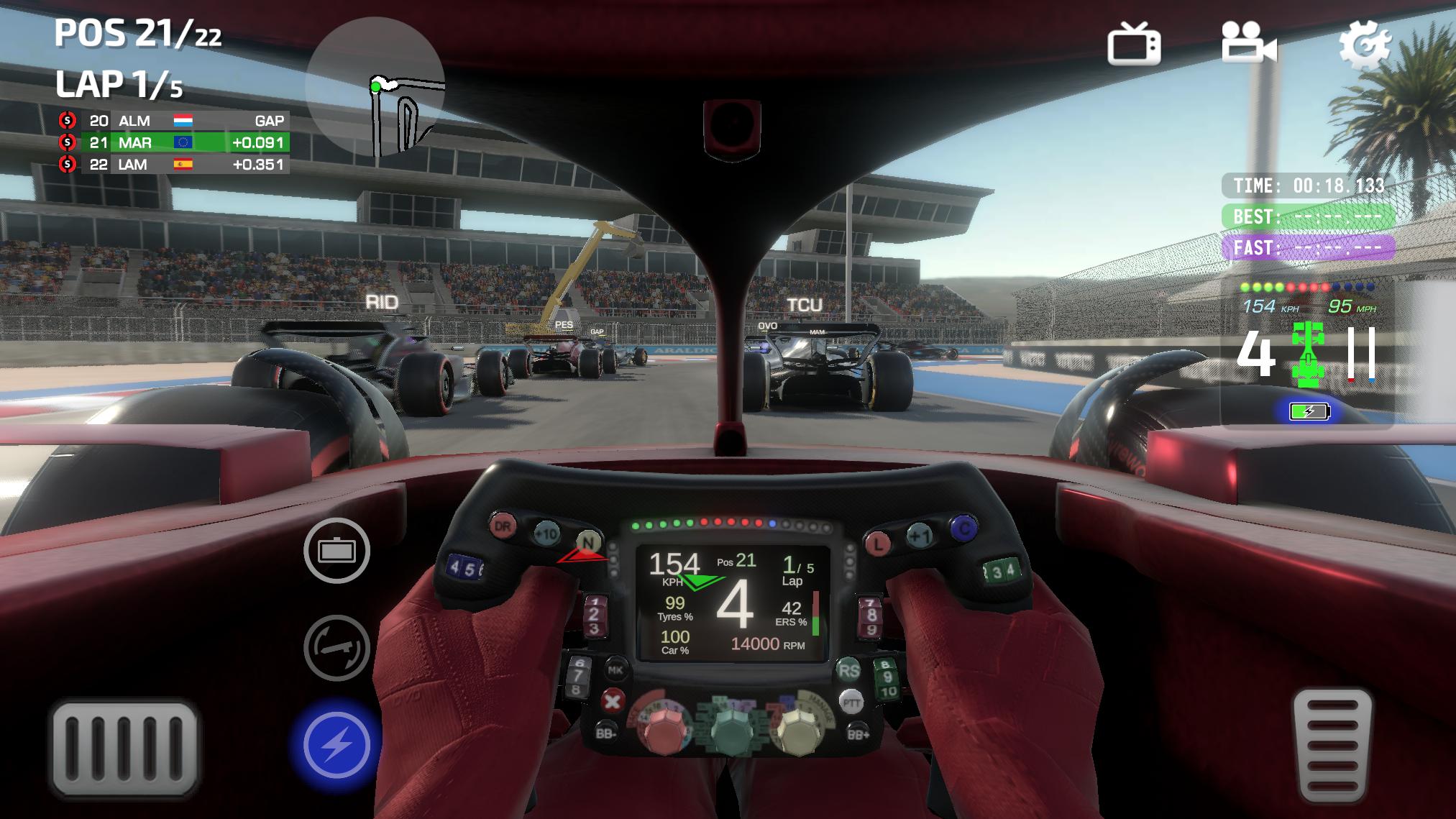
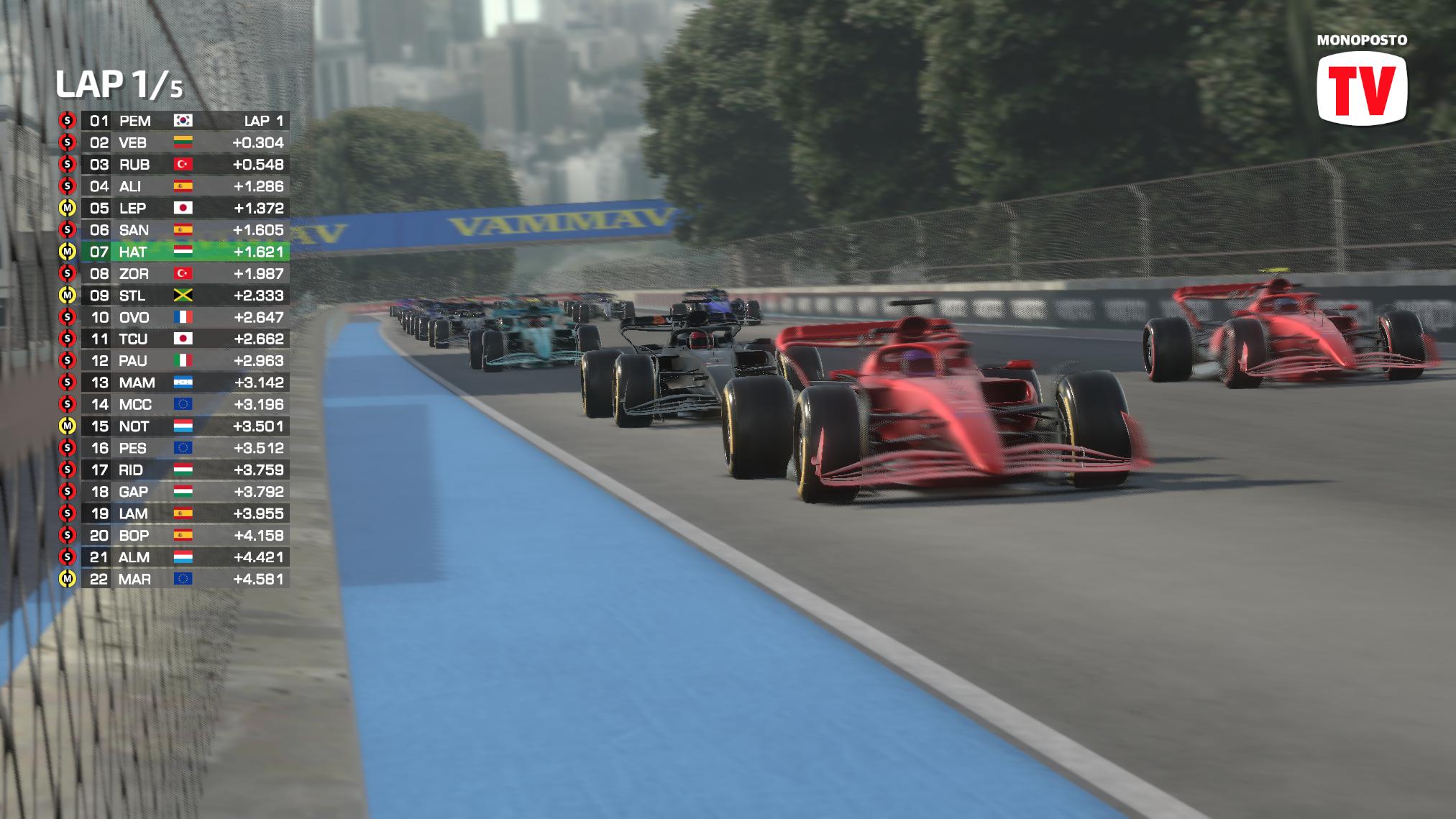
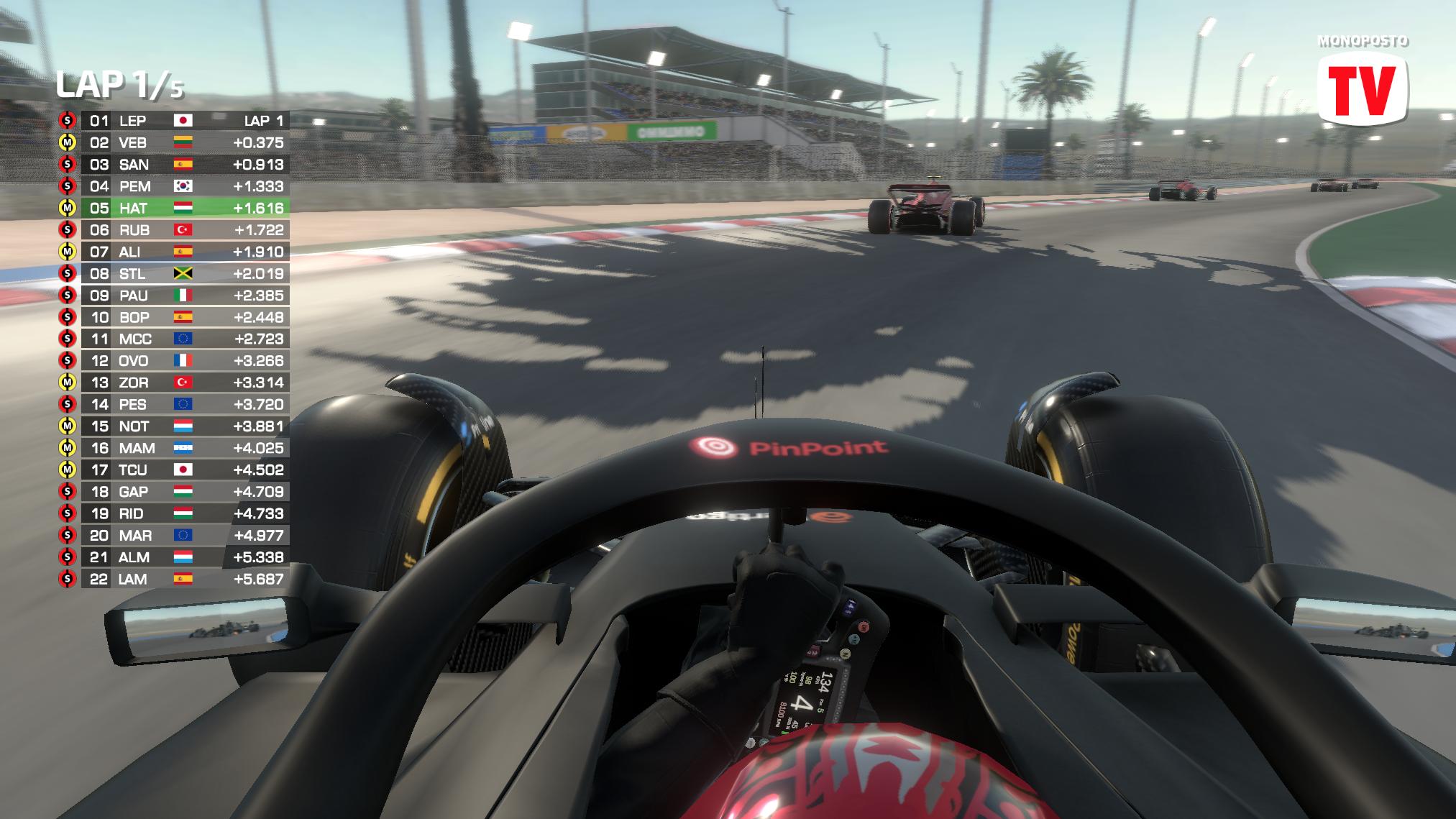
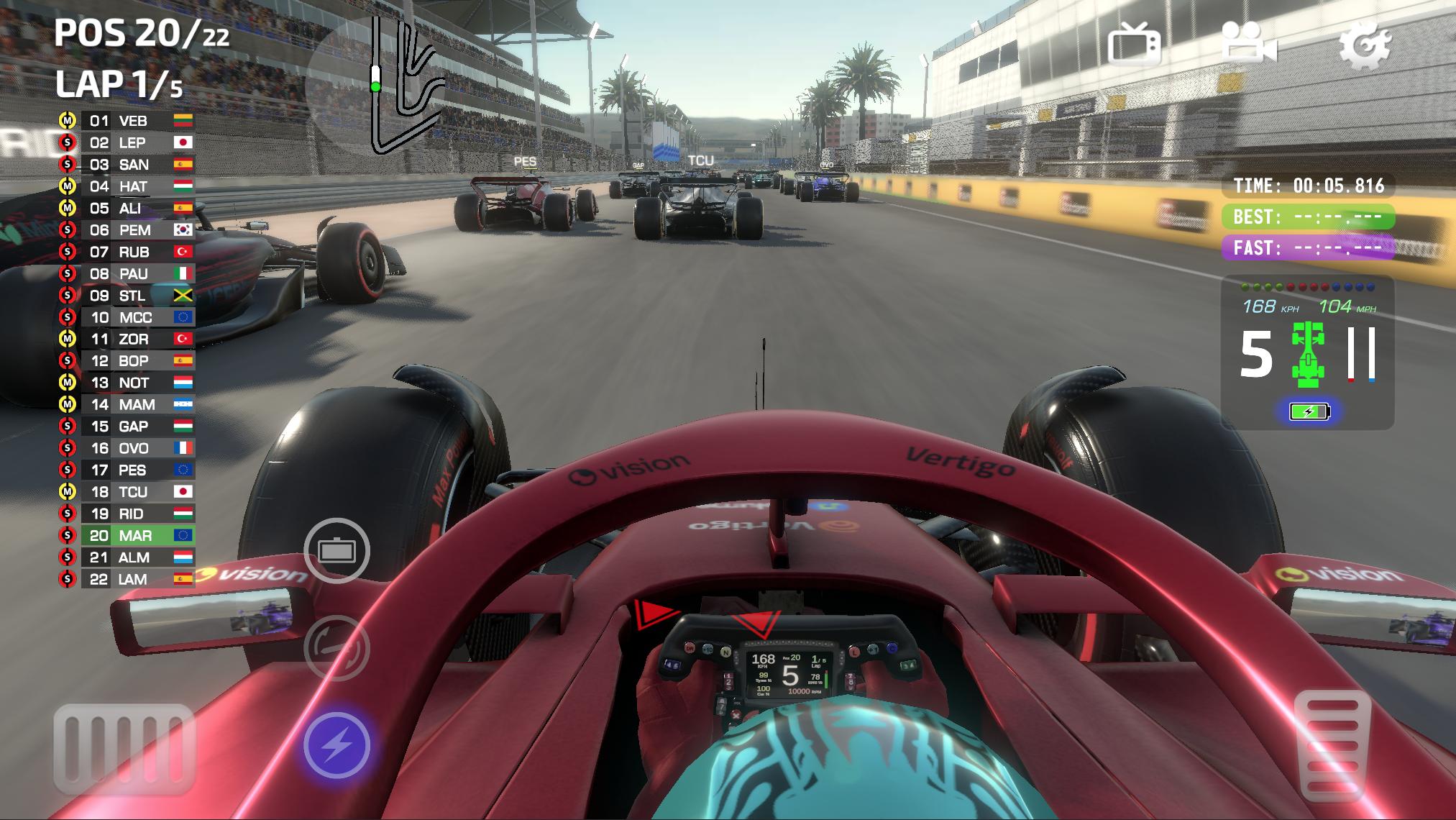
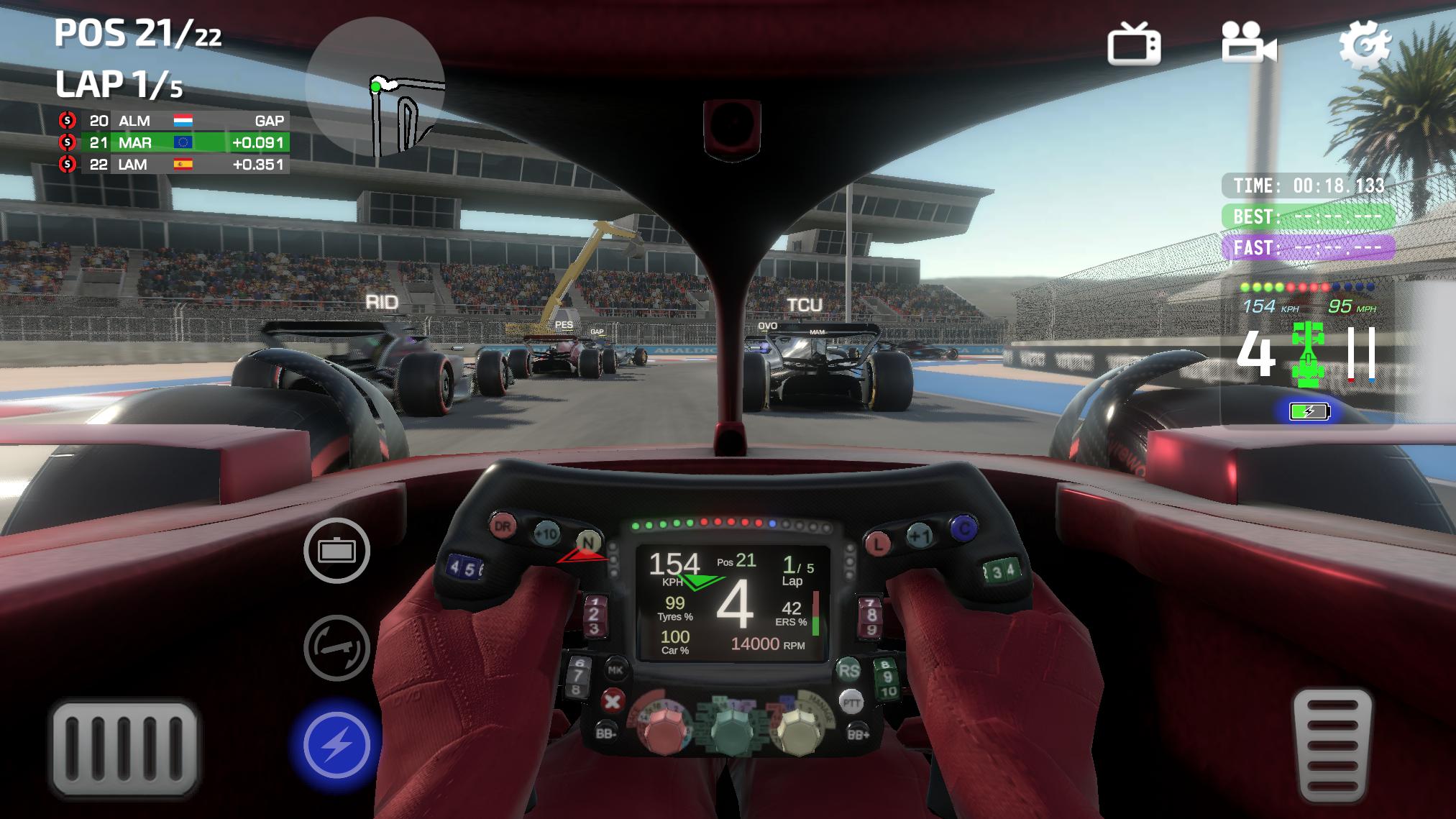
Multiple camera views and adjustable driving optionsYou can switch between eight camera angles, including cockpit and external viewpoints, to match how you prefer to see the track. A Spectator TV mode is also available for replay style viewing and learning lines from different perspectives. Alongside visuals, Monoposto offers driving assists and handling options that you can tune for comfort or more challenge. These settings help new players stay stable while also allowing experienced drivers to lower aids for greater control.
The official site hosts the livery and asset templates used for in game customization. You can find the files and a step by step tutorial video linked there, which shows how to prepare images and import them correctly. For the latest packs and guidance, visit the developer page below.
Monoposto maintains an active community space where users share liveries, driving settings, and troubleshooting tips. You can access the invite and the latest news from the official website. For direct assistance or feedback, the developer also provides a contact email.
Getting started is straightforward and works well on a phone. To access new content and fixes, consider installing the Monoposto latest version when it becomes available. The steps below outline a simple path from first launch to your first completed race.
Monoposto focuses on single seater racing with structured weekends, online events, and a strong customization system. If you prefer strategy and precise driving, the Monoposto APK offers a clear way to race on mobile without extra noise. Install, set your options, and begin improving lap by lap.
Official information and support are available from the developer:
Latest Version
6.58Uploaded by
Min Marga
Requires Android
Android 6.0+
Category
Free Racing GameContent Rating
Everyone
Security Report
Report
Flag as inappropriateLast updated on May 15, 2026
bug fixes and improvements



APKPure - A multi-platform app store primarily focused on Android, providing extensive app-related content. Discover the app you want easier, faster, and safer, with quick and efficient downloads and installations.