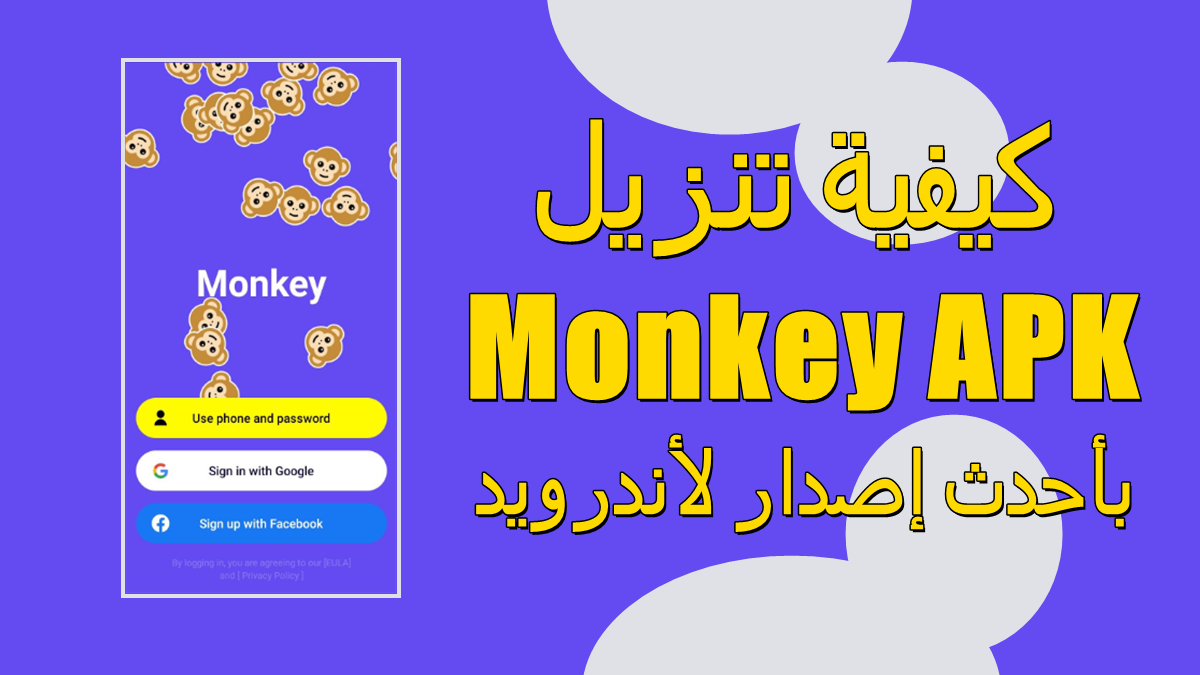

Monkey helps users start real conversations without pressure when they want to talk to someone new fast. It links you to a global community in seconds, so you can meet people across different cultures on mobile or the web. With a focus on authenticity, chats feel immediate and unrehearsed, and simple controls keep the experience straightforward. Access is designed for adults with 18+ entry, which sets clear expectations before you join. If you plan to download Monkey APK, the setup is light and quick for everyday use.
Monkey connects you to a stranger for a real-time video conversation in a matter of seconds. You enter a chat and talk face to face, then move on when you are ready. This format keeps interactions simple and immediate, which suits quick social check-ins or longer talks.
Fast matching with CardsOne-tap matching helps you start faster, while Cards make friend discovery straightforward. You can skim profiles at a glance and choose who to talk to next without digging through menus. After you download Monkey, matching flows naturally so you can focus on the conversation.
Global reach across culturesMonkey connects you with people from many places and backgrounds. You may meet users who speak different languages or share new perspectives, which keeps chats varied and fresh. This global mix is available whether you use the app on mobile or on the web.
Safety features with 18+ accessMonkey includes built-in safety tools and active moderation to keep conversations in line with community standards. Access is limited to adults 18+, and the app encourages respectful behavior during video chats. These guardrails help users focus on genuine conversation rather than worrying about unwanted content.
Personal profiles, Squad, and DMsMonkey profiles can reflect your mood and include an auto-play profile song, which makes introductions feel more natural. Squad brings group video chat to the experience, and quick DMs let you continue a conversation after a call ends. Together, these tools support short chats and ongoing connections without added complexity.
Monkey is designed for adults with 18+ access. This is highlighted across the experience to set expectations and support a safe environment for live video chat. Users should be ready to follow community guidelines during calls and profile interactions.
Monkey is available on mobile and on the web, so you can choose the device that fits your routine. Account setup is streamlined, and you can connect with Google for quick onboarding if you prefer. Staying current with the Monkey latest version helps ensure reliable matching and updated safety tooling.
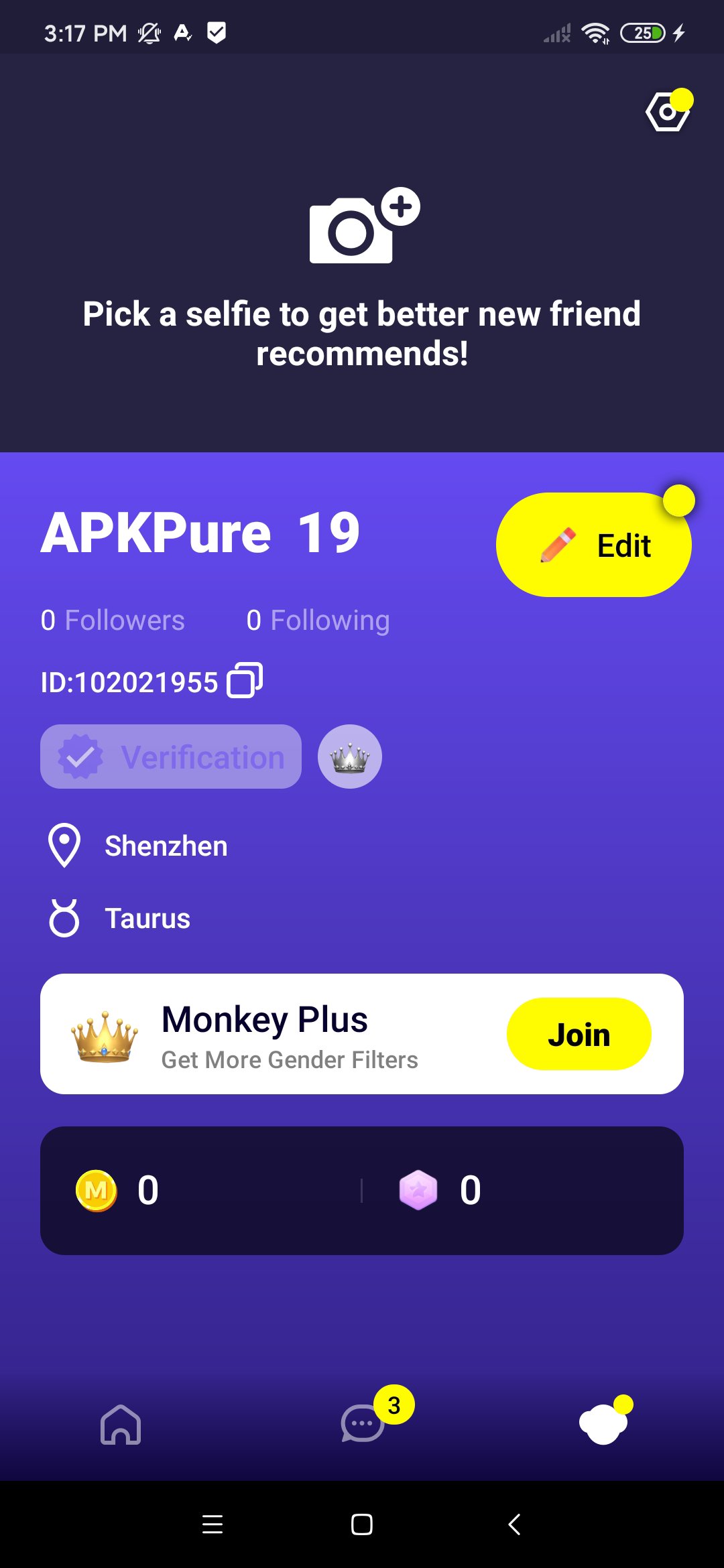
Monkey Plus is an optional upgrade for preference-based matching when you want to meet people you like more consistently. It builds on the standard experience and focuses on aligning your chats with your interests. Users can evaluate whether the upgrade fits their goals before committing.
To get started quickly, first download Monkey and open it on your Android phone. The process is simple, and it guides you into your first chat without complex setup.
Monkey focuses on instant, authentic video chats with strangers, supported by quick matching, 18+ access, and moderation. To begin, look for the Monkey latest version and join the global community on mobile or the web.
For official resources and support, see the links below.
Latest Version
7.70.0Uploaded by
Iyal Dalimunthe
Requires Android
Android 8.0+
Category
Free Social AppContent Rating
Mature 17+
Report
Flag as inappropriateLast updated on Sep 28, 2026
- Performance improved and Bug fixed.





APKPure - A multi-platform app store primarily focused on Android, providing extensive app-related content. Discover the app you want easier, faster, and safer, with quick and efficient downloads and installations.