

Package Name:com.momclock
SHA-256:dfff84d7ceb236addc302bdc2992e3bcdcdffc5801f9fd38434bb4e94a5b8958
Show More
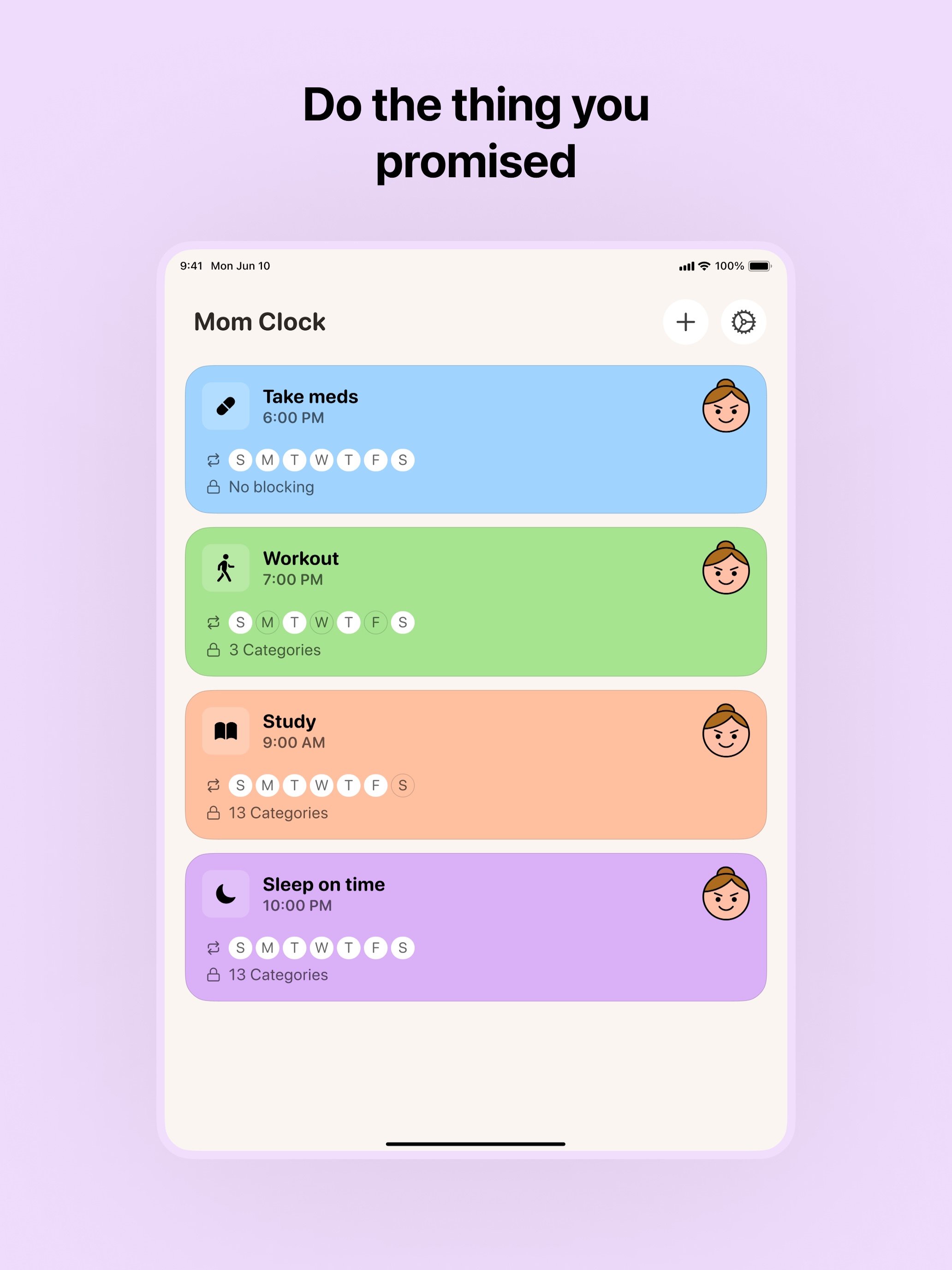
Mom Clock is a strict reminder app built for people who keep procrastinating — even after trying every “gentle” solution.
Most reminders are easy to ignore.
Most notifications disappear with one swipe.
Mom Clock works differently.
Mom Clock uses alarms instead of standard notifications.
When an alarm goes off, it demands attention — not “maybe later.”
You decide when it rings and how often.
Mom Clock makes sure it doesn’t get ignored.
When it’s time to act, distractions shouldn’t be an option.
Mom Clock can temporarily block selected apps during your focus or routine time, so you can’t escape into social media, games, or endless scrolling.
You choose which apps to block.
You decide when blocking starts and ends.
Everything returns to normal when the time is over.
AccessibilityService API disclosure:
Mom Clock uses the Android AccessibilityService API only for the app blocking feature. When you enable app blocking, the AccessibilityService helps Mom Clock detect which app is currently open and show a blocking screen when you try to open an app that you selected to block during an active blocking period.
Mom Clock does not use the AccessibilityService API to change device settings without your permission, bypass Android privacy controls, record calls or audio, read messages, collect passwords, make purchases, or prevent you from disabling or uninstalling the app. You can turn off the AccessibilityService permission at any time in Android Settings.
No tricks.
No punishment.
Just fewer ways to procrastinate.
Mom Clock assumes procrastination will happen — and plans for it.
Alarms are harder to ignore than notifications.
App blocking removes the easiest escape routes.
This isn’t a productivity hack.
It’s accountability with boundaries.
You can ignore most reminders.
Mom Clock won’t let distractions take over.
Visit https://momclock.com/support for help.
Terms of Use: https://momclock.com/terms/
Privacy Policy: https://momclock.com/privacy/
Latest Version
1.4.3Uploaded by
علي بحري
Requires Android
Category
Free Productivity AppContent Rating
Everyone
Security Report
Check Now
Report
Flag as inappropriateLast updated on Jul 29, 2026
This release includes minor bug fixes and general improvements. Update to the latest version for the best experience.




APKPure - A multi-platform app store primarily focused on Android, providing extensive app-related content. Discover the app you want easier, faster, and safer, with quick and efficient downloads and installations.