Package Name:ru.gavrikov.mocklocations
SHA-256:9ef2d0b091e7d53db6256e30945396a70e46b836a7d645c05470374185676dba
Show More


Mock Locations helps when an app needs a different location for testing or privacy. It replaces your GPS and network location with custom data, so other apps read the position you set. The app can imitate real signal behavior for a more natural result. Controls are clear on the map, and changes apply system wide. For easy setup and reliable spoofing, install the Mock Locations APK and follow the on screen prompts.
Route mode
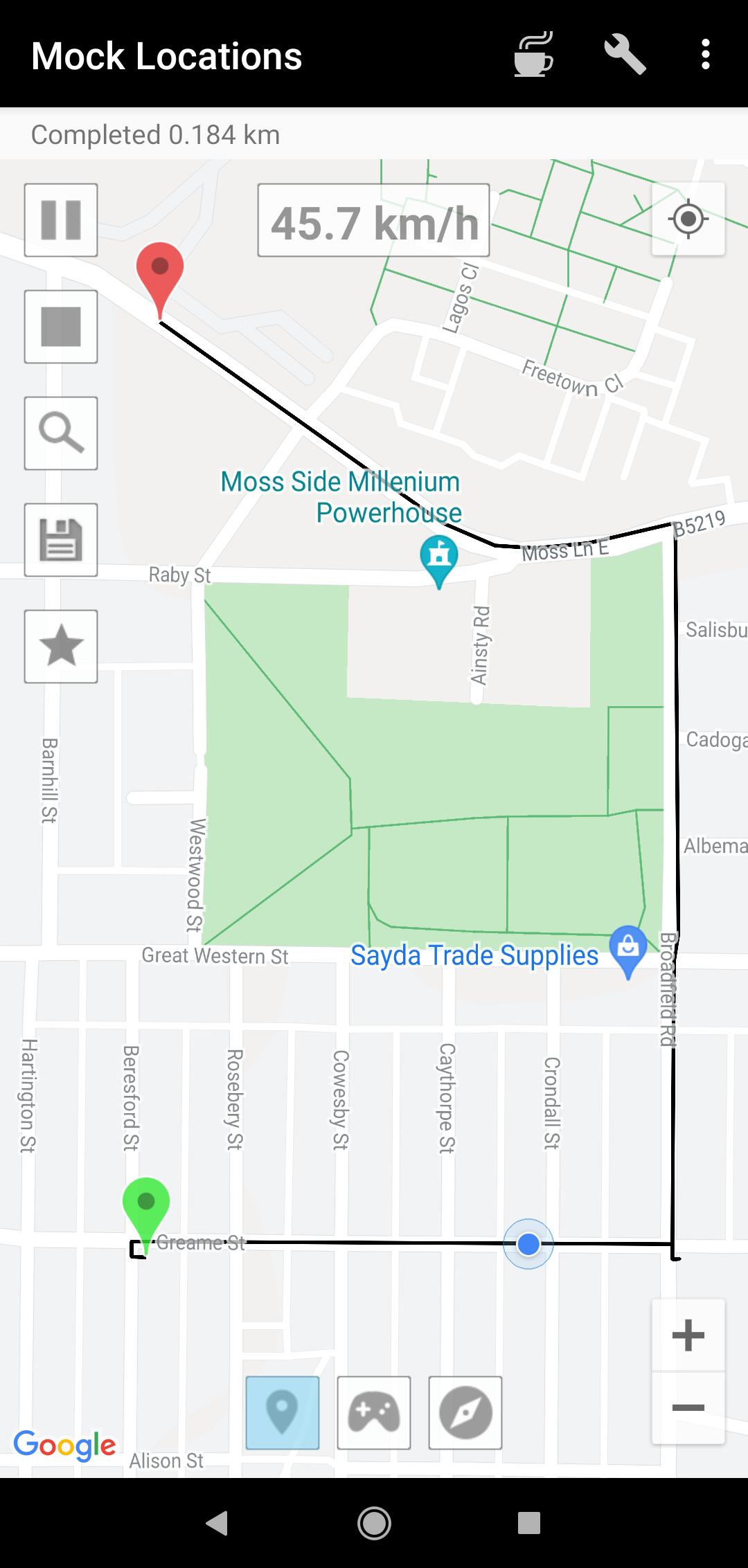
Route mode builds a path between start and end points on the map. Mock Locations lets you set variable speed, add breakpoints, and specify how long to stay at each stop. You can create a closed loop by placing start and end near each other. To fly in a straight line without roads, turn off the On the roads option in settings.
Single point spoofing
For static tests, set a single point and start. The app holds that position and adds slight coordinate fluctuations to imitate real GPS noise. This is useful when checking location based features in one area.
Joystick mode
GPX file playback
Open a GPX file recorded from a real trip and replay it as a fake route. This helps reproduce field tests without going outside. Playback follows the saved path and timing.
Mock Locations offers route simulation, manual control, and GPX replay for testing or privacy needs. Try all premium features during a 24 hour free trial to confirm compatibility on your device. To begin, download Mock Locations and follow the in app guide to set your preferred location.
Latest Version
1.36.3Uploaded by
Jahleel Francis
Requires Android
Android 7.0+
Category
Free Tools AppContent Rating
Mature 17+ · Violence, Sexual Content, Nudity, Strong Language
Security Report
Check Now
Report
Flag as inappropriateLast updated on May 4, 2026
Added translation into Traditional Chinese
Reduced battery consumption




APKPure - A multi-platform app store primarily focused on Android, providing extensive app-related content. Discover the app you want easier, faster, and safer, with quick and efficient downloads and installations.